


Blog
Custom Desktops That Fit How You Actually Work

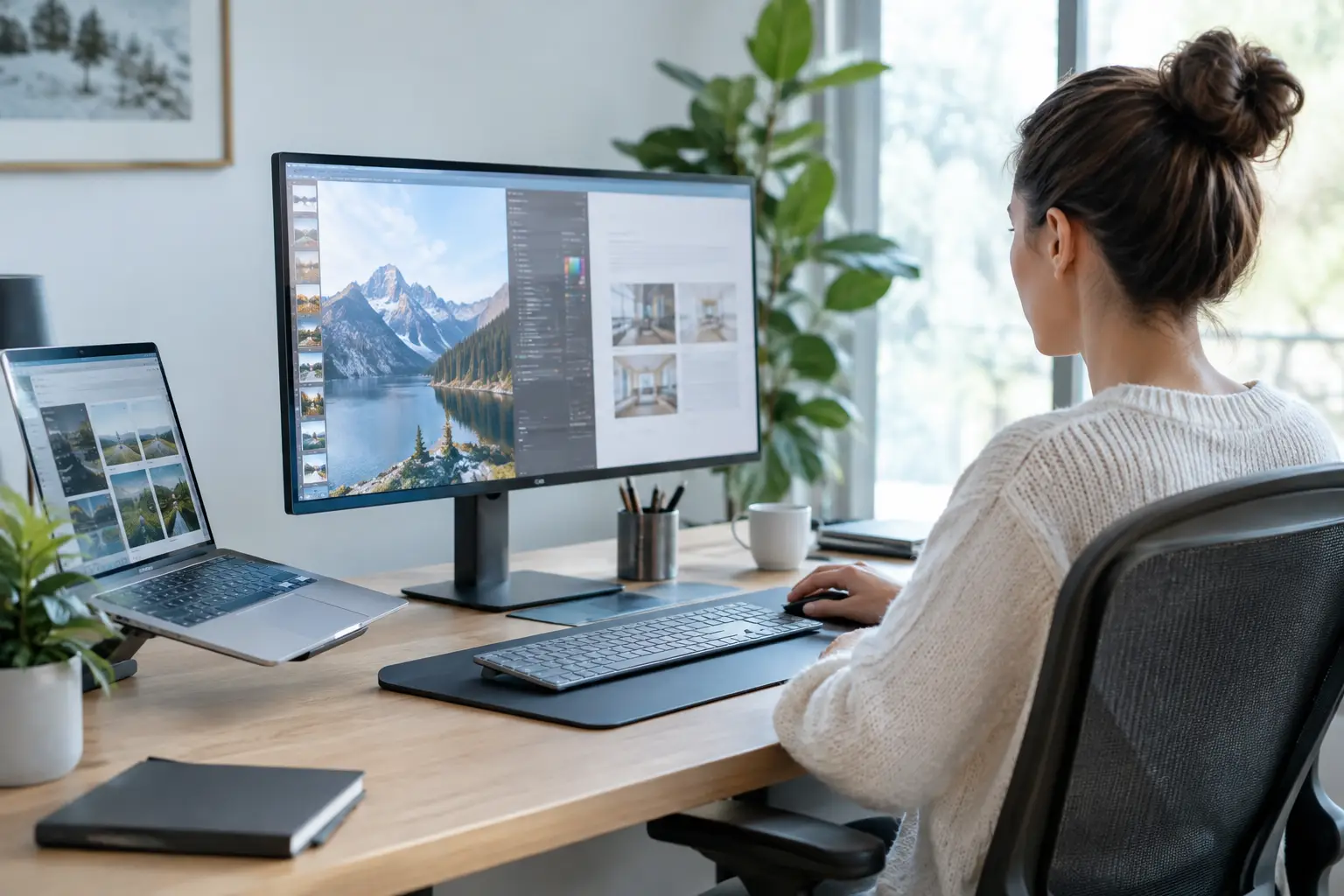
A desktop should not force you to compromise on the games you play, the software you use, or the work you need to finish. Custom desktops give you a smarter route: choose the processor, graphics power, memory, storage, and cooling that match your real workload, then get a compatibility-checked system built to perform from day one.
That matters whether you are buying your first gaming PC, editing 4K video, running demanding design software, or replacing an office computer that has become painfully slow. The best configuration is not always the most expensive one. It is the one that puts your budget into the parts that make a noticeable difference for you.
Why Custom Desktops Beat One-Size-Fits-All PCs
Mass-market prebuilt PCs can look attractive at first glance, especially when a headline processor or graphics card is listed on the box. The problem is often hidden in the supporting components. A powerful CPU paired with too little RAM, a small SSD, a basic power supply, or limited cooling can hold back the experience and restrict future upgrades.
A properly specified custom desktop is balanced. Every part has a job to do. The motherboard supports the features you need, the power supply has enough capacity for the installed hardware, the case has airflow for sustained performance, and the memory is configured correctly rather than simply fitted and forgotten.
That balance shows up in everyday use. Games load faster, frame rates stay more consistent, creative applications remain responsive while rendering, and multitasking does not bring the system to a halt. It also means you can replace or upgrade components later instead of replacing the entire machine.
Start With What You Want the PC to Do
The fastest way to choose a system is to begin with your main use case. Component names matter, but the outcome matters more.
Gaming desktops
For gaming, the graphics card is usually the biggest performance decision. Players focused on Minecraft, Roblox, Terraria, Fortnite, and similar titles can get a great experience from an entry-level or mid-range graphics card paired with a modern Ryzen 5 or Intel Core i5 processor. These systems are also excellent for schoolwork, streaming video, and general home use.
Competitive players should prioritize high and stable frame rates. If you play fast esports titles at 1080p or 1440p, a capable graphics card, a strong CPU, and 16GB or 32GB of fast memory can make a real difference. A high-refresh monitor only feels worthwhile when the desktop can consistently feed it enough frames.
For cinematic single-player games, high-resolution textures, ray tracing, and 1440p or 4K gaming, the GPU budget needs to rise. RTX-powered systems are a strong fit for players who want advanced visual features, smooth performance, and useful tools such as DLSS. In this category, cooling and power delivery are not background details. They help the system maintain performance during long sessions.
Creator and workstation desktops
Creative work rewards multi-core power, fast storage, and plenty of memory. Video editing, 3D rendering, music production, photography, CAD, and software development can all benefit from a Ryzen 7, Ryzen 9, Intel Core i7, or Intel Core i9 processor, depending on project size and software requirements.
For a workstation, 32GB of RAM is often the practical starting point for heavier editing and multitasking, while 64GB can be worth it for large projects, virtual machines, complex timelines, and professional applications that keep many assets in memory. A fast NVMe SSD improves boot times, application launches, project loading, and scratch-disk performance. Many creators also benefit from a second drive for media files and archives.
GPU choice depends on the software. Some applications rely heavily on graphics acceleration, while others place more demand on CPU cores or memory capacity. That is why choosing a workstation based only on a graphics card model can lead to an uneven build. The whole configuration should support the programs you use most.
Home and office desktops
Not every custom build needs high-end gaming hardware. A well-configured Ryzen 3, Ryzen 5, Intel Core i3, or Core i5 system can be an excellent home or office PC. For email, web browsing, Microsoft 365, video calls, accounting software, and day-to-day multitasking, a modern processor, 16GB of RAM, and a fast SSD deliver the responsive experience most people want.
The advantage of a configurable desktop is that you can still plan ahead. More storage may be useful for family photos and files. Wi-Fi capability might matter if the PC will not sit near a router. Extra display outputs can simplify a dual-monitor office setup. These are small decisions, but they make the computer more useful over its full lifespan.
The Components That Make the Biggest Difference
A clear spec sheet helps you compare systems, but not every component carries equal weight. Your processor handles general computing tasks, application logic, simulation, and multitasking. Your graphics card handles game visuals, GPU-accelerated creative tools, and high-resolution display workloads. Memory determines how comfortably the system can keep active applications and files available at once.
Storage affects how fast the desktop feels. A modern NVMe SSD is one of the most noticeable upgrades for nearly every user because it reduces loading and startup delays. Capacity matters too. A 1TB drive is a comfortable choice for many gaming and work builds, but large game libraries, raw video footage, and media collections can fill it quickly.
Cooling is another area where quality pays off. A good air cooler or liquid cooler can help a higher-performance processor sustain demanding workloads without unnecessary noise or thermal throttling. Case airflow matters for the graphics card as well, particularly in enthusiast systems where heat output is much higher.
Finally, do not overlook the power supply. It is not the flashy part of a build, but it supports every other component. A quality unit with appropriate wattage provides stable operation now and leaves sensible room for upgrades later.
Avoid Paying for Performance You Will Not Use
There is no prize for buying the most expensive component if it does not improve your experience. A top-tier processor may be excessive for a PC used mainly for schoolwork and lighter games. Equally, spending heavily on RGB lighting while settling for a weak graphics card can leave a gaming build looking impressive but performing below expectations.
The right balance depends on your priorities. If gaming is the focus, place more of the budget into the GPU. If you edit video or render projects, invest in CPU cores, RAM, storage, and application-appropriate graphics power. If reliability and office productivity are the goal, prioritize a modern platform, enough memory, an SSD, and a configuration that supports the displays and connections you need.
Future-proofing also needs a realistic approach. No PC can guarantee years of top-tier performance in every new game or application. What a fully upgradeable desktop can do is give you options. Choosing a quality motherboard, adequate power supply, roomy case, and standard components makes future changes far simpler than they are on many proprietary systems.
What Expert Assembly Adds to a Custom Build
Selecting good parts is only half the job. Assembly, cable management, BIOS setup, memory-profile configuration, driver installation, and testing all influence how a system behaves once it reaches your desk.
A professionally built desktop should arrive ready to use, not as a box of potential troubleshooting. Compatibility checks help avoid problems such as unsupported memory speeds, insufficient power connections, physical clearance issues, and mismatched components. Proper configuration ensures the hardware is not merely installed but operating as intended.
This is especially useful for first-time PC buyers. You get the flexibility of selecting a system around your needs without having to diagnose a no-boot issue, update firmware, or wonder whether a component choice will create a bottleneck. Experienced enthusiasts benefit too, because a tested build saves time and provides a dependable starting point for later upgrades.
PCZone approaches custom systems with that practical mindset: premium branded components, expert assembly, and a configuration built around performance rather than a generic parts list.
Choose a Desktop You Can Grow With
Before placing an order, think beyond the first week. Consider the games you expect to play next year, the size of your project files, whether you may add a second monitor, and whether streaming or content creation could become part of your setup. You do not need to buy every upgrade today, but choosing the right foundation keeps those options open.
A custom desktop is at its best when it feels fast, stable, and properly suited to your routine from the first power-on. Start with the workload that matters most, spend where performance is visible, and leave room for the next thing you want to create, play, or achieve.

