


Blog
PC Guide for Game Streaming and Smooth Live Play

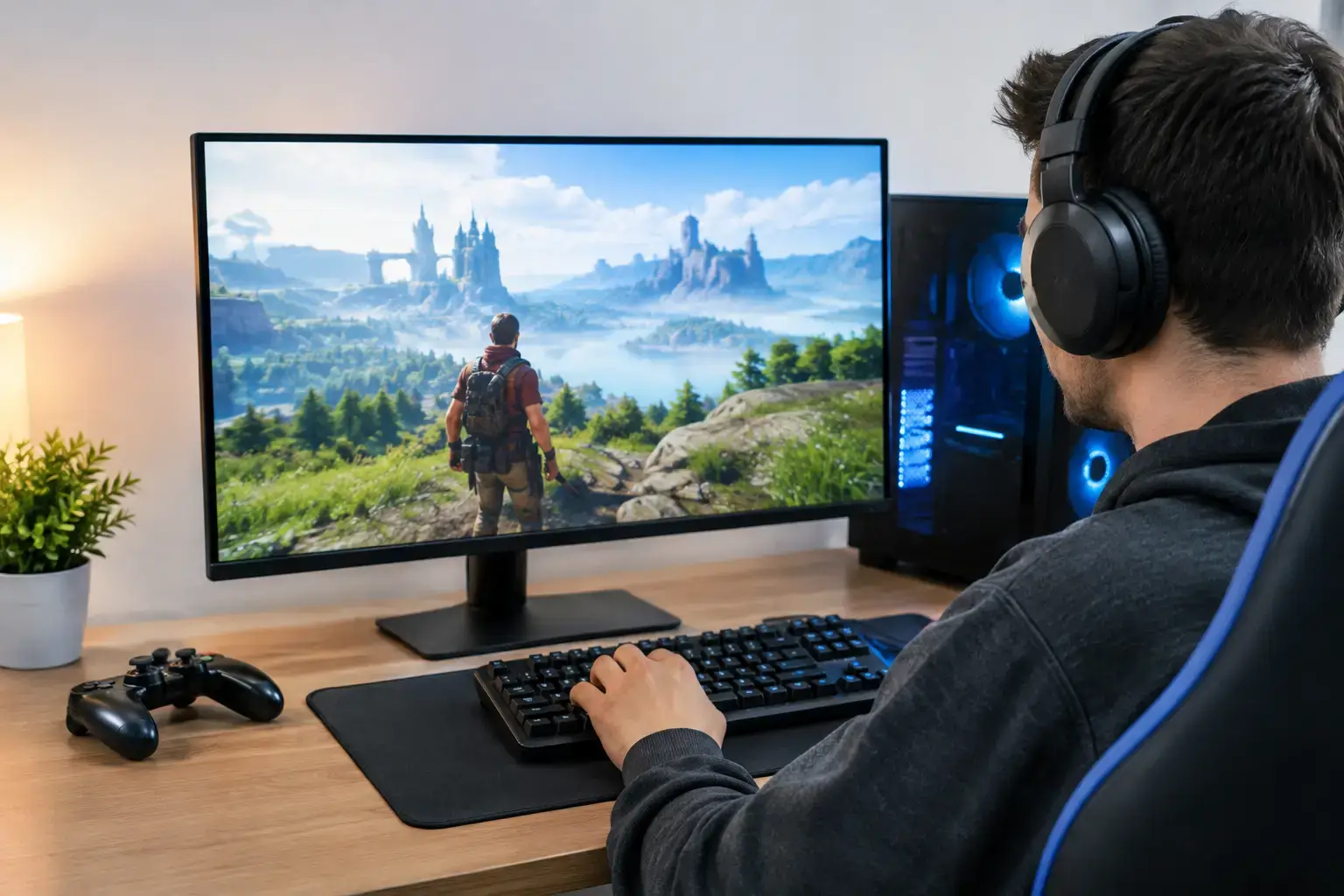
A dropped frame at the wrong moment can make a powerful gaming PC feel underpowered. Game streaming asks one system to render the game, encode video, manage alerts and chat, capture audio, and keep your broadcast stable – all at once. This PC guide for game streaming breaks down what actually matters so you can build or buy for clear video, responsive gameplay, and room to grow.
The right specification depends on the games you play, the resolution you want to stream at, and whether you edit content after the stream ends. A Fortnite or Valorant streamer chasing high-FPS esports performance has different priorities from a creator broadcasting demanding single-player games with a camera, overlays, and browser sources. The goal is not simply to buy the most expensive parts. It is to put the budget into the components that protect both frame rate and stream quality.
Start With Your Streaming Target
For most new streamers, 1080p at 60 frames per second is the practical target. It looks sharp on major platforms, keeps bandwidth requirements manageable, and allows more of the PC budget to go toward game performance. Streaming at 1440p can make sense for recorded content or platforms that support it well, but it increases the load on the graphics card, encoder, storage, and internet connection.
Your game choice matters just as much. Competitive titles such as Rocket League, Valorant, Minecraft, and Fortnite are relatively achievable at high frame rates on a well-balanced midrange system. Cyberpunk 2077, Microsoft Flight Simulator, heavily modded games, and new AAA releases place far more pressure on the GPU and CPU. If you want ray tracing, high settings, and a stream running in the background, leave meaningful performance headroom instead of configuring a PC around the minimum requirements.
A sensible streaming PC should not run at its limit every night. Headroom is what keeps the game responsive when a busy scene appears, a browser tab misbehaves, or the streaming software needs extra resources.
CPU: Multi-Core Power Keeps Everything Moving
The processor handles far more than the game itself. Streaming software, scene transitions, webcam processing, voice chat, music, alerts, background applications, and browser-based tools all rely on CPU resources. A modern six-core processor is a good starting point for a dedicated gaming and streaming desktop, while eight cores or more gives creators more breathing room for demanding games, multitasking, and video editing.
For an entry-level stream setup, an AMD Ryzen 5 or Intel Core i5 processor from a current generation can deliver excellent results when paired with hardware encoding from the graphics card. It is a strong match for esports games and 1080p streaming. For more demanding titles, frequent editing, or a larger collection of active apps, a Ryzen 7 or Intel Core i7 offers the multi-core power that helps maintain stable performance.
Ryzen 9 and Intel Core i9 systems are aimed at creators with heavier production workloads. They are worthwhile when streaming is only part of the job – for example, if you also edit long-form 4K video, render projects, run virtual machines, or use CPU-heavy creative software. They are not automatically the best-value choice for every streamer. In many gaming-focused builds, upgrading the graphics card produces a more visible improvement.
Hardware Encoding Changes the CPU Equation
Modern NVIDIA GeForce RTX graphics cards include dedicated video encoding hardware, commonly used through NVENC in streaming applications. AMD Radeon cards also provide hardware encoding options. This means the GPU can handle stream encoding without asking the CPU to do every job, preserving more processor resources for the game and background tasks.
For most single-PC streamers, a current RTX-powered system is a particularly straightforward route to strong image quality and consistent performance. It is not the only workable option, but the encoder support and gaming performance make it an easy recommendation for players who want a dependable setup without building a separate streaming machine.
GPU: Buy for the Game You Want to Play
The graphics card sets the visual ceiling for your games. It determines how comfortably you can play at 1080p or 1440p, use high-detail settings, enable ray tracing, and hold the frame rate your monitor demands while the stream is active.
An RTX 4060-class GPU is a capable starting point for 1080p streaming, especially for esports titles and less demanding games. Move toward an RTX 4070-class card if you want stronger 1440p performance, higher settings in modern AAA games, or more freedom to run visually demanding scenes. Higher-tier RTX cards suit creators who expect to play at 1440p high refresh rates, use ray tracing regularly, or want a system with more long-term performance reserve.
Do not judge a GPU by its name alone. Check the amount of VRAM, the games you play, your target resolution, and the monitor you already own. A card that is ideal for 1080p high-FPS esports may not be the right choice for 1440p ultra settings with ray tracing. Matching the graphics card to the display avoids spending heavily on performance you cannot see – or buying a system that cannot keep up with your ambitions.
Memory and Storage: Avoid the Easy Bottlenecks
Sixteen gigabytes of RAM is workable for basic gaming and streaming, but 32GB is the better target for a new streaming PC. The extra memory helps when you have the game, streaming software, Discord, a web browser, music, overlays, and capture tools open together. It also gives a creator system better longevity as games and production software continue to demand more resources.
Fast DDR5 memory is a smart fit for current platforms, although the capacity and correct memory profile matter more than chasing small speed gains on paper. A compatibility-checked build with BIOS and memory settings configured correctly saves frustration and helps the hardware perform as intended from the first boot.
Storage deserves equal attention. Use an NVMe SSD for Windows, your main games, and streaming applications so load times stay quick and system response remains sharp. A 1TB drive is a reasonable minimum, but 2TB is easier to live with once game libraries, recorded footage, clips, and editing projects start accumulating. If you record while streaming, a second SSD can be useful for keeping recordings separate from the operating system and game files.
Network and Audio Can Make or Break the Stream
A high-end PC cannot compensate for unstable internet. Wired Ethernet is the preferred connection for streaming because it is more consistent than Wi-Fi, particularly in homes with multiple devices online. Check your upload speed rather than focusing only on download speed. A stable upload connection with room above your chosen bitrate is more valuable than a headline speed that varies throughout the evening.
Run a few test streams before going live for an important event. Watch for dropped frames, audio drift, and bitrate warnings. If problems appear, test the connection first, then reduce bitrate or stream resolution before assuming the PC is at fault. Streaming platforms also have bitrate limits, so sending more data does not always produce a better-looking broadcast.
Audio is where viewers notice shortcuts fastest. A modest USB microphone placed close to your voice often sounds better than an expensive mic positioned badly. Use headphones to prevent game audio from feeding back into the microphone, and set up separate audio tracks if you plan to edit highlights later. Clear, balanced audio keeps viewers engaged even when the game gets hectic.
Three Sensible PC Tiers for Streamers
Entry-Level 1080p Streaming
A Ryzen 5 or Core i5 processor, RTX 4060-class graphics card, 16GB to 32GB of RAM, and 1TB NVMe SSD creates a capable starting point. This tier is well suited to Fortnite, Valorant, Minecraft, Roblox, Rocket League, and many popular games at 1080p. Choose 32GB RAM if the budget allows, especially if you use lots of browser sources or plan to edit clips.
Balanced 1440p Gaming and Streaming
Pair a Ryzen 7 or Core i7 processor with an RTX 4070-class GPU, 32GB RAM, and a 2TB NVMe SSD. This is the sweet spot for players who want high-FPS esports performance alongside stronger results in demanding games. It also gives video editing and multitasking more room without moving into workstation-level spending.
High-End Creator and Stream Setup
A Ryzen 9 or Core i9 processor, higher-tier RTX GPU, 32GB to 64GB of RAM, and multiple fast SSDs suits creators who stream demanding games, record high-resolution footage, and edit regularly. This configuration is about sustained production capability, not just higher benchmark numbers. It is best for buyers who will genuinely use the added cores, graphics power, and storage capacity.
Do You Need a Dual-PC Setup?
For most people, no. A modern single-PC system with a capable GPU encoder handles high-quality 1080p streaming very well. A dual-PC setup adds cost, cables, capture hardware, audio routing, and more points of failure. It becomes worthwhile for specialist competitive players who cannot accept any performance impact, broadcasters running complex productions, or creators who want one machine fully dedicated to capture and encoding.
For everyone else, invest first in a stronger single system, wired networking, enough RAM, fast storage, and good audio. A fully upgradeable desktop also lets you add capacity later when your channel, workflow, or game library demands it.
The best streaming PC is the one that stays responsive when your game gets intense and your audience grows. Choose a configuration with real headroom, have it assembled and tested properly, then spend your first week refining scenes, sound, and stream settings – that is where a capable PC starts becoming a channel people want to return to.

