


Blog
AMD vs Intel CPUs for Your Next Gaming PC

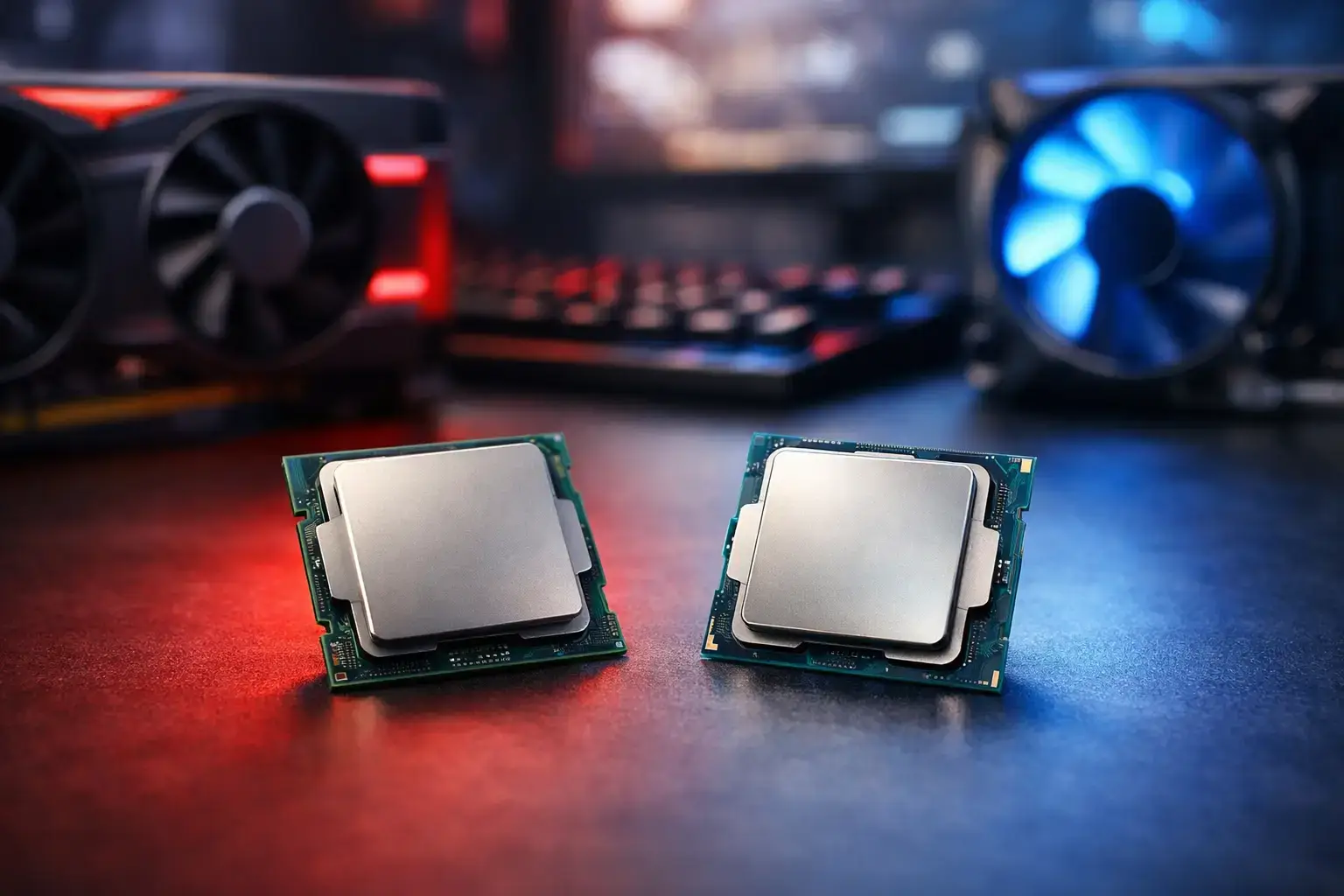
A processor choice can shape your PC for years, but it should not be the first specification you compare. In the AMD vs Intel CPUs decision, the best option depends on the games you play, the software you run, your graphics card, and how much upgrade room you want from the platform. A well-matched Ryzen 5 or Core i5 can feel faster in real use than an expensive CPU paired with too little memory, slow storage, or an underpowered GPU.
For a gaming PC, the processor’s job is to keep frame times steady, feed the graphics card, and handle everything happening around the game: Discord, browser tabs, game launchers, recording software, and background updates. For creators and professionals, the same CPU must also manage renders, exports, large projects, and demanding multitasking. That is why the badge on the box matters less than the complete, compatibility-checked system behind it.
AMD vs Intel CPUs: The Practical Difference
AMD Ryzen and Intel Core processors are both excellent choices in the right build. Neither brand wins every workload, every price point, or every generation. Product launches can shift the balance, so comparing a current Ryzen 5 against a current Core i5 makes more sense than relying on an old rule such as “AMD is better for gaming” or “Intel is better for work.”
AMD is often the first choice for buyers focused on efficient gaming performance, strong multi-core capability, and a platform that may offer a clearer future upgrade path. Ryzen X3D processors are particularly popular in high-FPS gaming systems because their extra cache can improve performance in CPU-limited games. This is most noticeable at 1080p, in competitive esports titles, simulation games, and large open-world games where consistent frame times matter as much as the average FPS number.
Intel remains highly competitive, especially for users who want quick desktop responsiveness, strong performance in mixed workloads, and a broad range of processor options. Its higher-end chips commonly combine performance-focused and efficiency-focused cores, allowing background tasks to run without taking as much attention from the main workload. For a PC that moves between gaming, streaming, office work, and creative applications, that flexibility can be useful.
The key point is simple: choose the processor family and tier for the work you actually do, then build the rest of the system around it.
Gaming Performance: CPU, GPU, and Resolution
For most gamers, the graphics card has the biggest impact on visual settings and frame rate. If you are playing at 1440p or 4K with a powerful GPU, the difference between two similarly priced midrange CPUs may be smaller than expected. At these resolutions, the graphics card is often doing the limiting work.
The CPU becomes more important when chasing very high refresh rates. A 240Hz or 360Hz monitor in Fortnite, Valorant, Counter-Strike 2, Call of Duty, or similar esports games demands more from the processor. Here, a fast Ryzen X3D chip or a higher-tier Intel Core processor can help maintain stronger minimum frame rates when the action gets busy.
For first-time PC gamers, there is no need to overspend. A modern Ryzen 5 or Intel Core i5 paired with the right graphics card, 16GB or 32GB of memory, and a fast NVMe SSD delivers an excellent experience in games such as Minecraft, Roblox, Fortnite, Terraria, and many current AAA releases. Spending the entire budget on a top-end CPU while stepping down the GPU is usually the wrong trade.
When AMD makes sense for gaming
AMD is a strong fit when gaming is the main priority, particularly if the build is aimed at high-FPS esports or CPU-heavy games. Ryzen X3D models can offer exceptional gaming results, and their efficiency can make them attractive in performance-focused systems that still need sensible cooling and power requirements.
AMD can also appeal to buyers planning a future CPU upgrade. Platform longevity is never guaranteed, but choosing a motherboard socket with ongoing processor support can make a later upgrade less disruptive. That may allow you to retain the motherboard, memory, storage, and case while moving to a faster processor down the line.
When Intel makes sense for gaming
Intel is a smart choice for gamers who also use their desktop as an all-purpose machine. A suitably configured Core i5, Core i7, or Core Ultra desktop processor can deliver excellent gaming performance while handling streaming, browser-heavy multitasking, photo editing, and daily productivity without fuss.
It can be especially appealing when a specific Intel configuration gives you more graphics performance, memory capacity, or storage within the same overall budget. A balanced system always beats a processor-only shopping decision.
Content Creation and Professional Workloads
Gaming benchmarks do not tell the whole story. If your PC earns its keep through video editing, 3D rendering, coding, music production, CAD work, or data-heavy multitasking, core count, sustained performance, cooling, memory, and application behavior all matter.
AMD’s higher-core Ryzen processors are excellent for workloads that scale well across multiple cores. Video rendering, batch exports, compiling, and demanding creative projects can benefit from that multi-core power. Ryzen 7 and Ryzen 9 systems are often a natural match for creators who need a desktop that remains responsive while a long task runs in the background.
Intel’s hybrid core designs can also work very well for mixed professional use. The combination of performance and efficiency cores is useful when you have a main application in the foreground while sync tools, communications apps, browser tabs, and other services continue running. Some creative workflows may also benefit from Intel’s media features, depending on the editing software and codecs you use.
For either brand, memory capacity is frequently the upgrade that has the greatest day-to-day effect. A creator working with large files should often prioritize 32GB of RAM as a starting point, while more demanding 4K editing, 3D work, or virtual machines can justify 64GB or more. Fast NVMe storage also keeps projects, asset libraries, and operating system tasks moving quickly.
Platform, Cooling, and Upgrade Planning
A CPU never operates alone. The motherboard determines connectivity, expansion options, memory support, and future processor compatibility. The cooler affects sustained clock speeds and noise levels. The power supply needs enough quality headroom for the full system, particularly with a higher-tier graphics card.
AMD and Intel both offer entry-level, midrange, and premium motherboard options. Do not pay for features you will not use, but do not choose a board so basic that it limits memory expansion, storage upgrades, or stable power delivery for the CPU you selected. For many gaming PCs, a sensible midrange board provides the best balance of features and value.
Cooling deserves the same practical approach. A modest Ryzen 5 or Core i5 may run brilliantly with a capable air cooler. Higher-power processors used for long renders, heavy production work, or sustained gaming may benefit from a larger air cooler or liquid cooling setup. The goal is not just lower temperatures. It is stable performance without excessive fan noise.
This is where professionally assembled systems earn their value. PCZone builds are configured around matched components, with BIOS settings and memory profiles checked before delivery. That removes the uncertainty of choosing a fast CPU that is held back by incorrect memory settings, inadequate cooling, or an unbalanced parts list.
Which CPU Tier Should You Buy?
A Ryzen 3 or Intel Core i3 system can cover web browsing, schoolwork, office applications, media, and lighter gaming. It is a practical budget choice when expectations are realistic and the rest of the build is well specified.
Ryzen 5 and Intel Core i5 are the sweet spot for many gamers. They offer the speed needed for modern games, strong everyday responsiveness, and enough headroom for streaming or light creative work. Pair one with an appropriate GPU and 16GB or 32GB of RAM, and you have the foundation for a very capable fully upgradeable desktop.
Ryzen 7 and Intel Core i7 processors suit buyers who want more room for demanding games, serious multitasking, streaming, editing, and professional applications. Ryzen 9, Intel Core i9, and top-tier Core Ultra options are best reserved for users with a real need for premium multi-core performance, high-end gaming targets, or time-sensitive production work.
The right CPU is the one that leaves budget for the components that affect your actual experience. Tell your builder which games, monitor resolution, software, and future upgrades matter to you. A PC configured around those answers will feel fast, stable, and ready for what you plan to do next.

