


Blog
Is a Ryzen 7 Performance PC Right for You?

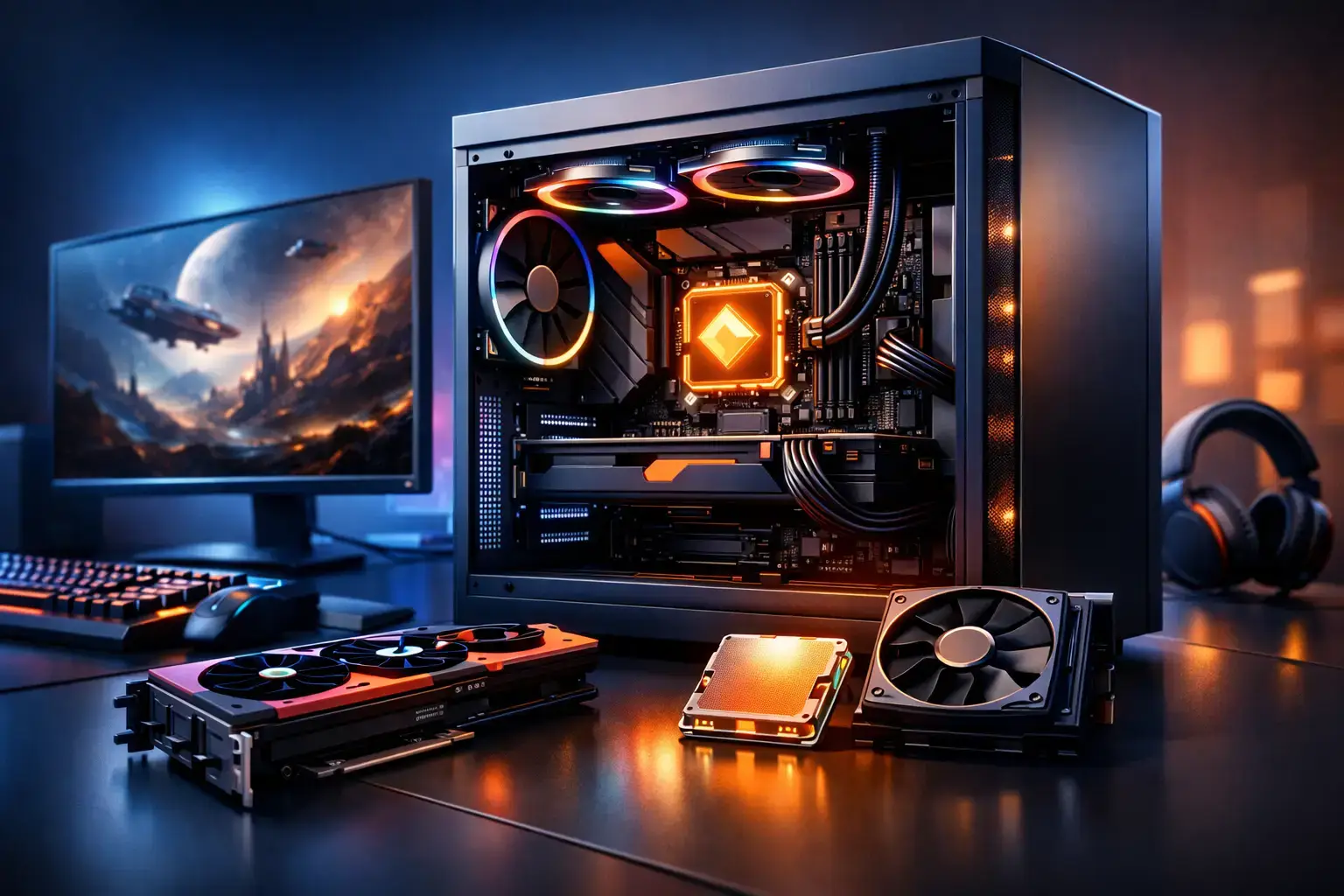
A Ryzen 7 performance PC sits in the sweet spot for people who expect more than basic desktop speed. It has the multi-core power to keep a game, voice chat, browser tabs, recording software, and background apps moving without turning every busy moment into a compromise. For gamers pushing high refresh-rate displays, creators working with larger files, and professionals who multitask all day, it is a platform built to stay responsive when the workload grows.
The processor matters, but it is only one part of the result. A well-configured Ryzen 7 system needs a balanced graphics card, enough fast memory, responsive NVMe storage, reliable cooling, and a motherboard that leaves room to upgrade. Get those choices right and you have a PC that feels fast now and remains useful long after the first boot.
What a Ryzen 7 Performance PC Does Best
Ryzen 7 processors are designed for workloads that benefit from both strong single-core responsiveness and additional processing threads. That balance is why they work so well in a performance desktop. Games often value fast individual cores, while streaming, video rendering, photo exports, code compilation, and heavy multitasking can use more cores at once.
For gaming, a Ryzen 7 is an excellent match for modern GPUs in systems aimed at 1080p high-FPS esports, detailed 1440p gameplay, and capable 4K performance. In competitive titles such as Fortnite, Call of Duty, Valorant, and Apex Legends, the CPU helps keep frame rates consistent when the action gets busy. Consistent frame pacing matters as much as a high average FPS number, particularly when playing on a 144Hz, 165Hz, or faster monitor.
Creators get a different kind of benefit. Editing video while managing music, project files, web research, and cloud backups is far more comfortable on an eight-core class processor than on an entry-level chip. A Ryzen 7 PC will not replace a dedicated Ryzen 9 workstation for constant 8K production or complex professional rendering, but it gives most editors, designers, and content creators plenty of headroom without paying for performance they may never use.
It is also a practical choice for business users who work across demanding spreadsheets, multiple displays, communication tools, virtual meetings, browser-based platforms, and specialized applications. A fast PC is not just about benchmark scores. It is about opening the next file immediately, switching tasks without delay, and keeping the machine dependable through a full working day.
Build the Rest of the System Around the CPU
A Ryzen 7 processor can only perform at its best when the supporting parts are chosen with the same care. This is where configurable desktop systems have a real advantage over fixed mass-market prebuilts.
Choose a GPU for the Resolution You Actually Play At
For 1080p gaming, a modern midrange graphics card paired with Ryzen 7 power can deliver excellent high-FPS esports results and strong settings in demanding single-player games. This is a smart route for players who prioritize a fast refresh monitor over maximum resolution.
At 1440p, the graphics card takes on more of the workload. A stronger RTX or Radeon GPU is the better investment if you want high visual settings, ray tracing options, and smoother frame rates in newer releases. Ryzen 7 has the processing power to support that class of card without becoming the obvious limitation in most gaming builds.
For 4K gaming, GPU selection is even more important. The processor still needs to handle game logic, background apps, and system responsiveness, but the graphics card will determine much of the final visual performance. Buyers focused on 4K should put a larger share of the budget toward the GPU rather than overspending on CPU features they will not feel during gameplay.
Start With 32GB of Memory for Serious Use
Sixteen gigabytes of RAM remains workable for many games and everyday home use, especially when the budget is tight. However, 32GB is the more comfortable starting point for a Ryzen 7 performance build. It gives modern games more breathing room while allowing Discord, browsers, launchers, recording tools, and creative apps to remain open in the background.
Memory speed and configuration also matter on AMD platforms. A matched dual-channel kit is preferable to a single memory stick because it improves available bandwidth. Compatibility-checked memory, correctly installed and configured with its performance profile enabled, helps ensure you receive the speed you paid for rather than leaving it at a slower default setting.
For video editors, CAD users, software developers running virtual machines, and professionals working with very large image files, 64GB can be worthwhile. The right capacity depends on what is open at the same time, not simply on the processor name printed on the box.
Do Not Treat Storage as an Afterthought
A fast NVMe SSD makes a performance PC feel quick in day-to-day use. Windows boots faster, games load sooner, applications open promptly, and large files move with less waiting. A 1TB SSD is a sensible baseline for a gaming or creator desktop, since modern game installations and video projects can consume storage surprisingly fast.
If you keep a large game library, raw footage, or client files locally, consider adding a second SSD. Separating active projects and games from the operating system drive can also make storage management easier. Hard drives still offer value for bulk archives, but they are not a substitute for fast SSD storage where responsiveness matters.
Cooling, Power, and Motherboard Quality Matter
Ryzen 7 processors are efficient, but sustained workloads still produce heat. Quality air cooling or an appropriately sized liquid cooler helps the processor maintain boost performance while keeping fan noise under control. A case with sensible airflow is just as important. Premium components trapped in a poorly ventilated case cannot perform at their best.
The power supply deserves the same attention. It should be from a reputable brand, sized for the chosen graphics card, and leave reasonable capacity for future upgrades. A cheap power supply can undermine an otherwise high-spec PC, while a quality unit supports stable operation over the long term.
Finally, select a motherboard with the connectivity you need now: Wi-Fi if required, enough M.2 slots for future drives, suitable USB ports, and room for memory expansion. Features should serve your setup, not inflate the price. A gamer who uses wired networking and one SSD may not need the same board as a creator connecting external drives, capture hardware, and multiple high-speed peripherals.
When Ryzen 7 Is the Right Value Tier
Ryzen 7 makes the most sense when a Ryzen 5 build feels a little limiting but a Ryzen 9 system would be more power than your actual workload requires. It is a strong fit for players who want a system ready for a better GPU later, streamers who game and encode at the same time, and users who want to edit content without making that their full-time profession.
A Ryzen 5 PC can still be the smarter buy for straightforward 1080p gaming, schoolwork, office tasks, and lighter creative use. Put the savings toward a better graphics card, more storage, or a higher quality monitor if those upgrades will affect your experience more directly.
A Ryzen 9 system is worth considering for regular professional rendering, advanced 3D work, heavy simulation, extensive virtual machines, or workflows where every saved minute has business value. More cores do not automatically mean more gaming performance, so buying at the top tier only makes sense when the workload can use it.
Processor generation matters too. A newer Ryzen 7 model can offer better gaming performance, platform features, and efficiency than an older version with a similar name. Comparing the full specification matters more than choosing based on the Ryzen 7 label alone.
Buy for the Workload, Not the Spec Sheet
The best desktop is not necessarily the one with the longest component list. It is the one that directs the budget where you will notice it. Competitive gamers may benefit most from a capable GPU and high-refresh monitor. Creators may prioritize 32GB or 64GB of RAM, larger SSD capacity, and faster export performance. Professional users may value quiet cooling, reliable networking, and upgrade space as much as raw frame rates.
A properly assembled system should also arrive ready for real use, with component compatibility checked, BIOS settings reviewed, memory profiles configured, and stress testing completed before delivery. Those details reduce the guesswork that can come with buying parts separately, while still preserving the fully upgradeable advantage of a custom desktop.
If your current PC hesitates when you game, edit, stream, or run several demanding applications at once, Ryzen 7 is a sensible place to start the conversation. Match it with the graphics, memory, and storage your workload deserves, and you will have a machine built for more than just getting by.

