


Blog
How to Choose the Right Ryzen 9 Workstation PC

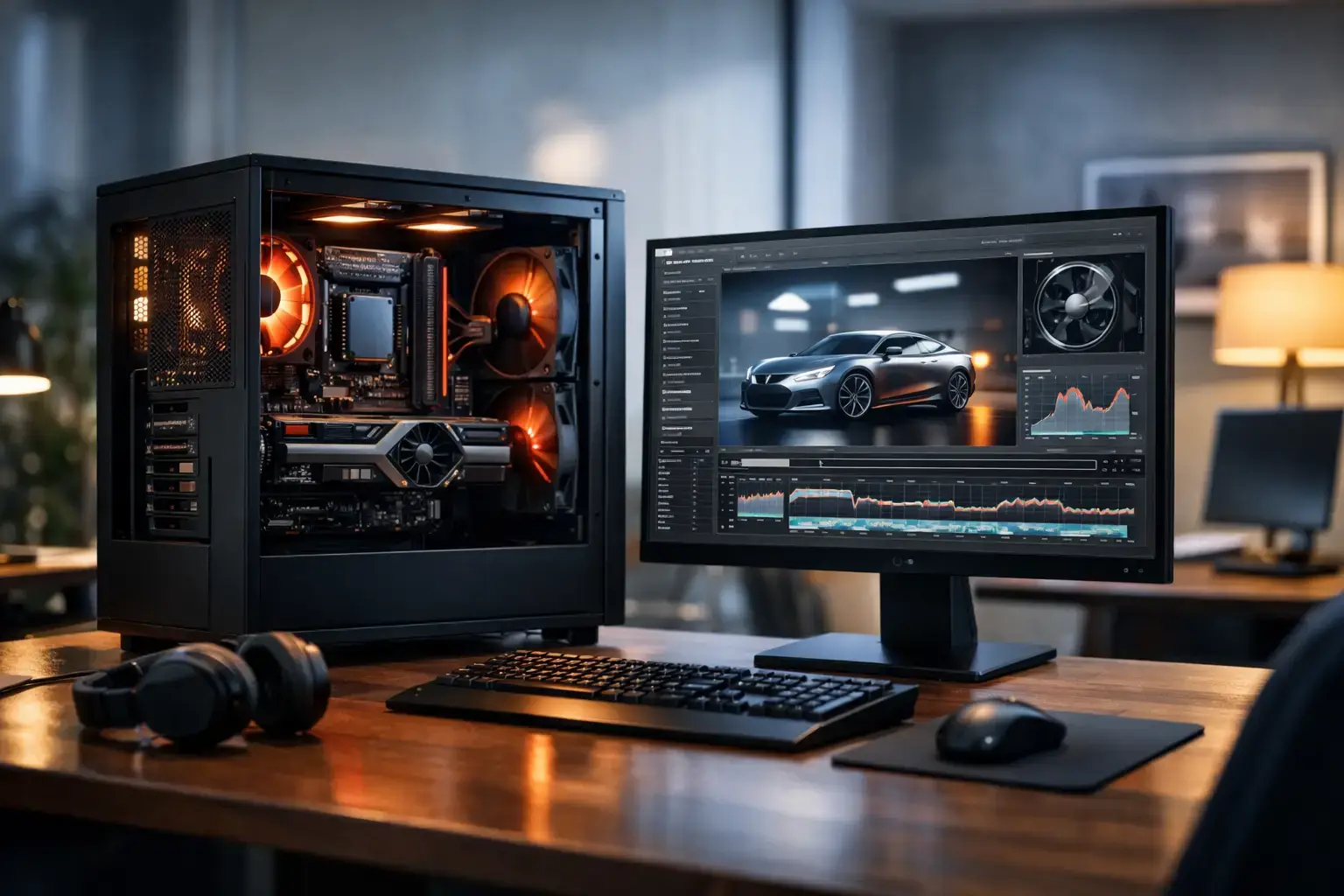
A Ryzen 9 workstation PC makes sense when waiting on your computer costs you time. If 4K timelines stutter, renders monopolize your day, CAD assemblies become sluggish, or heavy multitasking brings your system to a halt, more CPU cores can make a measurable difference. The key is matching the processor with the right graphics card, memory, storage, cooling, and motherboard rather than buying the highest specification on the box.
Ryzen 9 processors are built for demanding desktop workloads. Their high core counts and strong boost performance give creators, engineers, developers, and power users the headroom to work across several demanding applications at once. They can also deliver excellent high-FPS gaming performance, making them a smart choice for users who need one machine for work, content creation, and play.
What a Ryzen 9 Workstation PC Is Best For
A workstation is not defined by the processor alone. It is a complete system configured for sustained performance, stability, and practical expansion. Ryzen 9 is especially well suited to workloads that can use many CPU cores, including video export, 3D rendering, code compilation, music production, large spreadsheets, virtual machines, and multitasking across creative software.
For video editing, the CPU helps with timeline processing, media encoding, effects, and export tasks. A fast graphics card also matters for GPU-accelerated effects, color work, and playback. In 3D applications, the balance changes depending on your render engine. CPU rendering benefits directly from more cores, while GPU rendering can favor a powerful NVIDIA RTX graphics card with sufficient VRAM.
CAD, architecture, and engineering workloads need a more careful approach. Some modeling applications depend heavily on fast single-core performance, while simulation, rendering, and analysis can use additional cores. A Ryzen 9 system is still a strong foundation, but the best configuration depends on the software you use most often, not simply the size of your projects.
Choose the Ryzen 9 CPU for Your Actual Workload
Not every Ryzen 9 buyer needs the same processor tier. A modern 12-core Ryzen 9 is an excellent starting point for serious editing, 3D work, and demanding office productivity. A 16-core Ryzen 9 gives more room for parallel workloads, frequent rendering, virtual machines, and projects where you want to continue working while a long export runs in the background.
The extra cores do not automatically make every application feel twice as fast. Browsing, basic document work, and many lightly threaded tasks respond more to single-core speed, fast memory, and a responsive SSD. If your day includes long renders, complex exports, or several heavy programs open at once, the higher-core model earns its place. If most of your work is light with occasional creative projects, the budget may be better spent on more memory, faster storage, or a stronger GPU.
For a new build, prioritize a current Ryzen 9 platform with DDR5 memory and a modern motherboard. This provides strong performance now and a clearer upgrade path later. A compatibility-checked build also avoids the common issues that come with mixing high-speed memory, BIOS versions, and enthusiast-grade components without proper setup.
Memory Is Where Many Workstation Builds Fall Short
A powerful processor cannot compensate for insufficient RAM. When memory fills up, your PC starts relying more heavily on storage, and even a fast NVMe SSD cannot match the response of available system memory. That is when large projects, browser tabs, creative applications, and background tools begin competing for resources.
For many professional users, 32GB is the sensible minimum. It is suitable for photo editing, standard 4K projects, development work, and serious multitasking. For larger video timelines, After Effects compositions, 3D scenes, virtual machines, and data-heavy workloads, 64GB is usually the better long-term choice. Users running multiple virtual machines, complex simulations, very large scenes, or high-resolution media may need 96GB or 128GB.
Memory speed and stability both matter. DDR5 can provide strong bandwidth for a Ryzen 9 workstation, but the system should be tested with its memory profile configured correctly. A professionally assembled system saves time here: the components are selected to work together, the BIOS is updated where required, and the memory is tested under load rather than simply installed and shipped.
Pair the GPU With the Software, Not the Hype
The graphics card should be chosen around acceleration, VRAM requirements, display needs, and the applications you rely on. For Adobe creative workflows, DaVinci Resolve, Blender, Unreal Engine, AI-assisted tools, and many 3D applications, an NVIDIA RTX GPU is often a highly practical option because of broad software support and strong GPU compute performance.
An RTX 4060 or similar-class card can be a good entry point for light creative work, dual displays, and occasional GPU rendering. For regular 4K editing, demanding 3D scenes, advanced effects, or professional visualization, moving to a higher-tier RTX card with more VRAM can dramatically improve your experience. It also gives the system more useful life as project requirements grow.
Do not overspend on graphics power if your primary workload is CPU-based compiling, spreadsheet analysis, audio production, or document-heavy business work. Conversely, do not pair a Ryzen 9 with an entry-level GPU if GPU rendering, AI image generation, or accelerated video production is central to your work. Balanced specifications deliver better results than a single headline component.
Storage Should Support How You Work
Fast storage affects nearly every part of the workstation experience: booting Windows, opening applications, loading projects, caching previews, importing media, and saving large files. A PCIe NVMe SSD should be the primary drive in a Ryzen 9 build.
A 1TB SSD is workable for general professional use, but 2TB is often the more comfortable starting point for creators. Video assets, game development files, RAW photo libraries, project caches, and client deliverables can consume space faster than expected. For heavier workflows, a two-drive layout is worth considering: one fast SSD for Windows and applications, plus a separate high-capacity NVMe SSD for active projects and scratch files.
Long-term archives are different from active work. A larger SATA SSD, hard drive, NAS, or external backup system can handle completed projects, but active editing and production files should stay on fast internal storage whenever possible. Storage capacity is easy to expand later in a fully upgradeable desktop, provided the motherboard and case have room for additional drives.
Cooling, Power, and Motherboard Quality Matter
Ryzen 9 processors can sustain serious workloads for extended periods, which makes cooling more than a cosmetic choice. A quality tower air cooler may be ideal for many builds, while a capable liquid cooler can provide additional thermal headroom and lower noise in high-load configurations. The right answer depends on the CPU, case airflow, your noise preference, and how often the machine will render at full load.
A good workstation case should have controlled airflow, quality fans, and enough internal space for upgrades. It does not need to look like a gaming rig to perform well, although a clean glass-panel build with subtle lighting can still fit a studio or office setup.
The motherboard determines much of the system’s flexibility. Look for enough M.2 slots for future NVMe storage, adequate USB connectivity, reliable networking, expansion slots, and memory support for the capacity you expect to need. A quality power supply is equally important. It should be from a trusted brand, correctly sized for the CPU and GPU combination, and selected with future graphics card upgrades in mind.
A Smart Ryzen 9 Workstation Configuration
For a broad range of professional workloads, this is the kind of balanced configuration that delivers strong value without creating obvious bottlenecks:
- Current-generation Ryzen 9 processor with 12 or 16 cores
- 64GB DDR5 memory for demanding multitasking and creative applications
- NVIDIA RTX graphics card matched to your software and VRAM needs
- 2TB PCIe NVMe SSD for applications, active projects, and cache files
- Quality B-series or X-series motherboard with expansion room
- Premium CPU cooling, airflow-focused case, and branded power supply
- Windows configured, drivers installed, and the system fully stress-tested
This is not a fixed recipe. A developer may shift budget from the GPU to additional memory and storage. A motion designer may prioritize a higher-tier RTX card. An architect using specialist software may need to verify graphics certification requirements before selecting a consumer GPU. The best workstation is the one that removes the bottleneck you face every day.
Why Custom Assembly Makes a Difference
A custom Ryzen 9 workstation PC is more than a collection of premium parts. It should arrive ready to work, with compatible components, clean cable management, configured BIOS settings, tested thermals, and stable memory performance. That preparation matters when the machine will be handling client work, deadlines, and long production sessions.
It also keeps your options open. Unlike many fixed, mass-market desktops, a properly planned workstation can accept more storage, additional memory, or a future graphics card upgrade. That gives you a practical path forward when your workload grows instead of forcing an early replacement.
Choose the build around the project that currently slows you down most. When the processor, GPU, memory, and storage are selected as a system, a Ryzen 9 workstation becomes a dependable tool that lets your work set the pace.

