


Blog
Best PC for 1080p Esports Gaming in 2026

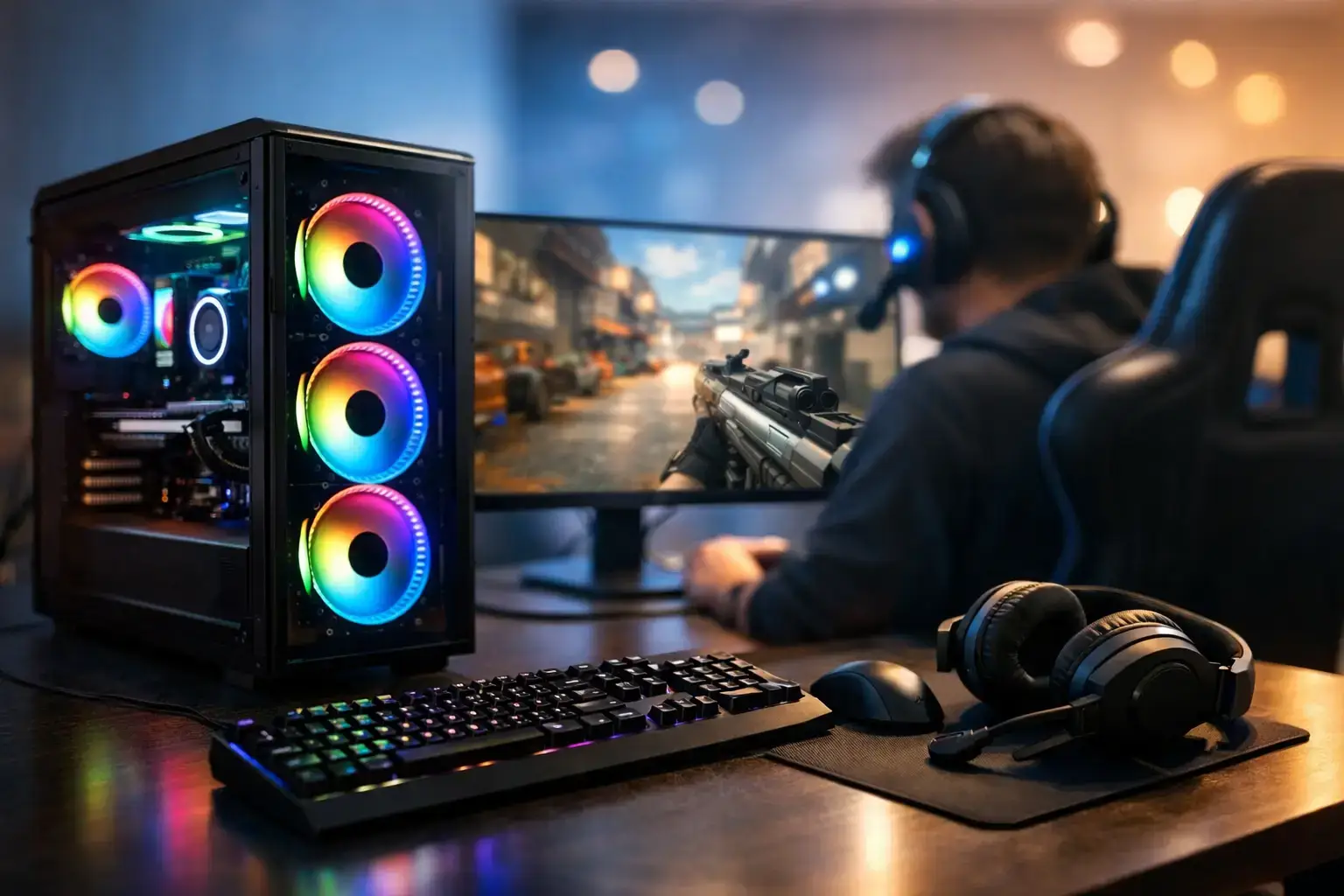
A great PC for 1080p esports gaming is not about chasing the most expensive graphics card available. It is about producing consistently high frame rates when the action gets crowded, keeping input latency low, and avoiding the stutters that cost rounds in Valorant, Counter-Strike 2, Fortnite, Rocket League, and Call of Duty.
At 1080p, competitive settings shift more of the performance burden toward the processor. That is why a balanced gaming desktop often beats a GPU-heavy build with a weak CPU. The right system should feel fast from the moment you boot it, stay stable through long sessions, and leave room for the next game or upgrade.
What a 1080p Esports PC Needs to Do
Esports players usually prioritize frame rate over ultra visual settings. A 144Hz monitor needs your PC to deliver well above 144 frames per second in the games you play. For a 165Hz or 240Hz display, the target rises further. You do not need identical frame rates every second, but strong average performance and stable frame times make aiming, tracking, and movement feel more predictable.
That changes how you should spend your budget. Ray tracing performance and maximum-resolution textures matter less than CPU speed, fast memory, a responsive SSD, and a graphics card that can maintain high-FPS esports performance without running flat out all the time.
Competitive settings are also worth considering. Fortnite Performance Mode, lower shadow settings in Counter-Strike 2, or optimized Valorant settings can substantially raise frame rates while preserving the visual clarity needed to spot opponents. A well-chosen PC gives you that headroom without making every game look stripped down.
CPU First: The Engine Behind High Frame Rates
For a PC for 1080p esports gaming, the processor is often the most important component. At lower resolutions, the graphics card can finish rendering frames quickly, leaving the CPU responsible for feeding it enough work. If the processor cannot keep pace, a more powerful GPU will not deliver its full potential.
A modern six-core processor is the practical starting point for most competitive builds. AMD Ryzen 5 and Intel Core i5 CPUs offer the right balance for players who want excellent performance in popular esports titles while still having enough multi-core power for Discord, browser tabs, game launchers, and recording software.
Stepping up to a higher-tier Ryzen 7 or Intel Core i7 can make sense for players targeting very high refresh rates, especially at 240Hz, or those who stream and record while gaming. The benefit is not always a dramatic increase in average FPS. More often, it is better consistency in busy fights, larger multiplayer matches, and games that are harder on the CPU.
Avoid building around an older four-core processor simply because it is cheap. It may run lighter titles today, but its limits can show up quickly in newer games, background multitasking, and high-refresh-rate play. A modern platform also gives you a much better upgrade path.
Match the CPU to Your Monitor
A 144Hz player does not need the same specification as someone moving to 240Hz or 360Hz. If your display is 144Hz, a Ryzen 5 or Core i5 system paired with a capable midrange GPU is usually the sweet spot. For 240Hz, prioritize a stronger CPU and fast memory before overspending on visual features you may turn off in competitive settings.
The monitor is part of the performance decision. There is little value in buying hardware designed for 300 FPS if you are staying on a 75Hz screen, just as a 240Hz monitor cannot show its potential if the PC only manages 120 FPS in your main game.
Choosing the Right Graphics Card
The graphics card still matters, particularly if you also play demanding single-player games, use higher visual settings, or want to keep your system relevant for longer. For pure esports at 1080p, however, you can get excellent results without stepping into flagship GPU pricing.
An NVIDIA GeForce RTX 4060-class card or AMD Radeon RX 7600-class card is a strong starting point for many players. These GPUs are well suited to high settings in lighter competitive titles and can deliver high frame rates with sensible settings in more demanding games. They also provide enough capability for 1080p story-driven gaming when you want a break from ranked play.
A higher-tier GPU such as an RTX 4070-class or RX 7700 XT-class card makes sense if you want higher frame-rate headroom in demanding titles, plan to use a 240Hz monitor, or want stronger performance beyond esports. It is also the better choice for players who mix competitive gaming with video editing, streaming, or GPU-accelerated creative work.
There is a trade-off. Putting too much of the budget into the graphics card while cutting back on the CPU, RAM, power supply, or cooling creates an unbalanced machine. A system is only as responsive as its weakest part during a match.
Memory and Storage Are Not Background Details
For a new gaming build, 16GB of RAM is the minimum worth considering. It is sufficient for many esports games, but 32GB is the more comfortable choice if you multitask, keep applications open in the background, stream, edit clips, or want extra headroom over the life of the system.
Memory speed and configuration matter too. Use matched memory modules in dual-channel configuration rather than one single stick. This allows the processor to access memory more effectively, which can improve performance in CPU-sensitive games. Compatibility-checked systems should also have the correct memory profile configured in the BIOS, so your RAM runs at its intended speed rather than a lower default setting.
Storage affects how quickly your PC feels between matches. A 1TB NVMe SSD is the best fit for most gamers because modern game installations are large and fast storage keeps Windows, game loading, updates, and file transfers responsive. A 500GB drive can work on a tighter budget, but it fills faster than many buyers expect once Windows, several large games, recordings, and applications are installed.
Do Not Cut Corners on the Parts You Cannot See
A gaming PC is more than the CPU and GPU listed in large print. The motherboard, power supply, cooling, and case airflow have a direct effect on long-term stability and upgrade potential.
A quality motherboard provides the connections you need for storage, memory expansion, networking, and future upgrades. It does not have to be the most expensive model, but it should be suitable for the processor and built around a current platform. That gives you a more practical route to additional storage, more RAM, or a later CPU upgrade.
The power supply should be from a reputable brand and sized with room for the installed components. Cheap, unbranded units are a false economy. Stable power protects your investment and makes a future graphics card upgrade less complicated.
Cooling is equally practical. Competitive games can keep a CPU under load for hours, and excessive heat may reduce boost performance or increase fan noise. Good airflow, a capable CPU cooler, and sensible cable management help the system stay cool and consistent without sounding like it is preparing for takeoff.
A Smart 1080p Esports Build by Budget
At the entry end, focus on a modern Ryzen 5 or Core i5 processor, 16GB of dual-channel RAM, a 1TB NVMe SSD where possible, and a capable current-generation midrange graphics card. This is the configuration range that gives newer PC gamers a serious advantage over older office desktops or console-like budget systems.
For the performance sweet spot, move to 32GB of RAM and pair a strong Ryzen 5, Ryzen 7, Core i5, or Core i7 processor with an RTX 4060 Ti, RTX 4070-class, RX 7600 XT, or RX 7700 XT-class GPU depending on pricing and the games you play. This tier is ideal for 144Hz to 240Hz ambitions and provides the flexibility to enjoy demanding non-esports releases as well.
For players who want maximum headroom, streaming capability, and a long upgrade runway, a higher-end CPU and graphics card are justified. Just be realistic about your display. The value of this tier is strongest when you use a fast monitor and play titles where frame-rate consistency matters as much as visual quality.
Ready-to-Play Setup Matters
Building from parts can be rewarding, but it also means handling compatibility, BIOS updates, memory settings, Windows installation, driver setup, cable routing, and troubleshooting yourself. For many buyers, especially those making their first serious gaming PC purchase, expert assembly removes the uncertainty.
A properly built desktop should arrive tested, configured, and ready for your games. PCZone systems are assembled with premium branded components, compatibility-checked before dispatch, and designed to remain fully upgradeable rather than locking you into a disposable configuration. That matters when you want practical support and a machine that can evolve with your needs.
Before choosing a final specification, start with the game you play most and the monitor you own or plan to buy. Build for the frame rate you actually need, leave room for the next upgrade, and you will have a PC that feels competitive every time the match loads.

