


Blog
Budget Gaming PC for Roblox That Stays Fast

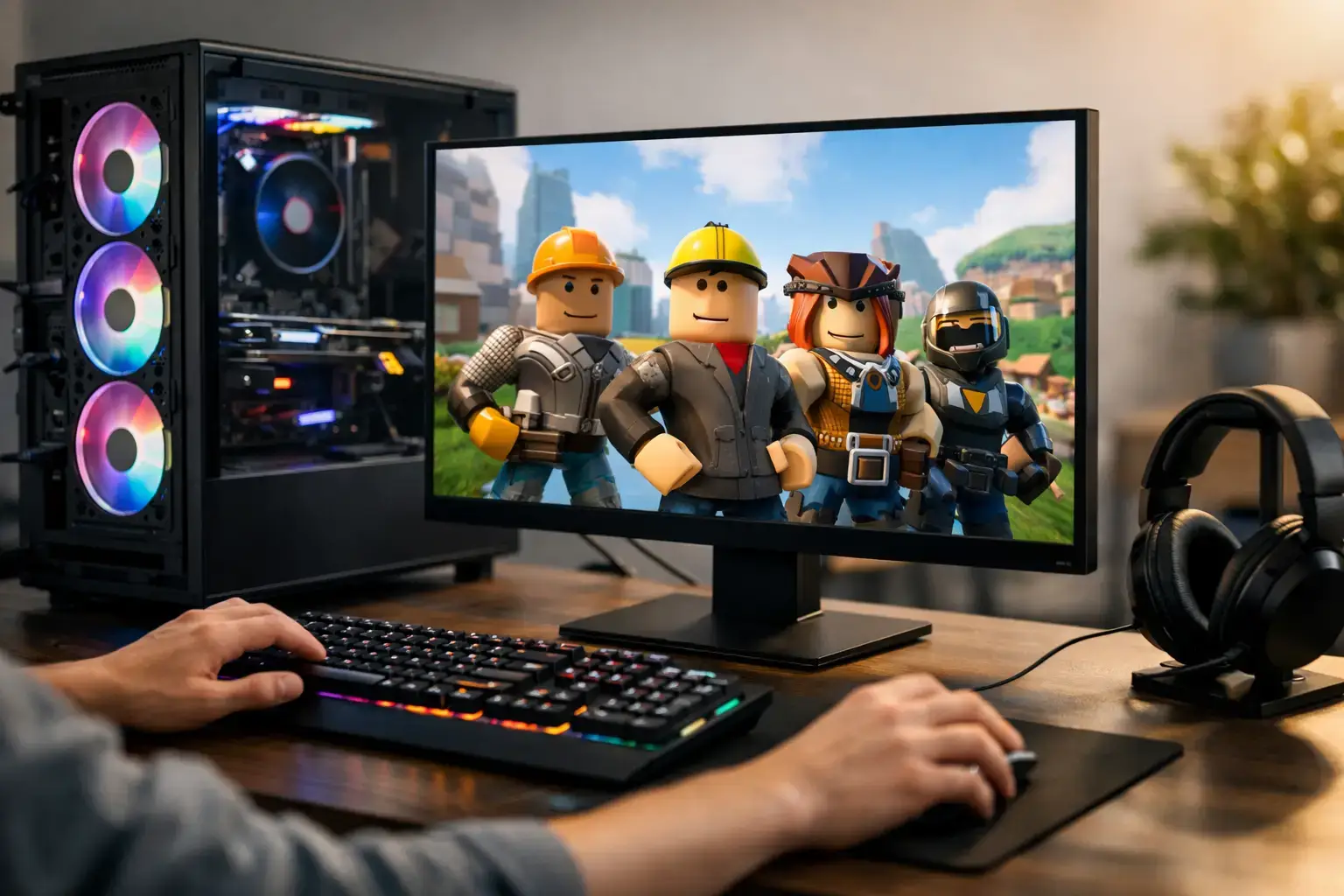
Roblox can run on modest hardware, but a budget gaming PC for Roblox should do more than merely launch the game. The right system keeps busy experiences responsive, holds steady frame rates when the action gets crowded, loads larger worlds quickly, and leaves enough performance for Discord, browser tabs, schoolwork, and Roblox Studio.
That is the difference between buying the cheapest desktop available and buying a properly balanced entry-level gaming PC. Roblox is accessible, but its performance can vary wildly from one experience to another. A simple obby is easy work. A detailed role-playing server, physics-heavy simulator, or creator-built game with high player counts can put far more pressure on the processor, graphics, and memory.
What a Budget Gaming PC for Roblox Needs
For most players, the processor is the starting point. Roblox benefits from fast CPU performance, especially in experiences with lots of objects, players, scripts, and simulation happening at once. An entry-level modern AMD Ryzen 5 or Intel Core i5 processor is a strong target because it has the speed for gaming today and the extra cores for everything running around the game.
A Ryzen 3 or Intel Core i3 system can still be a sensible lower-cost choice for Roblox, Minecraft, Terraria, and everyday use. The trade-off is headroom. It may be perfectly smooth in lighter games, yet it will have less room for demanding Roblox experiences, recording gameplay, or keeping several apps open in the background. If the budget can stretch, stepping up to a Ryzen 5 or Core i5 is usually the upgrade you notice for longer.
Graphics matter too, although Roblox does not require a high-end card. Integrated graphics on a recent processor can handle many Roblox games at sensible settings. A dedicated graphics card, however, delivers a more consistent gaming experience and makes the PC far more versatile for Fortnite, Rocket League, Valorant, and newer games later on.
A practical entry-level specification includes 16GB of RAM, a fast NVMe SSD, and either capable integrated graphics or a dedicated card such as an NVIDIA GeForce RTX 3050, RTX 4060, or an AMD Radeon RX 6600-class option, depending on pricing and availability. The exact graphics card matters less than buying a balanced system with quality components and a clear upgrade path.
Do You Need a Dedicated Graphics Card?
It depends on how Roblox fits into the rest of the household’s gaming plans. If Roblox is the main game and the PC will also be used for homework, web browsing, streaming, and basic creative work, a modern Ryzen processor with Radeon integrated graphics can be excellent value. It avoids spending a large portion of the budget on a graphics card that may not be necessary.
A dedicated GPU makes more sense when the player wants higher settings, a high-refresh-rate monitor, smoother performance in visually busy games, or access to more demanding titles. It also provides a safer route for a first gaming PC that needs to stay relevant as game tastes change. Roblox today can easily become Fortnite, Call of Duty, racing games, or PC Game Pass tomorrow.
Do not assume that a bigger graphics-card number automatically creates a better budget build. A system with an older high-power card, only 8GB of memory, a small hard drive, and a weak power supply is rarely a smart long-term purchase. Smooth gaming comes from the whole platform working together.
The Components That Affect Everyday Speed
RAM is one of the easiest places to make a good purchase decision. While 8GB can technically run Roblox, 16GB is the better standard for a new gaming desktop. It gives Windows room to breathe while Roblox, Discord, a music app, and browser tabs are open. It also helps Roblox Studio users who are testing assets, editing projects, and running other tools at the same time.
Storage should be an SSD, preferably an NVMe SSD. This does not dramatically raise frame rates, but it changes how the PC feels every day. Windows starts faster, games load faster, and the system stays more responsive than a desktop built around an old mechanical hard drive. A 500GB drive is workable for Roblox and daily use, while 1TB is more comfortable if several larger games will be installed.
The motherboard and power supply deserve attention even though they do not appear in a frame-rate chart. A quality motherboard provides the connections and upgrade support a growing setup needs. A properly sized, branded power supply protects the system and gives a future graphics-card upgrade a realistic path. These are the parts often compromised in ultra-cheap prebuilts, even though they determine how dependable and upgradeable the desktop will be.
A Smart Performance Tier for First-Time PC Gamers
The best value tier for many Roblox players is not necessarily the absolute entry level. It is the point where a PC has enough CPU power, 16GB of memory, an SSD, and graphics capability to play comfortably now without needing immediate upgrades.
A good integrated-graphics build is ideal for the buyer focused on Roblox, Minecraft, schoolwork, and family use. Look for a current Ryzen platform, dual-channel 16GB memory, and a 500GB or larger NVMe SSD. Dual-channel memory is particularly worthwhile for integrated graphics because the graphics portion of the processor uses system memory.
A dedicated-GPU build is the stronger all-round gaming choice. Pairing a Ryzen 5 or Core i5 processor with a sensible entry-level or midrange graphics card gives the system much more range. It can handle Roblox at high settings while also delivering high-FPS esports performance in popular competitive games. For a player moving from console or mobile gaming, that flexibility can be worth more than chasing a slightly lower upfront price.
Avoid These Budget PC Mistakes
The lowest advertised price can hide specifications that create frustration quickly. Before choosing a desktop, check the full component list rather than relying on labels such as “gaming computer.” Pay close attention to the processor generation, installed memory, storage type, graphics card, and power supply.
Be cautious with systems that have only 8GB of RAM, a very small SSD, or an unspecified power supply. Also watch for older office desktops fitted with a low-profile graphics card and marketed as gaming machines. Some can play Roblox, but their cooling, power delivery, and upgrade options are often limited.
A monitor also shapes the experience. A standard 1080p display is the natural match for a budget gaming system, and a 120Hz or 144Hz model can make movement feel noticeably smoother when the PC has the frame-rate performance to support it. There is little value in buying a costly 4K monitor for an entry-level Roblox setup when that money could improve the PC itself.
Why Configuration and Testing Matter
A gaming PC should arrive ready to use, not as a box of parts that leaves you troubleshooting memory settings or driver issues. Proper assembly includes compatibility checks, BIOS configuration, memory-profile setup, cable management, thermal testing, and operating-system installation. These details affect stability just as much as the headline processor and graphics card.
For parents and first-time buyers, this is especially valuable. A professionally built system removes the uncertainty around whether the parts work together and gives the player a dependable platform from day one. For experienced buyers, it means the configuration can be chosen around the games they play now while preserving sensible upgrade options later.
PCZone-style custom configuration is particularly useful here: rather than paying for performance that Roblox will never use, you can prioritize the parts that improve responsiveness, stability, storage capacity, and future gaming flexibility.
Build for the Games That Come Next
Roblox is a great reason to buy a first desktop, but it should not be the only reason to choose the specification. Select a system that feels fast in everyday use, has 16GB of memory, uses SSD storage, and has a realistic path to a stronger graphics card or additional storage when needed. That approach keeps the first gaming PC exciting long after the first Roblox login.

