


Blog
Prebuilt vs Custom Gaming PC – Which to Buy?

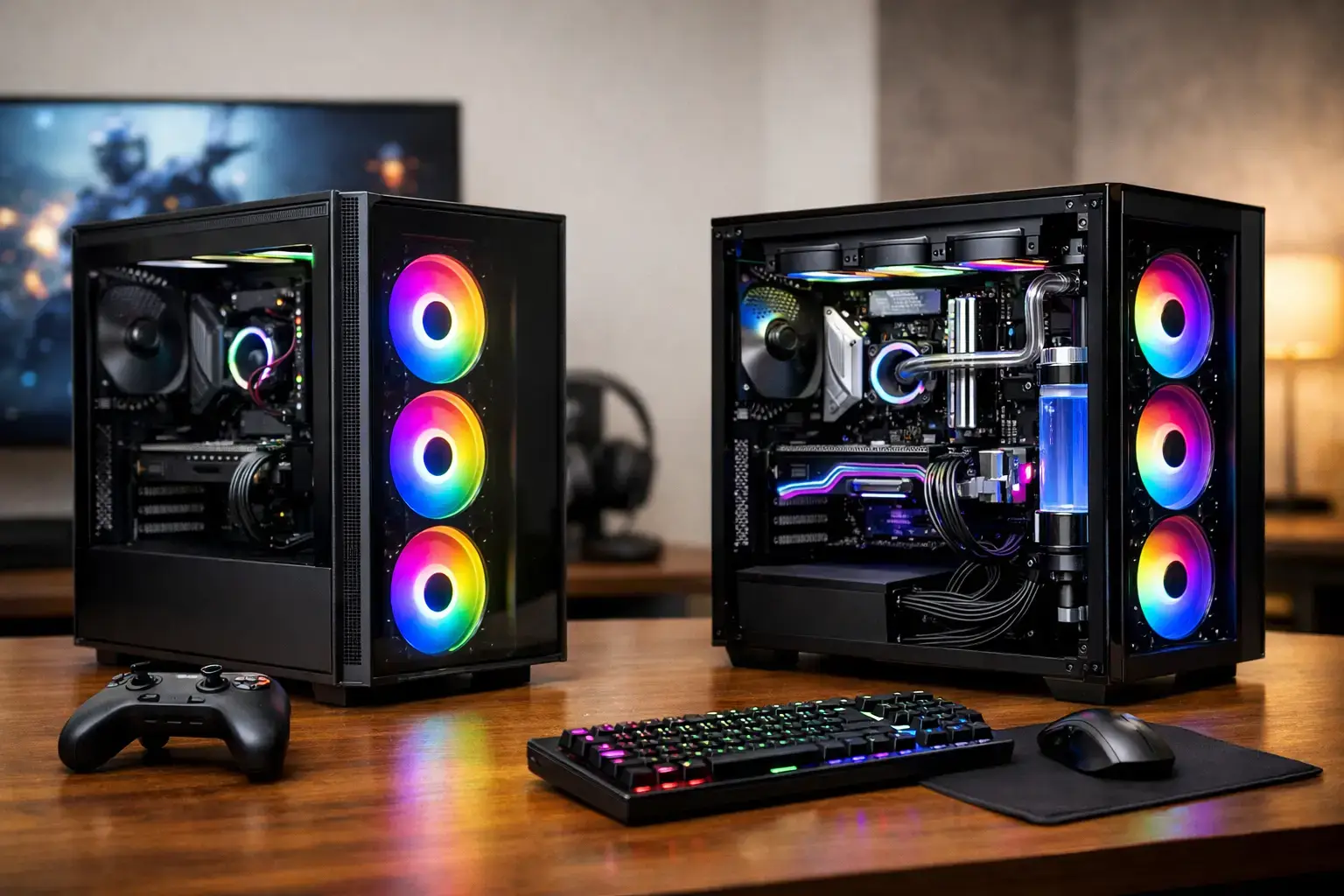
A gaming PC should not force you to compromise on the parts that matter most to you. That is the real question behind prebuilt vs custom gaming PC: do you want a quick, fixed-spec machine, or a system built around your games, screen, budget, and upgrade plans?
Both routes can deliver excellent gaming. A well-priced prebuilt can get you online fast, while a properly configured custom system can put more of your budget toward the CPU, graphics card, memory, storage, and cooling that fit your actual workload. The best choice depends less on a label and more on what is inside the case.
What Counts as a Prebuilt Gaming PC?
A prebuilt gaming PC is a complete desktop sold in a fixed configuration. You choose a model, pay for it, and receive a ready-to-use computer with Windows installed and the core hardware already selected. This can be a convenient route for first-time buyers who want a simple purchase and a clear performance tier.
The problem is that “prebuilt” covers a wide range of machines. Some use respected retail components and provide full specifications. Others use proprietary motherboards, power supplies, compact cases, or lightly detailed parts lists. Two PCs can both claim an RTX graphics card and a Ryzen processor while offering very different cooling, storage speed, power headroom, and future upgrade options.
A fixed prebuilt makes sense when the specification is transparent, the price is competitive, and its performance directly matches what you want to play. For example, a balanced midrange system with a modern Ryzen 5 or Intel Core i5 processor, 16GB of memory, a fast NVMe SSD, and an appropriate graphics card can be an excellent choice for high-FPS esports and popular games at 1080p or 1440p.
What Is a Custom Gaming PC?
A custom gaming PC is built from a component list chosen for your needs. That does not have to mean building it yourself at a kitchen table. A specialist PC builder can assemble, test, configure, and deliver a custom machine that is ready to game from the first boot.
Customization can be as simple as selecting more storage or 32GB of RAM. It can also mean shaping the entire build around a target: competitive 1080p gaming, high-refresh 1440p, 4K single-player titles, streaming, video editing, or a mix of work and play.
The advantage is control. Instead of accepting a weak link in a fixed system, you can put money where it produces a noticeable result. A player using a 240Hz monitor may prioritize CPU performance and a graphics card capable of consistently high frame rates. A creator who edits large video projects may value multi-core power, 32GB or 64GB of memory, and additional fast SSD storage. There is no reason for these buyers to pay for the same configuration.
Prebuilt vs Custom Gaming PC: The Real Differences
The headline price is only one part of the comparison. The better question is what each dollar buys you, and whether the PC will remain a good fit after your first year of ownership.
Price and value
A mass-market prebuilt can look cheaper because it bundles a recognizable CPU and GPU into a single advertised price. That can be good value when the seller has used quality components throughout. It can also hide compromises in the parts buyers do not immediately notice, such as a low-capacity SSD, single-stick memory, an entry-level power supply, or a cooler that struggles during long gaming sessions.
A custom build is not automatically more expensive. It often gives you a clearer view of where the money goes. If you do not need RGB lighting, extra-large storage, or top-tier cooling, the budget can stay focused on performance. If you do need those things, you can add them without replacing a system later.
Compare the full specification, not just the processor and graphics card. Check the exact RAM capacity and configuration, SSD size, motherboard platform, power supply rating, cooler, case airflow, and operating system. Those details determine whether a seemingly cheap PC is genuinely good value.
Performance where you will feel it
Gaming performance comes primarily from the graphics card, but the CPU, memory, storage, and cooling still matter. A balanced custom build avoids pairing a powerful GPU with a processor that holds it back in CPU-heavy competitive games. It also avoids spending heavily on a flagship CPU when the graphics card is the limiting factor at your chosen resolution.
For Fortnite, Valorant, Counter-Strike 2, Roblox, Minecraft, and similar games, a smartly balanced entry or midrange PC can provide responsive gameplay and strong frame rates without chasing premium hardware. For demanding ray-traced titles, ultrawide displays, or 4K gaming, the graphics card budget becomes more important.
Custom configurations are especially useful when your use case goes beyond gaming. Streaming, Discord, browser tabs, recording software, editing applications, and background tasks can quickly expose a system with limited memory or a lower-core-count processor. Adding the right components upfront can make daily use feel much faster, not just improve benchmark numbers.
Upgradeability and component access
A gaming PC should not become disposable when your needs change. Standard, fully upgradeable parts make it easier to add memory, install another SSD, replace the graphics card, or refresh the platform later.
This is where some mass-market prebuilts can be restrictive. Proprietary cases, motherboards, and power connectors may limit what fits or what can be replaced. Even when upgrades are possible, tight case layouts and limited power supply capacity can make a future graphics card upgrade less practical.
A well-designed custom system typically uses standard components with room to grow. That does not mean every part must be oversized. It means the build should have sensible expansion options: available memory slots, M.2 storage support, adequate cooling, a quality power supply, and a case that can accommodate future hardware. Ask what can be upgraded before you buy, especially if you expect to keep the PC for several years.
Setup, testing, and support
Buying individual components and assembling a PC yourself can save money and be rewarding. It also puts the responsibility for compatibility, BIOS updates, cable management, troubleshooting, and warranty claims on you. For experienced enthusiasts, that may be part of the fun. For many buyers, it is not how they want to spend their weekend.
A specialist-built custom PC gives you the flexibility of selected components without the assembly risk. The system should be compatibility-checked, stress-tested, configured with the correct memory profile, and delivered ready to use. That matters because fast memory running at default settings, a missed BIOS update, or poor airflow can leave performance on the table.
Support is another practical difference. With a generic prebuilt, the person answering a support ticket may not have visibility into every component choice. With a local specialist builder such as PCZone, the team can discuss the actual system specification, explain upgrade paths, and help match the build to the games or applications you use.
When a Prebuilt Is the Smarter Choice
Choose a prebuilt if you have found a complete, well-specified system at the right price and do not need changes. It is a particularly practical option when you want a PC quickly, your gaming needs are straightforward, and the seller clearly lists branded, standard parts.
A prebuilt can also be the right first PC for a younger gamer or casual player. If the machine has a capable graphics card, sufficient memory, a fast SSD, and a reasonable upgrade path, there is no prize for making the purchase more complicated than it needs to be.
Just avoid buying from the headline spec alone. “Gaming PC” is not a performance category. The exact components are what tell you whether it will handle your games well.
When a Custom Build Is Worth It
A custom gaming PC is usually the stronger option when you have specific performance goals or want your budget used efficiently. It is ideal for buyers choosing between 1080p, 1440p, and 4K gaming, those pairing a PC with a high-refresh monitor, and anyone combining gaming with streaming, editing, design work, or demanding multitasking.
It is also the better choice when you care about quiet operation, airflow, premium component brands, larger storage capacity, or a clear upgrade plan. These are not flashy extras. They affect everyday reliability and how long the system remains useful.
The key is not to overspec blindly. A Ryzen 9 or Intel Core i9 system is impressive, but it is not necessary for every player. A carefully selected Ryzen 5 or Core i5 build with the right graphics card can be the better gaming machine for the same budget. Spend for the experience you want, not for a component name that sounds expensive.
Before placing an order, write down the games you play, your monitor resolution and refresh rate, whether you stream or create content, and how long you expect to keep the PC. Those four answers turn a vague shopping decision into a configuration that will still feel fast when you sit down to play.

