


Blog
The Best Gaming PCs for Minecraft in 2026

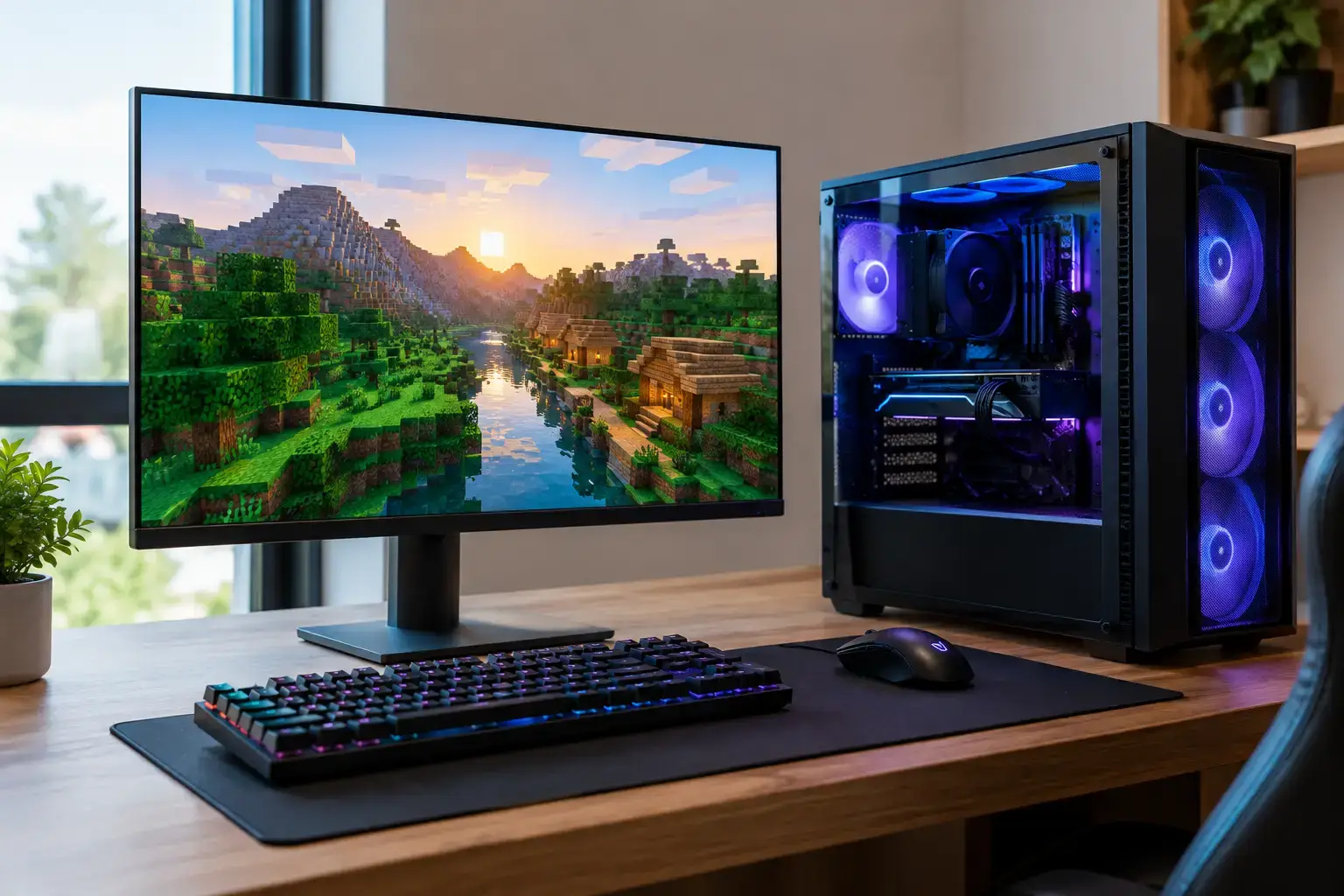
Minecraft can run on a modest PC, but that statement only tells part of the story. Vanilla Minecraft at standard settings is one thing. Java Edition with a large modpack, distant terrain rendering, shader packs, a busy multiplayer server, or a high-resolution texture pack is another. The best gaming PCs for Minecraft are not necessarily the most expensive systems available. They are the systems balanced around the way you actually play, with enough CPU power, fast memory, and graphics performance to keep the experience smooth when your world gets demanding.
For a first-time player, that may mean a capable Ryzen 5 or Core i5 desktop with 16GB of RAM and fast SSD storage. For a player building huge Redstone farms, hosting a server, or running demanding shaders, a stronger CPU and dedicated RTX graphics card make a clear difference. Buying the right tier prevents both overspending and the frustration of a PC that struggles as soon as you add mods.
What Makes a Gaming PC Good for Minecraft?
Minecraft has unusual hardware priorities compared with many modern games. The Java Edition is heavily dependent on processor performance, especially fast individual CPU cores. A strong processor helps the game generate chunks, manage entities, process Redstone machines, and maintain consistent frame rates while exploring new terrain. More CPU cores still help with multitasking, server hosting, streaming, and background apps, but raw single-core speed remains a major factor.
Memory matters just as much once mods enter the picture. While 8GB of system RAM can technically run vanilla Minecraft, 16GB is the sensible starting point for a new gaming desktop. It gives Windows, Minecraft, Discord, browsers, and launchers enough breathing room. For large modpacks, content creation, or hosting a server on the same PC, 32GB is the better long-term choice.
A dedicated graphics card is less critical for basic Minecraft than it is for a new AAA game, but it becomes essential for shader packs, ray-traced visuals, 1440p gaming, and high-refresh monitors. NVIDIA RTX cards are particularly attractive for players who want Minecraft with RTX in Bedrock Edition, while AMD Radeon cards can offer excellent traditional gaming performance at the right price. The right choice depends on whether ray tracing and shader performance are central to your setup.
Best Gaming PCs for Minecraft by Performance Tier
Budget Minecraft PCs for Vanilla and Light Mods
An entry-level gaming PC built around an AMD Ryzen 5 or Intel Core i5 processor, 16GB of DDR4 or DDR5 memory, and a fast 1TB NVMe SSD is a smart place to start. Pair it with a graphics card such as an RTX 3050, RTX 4060, or a comparable Radeon model, and you have a machine that can handle vanilla Minecraft comfortably at high settings, popular multiplayer modes, texture packs, and light-to-medium mod use.
This tier is ideal for players moving from a console, laptop, or family PC into their first dedicated desktop. It also leaves room to enjoy Fortnite, Roblox, Terraria, Valorant, and similar games without buying separate hardware later. Do not be tempted by systems with only 8GB of RAM or a tiny 500GB drive if you can avoid it. Minecraft mod folders, game libraries, recordings, and school or work files fill up storage faster than expected.
For many buyers, this is the value sweet spot. You get quick load times, responsive Windows performance, and a fully upgradeable platform without paying for graphics power you may not use yet.
Mid-Range PCs for Shaders, Modpacks, and 1440p
The mid-range is where Minecraft starts to look dramatically different. A Ryzen 5 or Ryzen 7 processor, or a modern Core i5 or Core i7, combined with 32GB of RAM and an RTX 4060 Ti, RTX 4070-class card, or capable Radeon equivalent, is built for players who want more than standard block graphics.
This kind of system is well suited to popular shader packs, higher render distances, detailed texture packs, and larger modpacks. It also makes sense for 1440p monitors, where extra graphics performance helps retain smooth frame rates without turning visual settings down. If you regularly play heavily populated servers, record gameplay, or keep several applications open while gaming, the added CPU and memory headroom is noticeable.
A 1TB NVMe SSD remains the practical minimum here, but 2TB is worth considering for anyone with a growing Steam library or a collection of modpacks. Fast storage will not raise your frame rate directly, but it shortens boot times, world loading, and file transfers. It also makes the entire PC feel sharper every day.
High-End PCs for RTX, Heavy Mods, and Content Creation
A high-end Minecraft PC is for players who want few compromises. Think Ryzen 7, Ryzen 9, Core i7, or Core i9 processing; 32GB or 64GB of RAM; and an RTX 4070 Super, RTX 4080-class, or higher graphics card. These systems are designed for demanding shader configurations, ray tracing, 4K displays, very high refresh rates, large modpacks, and simultaneous streaming or video editing.
This tier is especially worthwhile if Minecraft is only one part of your gaming life. Modern high-end systems can also handle graphically intensive games, editing projects, and multi-core creative workloads with confidence. For a dedicated Minecraft-only PC, however, it may be more performance than you need. The better move is often to invest the savings in a quality monitor, keyboard, mouse, or additional storage.
Java Edition vs. Bedrock Edition Changes the Buying Decision
Before choosing a graphics card, consider which Minecraft version you play most. Java Edition is the home of the largest modding community and benefits greatly from a fast CPU, plentiful RAM, and optimized performance mods. Players using Fabric or Forge modpacks should prioritize a capable processor and 32GB of memory if they expect to run larger packs.
Bedrock Edition generally runs efficiently and can be a good fit for cross-platform play. Its major hardware consideration is Minecraft with RTX, which uses ray tracing for more realistic lighting, reflections, and shadows. To enjoy that feature properly, an NVIDIA RTX graphics card is the clear choice. An RTX 4060 can provide an accessible entry point, while an RTX 4070-class card is better suited to higher resolutions and more consistent performance.
It depends on your priorities. Choose CPU and RAM headroom first for Java mods and massive worlds. Put more of the budget toward an RTX GPU if Bedrock ray tracing is the goal.
Do Not Overlook the Parts Around the CPU and GPU
A good Minecraft PC is more than a processor and graphics card on a specification sheet. Dual-channel memory is important, so 16GB should normally mean two 8GB modules rather than one. The same principle applies to 32GB, where two 16GB modules offer the performance and stability expected from a gaming system.
Cooling matters because sustained performance matters. Chunk generation, long sessions, and demanding games keep components working hard. A properly selected CPU cooler and airflow-focused case help maintain clock speeds while keeping fan noise reasonable. Quality power supplies and motherboards also protect your upgrade path, particularly if you plan to install a stronger graphics card later.
Prebuilt systems should arrive configured, tested, and ready for the games you want to play. That includes checking component compatibility, setting the correct memory profile in BIOS, installing the operating system, and validating stability before dispatch. PCZone builds are assembled with this practical detail in mind, so you can spend your first evening in a new world rather than troubleshooting a pile of boxes.
How to Choose Without Paying for the Wrong PC
Start with the monitor you own or intend to buy. For 1080p vanilla Minecraft, an entry-level dedicated GPU is usually enough. For a 1440p 144Hz monitor with shaders, move into the mid-range. For 4K ray tracing or a dual-purpose gaming and creator setup, higher-end hardware becomes easier to justify.
Then consider your likely next step, not only what you play this week. A player starting with vanilla Minecraft may soon add shader packs, join a modded server, or branch into newer games. Choosing 16GB or 32GB of RAM, a 1TB SSD, and a platform with upgrade capacity gives you room to grow without replacing the entire system.
The best gaming PC for Minecraft is the one that keeps your favorite worlds smooth now and leaves space for the projects you have not built yet.

