


Blog
Gaming Laptops: How to Buy the Right One

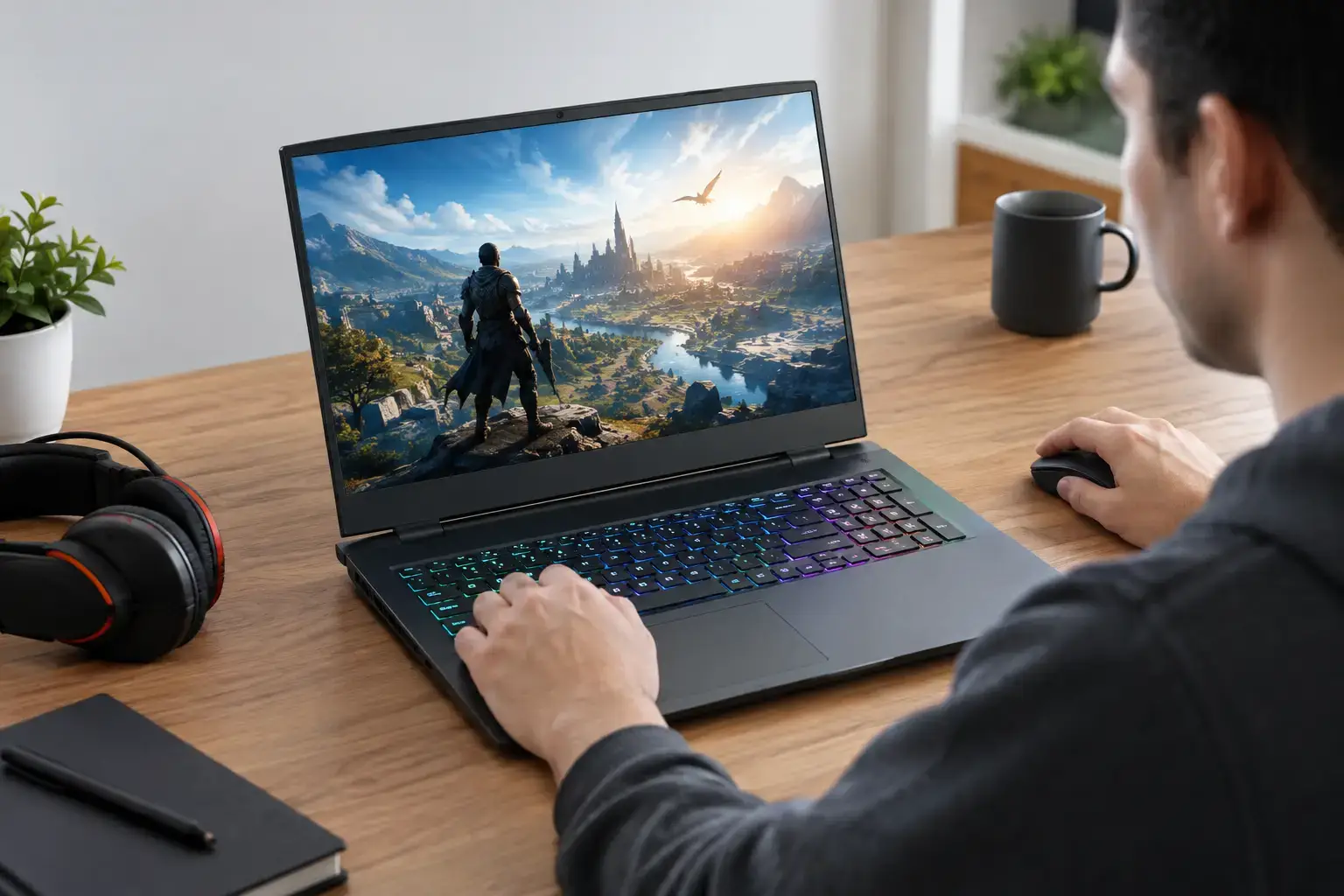
A gaming laptop can be the right answer when your setup needs to move between home, college, work, or a LAN weekend. The best gaming laptops now deliver high-refresh displays, capable RTX graphics, fast NVMe storage, and enough CPU power for serious play. But the badge on the lid is not the full story. Two machines with the same processor and graphics card can perform very differently because of cooling, power limits, memory configuration, and screen quality.
For buyers who want reliable performance rather than a spec-sheet surprise, it pays to match the laptop to the games you actually play. A machine for Fortnite and Minecraft has very different priorities from one built for Cyberpunk 2077 at high settings, competitive Valorant, or video editing after the match is over.
What Matters Most in Gaming Laptops
Start with the graphics card. For most games, the GPU has the greatest impact on frame rate, visual settings, ray tracing, and the resolution you can run comfortably. NVIDIA GeForce RTX graphics are a popular choice because they support features such as DLSS, which can improve frame rates by rendering intelligently at a lower internal resolution. AMD Radeon graphics can also offer strong rasterized gaming performance, particularly when the price is right.
An RTX 4050 or RTX 4060 laptop is a sensible performance tier for players targeting smooth 1080p gaming. These systems suit current multiplayer titles, esports games, and demanding single-player releases with sensible settings. An RTX 4070 laptop gives more room for higher settings, better ray-tracing performance, and smoother play on a 1440p-class display. Above that, RTX 4080 and RTX 4090 models are aimed at buyers who want premium visual fidelity, high-resolution gaming, and serious creator performance without relying on a desktop.
Do not judge a GPU by its name alone. Laptop graphics cards operate within power limits set by each manufacturer. A well-cooled RTX 4060 running at a higher wattage can outperform a thinner model with the same GPU configured for lower power. Check the laptop’s graphics power rating, cooling design, and independent performance results where available.
CPU choice: fast cores versus more cores
The processor matters most for CPU-heavy games, high-FPS esports, simulation titles, streaming, and multitasking. Intel Core i5 and AMD Ryzen 5 processors are solid starting points for mainstream gaming, especially when paired with a capable dedicated GPU. Core i7, Core i9, Ryzen 7, and Ryzen 9 systems bring more multi-core power for demanding workloads such as editing video, compiling code, rendering, or running several applications alongside a game.
For gaming alone, spending every extra dollar on the highest-end CPU is not always the smartest move. In many modern games, stepping up one GPU tier produces a bigger result than stepping from a midrange CPU to a flagship chip. The exception is competitive gaming at very high frame rates, where strong CPU performance helps feed a 165Hz, 240Hz, or faster display.
Choose the Screen for the Games You Play
A powerful laptop connected to a poor display is a missed opportunity. Resolution, refresh rate, brightness, color coverage, and response time all shape the experience.
A 1080p or 1200p display remains the practical choice for most gamers. It is easier for the GPU to drive, helps deliver higher frame rates, and works particularly well on 15-inch and 16-inch panels. If you mainly play Call of Duty, Rocket League, Valorant, or Fortnite, prioritize a 144Hz or 165Hz display over extra resolution. The movement feels more responsive, and the added frame rate can give competitive players a real advantage.
A 1440p or 1600p screen looks sharper and gives more workspace for creators, students, and professionals. It is an excellent match for an RTX 4070-class system or better, although demanding games may need DLSS or adjusted settings to maintain high frame rates. A 4K panel can look excellent for media and design work, but it asks a lot from any mobile GPU. For many buyers, it is better to choose a strong 1600p display and put more of the budget toward graphics performance.
Brightness also matters if you use the laptop away from a dark gaming room. Look for a screen with enough brightness for daylight use, plus good color coverage if you edit photos or video. OLED panels provide exceptional contrast, but they may come with trade-offs around price, reflections, battery behavior, and long-term static-image use.
Memory and Storage: Avoid the Easy Bottlenecks
For a new gaming laptop, 16GB of RAM is the practical minimum. It handles current games well while leaving room for Discord, a browser, launchers, and background apps. However, 32GB is a worthwhile upgrade for content creation, modded games, large multiplayer titles, streaming, and buyers who keep systems for several years.
Memory should ideally run in dual-channel configuration, meaning two matched memory modules work together. A laptop with 16GB in a single stick can leave performance on the table compared with 16GB split across two matched modules. Some thin models use soldered RAM, so confirm whether upgrades are possible before buying if future flexibility matters.
Storage fills faster than most buyers expect. Windows, game launchers, updates, and modern AAA titles can consume hundreds of gigabytes quickly. A 1TB NVMe SSD is the comfortable starting point for most gaming libraries. A 512GB drive works for tighter budgets, but you may be managing installs sooner than expected. If the laptop has a second M.2 slot, adding storage later is a useful and usually cost-effective upgrade.
Cooling, Battery Life, and Portability Trade-Offs
Thin gaming laptops are easier to carry, but physics still applies. High-performance components create heat, and heat must be moved away through a well-designed cooling system. Larger 16-inch and 17-inch models often sustain stronger performance during long sessions because they have more room for fans, heat pipes, and airflow. They can also be louder under load.
Compact 14-inch and slim 15-inch systems make sense for students, frequent travelers, and anyone who needs one machine for work and gaming. Just set realistic expectations. They may run warmer, make more fan noise, and have lower GPU power limits than a thicker performance-focused model.
Battery life is another area where expectations matter. Modern gaming laptops can last through everyday browsing, documents, and video playback when switched to integrated graphics or an efficient mode. Gaming on battery is different. Performance is typically reduced, and heavy games can drain the battery quickly. For the full high-FPS experience, plan to play plugged in using the supplied charger.
Port selection deserves a quick check as well. USB-C charging support, USB4 or Thunderbolt capability, HDMI output, Ethernet, and enough USB-A ports can make a major difference to a desk setup. If you use an external monitor, verify which port connects directly to the dedicated GPU, as this can affect performance and features such as variable refresh rate.
A Practical Performance Tier Guide
Budget-focused gaming laptops with RTX 4050-class graphics are well suited to esports, indie games, older AAA releases, and 1080p gaming with thoughtful settings. They are a strong entry point for first-time PC gamers who want more flexibility than a console and the ability to use a laptop for school or work.
Midrange RTX 4060 and RTX 4070 machines offer the best balance for many players. Expect high settings at 1080p or 1600p, fast display options, and enough power for current games without immediately needing compromises. This tier is also strong for creators who need GPU acceleration for editing and design applications.
High-end RTX 4080 and RTX 4090 systems are for buyers who value maximum performance, advanced ray tracing, high-resolution screens, and heavy professional workloads. They are expensive, larger, and less battery-friendly, but they can replace a desktop for users who genuinely need mobile workstation-level power.
Buy for the Setup You Will Actually Use
Before choosing, picture the laptop’s daily job. If it will live on a desk with an external monitor, keyboard, and mouse, prioritize cooling, GPU power, ports, and upgradeability. If it travels every day, weight, charger size, battery life, and a durable chassis deserve more attention. If you create as well as game, choose 32GB of memory, a color-accurate screen, and a processor with enough multi-core headroom.
PCZone’s approach to performance hardware is simple: clear component specifications and realistic use-case guidance matter more than vague claims. A compatibility-checked system with the right GPU, screen, memory, and cooling will feel faster and stay useful longer than a flashy model that cuts corners in the places that count.
The right gaming laptop is not necessarily the most expensive one. It is the machine that delivers the frame rates you want, carries comfortably when you need it to, and still has enough performance headroom for the games and projects waiting next season.

