


Blog
Desktop Versus Laptop Performance Compared

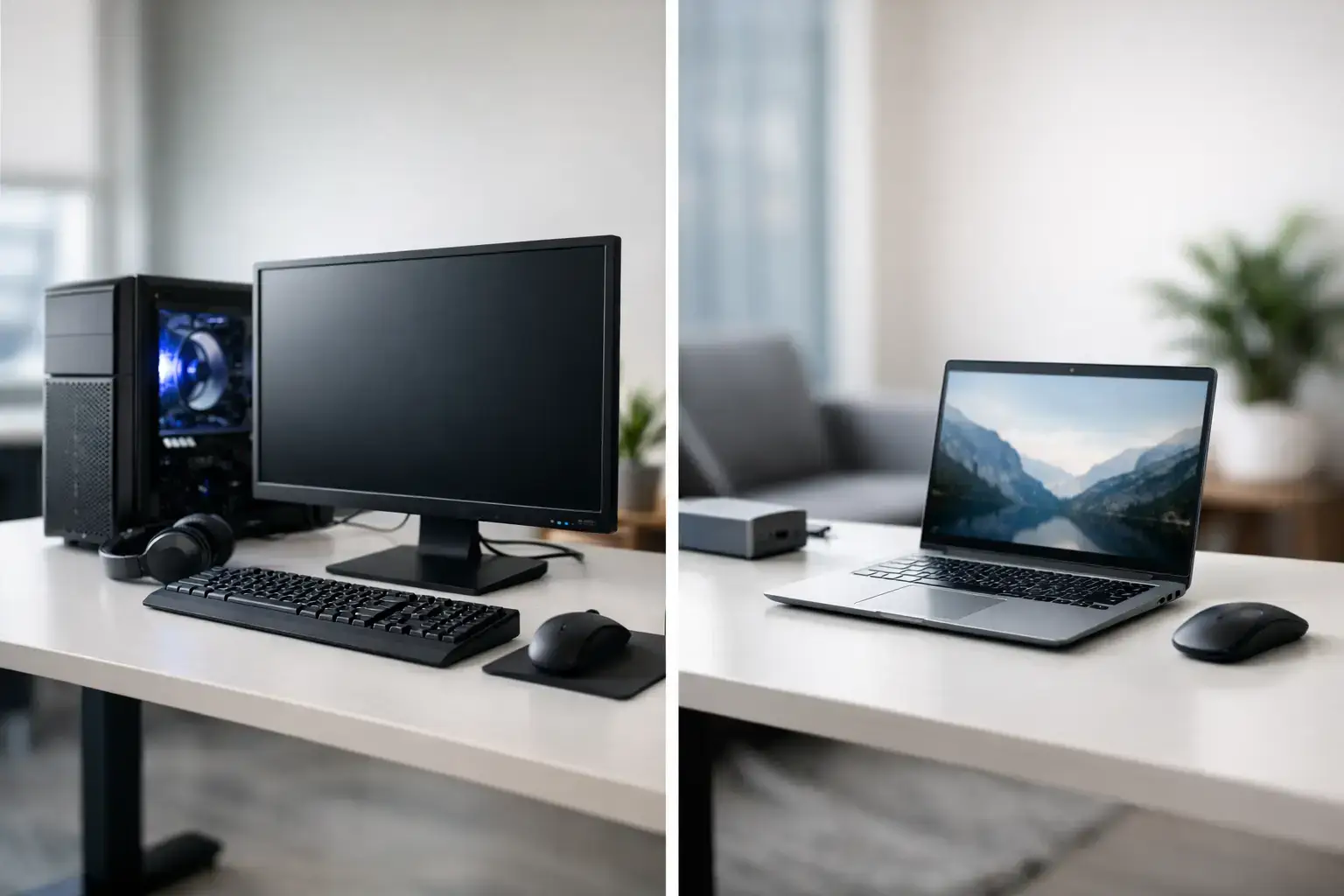
A gaming laptop with an RTX graphics card and a modern desktop can share the same product name on paper, yet deliver noticeably different frame rates, temperatures, and long-term value. That is the central question behind desktop versus laptop performance: not which format is universally better, but which one puts the right level of power where you need it.
For a fixed desk setup, a desktop usually delivers more performance per dollar, stronger sustained speeds, and a clearer upgrade path. A laptop earns its place when portability is part of the job, study routine, or gaming lifestyle. The smarter purchase starts with understanding what changes once powerful components are placed in a compact chassis.
Desktop Versus Laptop Performance: The Real Difference
Desktop and laptop parts are designed around different thermal and power limits. A desktop processor can draw more power for longer because it has a large heatsink, multiple case fans, and room for airflow. A laptop processor has to balance speed, heat, battery life, fan noise, and the thin physical space around it.
That difference matters most during sustained workloads. Opening a document, launching a game, and browsing the web can feel quick on both systems. Run a two-hour video export, compile code, stream while gaming, or play a demanding title at high settings, and the desktop has more room to hold higher clock speeds without pulling back to manage heat.
Graphics performance follows the same pattern. A desktop RTX 4070, for example, is not directly equivalent to a laptop RTX 4070. The desktop card has a larger cooler, higher available power, and typically more consistent performance under load. Laptop GPU power limits vary by model, so two laptops with the same listed graphics chip can perform very differently.
This does not make laptops weak. A well-configured gaming laptop can deliver excellent high-FPS esports performance in games such as Fortnite, Valorant, Rocket League, and Call of Duty. The key is to compare the actual CPU, GPU, memory, display resolution, and cooling design, rather than relying on the graphics-card label alone.
Why Desktops Hold Their Speed Longer
Cooling is one of the biggest practical advantages of a custom desktop. Larger air coolers or liquid cooling, ventilated cases, and dedicated graphics-card cooling allow components to run hard without reaching temperature limits as quickly. That produces more stable frame rates in games and more predictable completion times in creative applications.
For competitive gaming, consistency is as valuable as a high average FPS number. A desktop built around a capable Ryzen 5 or Intel Core i5 processor, fast DDR5 memory, and a properly matched GPU can keep frame times smoother when a match becomes busy. This helps a high-refresh monitor feel responsive rather than fast only in quiet scenes.
For creators and professionals, sustained multi-core power is the difference between waiting and working. Video editors benefit from faster timeline playback and rendering. Designers working with large files get more headroom for multiple applications. Developers can run local tools, virtual machines, and browser tabs without making every other task feel slow. A desktop workstation is particularly compelling when those workloads happen every day rather than occasionally.
Laptop cooling has improved dramatically, but it remains a compromise. Thin models often prioritize portability and lower weight. Larger gaming laptops may use stronger cooling systems and higher-wattage GPUs, but they can still become warm and loud under full load. That is normal for the category, not necessarily a fault. It simply means buyers should match the laptop design to their expectations.
Performance Per Dollar Favors the Desktop
When budget is fixed, desktop systems usually allocate more of it to the parts that determine real performance: the processor, graphics card, memory, and storage. You are not also paying for an integrated screen, keyboard, trackpad, battery, compact cooling assembly, webcam, speakers, and slim chassis engineering.
A desktop buyer can choose a performance tier around the game or workload that matters most. An entry-level system with a Ryzen 5 or Core i5 and a sensible graphics card can be an excellent starting point for popular games. Moving up to a stronger GPU makes more sense for 1440p gaming, ray tracing, or demanding AAA releases. At the higher end, Ryzen 9 and Intel Core i9 systems provide serious multi-core power for editing, 3D work, and intensive multitasking.
The comparison changes if you need everything in one package. A laptop includes a display and built-in input devices, which can make it more cost-effective for someone who would otherwise need to buy a monitor, keyboard, mouse, and webcam separately. For a student moving between classes, home, and work, that convenience can be worth more than the extra desktop performance.
Upgrades Change the Long-Term Equation
A desktop is fully upgradeable in ways most laptops cannot match. You can add more RAM, install a larger NVMe SSD, replace the graphics card, or move to a more powerful processor when your needs change. With a quality motherboard, power supply, and case selected from the start, one system can serve through several upgrade cycles.
That flexibility is valuable for gamers because graphics requirements move quickly. A system that handles current games comfortably may need a GPU upgrade later for higher settings, a higher-resolution monitor, or newer rendering features. Desktop owners can target the component causing the limitation instead of replacing the entire computer.
Laptops commonly allow storage and memory upgrades, although access and maximum capacity vary. The CPU and GPU are generally fixed. Battery condition also becomes a consideration after years of use, especially for machines regularly used away from the charger. A laptop can still offer many years of reliable service, but its performance ceiling is set the day you buy it.
When a Laptop Is the Better Performance Choice
Performance only matters if the computer is available when you need it. A laptop is the right answer for professionals traveling between client sites, students who need a capable system on campus, creators shooting and editing on location, or anyone with limited space at home.
A good laptop also makes a strong second system. A desktop can handle demanding gaming, rendering, and large projects at home, while a lighter laptop covers meetings, travel, documents, and everyday tasks. This setup is not essential for everyone, but it solves the mobility-versus-power trade-off without forcing one device to do everything.
If choosing a laptop for gaming or creative work, avoid under-specifying memory and storage. Start with 16GB of RAM for modern gaming and multitasking, with 32GB being a better fit for editing, heavy browser use, and professional applications. A fast 1TB SSD provides useful space for a growing game library or active project files. Check the display too: a powerful GPU deserves a panel with an appropriate refresh rate, resolution, and color quality.
Choosing the Right System for Your Workload
Choose a desktop if your machine will stay primarily in one place and you want maximum FPS, stronger rendering performance, quieter cooling under load, and the option to upgrade over time. It is the practical choice for a dedicated gaming setup, home office, workstation, or family PC where several people may rely on it.
Choose a laptop if you regularly need to carry your work, classes, or games with you. Prioritize a model with a clear component specification, adequate cooling, and the right balance of battery life and performance. Do not assume the thinnest model is the best value if your real priority is high-FPS gaming or sustained creative work.
For buyers who want a desktop without the uncertainty of matching every component, PCZone builds compatibility-checked systems with configured BIOS and memory profiles, giving you a ready-to-use starting point with room to grow. The best system is the one that makes your next game, project, or workday feel faster without asking you to compromise on how and where you use it.

