


Blog
Future Proof Gaming PC Upgrades That Pay Off

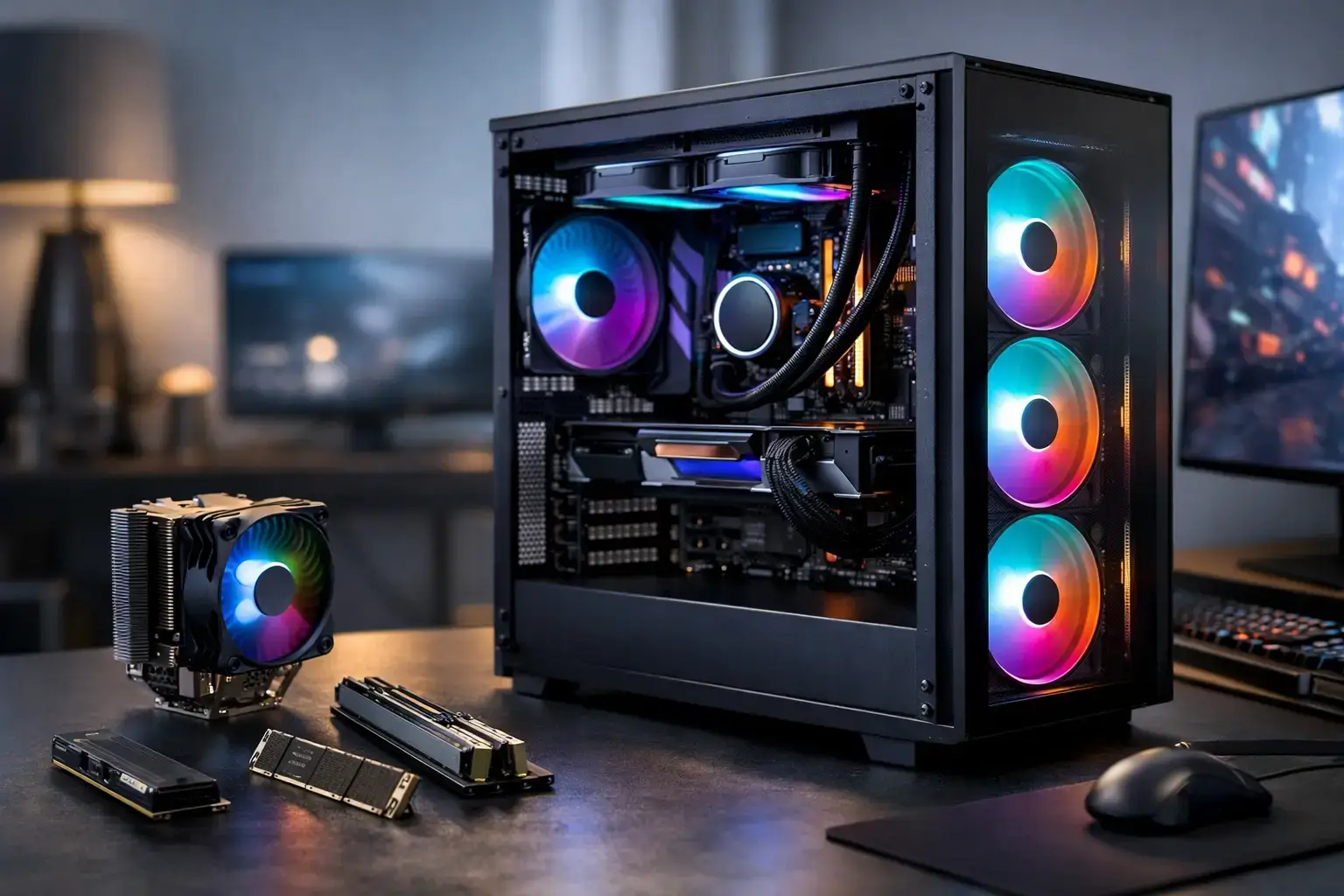
A gaming PC does not become outdated because one new graphics card launches. It falls behind when its next upgrade is blocked by a weak power supply, a cramped case, an aging platform, or a component choice that solved yesterday’s problem only. The best future proof gaming pc upgrades give you a clear performance gain now while preserving practical options for the games, displays, and workloads you will use next.
That does not mean buying the most expensive part in every category. It means building around balanced performance, known compatibility, and the right upgrade path. A player targeting 1080p high-FPS esports has different priorities from someone moving to 1440p ray-traced gaming, streaming, video editing, or running demanding simulation titles. Start with the bottleneck you can feel, then make sure the surrounding system can support the improvement.
How to Plan Future Proof Gaming PC Upgrades
The first question is simple: what is holding your PC back? Low frame rates at high graphics settings usually point toward the graphics card. Stutters while loading into large maps can indicate limited RAM, a full storage drive, or an older CPU. Long render times, slow exports, and heavy multitasking favor more CPU cores and faster storage.
Use real behavior rather than a specification sheet alone. If your GPU is pinned near full usage in demanding games while the CPU has room to spare, a graphics upgrade will have the biggest impact. If the CPU is maxed out in competitive titles while the graphics card is underused, a CPU and platform upgrade may make more sense. Resolution matters as well: at 4K, the graphics card typically carries far more of the workload than it does at 1080p.
Future-proofing is also about buying for your monitor. There is little value in paying for a premium GPU designed for high-refresh 1440p gaming if you plan to remain on a 60Hz 1080p display. Conversely, a powerful new graphics card can be held back by an older monitor with limited refresh rate or no adaptive sync support.
Start With the Parts That Enable Upgrades
Choose a motherboard with room to grow
A motherboard is not the most exciting line on a gaming PC specification, but it decides how easily the machine can evolve. Look for enough memory slots, multiple M.2 storage sockets, suitable PCIe expansion, and BIOS support for the processor family you want to use. Four RAM slots are particularly useful because they allow a sensible starting capacity without forcing you to replace every module later.
For a new build, platform longevity deserves real weight. A current platform with a healthy CPU upgrade path can make a future processor swap far less expensive than replacing the motherboard, memory, and CPU together. That said, platform support is never guaranteed forever. Buy a motherboard that serves your planned upgrades over the next few years, not a promise of unlimited compatibility.
Do not undersize the power supply
The power supply is where short-term savings can become expensive later. A quality unit with enough wattage, the correct PCIe power connectors, and a strong efficiency rating gives you headroom for a more capable graphics card. It also helps maintain stable operation under sustained gaming or rendering loads.
Wattage alone is not the full story. Premium components, reputable protection features, and modern cable support matter. A low-quality high-wattage unit is not a better choice than a well-built unit sized appropriately for the system. When selecting a PSU, account for the GPU you may realistically install next, not only the components already in the case.
Leave physical space and cooling capacity
Before ordering a graphics card, check its length, thickness, and recommended clearance. Modern high-performance GPUs can occupy several slots and need generous airflow. A compact case may look clean on a desk but restrict radiator options, cable routing, drive mounts, and GPU choices.
Cooling is another foundation upgrade. A capable tower air cooler or correctly sized liquid cooler lets a higher-end CPU sustain its boost performance without excessive heat or fan noise. Good intake and exhaust fan placement matters just as much. More fans are not automatically better, but a balanced airflow setup keeps temperatures stable during long sessions.
Upgrade Performance in the Right Order
Graphics card: the biggest gaming leap
For most gamers, the graphics card is the upgrade that changes the experience most clearly. It raises average frame rates, improves frame consistency, and opens the door to higher settings, ray tracing, and higher-resolution displays. Choose based on the games you play and the screen you intend to use.
Competitive players may prioritize very high FPS at 1080p or 1440p. Single-player players often value stronger visual settings and ray-tracing performance. Creators should also consider video encoding, application acceleration, and available VRAM. More graphics memory can be valuable in demanding games, high-resolution texture packs, 3D work, and creative applications, but it should not be the only number guiding the purchase.
Make sure the rest of the PC is ready. An older processor can limit a powerful new GPU in CPU-heavy games, while an undersized PSU or poorly ventilated case can prevent the upgrade from operating at its best.
CPU: buy multi-core power with purpose
A CPU upgrade is especially worthwhile if you play strategy games, simulation titles, large multiplayer games, or high-refresh esports titles. It is also meaningful for streamers, editors, and users who keep multiple applications open while gaming. More cores help in many workloads, but gaming performance still depends on strong per-core speed, memory configuration, and the game engine itself.
If your current motherboard supports a meaningful CPU upgrade after a BIOS update, this can be excellent value. If not, it may be wiser to plan a platform upgrade rather than investing heavily in a processor at the end of its socket’s life. A modern CPU, motherboard, and memory combination costs more upfront, but it can remove several bottlenecks at once.
RAM: capacity first, then configuration
For a new gaming system, 32GB is a sensible target for players who want room for current games, background apps, browser tabs, streaming tools, and future titles. 16GB can still work well for lighter gaming and budget-focused builds, but it offers less breathing room as game requirements rise.
Match RAM modules rather than mixing random kits. A matched dual-channel configuration helps performance, while memory profiles must be configured correctly in BIOS to achieve rated speeds. For editing, virtual machines, large creative projects, or serious multitasking, 64GB may be a more practical upgrade than chasing marginal CPU gains.
Storage: make loading and capacity painless
A fast NVMe SSD improves system responsiveness, game loading, file transfers, and project workflows. It will not usually raise average FPS in the same way as a GPU upgrade, but it removes one of the most noticeable frustrations of an older PC. Keeping some free space on the drive also helps maintain smooth operation.
Adding a second SSD is often the cleanest capacity upgrade. Use the primary drive for Windows, everyday applications, and favorite games, then add a larger secondary drive for a growing library, recordings, or creative assets. Check the motherboard’s available M.2 slots before buying, and verify whether fitting another drive affects any SATA ports or expansion lanes.
Avoid Upgrades That Create New Bottlenecks
The common mistake is upgrading one headline component without checking the system around it. A top-tier graphics card paired with an entry-level CPU may disappoint in high-FPS gaming. Faster RAM will not fix a GPU that cannot handle your desired resolution. More storage does not cure thermal throttling.
Avoid spending heavily on cosmetic changes before performance foundations are in place. RGB lighting, premium sleeved cables, and glass panels can make a build feel personal, but they will not improve responsiveness or frame rates. They make more sense after the power supply, cooling, storage, and core performance parts are properly balanced.
Used components can offer value, especially for budget builds, but check their condition, warranty status, connector requirements, and realistic performance level. With a used GPU, inspect the model’s physical size and power demands just as carefully as you would with a new one.
When a New Build Makes More Sense
There comes a point where repeated upgrades stop being cost-effective. If your PC needs a new CPU, motherboard, RAM, power supply, cooler, and graphics card, a fresh custom system can be the cleaner investment. You get matched components, current connectivity, proper cable management, and a platform designed to accept future upgrades.
This is where a compatibility-checked build has real value. PCZone systems are assembled around premium branded components, configured for stable operation, and designed to be fully upgradeable rather than treated as sealed appliances. That gives first-time buyers a ready-to-use machine while leaving experienced users with a solid base for the next graphics card, storage drive, or memory expansion.
The smartest upgrade is the one that fits the way you actually play and work. Choose the performance tier your monitor, games, and budget demand, leave room where it counts, and your PC will stay fast long after the excitement of the next product launch fades.

