


Blog
Content Creator Workstation Example: A Smart Build

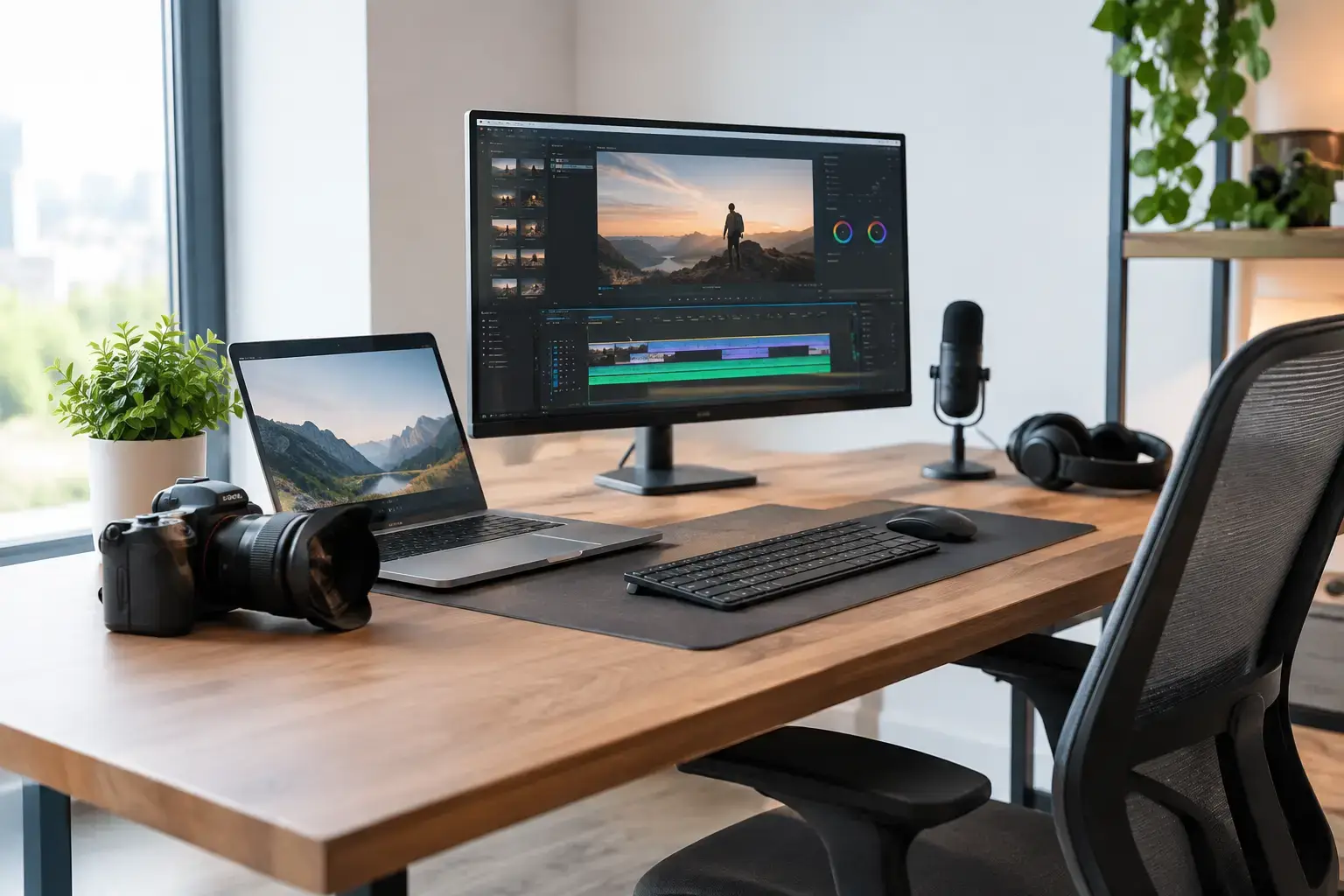
A great content creator workstation example is not simply the most expensive PC you can buy. It is a balanced system where every major component supports the way you actually create: fast previews in Premiere Pro, smooth timelines in DaVinci Resolve, responsive layers in Photoshop, clean exports, stable streams, and enough storage to keep active projects close at hand.
For most creators, the goal is simple: spend where delays happen. A powerful graphics card is wasted if 16GB of memory forces your editing software to swap data to a slow drive. A high-core-count processor will not feel its best if your project files live on a nearly full budget SSD. Build around your workflow, then leave room to grow.
Content Creator Workstation Example for Video and Streaming
Here is a well-rounded desktop configuration for a creator producing 4K video, working with photography and graphics, and streaming occasionally:
- CPU: AMD Ryzen 9 7900X or Intel Core i7-14700K
- CPU cooler: Premium dual-tower air cooler or 240mm liquid cooler
- Motherboard: B650 or Z790 board with multiple M.2 slots, USB-C, and Wi-Fi
- GPU: NVIDIA GeForce RTX 4070 SUPER with 12GB VRAM
- Memory: 64GB DDR5 RAM, ideally in a matched 2 x 32GB kit
- Primary storage: 2TB PCIe 4.0 NVMe SSD
- Project or cache storage: Second 2TB NVMe SSD
- Archive storage: 4TB to 8TB hard drive or external backup solution
- Power supply: 750W to 850W 80 Plus Gold unit from a recognized brand
- Case: Airflow-focused mid-tower with room for upgrades
- Operating system: Windows 11 Pro or Home, depending on business needs
This is a serious workstation without pushing into specialist studio hardware. It handles multi-track 4K editing, color work, large Lightroom catalogs, After Effects projects, 3D viewport work, and high-quality streaming far more comfortably than a typical office desktop. It is also fully upgradeable, which matters when file sizes, client requirements, and software demands rise over time.
The exact parts can change based on availability and budget, but the performance balance should remain similar. A compatibility-checked custom system is valuable here because memory profiles, BIOS settings, cooling, and component clearances are already addressed before the PC reaches your desk.
Why These Parts Make Sense
Multi-core CPU power keeps projects moving
Video exports, rendering, encoding, compressed footage, and multitasking all benefit from additional CPU cores. The Ryzen 9 7900X is an excellent fit for creators who value strong multi-core performance and a platform with a clear upgrade path. The Intel Core i7-14700K is another strong option, particularly for editors who work heavily with certain H.264 and H.265 formats, where Intel Quick Sync can help accelerate media workflows.
Neither is automatically the better choice. Your editing software, footage codec, and budget decide that. What matters is avoiding low-end processors if paid work depends on predictable export times. A fast CPU gives you more than quicker renders – it keeps the entire workstation responsive while you encode, upload, organize files, and answer client messages.
The GPU does more than make games look good
For creators, an RTX 4070 SUPER is a particularly useful middle ground. Its NVIDIA Studio drivers and CUDA acceleration are widely supported across popular creative applications, while 12GB of VRAM provides useful breathing room for 4K editing, GPU effects, AI-assisted tools, and moderate 3D workloads.
A less expensive RTX 4060 Ti can work well for 1080p editing, short-form content, podcasts, and lighter design projects. On the other hand, step up to an RTX 4080 SUPER or higher if you regularly edit high-bitrate 6K or 8K media, create complex motion graphics, render 3D scenes, or depend on local AI image and video tools. More GPU power improves specific tasks, not every task, so it should not come at the expense of sufficient RAM and storage.
64GB RAM is the practical workstation starting point
A 32GB build remains capable for many creators, especially photographers, social media managers, and 1080p editors. But 64GB is where a content workstation becomes much more comfortable. You can keep an editor, browser tabs, music library, cloud storage, Photoshop, and communication tools open without constantly managing memory use.
This is especially noticeable with After Effects, large RAW image batches, layered PSD files, multicam sequences, and long-form 4K projects. Use two matched memory modules rather than four where possible. It keeps configuration straightforward and may make a future jump to 128GB easier.
Two fast SSDs are better than one crowded drive
Storage is one of the most overlooked parts of a creator PC. A 2TB primary NVMe SSD gives Windows, creative apps, plugins, and current projects a fast home. A second 2TB NVMe drive can handle source footage, project files, caches, previews, and scratch disks.
Separating these workloads helps maintain a more responsive editing experience during heavy reads and writes. It also makes project organization easier: operating system on one drive, active jobs on another, completed work on an archive or backup destination. Keep in mind that storage capacity is not backup. Client footage should exist in at least two locations, ideally with one copy separate from the workstation.
Match the Build to Your Main Workload
A workstation should follow the work, not a generic specification sheet. If you are a YouTube editor working primarily in 4K, prioritize a Ryzen 9 or Core i7 CPU, 64GB of RAM, an RTX 4070-class GPU, and fast dedicated project storage. If your work is Photoshop, Illustrator, web design, and product photography, a Ryzen 7 or Core i7 system with 32GB to 64GB of RAM may offer better value than chasing an expensive graphics card.
For livestreaming, the NVIDIA encoder is a major advantage. It allows the GPU to handle stream encoding efficiently while your CPU remains available for games, scene switching, browser sources, chat tools, and background tasks. Creators producing 3D assets in Blender, Cinema 4D, or Unreal Engine should place more of the budget into the graphics card and consider 128GB of memory as projects become more complex.
Audio creators have different priorities. Quiet cooling, large storage for sample libraries, fast single-core performance, and stable USB connectivity can matter more than an upper-tier GPU. In that case, a quieter Ryzen 7 or Core i7 workstation with a modest graphics card may be the smarter machine.
Do Not Forget the Parts Around the PC
The tower drives performance, but the workstation experience depends on the setup around it. A color-accurate 27-inch 4K monitor is often a better creative investment than a second flashy display. Look for an IPS panel with strong sRGB coverage at minimum, then calibrate it if client color work is part of your business.
A second monitor is useful for timelines, chat, file management, and reference material, but it does not need to match the primary display perfectly. Add a reliable keyboard and mouse, a quality microphone if you record voice, and a UPS if you work in an area with unreliable power. These choices protect work and reduce small daily frustrations.
Cooling also deserves attention. High-performance CPUs can run hot during long exports, and a poorly ventilated case may lead to louder fans or reduced sustained performance. Choose an airflow-focused case, quality fans, and a cooler designed for the processor rather than selecting parts only by appearance.
Build for the Next Two Years, Not the Next Two Weeks
The best content creator workstation example is one that has headroom without paying for performance you will never use. Start with the projects you deliver now, then think about what you expect to create over the next 18 to 24 months. More demanding footage, an additional camera angle, heavier motion graphics, or local AI tools can change your component priorities quickly.
That is why a custom-built, upgrade-friendly desktop remains such a strong choice for creators. At PCZone, systems can be configured around your actual workload with premium branded parts, tested compatibility, and practical upgrade capacity. Choose the hardware that removes the slowest point in your process, and your workstation will feel like a tool for creating more – not another task to manage.

