


Blog
Best Gaming PCs for 2026 and the Specs That Matter

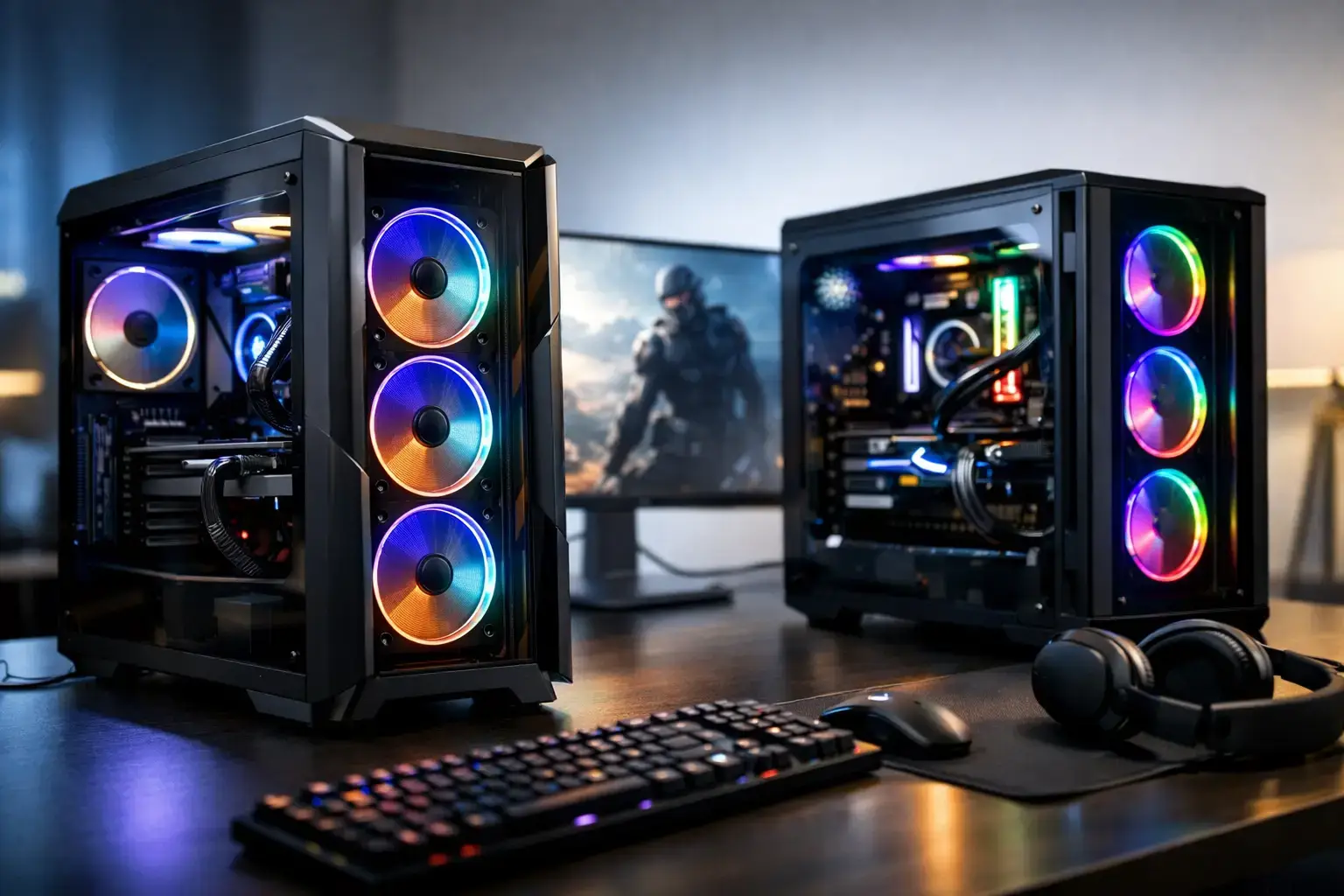
A great-looking PC spec sheet can still be the wrong machine for the games you actually play. The best gaming pcs for 2026 are not simply the ones with the largest price tags. They are the systems that put the right share of your budget into graphics performance, pair it with a capable CPU, and leave room to upgrade when your needs change.
For a first gaming desktop, that could mean smooth 1080p Fortnite, Minecraft, Roblox, and Valorant performance without paying for hardware you will never use. For a competitive player, it means high frame rates that can keep up with a fast monitor. For a single-player fan or creator, it may mean prioritizing visual detail, ray tracing, large game libraries, and multi-core power.
The smart way to shop is to start with the experience you want, then choose the components that support it.
Best Gaming PCs for 2026 Start With Your Resolution
Resolution is the quickest way to narrow the field. A gaming PC built for 1080p does not need the same graphics card as one intended for high-refresh 1440p or demanding 4K play. Buying too little GPU power leads to compromised settings sooner than you expect. Buying far more than your monitor can display wastes budget that could improve storage, memory, or the overall build quality.
At 1080p, budget and mid-range systems remain a strong choice for esports and popular online games. A modern Ryzen 5 or Intel Core i5 processor, a dedicated graphics card, 16GB of memory, and a 1TB NVMe SSD make a much better starting point than a low-cost desktop with an oversized processor and weak graphics.
1440p is the performance sweet spot for many buyers. It delivers a noticeable step up in image clarity while still making high frame rates achievable with the right GPU. This is where it makes sense to invest more heavily in graphics capability and consider 32GB of RAM, especially if you keep browsers, Discord, recording software, or game launchers open while playing.
4K gaming asks the most of a graphics card. The best fit is a high-end system with substantial GPU performance, a quality power supply, strong cooling, and enough fast storage for large modern installs. At this level, technologies such as upscaling and frame generation can be useful tools, but they should support a strong base experience rather than compensate for an underpowered card.
Choose the GPU Before the CPU
For most gaming-only builds, the graphics card deserves the largest part of the budget. It determines the settings, resolution, and visual features your system can handle more directly than almost any other component.
A well-balanced entry gaming PC should use a current dedicated GPU rather than integrated graphics if gaming is the goal. Integrated graphics can handle lighter titles, but they are not a substitute for a proper graphics card in newer AAA games or high-FPS esports play.
At the middle of the market, look for a GPU with enough video memory and raster performance for the resolution you plan to use for the next few years. VRAM matters most when running higher resolutions, detailed textures, mods, ray tracing, or creator applications that use GPU acceleration. It is not the only specification to compare, but it is worth treating seriously when choosing between closely priced options.
High-end GeForce RTX and AMD Radeon cards are built for players who want maximum settings, stronger ray tracing performance, high-refresh 1440p, or 4K gaming. The trade-off is simple: a flagship GPU can deliver an exceptional experience, but it needs a system around it that can support it. A cheap case, restricted airflow, generic power supply, or limited motherboard can turn an expensive component into a frustrating long-term purchase.
The Right CPU Depends on More Than Frame Rates
A modern six-core Ryzen 5 or Intel Core i5 processor is a strong foundation for many gaming PCs. These CPUs offer responsive everyday use and excellent gaming performance when paired with an appropriate graphics card. They are particularly sensible for 1080p and 1440p systems where the budget should remain focused on the GPU.
Step up to a Ryzen 7 or Intel Core i7 class processor if you play CPU-heavy games, pursue very high refresh rates, stream regularly, edit video, or run demanding applications alongside your games. Strategy titles, simulation games, heavily modded sandbox games, and large multiplayer environments can all benefit from stronger CPU performance.
Ryzen 9 and Intel Core i9 systems make most sense when gaming is only part of the workload. They suit creators handling video editing, 3D rendering, compiling, or serious multitasking, but they are not an automatic requirement for better gaming. Pairing a top-tier CPU with a modest GPU is one of the most common balance mistakes in a prebuilt PC.
Memory and Storage Are No Longer Secondary Specs
For 2026, 16GB of RAM is still usable in an entry-level gaming PC, but 32GB is the more comfortable target for a new mid-range or high-end build. Modern games, background apps, browser tabs, voice chat, and capture software can all compete for memory. Extra RAM will not double your frame rate, but it can prevent stutters and make the whole system feel less constrained.
Speed and configuration matter too. Two matched memory modules generally provide better performance than a single stick. A properly configured system should have its BIOS memory profile enabled so the RAM runs at its intended speed, not at a slower default setting.
Storage is equally practical. A 1TB NVMe SSD is the best baseline for most gamers because current games can consume well over 100GB each. A 500GB drive fills quickly once you account for Windows, applications, and a few large titles. Buyers with extensive libraries should consider a 2TB NVMe SSD or a motherboard with available slots for easy expansion later.
Avoid judging storage only by capacity. A fast NVMe drive improves load times, updates, boot speed, and the daily responsiveness of your PC. It is a component you notice every time you use the system.
Four Gaming PC Tiers That Make Sense
| Gaming goal | Sensible core specification | What it is built to handle | |—|—|—| | Entry 1080p gaming | Ryzen 5 or Core i5, dedicated GPU, 16GB RAM, 1TB NVMe SSD | Fortnite, Valorant, Minecraft, Roblox, indie games, and mainstream gaming at sensible settings | | High-FPS 1080p or 1440p | Ryzen 5/7 or Core i5/i7, stronger GPU, 32GB RAM, 1TB NVMe SSD | Competitive gaming, high-refresh monitors, demanding online games, and newer AAA titles | | Premium 1440p | Ryzen 7 or Core i7, high-performance GPU, 32GB RAM, 2TB NVMe SSD | High settings, ray tracing where supported, streaming, and long-term performance headroom | | 4K and creator gaming | Ryzen 7/9 or Core i7/i9, flagship-class GPU, 32GB or more RAM, 2TB+ NVMe SSD | 4K gaming, intensive content creation, advanced multitasking, and demanding visual workloads |
These are starting points, not rigid rules. A player focused exclusively on esports may be happier with a fast CPU and high-refresh monitor than with a costly 4K GPU. Someone who plays cinematic single-player games on a large display should make the opposite choice.
Do Not Ignore the Parts You Cannot Benchmark in a Screenshot
A gaming desktop should be more than a CPU and GPU listed in large type. The motherboard determines expansion options, connectivity, memory support, and upgrade flexibility. The power supply protects the system and needs enough quality capacity for the installed graphics card. Cooling affects sustained speed, noise, and component longevity.
The case matters too. Good airflow helps components maintain their boost performance during long sessions. It also makes later upgrades easier when there is space for additional drives, larger graphics cards, or improved cooling.
This is why a compatibility-checked, properly assembled desktop is worth more than a collection of impressive part names. Memory settings, BIOS configuration, cable routing, thermal testing, and driver setup all affect whether a new PC feels ready to use from day one.
How to Buy Without Paying for the Wrong Features
Before ordering, check your monitor first. Its resolution, refresh rate, and connection type should influence the entire build. A 60Hz 1080p display will not show the benefit of a system designed to push 240 frames per second, while a 1440p 165Hz monitor needs a PC with enough graphics performance to take advantage of it.
Then consider your non-gaming workload. If you edit clips for YouTube, stream on Twitch, work with large files, or use your desktop for business applications, select more RAM, storage, and CPU cores now. Those upgrades often deliver more daily value than chasing a small increase in average frame rate.
Finally, prioritize a fully upgradeable design. A system with a standard motherboard, quality PSU, accessible storage slots, and sensible cooling gives you options. You can replace the graphics card later, add an SSD when your library grows, or increase memory as games and workloads become more demanding.
The right gaming PC should feel fast the moment it arrives, but it should not become a dead end after one hardware generation. Choose the performance tier that fits your screen and games, insist on quality components behind the headline specs, and leave yourself a clear path to make the machine even better.

