


Blog
Ryzen 7 Versus Core i7: Which CPU Fits You?

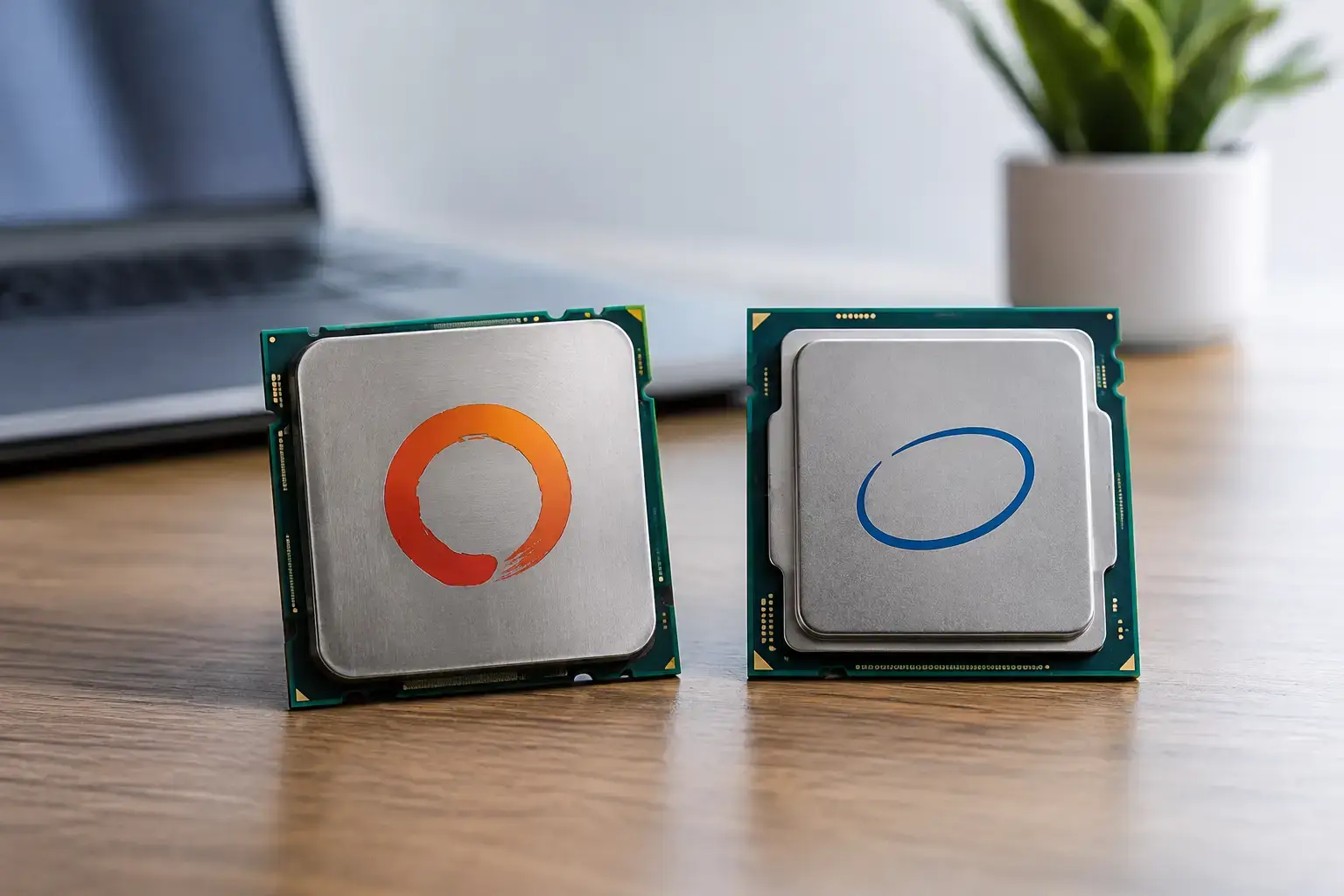
A CPU name can look like a straightforward shortcut to performance, but Ryzen 7 versus Core i7 is not a one-specification decision. The best choice depends on the exact processor generation, the graphics card beside it, the games or applications you run, and how long you intend to keep the platform. A Ryzen 7 gaming PC with an X3D chip can be a high-FPS specialist, while a Core i7 system with extra efficiency cores can be a very capable machine for heavy multitasking and production work.
For most buyers, neither label automatically wins. The smart move is to match the processor to the workload, then build the rest of the system around it with enough graphics power, fast memory, cooling, and storage. That is how you get performance you can actually feel, rather than paying for a spec sheet advantage that never appears in your day-to-day use.
Ryzen 7 versus Core i7 starts with the exact chip
Ryzen 7 and Core i7 are performance tiers, not individual CPUs. A Ryzen 7 7700, 7700X, 7800X3D, or 9700X may all carry the same family name, yet they are designed with different clock speeds, power targets, and use cases in mind. The same applies to Intel. A Core i7-14700K has a very different core layout and workload profile from an older Core i7, while newer Intel desktop platforms may use the Core Ultra 7 name instead.
Generation matters just as much as the badge. Comparing a new Ryzen 7 to a Core i7 released several years earlier will not give a useful buying answer. Before choosing a system, look at the full processor model, its benchmark performance in the applications you use, the motherboard platform, and the total configuration price.
This is especially relevant when shopping prebuilt PCs. A well-balanced Ryzen 7 system with a strong RTX graphics card, dual-channel DDR5 memory, and a quality cooler can outperform a poorly configured Core i7 PC in the games that matter to you. Premium components and compatibility-checked assembly are part of the performance equation.
Gaming: Ryzen 7 X3D models set a high bar
For pure gaming performance, AMD’s Ryzen 7 X3D processors are often among the strongest choices available. Their extra 3D V-Cache gives the CPU more fast on-chip memory, which can raise frame rates and, just as importantly, improve frame consistency in CPU-heavy games. Competitive titles, simulation games, large open-world releases, strategy games, and esports titles can all benefit.
The Ryzen 7 7800X3D became a popular high-end gaming choice for good reason: it delivers excellent gaming results while staying relatively efficient. Newer Ryzen 7 X3D options follow the same basic idea. If your aim is high-refresh 1080p or 1440p gaming with a powerful graphics card, an X3D Ryzen 7 is difficult to ignore.
That does not mean Core i7 gaming PCs are slow. Far from it. A modern Core i7 paired with the right GPU delivers excellent performance in Fortnite, Call of Duty, Cyberpunk 2077, racing games, and demanding AAA releases. At 1440p and especially 4K, the graphics card increasingly becomes the performance limit. In those scenarios, moving from an RTX 4070-class card to a faster GPU can matter more than choosing between two already-fast CPUs.
For a first gaming PC, this changes the budget conversation. It is usually better to choose a sensible Ryzen 7 or Core i7 and preserve budget for the graphics card than to overspend on the processor while settling for weaker visual settings and lower FPS.
Content creation and multitasking can favor Core i7
Core i7 processors are often excellent for users who run demanding workloads alongside one another. Intel’s hybrid designs combine performance cores with efficiency cores, allowing the system to keep background tasks moving while the main application gets access to fast cores. For video editing, code compilation, 3D rendering, large spreadsheets, and creative software used alongside browsers, chat apps, and cloud tools, that extra parallel capacity can be valuable.
A Core i7 can be a particularly compelling option for a creator who spends as much time exporting video or rendering projects as they do gaming. Intel Quick Sync hardware acceleration can also be useful in supported video workflows, helping with playback, encoding, and transcoding. The exact benefit depends on the editor, codec, graphics card, and project format, so it should be treated as a real advantage for the right workflow rather than a blanket reason to buy Intel.
Ryzen 7 is far from a weak creator option. Standard Ryzen 7 chips offer strong multi-core performance, fast everyday response, and excellent efficiency. They suit photographers, designers, streamers, developers, and editors who want a capable all-round workstation that also plays games at a very high level. The difference is about emphasis: an X3D Ryzen 7 is usually selected primarily for gaming, while a higher-core Core i7 can make more sense for sustained mixed productivity.
Power, cooling, and noise are part of the purchase
Peak performance is only one part of owning a desktop. Some Core i7 models can draw significantly more power under sustained heavy loads than comparable Ryzen 7 processors. That can translate into more heat, a larger cooling requirement, and potentially more fan noise if the system is not configured properly.
This is not a reason to avoid Intel. It is a reason to buy a correctly specified system. A quality air cooler or liquid cooler, a well-ventilated case, and a suitable power supply let a Core i7 perform as intended. For buyers who want a quieter desktop for long work sessions, or who care about efficiency, Ryzen 7 can have an appealing advantage.
Cooling should never be treated as an afterthought on high-performance hardware. A properly assembled PC has its BIOS settings, memory profile, airflow, and cooler installation checked so the processor can sustain performance without unnecessary thermal throttling. That kind of detail is more useful than choosing a CPU solely from a marketing chart.
Platform value and future upgrades
AMD’s AM5 platform is a major selling point for many Ryzen 7 buyers. It supports DDR5 memory and gives customers a potentially longer CPU upgrade route within the same motherboard family, depending on chipset support and BIOS availability. If you like the idea of replacing only the processor in a few years, AM5 can offer strong long-term value.
Intel platform decisions require closer attention to the specific generation. Some Core i7 processors share the established LGA1700 platform, while newer Intel desktop chips use newer sockets and motherboards. That does not make the system less capable today, but it does mean you should not assume that every future Intel CPU will fit your current board.
A platform is more than its socket, too. Check for enough M.2 storage slots, the right USB connectivity, Wi-Fi if needed, memory capacity, and PCIe expansion. For a gaming desktop, 32GB of DDR5 memory and a fast NVMe SSD are sensible targets. For video editing, virtual machines, or large creative projects, 64GB may be the better starting point.
Which processor should you choose?
Choose a Ryzen 7 X3D build if gaming is your priority, particularly if you are pairing it with a high-end GPU and a fast 1440p or 1080p monitor. It is an excellent route to smooth frame times, high-FPS esports performance, and a platform with a strong upgrade story.
Choose a standard Ryzen 7 if you want balanced gaming and professional performance with efficient operation. It is a strong fit for home office users, creators, streamers, and power users who want a responsive, fully upgradeable desktop without paying for hardware they will not use.
Choose a Core i7 build if your work regularly pushes multi-core loads, you multitask heavily, or your video workflow benefits from Intel media acceleration. With the right cooling and components, it is a seriously fast choice for both creative work and modern gaming.
The best system is not the one with the most familiar CPU badge. It is the one that puts your budget in the right places: the right processor, a graphics card matched to your target resolution, sufficient memory, fast storage, and cooling built for sustained performance. If you are torn between two configurations, start with the games or applications you use most, then choose the PC that is built to make those run brilliantly.

