


Blog
First PC Gaming Guide: Build Your Best Setup

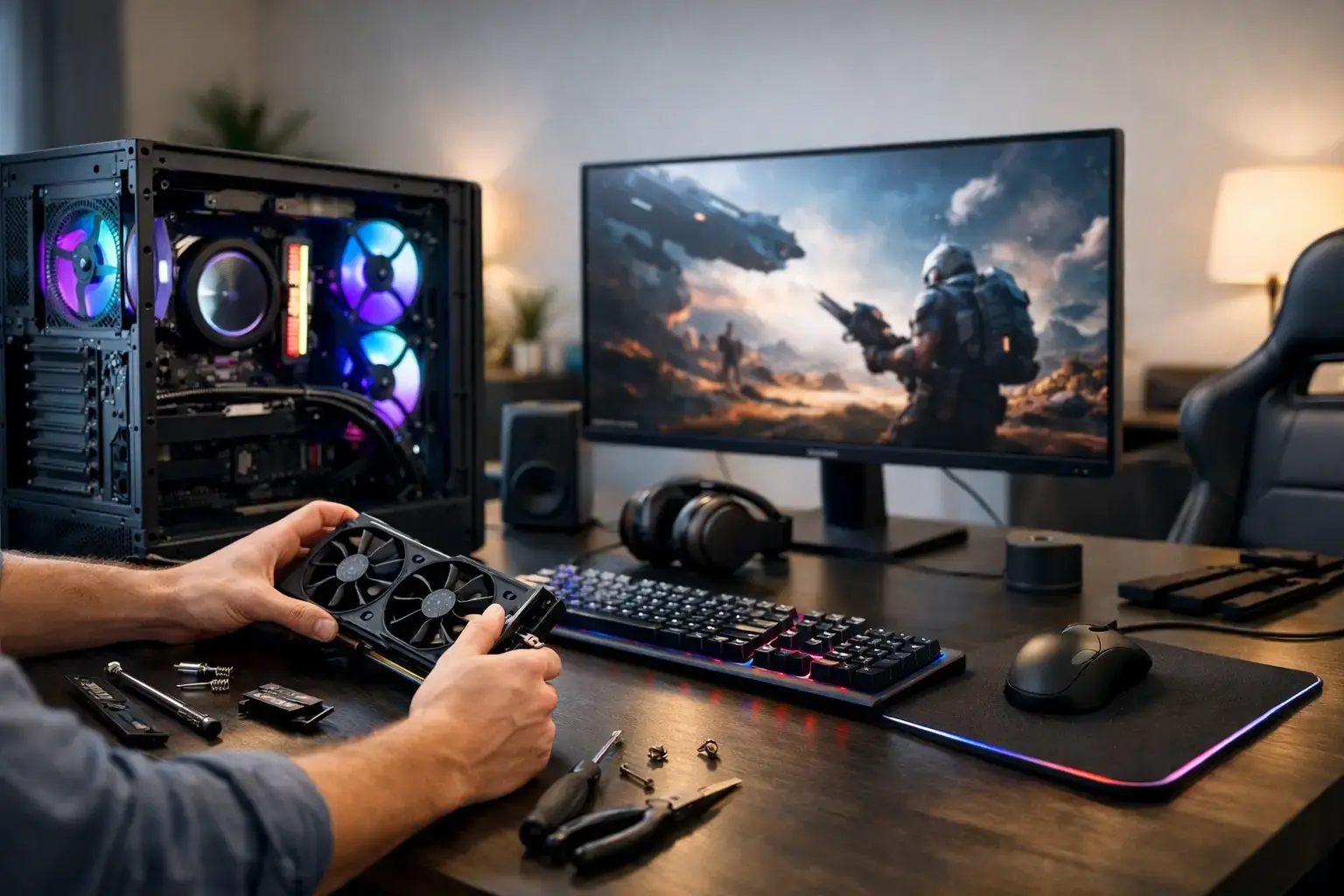
Your first gaming PC should make games feel better the moment you switch it on – not send you into a maze of confusing specs, cables, and upgrade decisions. This first PC gaming guide focuses on what actually affects your experience: smooth frame rates, sharp visuals, fast loading, responsive controls, and a system that still has room to grow.
PC gaming has a major advantage over consoles: choice. You can tune a build around Fortnite at high refresh rates, cinematic single-player games at higher visual settings, Minecraft with mods, or a mix of gaming, schoolwork, streaming, and content creation. The trade-off is that you need to match the right components to the way you play.
Start With the Games You Actually Play
Before comparing processors or graphics cards, make a short list of the games you want to play and the display you plan to use. A system for Roblox, Terraria, Valorant, League of Legends, and Minecraft does not need the same graphics power as one built for Cyberpunk 2077, Microsoft Flight Simulator, or demanding new releases at high settings.
Competitive games reward high frame rates. If you play fast shooters, racing games, or battle royale titles, a PC that can consistently push well above 100 frames per second can make movement feel clearer and more immediate on a high-refresh monitor. Single-player games are often more about visual fidelity, so you may prefer higher resolution, ray tracing, and stronger graphics performance even if frame rates are lower.
Also be realistic about resolution. Gaming at 1080p is the smart starting point for many first-time buyers because it delivers excellent image quality without placing extreme demands on the graphics card. Moving to 1440p provides a sharper, more detailed picture, but it requires more GPU power. 4K looks great on the right display, though it is usually a premium goal rather than the most balanced first setup.
The First PC Gaming Guide to Core Components
A gaming desktop is more than a processor and a graphics card. Those are the headline parts, but memory, storage, cooling, power delivery, and motherboard quality determine how responsive, stable, and upgrade-friendly the finished system feels.
Graphics Card: Your Main Gaming Performance Part
For most gaming builds, the graphics card has the biggest influence on frame rates and visual settings. It handles the work of rendering the game world, lighting, effects, textures, and resolution. If gaming is your priority, it usually makes sense to allocate more of your budget here rather than overspending on a top-tier processor.
An entry-level GPU can be a strong choice for 1080p esports titles and lighter games. A midrange card is often the performance sweet spot for players who want high settings in current games, strong 1080p results, and credible 1440p performance. Higher-end RTX-class graphics cards are aimed at players who want elevated frame rates at 1440p, advanced lighting features, or a better path toward 4K.
Do not choose only by the amount of video memory listed on the box. VRAM matters, especially in newer games and at higher resolutions, but the card’s overall architecture and performance level matter too. Compare the GPU to your target games, resolution, and desired settings.
Processor: Keep the System Moving
The CPU handles game logic, background tasks, operating system activity, and the workload that feeds data to the graphics card. A modern AMD Ryzen 5 or Intel Core i5 processor is an excellent starting point for many gaming desktops. It offers the multi-core power needed for current games while leaving room for voice chat, browser tabs, and everyday multitasking.
Ryzen 7 and Intel Core i7 options make more sense if you play CPU-heavy strategy or simulation games, stream regularly, edit video, or simply want additional headroom for years ahead. The most expensive CPU is not automatically the best buy. Pairing a very high-end processor with a modest graphics card can leave gaming performance on the table.
Memory and Storage: Avoid Easy Bottlenecks
For a new gaming PC, 16GB of RAM is a practical minimum. It is enough for most games and regular multitasking, especially when the memory is installed as a matched dual-channel kit. For heavier games, mods, creative applications, or lots of programs open at once, 32GB gives you more breathing room and is a worthwhile upgrade when the budget allows.
Storage affects how quickly Windows starts, how fast games load, and how pleasant the whole PC feels in daily use. Choose an NVMe SSD for your main drive. A 1TB SSD is a comfortable baseline because modern games can be large, and a small drive fills faster than many first-time buyers expect. You can add storage later, but starting with enough fast space prevents constant uninstalling and reinstalling.
Do Not Forget the Monitor
A powerful gaming desktop connected to the wrong monitor can hide much of the performance you paid for. Your display determines the resolution you see, the refresh rate you feel, and the color and contrast of every game.
For a first setup, a 24-inch or 27-inch 1080p monitor with a 144Hz or higher refresh rate is an excellent match for competitive gaming. If you are buying a stronger midrange or high-end system, a 27-inch 1440p display at 144Hz or above is often the more immersive all-around choice. It delivers a noticeably sharper image while still supporting high-FPS play with the right GPU.
Check that the monitor has the correct connection for your graphics card, typically DisplayPort or HDMI. Once your PC is set up, remember to change the refresh rate in your operating system settings. Many monitors default to 60Hz until you select their full refresh rate manually.
Budget for the Complete Setup
The desktop is the center of the experience, but it is not the whole experience. Set aside part of your budget for a monitor, keyboard, mouse, headset or speakers, and a reliable surge protector. You do not need premium accessories on day one, but a comfortable mouse and a decent display have more impact than flashy extras.
A controller is also worth considering if you play racing games, sports games, platformers, or third-person action titles. Most modern PC games support controllers well, while a keyboard and mouse remain ideal for shooters, strategy games, and games with lots of shortcuts.
Windows should be part of the plan too. A ready-to-use system with the operating system installed, drivers configured, and core hardware compatibility-checked removes several common first-build headaches. It means you can spend your first evening downloading games instead of troubleshooting BIOS settings or wondering why your memory is running at the wrong speed.
Choose Upgradeable, Not Just Cheap
The cheapest PC available can become expensive if it has weak cooling, a low-quality power supply, limited storage options, or a case that cannot accept future upgrades. A well-built desktop should use reputable, correctly sized components and leave sensible paths for adding RAM, another SSD, or a more capable graphics card later.
This is where a custom-built system has a real advantage over a generic mass-market tower. You can see the component specification, select a performance tier that fits your budget, and avoid paying for parts that do not improve your own games. Quality assembly, cable management, BIOS configuration, and testing are not glamorous features, but they support the stability you notice over months of use.
Upgradability still depends on balance. A powerful graphics card may eventually need a higher-wattage power supply. A new CPU may require a compatible motherboard generation. Ask about the platform and power headroom if future upgrades are part of your plan, rather than assuming every part can be swapped without limits.
Set It Up for High-FPS Play
When the PC arrives, connect the monitor to the graphics card ports, not the motherboard video outputs. Install game launchers, run operating system updates, and update the graphics driver before judging performance. Then set your monitor to its highest supported refresh rate and enable any adaptive-sync feature it supports.
Start games with their recommended settings, then adjust based on what matters to you. For competitive titles, lower a few visual options if that helps maintain consistently high frame rates. For story-driven games, increase textures, lighting, and image quality until you find the visual level you enjoy without uneven performance. Consistency is often more valuable than chasing a peak frame-rate number in a menu.
Your first PC does not need to be the most expensive system in the room. It needs to be the right match for your games, monitor, and goals – a fast, reliable machine that gets you playing now and gives you a clear upgrade path when your ambitions grow.

