


Blog
Gaming Desktop Versus Console: Which Fits You?

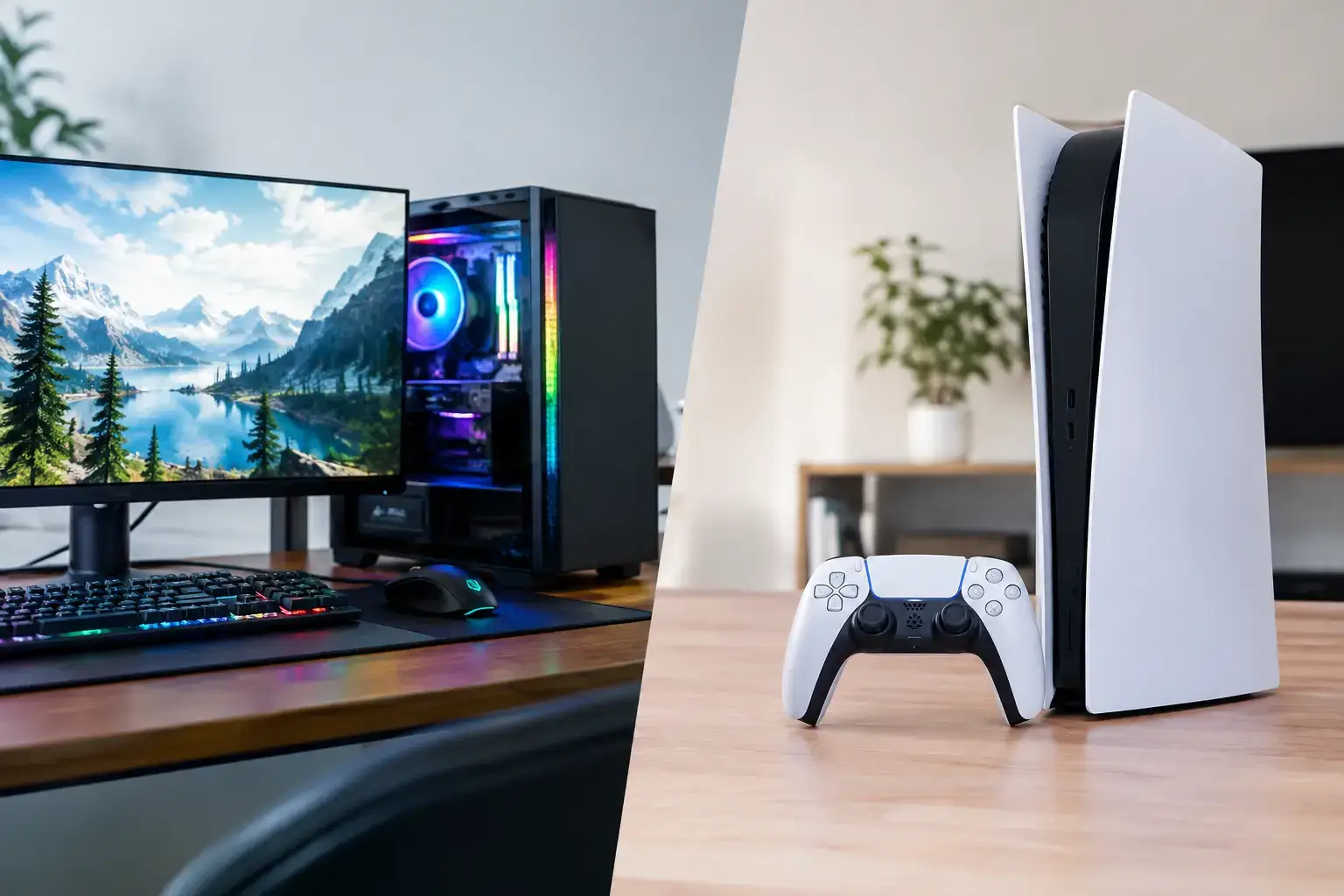
A console is easy to buy: pick the box, choose a few games, connect it to the TV, and start playing. The gaming desktop versus console decision gets more interesting when you care about frame rates, mod support, work use, competitive settings, and what your system can become two or three years from now.
Neither option wins for every player. A console offers a simple, predictable gaming experience at a fixed price. A properly configured desktop gives you more control over visual quality, performance, storage, peripherals, and future upgrades. The best choice comes down to where and how you play, not which platform has the loudest fans.
Gaming Desktop Versus Console: The Real Difference
The biggest difference is flexibility. A console is a closed platform designed around one hardware specification. Developers know exactly what processor, graphics hardware, and memory are available, which helps them optimize games well. You buy it, update it, and use it as intended.
A gaming desktop is a configurable platform. You can choose an AMD Ryzen or Intel Core processor, pair it with a graphics card that matches your target resolution, select the right memory capacity, and add fast SSD storage without paying for features you will never use. It can be a high-FPS esports machine today and later receive a graphics card upgrade for demanding AAA releases.
That freedom does require more thought at the start. Component choice matters. A balanced system with a capable CPU, a well-matched GPU, 16GB or 32GB of RAM, and NVMe SSD storage will feel fast and reliable. Throwing money at one premium component while cutting corners on the rest is rarely the smart route.
Upfront Cost Is Only Part of the Price
Consoles are usually cheaper at entry. The hardware price is straightforward, and you know the general performance level before you buy. For someone who mainly wants to play a few major releases from the couch, that value is hard to ignore.
A gaming desktop typically costs more upfront, especially when you include a monitor, keyboard, mouse, and headset. But it is also a computer. It can handle schoolwork, remote work, streaming, photo editing, music production, and video projects. For a household that would otherwise buy both a console and a separate PC, the comparison changes quickly.
There are also ongoing costs to consider. Console multiplayer often requires a paid subscription, while online multiplayer on PC is generally available without a platform fee. PC games frequently see aggressive sales, bundles, and free giveaways. On the other hand, a desktop owner may eventually want to upgrade components, while console owners normally wait for the next hardware generation.
The sensible question is not, “Which costs less?” Ask, “What will I use for the next five years?” A budget desktop built for Fortnite, Minecraft, Roblox, Terraria, and popular esports titles can be an excellent first PC. A higher-tier build makes more sense when you want demanding games, high refresh rate gaming, or creative workloads alongside play.
Performance, Frame Rates, and Visual Settings
Consoles deliver consistent results because the target hardware is fixed. Modern consoles support excellent-looking games, fast loading, HDR, and smooth 4K TV experiences. For many single-player games, their visual presentation is more than enough.
Desktop performance has a higher ceiling because you choose the hardware and settings. A system with a modern Ryzen 5 or Intel Core i5 processor and a suitable dedicated graphics card can deliver strong 1080p or 1440p performance. Step up to a more powerful GPU, and you can pursue higher resolutions, ray tracing, and higher frame rates.
Frame rate matters most in fast competitive games. A 120Hz, 144Hz, or 165Hz monitor can make movement look clearer and input feel more immediate than a standard 60Hz display. The desktop must be powerful enough to feed those frames, of course. For high-FPS esports, the ideal build prioritizes a responsive CPU, solid graphics performance, and a quality monitor rather than spending the entire budget on visual effects.
PC also lets you tune settings. You can lower demanding effects for better frame rates, increase texture quality if your graphics card has the memory for it, or use upscaling technologies to find the right balance. Console players receive a smaller number of preset modes, often choosing between visual fidelity and performance. That simplicity is useful, but it limits control.
Games, Mods, and Backward Compatibility
A console has strong exclusives, familiar storefronts, and a consistent controller-first experience. If the games you care about are tied to a specific platform, that may settle the decision. Always check the games you actually intend to play before comparing specifications.
PC gaming offers an enormous catalog across current releases, indie games, older classics, strategy titles, simulations, and free-to-play favorites. Keyboard and mouse support is standard, but controllers work well too. You are not locked into one input method, and that is valuable when you play everything from racing games to tactical shooters.
Modding is another major PC advantage. Mods can add maps, visual improvements, new vehicles, game modes, quality-of-life changes, and whole new ways to play. It is especially appealing in sandbox, simulation, role-playing, and survival games. Not every game supports mods, and installation can sometimes require patience, but the option adds real life to games you already own.
Backward compatibility is generally stronger on desktop as well. A PC can run many older games, provided the operating system and hardware support them, while digital libraries can follow you across several hardware upgrades. Compatibility is not perfect, especially with very old titles, but a desktop does not reset your library every console generation.
The Upgrade Question Changes Everything
A console is designed to stay unchanged. You may add storage or replace a controller, but the graphics hardware and processor remain fixed. That is convenient because there is nothing to research, configure, or install. You simply play until it is time for a new generation.
A fully upgradeable desktop works differently. Storage is often the easiest improvement, followed by memory and graphics. If a game library expands, an additional SSD can solve the problem without replacing the system. If a newer graphics card demands more power, a well-planned build may only need a GPU and possibly a power supply upgrade.
Upgradability is not magic. Motherboard socket support, power supply capacity, case clearance, cooling, and component generation all matter. This is why compatibility-checked builds are worth considering. Expert assembly, BIOS configuration, memory-profile setup, and stress testing remove many of the headaches associated with choosing parts yourself.
For buyers who want a machine that lasts, it is often smarter to start with a quality motherboard, reliable power supply, sufficient cooling, and a case with room to work in. Those parts are not as exciting as a graphics card, but they create a stable foundation for future improvements.
Where and How You Play Matters
Console gaming is built around comfort and convenience. It belongs naturally in a living room, works brilliantly on a large TV, and makes local multiplayer simple. If you want to sit back after work, play a sports game with friends, or enjoy a cinematic campaign without adjusting settings, a console is a great fit.
A desktop is at home on a desk, especially with a proper monitor, ergonomic chair, and reliable wired connection. It is the stronger option for competitive gaming, games that benefit from a mouse and keyboard, Discord conversations, streaming, and multitasking. You can watch a guide, manage a game server, edit a clip, or keep work applications open without switching devices.
There is no rule that says a desktop must stay at a desk. Connect it to a TV, use a wireless controller, and it can deliver a console-style experience with PC-level settings and access to your full library. The trade-off is that a desktop setup needs more space and a bit more planning.
Who Should Choose Each?
Choose a console if you want the lowest barrier to entry, prefer a TV-and-controller setup, play platform-specific releases, and do not want to think about components or settings. It is a focused entertainment device, and that focus is its strength.
Choose a gaming desktop if you want higher frame-rate potential, configurable visual settings, access to PC-only games and mods, or a system that can also support school, work, creative projects, and streaming. It is particularly compelling if you value upgrades instead of replacing the entire system at the end of a generation.
For first-time PC gamers, the answer does not have to be an expensive flagship rig. Start with the games you play, the monitor resolution you want, and whether you need the desktop for more than gaming. A balanced, professionally assembled system with clear specifications is easier to buy with confidence than a spec sheet full of compromises.
The right setup is the one you will actually use. Pick the console when straightforward couch gaming is the priority. Pick the desktop when you want your games, performance, and hardware to grow with you.

