


Blog
How to Choose the Right Ready to Use Gaming PC

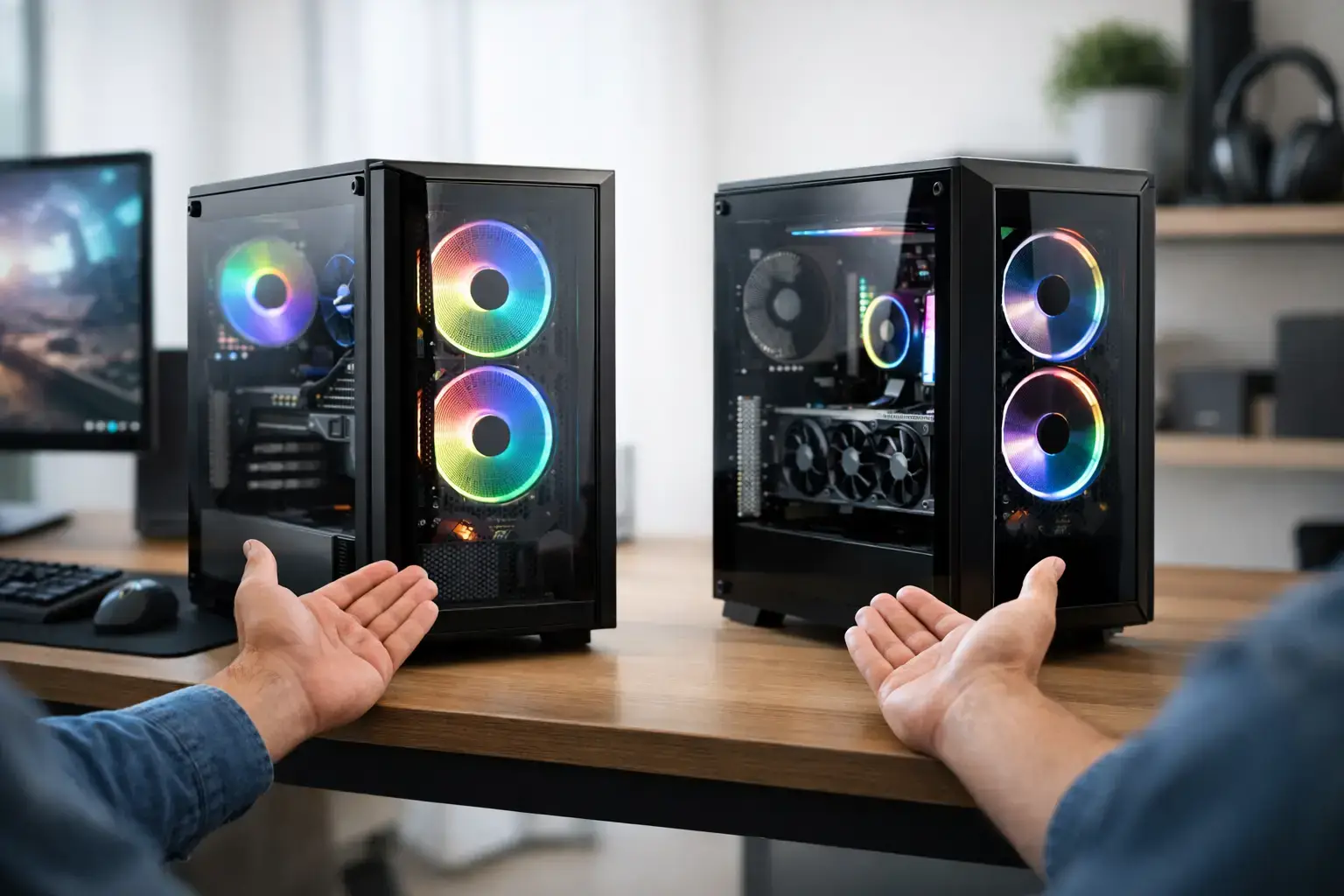
A ready to use gaming PC is not just a box with lights and a graphics card. It should arrive assembled, compatibility-checked, configured correctly, and ready to deliver the frame rates your favorite games demand. That matters whether you are moving from console gaming, replacing an aging desktop, or buying a capable first PC for Fortnite, Minecraft, Roblox, Call of Duty, or the next big release.
The best choice is not automatically the most expensive system. It is the one with the right balance of processor, graphics power, memory, storage, and upgrade headroom for the way you play. Here is how to separate a genuinely capable gaming desktop from a spec sheet that looks good at first glance.
What a Ready to Use Gaming PC Should Include
A properly prepared gaming PC should remove the frustrating parts of a first build. The hardware needs to be physically assembled with clean cable routing, tested under load, and fitted with an operating system so you can connect a monitor, install your games, and get started.
Configuration is just as important as assembly. Fast DDR5 or DDR4 memory can be installed in a system yet still run below its intended speed if its memory profile has not been enabled. A BIOS may need updating for processor compatibility or stability. Storage, cooling, and graphics drivers all need attention before a system earns the label ready to use.
This is where specialist-built systems stand apart from anonymous mass-market prebuilts. A gaming PC built around named components gives you a clearer picture of what you own. You know the processor family, graphics card model, memory capacity, power supply, motherboard, and storage type. That transparency also makes future upgrades far easier.
Start With the Games and Screen You Actually Use
Gaming performance is always tied to resolution, refresh rate, and game type. A system that feels excellent on a 1080p 144Hz display may not be the right fit for 1440p ultra settings or a 4K monitor.
For esports titles such as Valorant, Counter-Strike 2, Rocket League, and Fortnite, high frame rates matter most. A balanced Ryzen 5 or Intel Core i5 processor paired with a capable modern graphics card can provide the responsive feel competitive players want. Spending more on a high-refresh monitor often makes as much difference to the experience as chasing the highest visual settings.
For cinematic single-player games, the graphics card deserves a larger share of the budget. At 1440p, features such as ray tracing, DLSS, and frame generation can make a meaningful difference, especially in demanding newer titles. An RTX-powered system is a strong option for players who want sharper visual effects and support for these technologies, but raw graphics performance and available VRAM still matter.
Do not buy based on a single benchmark number. Ask what resolution and settings that result uses, then compare it with your own monitor. High-FPS esports at 1080p and smooth 1440p gaming on ultra are different workloads requiring different hardware priorities.
Entry-Level Gaming: Get the Fundamentals Right
Entry-level systems are ideal for lighter games, popular multiplayer titles, and players starting their PC gaming journey. A modern Ryzen 5 or Core i5 processor, 16GB of RAM, a fast SSD, and a dedicated graphics card create a much better foundation than an office PC with a flashy case.
For Minecraft, Terraria, Roblox, League of Legends, and Fortnite, this tier can offer excellent everyday performance. The key is avoiding outdated parts or systems that rely solely on integrated graphics while being presented as full gaming PCs. Integrated graphics have their place, but a dedicated GPU is the better choice when gaming is the main goal.
Mid-Range Gaming: The 1440p Sweet Spot
For many buyers, mid-range is where a ready to use gaming PC offers its best value. This is the tier for strong 1080p high-refresh gaming and confident 1440p performance in modern releases. A Ryzen 5, Ryzen 7, Core i5, or Core i7 processor paired with a well-matched graphics card delivers the balance most gamers need.
Look for 16GB as the practical minimum memory capacity, with 32GB worth considering for demanding games, background apps, modded titles, streaming, or creative work. A 1TB NVMe SSD is also a sensible target. Modern game installs are large, and a small drive fills much faster than expected.
Enthusiast Systems: Buy for the Workload, Not the Label
At the higher end, graphics cards such as RTX-class models and processors such as Ryzen 7, Ryzen 9, Core i7, and Core i9 can support high-detail 1440p, 4K gaming, streaming, editing, and serious multitasking. More power is valuable, but only when it matches the workload.
A top-tier CPU is not always necessary for a gaming-only machine. In many games, moving more of the budget toward the GPU produces a larger visible gain. On the other hand, creators rendering video, compiling code, editing large image files, or streaming while gaming can benefit from extra cores and 32GB or 64GB of memory.
The Components That Matter Beyond FPS
A graphics card gets attention because it has the largest effect on gaming visuals, but the supporting hardware determines whether the whole system feels fast and dependable.
The processor handles game logic, background tasks, streaming, and general responsiveness. A current-generation Ryzen 5 or Core i5 is a strong place to start for most gamers. Ryzen 7 and Core i7 chips make sense for heavier multitasking, while higher-core Ryzen 9 and Core i9 systems are best suited to demanding professional workflows alongside premium gaming.
Memory should be dual-channel, meaning it is installed as a matched pair rather than one single stick. This gives the processor more bandwidth. For gaming, 16GB remains workable, but 32GB is the more comfortable long-term choice if your budget allows it.
Storage should be NVMe SSD-based. It improves boot times, game loading, file transfers, and general responsiveness compared with older hard drives. A hard drive can still be useful for large archives, but it should not be the main drive in a new gaming desktop.
Cooling and power delivery are less glamorous, yet they are crucial. A quality CPU cooler, sensible airflow, and a properly sized branded power supply help a system maintain performance under load. They also give you a safer platform for future upgrades than a proprietary prebuilt with an undersized power supply or restricted case layout.
Check Whether the System Is Truly Upgradeable
“Upgradeable” should mean more than adding another storage drive. Before buying, consider the motherboard platform, available memory slots, power supply capacity, case space, and cooling arrangement.
A fully upgradeable desktop lets you add memory, install more SSD storage, replace the graphics card later, and potentially move to a stronger processor supported by the motherboard. No PC is future-proof forever, but a sensible platform extends the useful life of your investment.
Be cautious with systems that do not clearly state their motherboard, power supply, or graphics card model. Those hidden details are often where manufacturers cut costs. A named, compatibility-checked component list provides better confidence and makes support conversations much simpler if you ever need help.
Do Not Overlook Setup, Support, and Delivery
Buying a ready-built machine should save time, not create a troubleshooting project. A good retailer tests the system before dispatch, checks thermals and stability, configures BIOS settings, and ensures the operating system is ready for use.
Local support adds real value when you need pre-purchase advice or after-sales assistance. PCZone builds systems around premium branded components and practical performance tiers, so buyers can choose a configuration based on real games and workloads rather than vague marketing labels. Clear component specifications, expert assembly, and accountable support are especially useful when this is your first gaming desktop.
Also check the delivery and return terms before committing. Fast shipping is useful, but careful packaging, a straightforward return window, and support from people who understand the system matter more if anything needs attention after arrival.
Make the Purchase Fit Your Next Two Years
A gaming PC purchase is strongest when it is planned around what you will play next, not only what you play tonight. If you are happy at 1080p, prioritize smooth frame rates, a capable GPU, and a good monitor. If 1440p gaming, streaming, creative work, or demanding new releases are on the horizon, leave room in the budget for stronger graphics, 32GB of memory, and a larger SSD.
Choose the system that gives you responsive performance now and sensible upgrade options later. When a desktop arrives fully tested, correctly configured, and built from components you can identify, you spend less time diagnosing problems and more time enjoying the reason you bought it: playing.

