


Blog
How to Build a Streaming PC for Smooth Streams

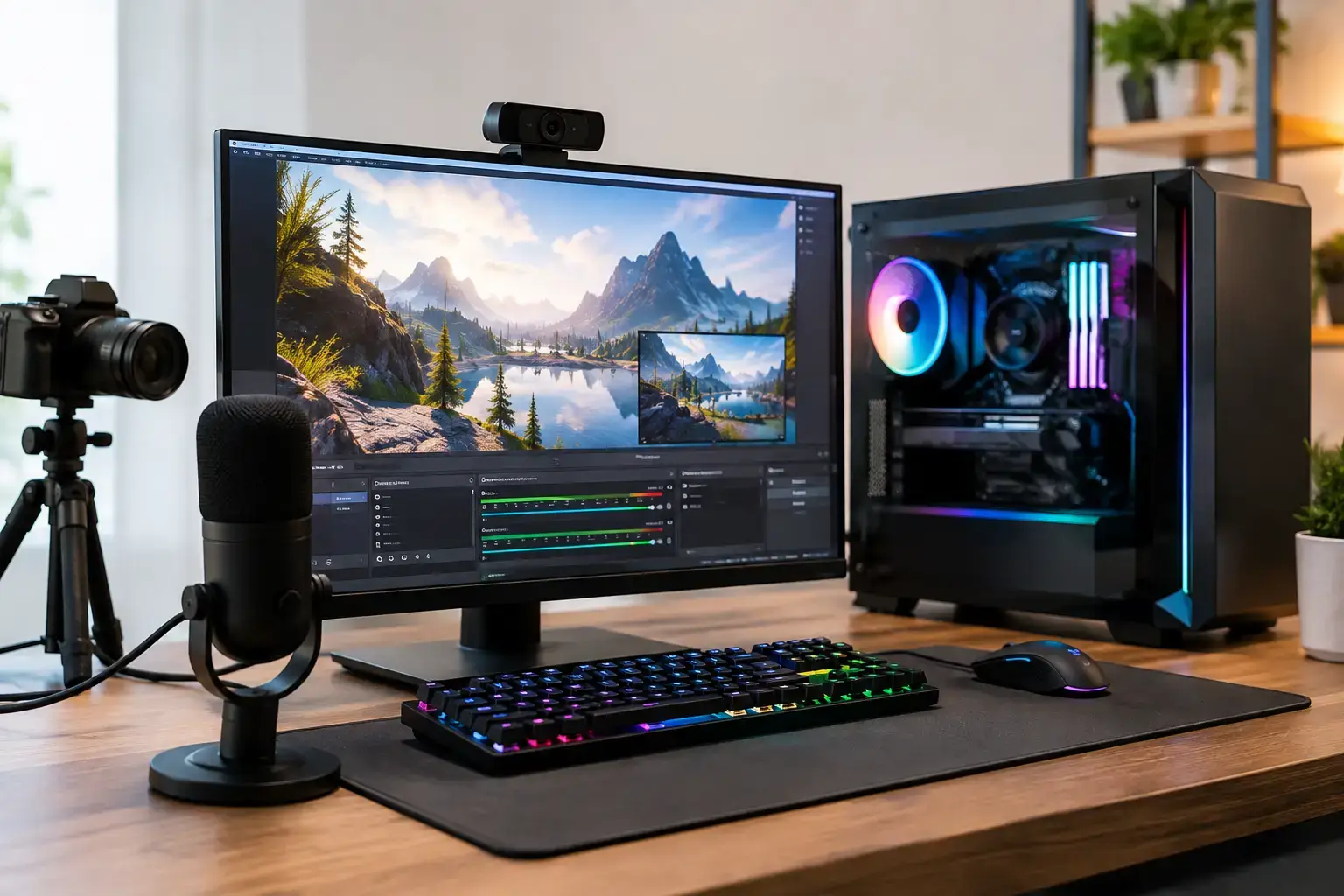
A stream can look perfect in your preview window and still fall apart the moment a busy fight, browser alerts, chat, and recording all hit at once. Learning how to build a streaming PC starts with planning for that combined workload, not simply buying the fastest graphics card your budget allows. The right system keeps gameplay responsive, your encoder stable, and your audience watching a clean, consistent broadcast.
Start With Your Streaming Setup
Before choosing components, decide whether one PC will handle both gaming and streaming or whether you are building a dedicated streaming machine. For most new and growing creators, a single-PC setup is the smarter place to start. Modern GPUs include highly capable hardware encoders, allowing the graphics card to encode your stream while the CPU continues handling the game, background applications, and scene changes.
A dedicated streaming PC makes sense when you play competitive titles at very high frame rates, use a powerful separate gaming rig already, or need to capture and produce multiple sources. It is not automatically better. Two-PC streaming adds a capture card, more cables, more setup time, and another system to troubleshoot. Spend where it improves your actual stream first.
Your target platform also matters. Streaming at 1080p and 60 fps is a realistic performance goal for most creators. It delivers a sharp, professional-looking broadcast without demanding the bandwidth, encoding power, and upload stability of 1440p or 4K. If you mainly stream Fortnite, Valorant, Call of Duty, or similar fast-moving games, consistent frame pacing matters far more than chasing an extreme resolution.
How to Build a Streaming PC Around the CPU
The CPU runs the operating system, game logic, OBS or similar streaming software, browser sources, chat bots, music, and any editing or production work you do after the stream. A six-core modern processor is the sensible entry point for a capable single-PC build. Think AMD Ryzen 5 or Intel Core i5 rather than entry-level processors that can become saturated when a game gets demanding.
For creators who game, stream, edit videos, and keep several applications open, an eight-core CPU gives more breathing room. AMD Ryzen 7 and Intel Core i7 processors are strong choices in this middle-to-high performance tier. The extra multi-core power is particularly useful for CPU-based effects, video rendering, local recording, and games that lean heavily on the processor.
Ryzen 9 and Core i9 systems suit a narrower group: creators producing frequent high-resolution edits, running demanding professional workloads, or building a premium system with years of upgrade headroom. They are excellent chips, but they should not force you to compromise on the GPU, memory, cooling, or storage. Streaming quality is determined by the entire platform.
Choose a GPU With a Strong Hardware Encoder
For a modern streaming build, the graphics card does two jobs. It renders the game and can handle video encoding through dedicated hardware. This is why the GPU deserves a large share of the budget, especially for a single-PC setup.
NVIDIA GeForce RTX cards are a popular option for streamers because NVENC encoding has broad support and delivers efficient, high-quality results. Current RTX models with AV1 encoding offer another advantage where your chosen platform supports it, helping preserve visual detail at a given bitrate. AMD Radeon cards can also deliver excellent gaming performance and include capable hardware encoding, but check the encoder settings and platform support for the software you plan to use.
The right performance tier depends on the games and monitor resolution you play at. An RTX 4060-class or comparable card can be a practical starting point for 1080p gaming and streaming. Moving into RTX 4070-class performance makes more sense for high-refresh 1440p play, demanding AAA games, and creators who want additional graphics headroom. Avoid selecting a card on its VRAM number alone. Look at real game performance, encoder support, power requirements, and the resolution you expect to play.
Do Not Underspend on Memory and Storage
Sixteen GB of RAM can run a basic streaming setup, but 32 GB is the better recommendation for a new build. Streaming software, a modern game, browser tabs, Discord, overlays, and editing tools can quickly consume memory. With 32 GB, your system has room to work instead of constantly moving data to slower storage.
Choose a matched memory kit rather than combining random modules later. A dual-channel kit, such as 2 x 16 GB, provides better performance and keeps future upgrades simple. Ensure the motherboard supports the memory speed you buy, then enable the correct BIOS memory profile during setup. Fast memory that is left at default settings will not perform as intended.
Storage affects far more than boot time. Your operating system, games, recordings, project files, and video editor all compete for drive space and bandwidth. Start with at least a 1 TB NVMe SSD in a gaming and streaming PC. A 2 TB NVMe SSD is more comfortable if you install several large games or record streams locally.
Creators who keep long recordings should consider a second drive. Use the primary NVMe SSD for Windows, applications, and active games, then use another SSD or high-capacity drive for recordings and archives. Recording to a separate drive can also reduce contention during gameplay. Whatever capacity you choose, leave free space. A nearly full SSD is harder to manage and can slow down sustained file work.
Build for Cooling, Power, and Stability
A streaming PC can stay under load for hours, so cooling and power delivery are performance components, not cosmetic extras. A quality air cooler is enough for many Ryzen 5, Ryzen 7, Core i5, and Core i7 builds. Higher-end processors may benefit from a larger dual-tower air cooler or an all-in-one liquid cooler, depending on the case and noise target.
Select a case with a mesh front panel and enough included or added fans to move air through the system. You want cool air entering from the front or bottom and warm air exiting through the rear and top. A glass-front case may look tidy, but restricted airflow can raise temperatures and fan noise during a long session.
The power supply should come from a reputable manufacturer, with enough wattage for the selected GPU and CPU plus room for upgrades. An 80 Plus Gold-rated unit is a sensible target for many midrange and high-performance builds. Do not choose a low-cost PSU just to fit a higher-tier graphics card into the budget. Clean, dependable power protects every component in the system.
Motherboard selection is about features and compatibility. Confirm the board supports your CPU generation, has the M.2 slots you need, offers sufficient USB ports for cameras and capture gear, and includes Wi-Fi if wired Ethernet is not possible. Wired Ethernet is still the preferred choice for streaming because it reduces the variability that can come with crowded wireless networks.
Configure the PC After Assembly
The physical build is only part of the job. Update the BIOS if needed, install chipset and graphics drivers, enable your XMP or EXPO memory profile, and confirm that temperatures are normal under load. Run a game while watching CPU and GPU temperatures, then test a private stream or local recording before going live.
In your streaming software, start with the GPU hardware encoder rather than pushing every task onto the CPU. Use a bitrate appropriate to your platform and upload speed, and leave a safety margin instead of using every bit of available bandwidth. A stable 6,000 Kbps stream is better than an 8,000 Kbps stream that drops frames when someone else starts a download at home.
Keep overlays disciplined. Animated alerts, browser widgets, plugins, and high-resolution webcam filters all use resources. Add them one at a time and test. If your frame rate falls only while streaming, reduce game settings that heavily load the GPU, cap the frame rate slightly below the monitor maximum, or simplify the scene collection before assuming a component has failed.
A well-chosen streaming PC should feel controlled under pressure: the game stays responsive, the broadcast stays clear, and upgrades remain straightforward when your channel grows. Build around the content you actually make, leave room for the next step, and test the full workflow before your first big live event.

