


Blog
How Much RAM Needed for Your PC? Clear Answers

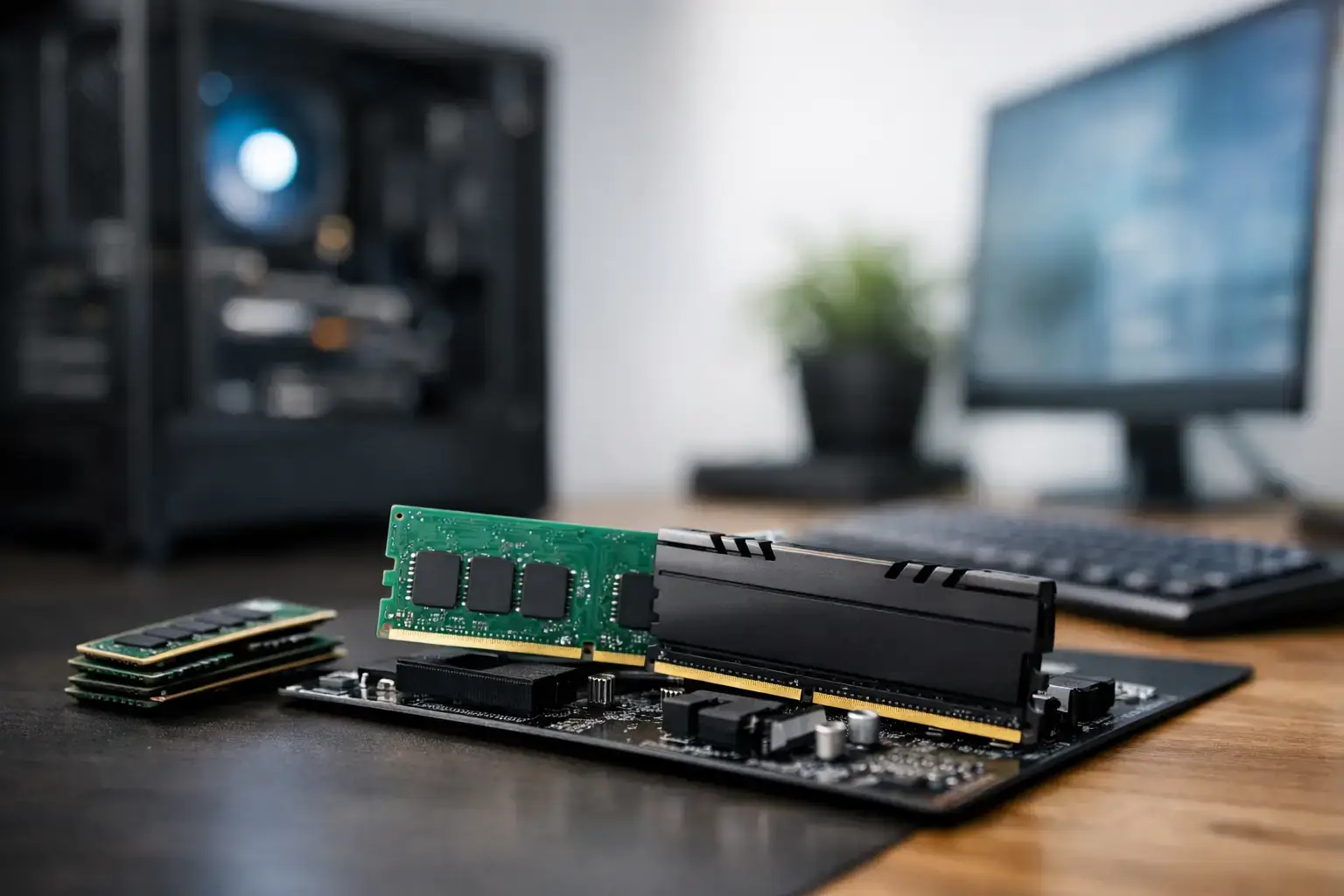
A new PC can have a fast processor, a capable graphics card, and a high-speed SSD, yet still feel slow if it runs short on memory. So, how much RAM needed for your PC? For most buyers, the practical answer is 16GB. It is the sweet spot for modern gaming, office work, and everyday multitasking. But demanding creative workloads, large projects, and serious power users can benefit greatly from 32GB or more.
RAM is not a headline specification to buy blindly. The right capacity depends on what you run at the same time, how long you expect to keep the system, and whether you want a straightforward plug-and-play PC or room to grow later.
What RAM does for PC performance
RAM, or random-access memory, is your PC’s fast working space. It holds the game assets, browser tabs, apps, documents, and background tasks your system needs right now. When there is enough memory available, switching between tasks feels immediate and games have room to load data without constantly reaching for slower storage.
When RAM fills up, Windows starts leaning harder on the SSD as temporary memory. Modern SSDs are quick, but they are still much slower than RAM. That can show up as stuttering in games, slow tab switching, longer export times, or a system that feels oddly unresponsive despite having strong hardware elsewhere.
Capacity gets most of the attention, but memory speed and configuration matter too. A matched pair of RAM sticks lets most desktop systems run in dual-channel mode, improving available memory bandwidth. That is why 16GB as 2 x 8GB is usually a better choice than one 16GB stick. On compatible systems, correctly configured DDR4 or DDR5 memory profiles also help the RAM run at its intended speed rather than a basic fallback setting.
How much RAM is needed for everyday use?
For email, web browsing, video streaming, schoolwork, online banking, and standard office apps, 8GB remains usable. It suits a basic home PC, a light-use laptop, or a budget system where the workload is genuinely simple. The limitation appears when browsing becomes tab-heavy or when several apps are open at once. Video calls, cloud storage sync, browser extensions, and a spreadsheet can add up faster than expected.
For a new desktop, 16GB is the more comfortable recommendation. It gives Windows breathing room and makes normal multitasking feel properly responsive. You can have a collection of browser tabs open, join a call, edit documents, run music in the background, and move between tasks without managing every open application.
Business users should also think about the software they use rather than the label on the job. A receptionist using a browser-based booking system may be well served by 16GB. A professional running large Excel files, accounting software, Teams calls, multiple monitors, and dozens of browser tabs will appreciate the same 16GB baseline and may be better served by 32GB if that workload is constant.
RAM for gaming: 16GB is the starting point
For current PC gaming, 16GB is the sensible starting point. It is enough for popular titles such as Fortnite, Minecraft, Roblox, Terraria, Valorant, and many major single-player games, while leaving space for Windows and essential background tasks. A well-balanced gaming PC with 16GB, a suitable Ryzen or Core processor, and the right graphics card delivers the high-FPS esports performance most players are looking for.
The catch is that gaming rarely happens in isolation. Many players keep Discord, a browser, game launchers, RGB software, recording tools, or a second-screen video open while playing. Newer open-world games and heavily modded titles can also consume far more memory than older releases. That is where 32GB becomes a smart upgrade rather than an unnecessary luxury.
Choose 32GB for a higher-end gaming build if you play demanding AAA games, use extensive mods, stream, record gameplay, or simply want a stronger buffer for the next few years. It will not automatically double frame rates. In a GPU-limited game, a graphics card upgrade has a much bigger impact on average FPS. What 32GB can do is reduce memory pressure, support heavier multitasking, and help maintain smoother performance in situations where 16GB is close to full.
For a first gaming PC on a controlled budget, 16GB is still a strong choice. Put the savings toward the graphics card or CPU if that produces a better overall gaming tier, then select a motherboard and memory layout that makes a future upgrade straightforward.
32GB RAM for creators and power users
Content creation changes the calculation quickly. Photo editing, video production, 3D design, music projects, programming environments, and large file workflows all benefit from extra memory. If you edit 4K video, work with high-resolution RAW images, build scenes in 3D software, or regularly keep several professional apps open, 32GB should be considered the baseline.
More RAM does not replace CPU multi-core power or a capable GPU, but it prevents memory capacity from becoming the weak point in an otherwise fast workstation. Video editing software can cache previews in memory. Creative apps may hold large source files, effects, and project data at the same time. With 16GB, you can absolutely start creating, but you may spend more time closing programs, waiting for previews, or working around limits as projects grow.
For advanced workstations, 64GB is worth considering. This is a practical option for frequent 4K and 8K editing, large After Effects compositions, serious 3D rendering, engineering software, virtual machines, data analysis, and demanding development environments. It is also useful for professionals who need a system to remain productive under a heavy workload all day, not just complete one task at a time.
Beyond 64GB, buy based on a known requirement rather than assumption. Some specialist workflows need 128GB or more, particularly multiple virtual machines, large simulations, complex datasets, and high-end production work. For mainstream gaming and general creative use, that money is often better spent on a faster processor, stronger graphics card, or larger SSD.
Capacity is only part of the memory decision
Two PCs can both advertise 32GB of RAM and still differ in performance and upgrade potential. The first consideration is generation. DDR4 remains a capable and cost-effective option on many platforms, while DDR5 is standard on newer systems and offers higher speeds and better long-term platform support. The correct choice should match the processor and motherboard because DDR4 and DDR5 modules are not interchangeable.
Speed and latency deserve attention, especially on performance-focused builds. Faster memory can help certain games and productivity applications, though the gains vary by processor and workload. Chasing extreme RAM specifications is rarely the best first move. A balanced, compatibility-checked kit at a sensible speed is more valuable than an expensive kit that offers tiny real-world gains.
Also consider the number of available motherboard slots. A 2 x 16GB kit for 32GB gives excellent dual-channel performance, but it may occupy all slots on a compact board. A system with four slots can offer more upgrade flexibility. There is no universal winner here. The right configuration comes down to the platform, the budget, and whether you expect your workload to expand.
Signs your PC needs more RAM
You do not need to guess if memory is holding back an existing system. Open Task Manager during your normal workload and check memory usage. If it regularly sits near full capacity while performance drops, an upgrade may be justified.
Common signs include games that stutter while other apps are open, a browser that reloads tabs as you switch between them, slowdowns when moving from a call to a large document, and creative software that struggles with previews or large projects. These symptoms can also be caused by an older processor, a weak graphics card, storage problems, or overheating, so RAM should be part of a complete diagnosis rather than an automatic fix.
If you upgrade, use matched modules where possible. Mixing different capacities, speeds, and brands may work, but it can force lower settings or create stability issues. A matched kit helps ensure your system runs as intended.
The best RAM choice by workload
For basic browsing and office work, 8GB can work, but 16GB is the better new-PC choice. For gaming, 16GB delivers strong value, while 32GB is ideal for streaming, modding, demanding games, and a longer upgrade cycle. For video editing, design, programming, and heavy multitasking, start at 32GB. For serious workstations, virtual machines, advanced 3D work, and large media projects, 64GB provides the headroom that keeps a powerful system responsive.
A well-built PC should feel fast on the day it arrives and remain capable as your needs change. Choose RAM as part of the whole system, not as an isolated number, and leave yourself enough headroom to play, create, and work without watching the memory meter.

