



How to Select PSU Wattage for Your PC Build

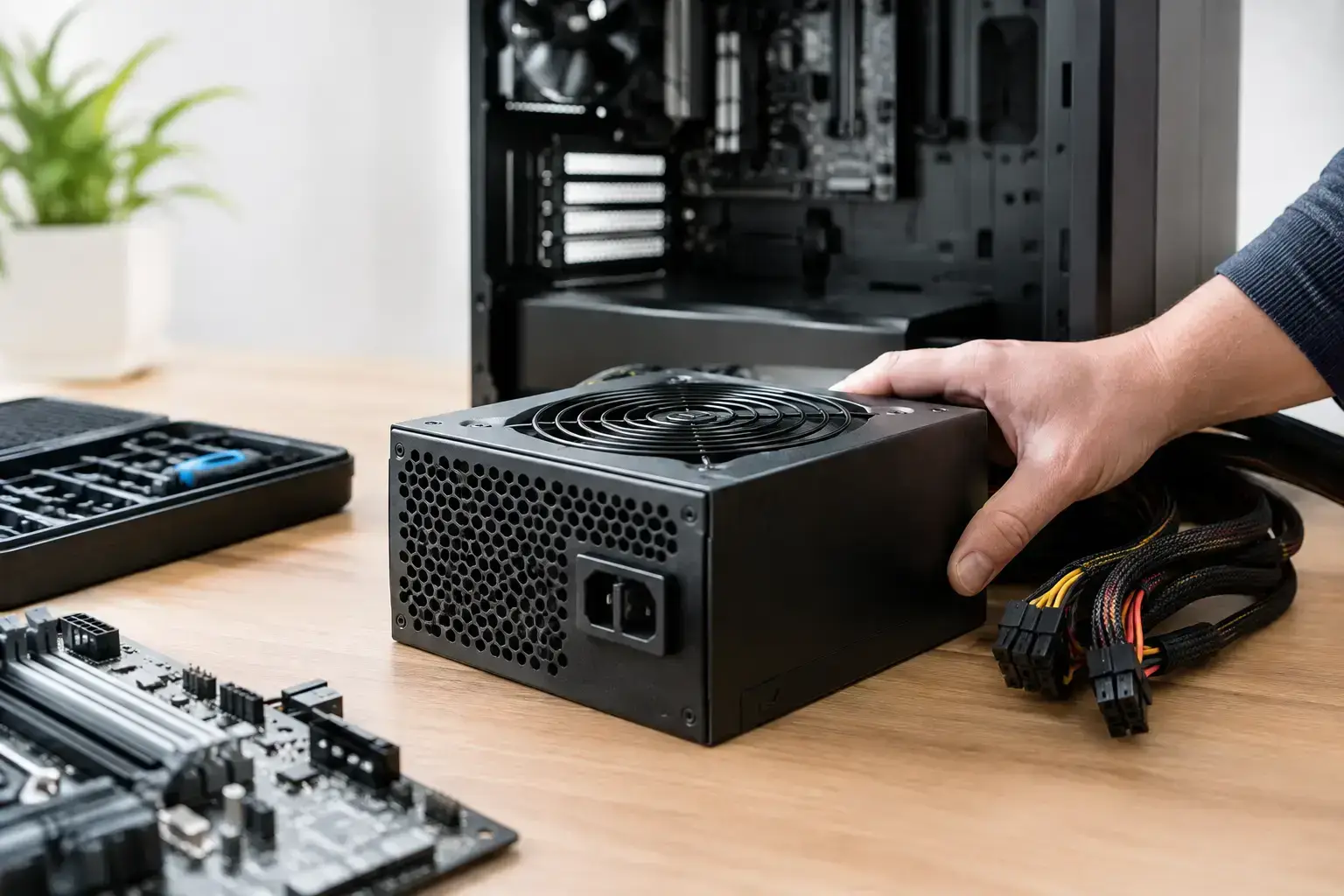
A new graphics card can turn a perfectly smooth gaming session into an unexpected restart if the power supply was chosen too close to the limit. The PSU is not the flashy part of a custom PC, but it is responsible for delivering clean, stable power to every component. Knowing how to select PSU wattage helps you avoid crashes under load, messy upgrade limitations, and spending money on far more capacity than your system can use.
For most builds, the goal is not to buy the highest-wattage unit available. It is to match a high-quality power supply to your CPU, GPU, intended workload, and realistic upgrade plans. A well-sized PSU gives a gaming PC the stability needed for high-FPS esports, demanding AAA titles, creative workloads, and long rendering sessions.
How to Select PSU Wattage Without Guesswork
Start with the two components that draw the most power: the graphics card and processor. Their maximum power figures provide the foundation for your estimate. A modern midrange GPU may use 160W to 250W while gaming, while higher-end cards can draw 300W, 400W, or more. CPUs vary just as widely, especially when boost behavior is considered. A Ryzen 5 or Core i5 processor may stay relatively modest in games, but a Ryzen 9 or Core i9 can pull considerably more power during multi-core rendering, compiling, or heavy productivity work.
Add the expected CPU and GPU power figures together, then allow power for the rest of the system. Motherboard circuitry, RAM, NVMe drives, case fans, RGB lighting, USB devices, and liquid-cooling pumps typically add another 50W to 100W, depending on the build. That total is your starting point, not your final PSU recommendation.
A sensible power supply should have headroom. For most gaming desktops and professional workstations, choosing a unit rated around 30% to 50% above expected sustained system draw is a practical target. It gives the PSU room to handle brief power spikes, keeps fan noise under control, and leaves capacity for future upgrades.
For example, a PC with a 220W graphics card, a CPU that can reach 140W under heavy load, and another 80W for the rest of the components has an estimated maximum draw of about 440W. A quality 650W power supply is an excellent fit. It is not being pushed to its edge, but it is also not oversized simply for the sake of a larger number.
Why GPU Power Spikes Matter
Graphics cards do not always consume the same amount of power from one millisecond to the next. Fast-changing gaming scenes, uncapped frame rates, and demanding GPU workloads can create short power spikes above the card’s average draw. A low-quality PSU or a unit with too little headroom may struggle with these moments even if a basic wattage calculator says the system should be fine.
This is one reason a reliable 750W model can be a better choice than a bargain 650W model for a performance-focused gaming rig. Wattage is only one part of the decision. Component quality, voltage regulation, protections, and the PSU’s ability to manage transient loads matter just as much.
Higher-end graphics cards may also use newer 16-pin power connectors. If your GPU requires one, choose a PSU that includes the correct native cable where possible. Avoid relying on poorly fitted adapters or mixing modular cables from different PSU brands. Modular power cables are not universally interchangeable, even when the connectors appear identical.
Typical PSU Wattage Recommendations
A quick estimate is useful when planning a build, provided it is treated as a guideline rather than a substitute for checking the exact components.
- Entry-level systems with integrated graphics or a modest GPU are generally well served by a quality 450W to 550W PSU.
- Mainstream gaming PCs with cards in the RTX 4060, RTX 5060, or similar performance range commonly fit a 550W to 650W unit.
- Strong 1440p gaming systems with a higher-tier GPU and a Ryzen 7 or Core i7 processor often benefit from 750W.
- Enthusiast gaming builds, 4K-focused systems, and workstations with power-hungry GPUs are usually better matched with 850W to 1000W or more, depending on the exact hardware.
These ranges assume premium, correctly rated units. A no-name 700W PSU is not automatically equivalent to a well-built 650W model from a respected manufacturer. The label rating is only useful when the unit can safely deliver that output, particularly on its 12V rail where the CPU and GPU draw most of their power.
Choose Quality Before Extra Wattage
A power supply protects expensive hardware while supporting performance, so this is not the component to cut corners on. Look for a recognized manufacturer, a solid warranty, and full protections such as over-voltage, under-voltage, over-current, short-circuit, and over-temperature protection. These features can make the difference between a controlled shutdown and damaged components if something goes wrong.
Efficiency certification is also worth considering. An 80 Plus Bronze, Gold, or Platinum rating describes how efficiently the PSU converts wall power into usable DC power. Higher efficiency means less wasted energy and heat, which can help reduce fan noise. It does not, by itself, prove that a PSU is high quality, but a Gold-rated unit from a dependable platform is often a strong choice for gaming and workstation builds.
For a typical gaming PC, 80 Plus Gold is a sensible sweet spot. Bronze units can still be suitable for value-focused systems when they come from a trusted product line. Platinum and Titanium models can make sense for always-on workstations, high-end builds, or buyers prioritizing maximum efficiency, but they are not required for great gaming performance.
Consider Your Upgrade Path
The right wattage depends on the PC you want next year as well as the one you are buying now. If you are building around a midrange GPU but expect to move to a much faster card later, stepping up from 650W to 750W may save you from replacing the PSU during that upgrade.
That said, do not buy a 1200W unit for a modest system solely because it might be upgraded someday. Power supplies have warranties and long service lives, but connector standards, GPU requirements, and platform needs can change. Buy enough capacity for a likely upgrade path, not every theoretical component combination.
Creators should be especially realistic here. A gaming CPU may use moderate power during gameplay, but a workstation running video exports, 3D rendering, AI-assisted tasks, or long multi-core workloads can place sustained demand on both the CPU and GPU. A PSU that is comfortable in a gaming scenario may need more headroom in a professional system built to run flat out for hours.
Check Connectors, Size, and Cooling
Before ordering, confirm that the power supply physically fits the case. Most desktop builds use the standard ATX form factor, but compact cases may require SFX or SFX-L units. Also check PSU length if the case has a tight shroud area, front-mounted radiator, or large drive cage.
Check the required connectors as carefully as the wattage. Your motherboard needs its 24-pin cable and CPU EPS power connector, while the graphics card may require one, two, or three PCIe connections. Systems with multiple SATA SSDs, hard drives, RGB controllers, or fan hubs also need enough SATA power connections. A quality modular PSU makes cable routing cleaner, but it still needs to include the right cables for your configuration.
Cooling is another practical factor. A larger-capacity PSU running well below its limit may stay quieter because its fan does not need to work as hard. However, case airflow still matters. Do not install the PSU with its intake blocked, and make sure the case can bring in cool air through its bottom filter where applicable.
Common PSU Selection Mistakes
The most common mistake is selecting a unit based only on its advertised wattage. Another is using a power calculator result as an exact answer rather than allowing reasonable margin. Calculators are helpful, but they may not account perfectly for CPU boost settings, GPU transient behavior, additional drives, or future hardware.
Buyers also sometimes assume a PSU runs at its rated wattage all the time. It does not. A 750W PSU only provides the power the components request. Choosing a slightly larger quality unit does not force extra electricity into the PC. It simply gives the system more available capacity when needed.
Finally, avoid reusing aging or unknown power supplies in a new performance build without checking their condition, connector support, and warranty status. A reliable foundation matters more when you are pairing modern hardware with a premium graphics card, fast memory, and high-capacity storage.
A properly matched PSU disappears into the background, which is exactly what you want. Your PC should boot cleanly, stay stable through intense games and demanding workloads, and leave room for the next upgrade without turning power delivery into a problem.


