



How to Choose GPU Ray Tracing Performance

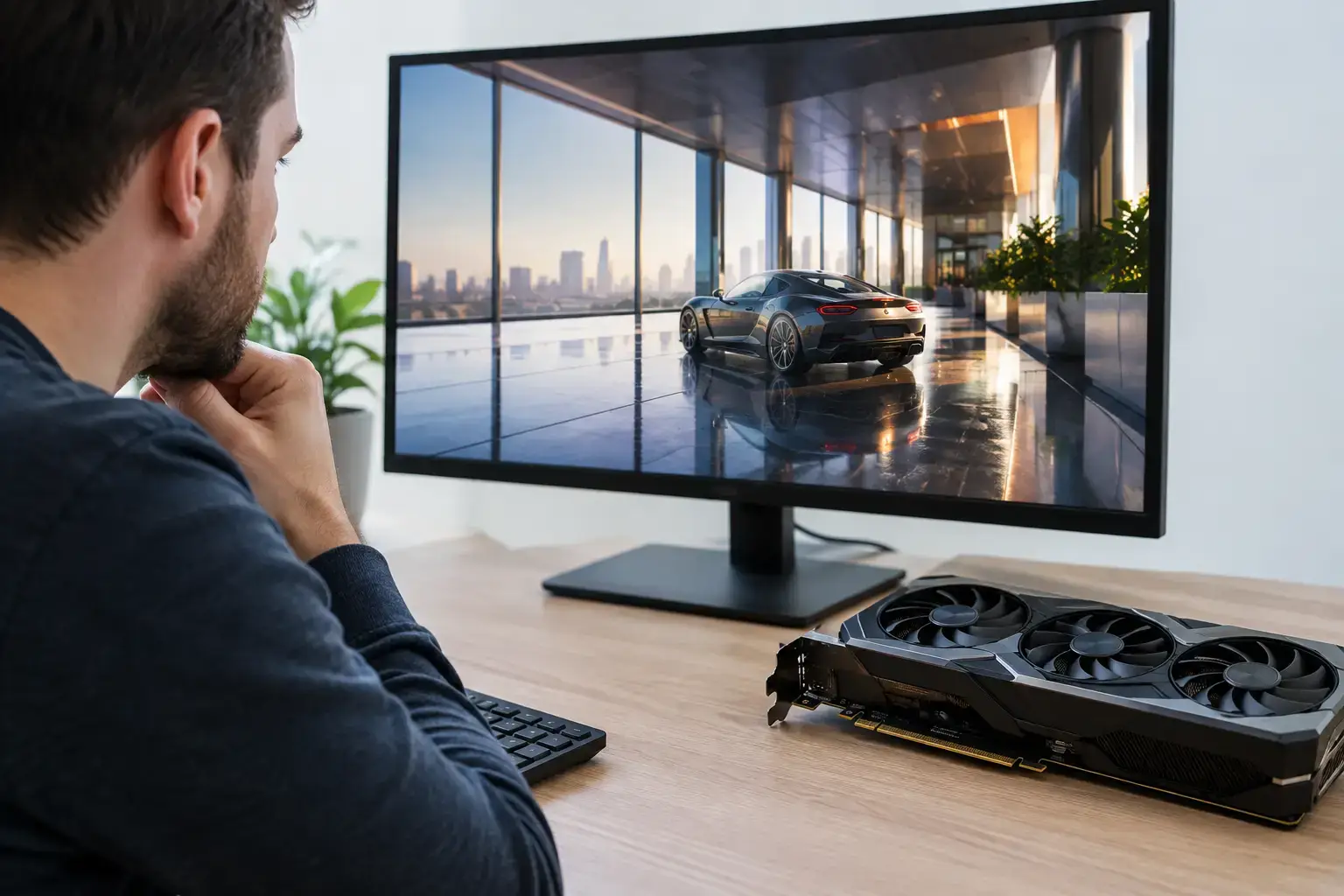
Ray tracing can turn a rainy street, mirrored hallway, or neon-lit race track into something that looks dramatically more convincing. It can also cut frame rates hard if you buy a graphics card based on the label alone. If you are researching how to choose GPU ray tracing hardware, start with the games you actually play, the resolution of your monitor, and the frame rate you expect to maintain.
A capable ray tracing GPU is not simply the most expensive option available. The right choice balances ray-traced lighting performance with traditional rasterized gaming speed, VRAM capacity, upscaling support, power requirements, and the rest of your PC. That balance changes significantly between a 1080p esports setup and a 4K single-player build.
How to Choose a GPU for Ray Tracing
Ray tracing simulates how light behaves in a scene. Instead of relying only on pre-rendered shadows and screen-space effects, games can calculate more accurate reflections, global illumination, ambient occlusion, and shadows. The visual result can be excellent, especially in games designed around the technology.
The trade-off is workload. Even a strong graphics card can lose a substantial amount of performance when you enable high or ultra ray tracing settings. That is why a GPU that looks perfect in a standard gaming benchmark may not deliver the same experience with ray tracing switched on.
Before comparing models, decide which of these targets describes your build:
- 1080p high-refresh gaming with selective ray tracing
- 1440p gaming with high settings and ray tracing enabled in major releases
- 4K cinematic gaming using ray tracing, upscaling, and possibly frame generation
- Creative work that also benefits from GPU-accelerated rendering and AI tools
For many buyers, 1440p is the practical sweet spot. It provides a sharp image without putting the same pressure on a GPU as native 4K. A well-matched midrange or upper-midrange card can deliver high-quality ray tracing at 1440p when paired with a sensible upscaling setting.
Do Not Shop by Ray Tracing Labels Alone
Most modern gaming GPUs advertise ray tracing support, but support is not the same as enjoyable performance. Look for independent game benchmarks that test the specific card at your chosen resolution, with ray tracing set to medium, high, and maximum presets where possible.
Pay attention to the type of ray tracing in the games you play. Basic ray-traced shadows are usually less demanding than full global illumination or path tracing. Path tracing can create exceptional lighting and reflections, but it is one of the toughest workloads a gaming PC can handle. It often requires a high-end GPU, aggressive upscaling, and frame generation to reach smooth frame rates at higher resolutions.
A card that runs one ray-traced title well may struggle in another engine or with a heavier effect preset. Use a range of games rather than one headline result. If you mainly play Fortnite, Cyberpunk 2077, Alan Wake 2, or other visually demanding releases, ray tracing performance deserves more of your budget. If your time goes into competitive shooters, strategy games, Minecraft, or older titles, raw frame rate and CPU performance may matter more.
Raster Performance Still Matters
Do not sacrifice all traditional performance for a ray tracing feature you will only enable occasionally. Most games still rely primarily on conventional rendering, and some popular competitive titles are better played with visual extras reduced to maximize responsiveness.
A balanced graphics card should give you strong rasterized performance first, then enough ray tracing capability for the games where lighting quality adds real value. This is especially true if you want one fully upgradeable PC for a broad game library rather than a system optimized around a single title.
Match the GPU to Your Resolution and Refresh Rate
Resolution determines how much work your GPU performs per frame. Refresh rate determines how many frames it needs to produce. Add ray tracing to a high-resolution, high-refresh target and the graphics card requirement rises quickly.
At 1080p, an entry-level ray tracing-capable GPU can be a sensible choice if you are realistic about settings. You may need medium ray tracing, a quality upscaling mode, or a locked 60 FPS target in demanding games. For high-FPS esports, it is often smarter to disable ray tracing and prioritize response time.
At 1440p, look for a GPU with enough headroom to avoid relying on the most aggressive upscaling modes. High-quality upscaling can look excellent, but performance modes that render at a much lower internal resolution can soften fine detail. A stronger GPU lets you preserve image quality while keeping settings high.
At 4K, ray tracing is firmly a premium target. It is achievable, but buyers should expect to use upscaling and, in some games, frame generation. If you want native 4K with maximum ray tracing or path tracing at consistently high frame rates, budget for a high-end graphics card and a system that can support it properly.
VRAM Is Your Safety Margin
Video memory affects how comfortably a GPU handles high-resolution textures, ray tracing data, modern game engines, and future releases. When VRAM is exhausted, a game may suffer stutter, texture pop-in, or sharp drops in frame rate even when the GPU core itself appears fast enough.
For a new ray tracing-focused gaming PC, 12GB of VRAM is a solid starting point for many 1440p builds. More capacity can be worthwhile for 4K, heavily modded games, creator workloads, or buyers planning to keep the same graphics card for several years. Capacity is not the only factor – memory bandwidth and the overall GPU architecture matter too – but buying too little VRAM can limit a card sooner than expected.
Avoid treating VRAM as a simple scorecard. A slower card with more memory will not automatically beat a faster card with less memory. Instead, check whether the card has enough VRAM for your intended resolution and settings, then compare its actual results in ray-traced games.
Upscaling and Frame Generation Change the Value Equation
Modern upscaling technologies render a game at a lower internal resolution and reconstruct a sharper final image. This can be one of the best ways to make ray tracing practical without buying a dramatically more expensive GPU. The image quality is often very good in Quality mode, particularly at 1440p and 4K.
Frame generation can raise the displayed frame rate further by creating additional frames. It is useful in slower-paced single-player games, where visual smoothness matters most. However, generated frames do not replace real GPU-rendered frames, and they do not reduce input latency in the same way as higher native performance. For competitive gaming, prioritize a strong base frame rate before treating frame generation as a bonus.
The best approach is to choose a GPU that runs your games acceptably without leaning on every feature, then use upscaling or frame generation to create extra headroom for higher visual settings. That gives you more flexibility as games become more demanding.
Check the Whole PC, Not Just the Graphics Card
A powerful graphics card needs the right supporting parts. At lower resolutions, a weak processor can hold back frame rates, particularly in CPU-heavy multiplayer games. A quality power supply is equally important, since higher-performance GPUs can require substantial power and dedicated connectors.
Make sure the case has adequate airflow and physical clearance for the card. Pair the GPU with sufficient system memory – 32GB is increasingly comfortable for premium gaming and multitasking – plus a fast SSD for modern game load times. These parts do not make ray tracing faster by themselves, but they help the system stay responsive and stable under real-world use.
For a custom-built system, compatibility-checked components and correct BIOS and memory-profile configuration remove a lot of uncertainty. You should know the exact GPU model, power supply rating, memory capacity, storage configuration, and upgrade options before you buy.
Buy for the Experience You Want to Have
If ray tracing is an occasional visual upgrade, choose a balanced GPU with strong everyday gaming performance and enough VRAM for your monitor. If cinematic single-player games are your priority, put more of the budget toward ray tracing speed, image-quality upscaling, and a display that makes the detail worthwhile. If you mainly chase high-FPS esports performance, consider ray tracing a selective feature rather than the center of the build.
The best graphics card is the one that keeps your preferred games looking sharp and feeling responsive at the settings you will genuinely use. Build in some headroom now, and your next demanding game will feel like an upgrade to play, not a reason to start shopping again.

