


Blog
Best Graphics Cards for Gaming and Creative Work

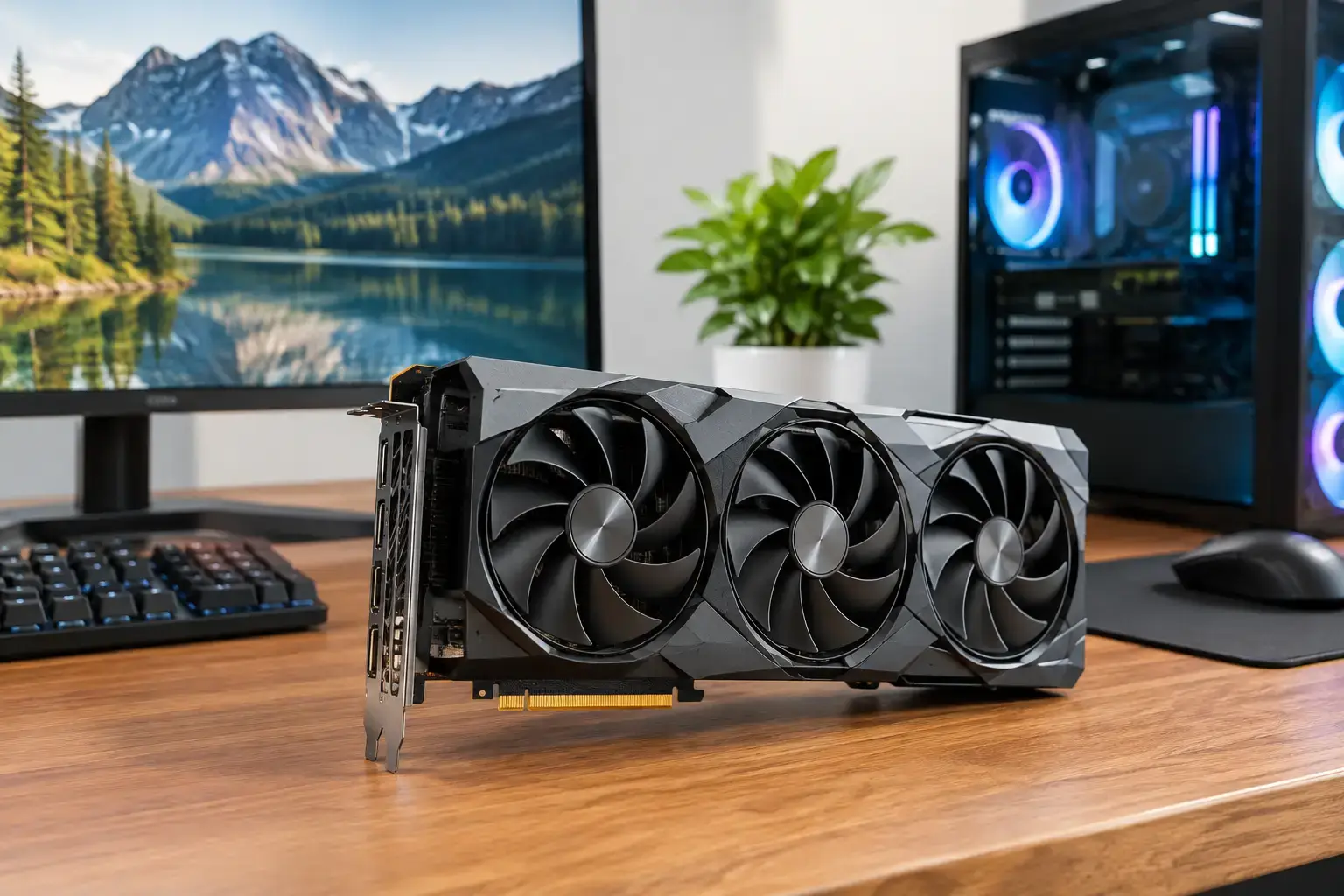
A graphics card can turn a smooth 1440p gaming PC into a high-FPS esports machine, or turn a capable editing desktop into a workstation that handles demanding timelines without slowing down. The best graphics cards are not simply the most expensive models. They are the cards that match your display, the games or applications you use, and the rest of your system.
For most buyers, the target should be balanced performance. Spending too little on the GPU can leave a powerful processor underused. Spending too much can mean paying for 4K capability when your monitor is still 1080p. The right choice delivers the visual fidelity, frame rate, and responsiveness you expect today while leaving room for future upgrades.
Best Graphics Cards by Performance Tier
Entry-level: Radeon RX 7600 and GeForce RTX 4060
The Radeon RX 7600 and GeForce RTX 4060 are sensible starting points for new PC gamers who want strong 1080p performance in titles such as Fortnite, Minecraft, Roblox, Apex Legends, Call of Duty, and many popular single-player games. They are a substantial step up from integrated graphics and fit well in budget-conscious gaming desktops.
The RX 7600 is often attractive when straightforward frame-rate value is the priority. It is well suited to high-refresh 1080p gaming, particularly when you are willing to adjust a few demanding settings from Ultra to High. The RTX 4060 is a strong alternative for buyers who value NVIDIA features, including DLSS upscaling, efficient power use, and broad support in creative software.
Neither card is the ideal long-term choice for uncompromised 1440p ray tracing. That does not make them poor purchases. It means they are best paired with a 1080p monitor and realistic expectations. For first-time gaming PCs, that combination can deliver excellent results without pushing the budget into higher-tier territory.
The 1440p sweet spot: RTX 4070 Super and RX 7800 XT
For many enthusiasts, 1440p is where modern PC gaming feels properly premium. It offers a clear step up in image detail from 1080p without the extreme GPU demand of 4K. The GeForce RTX 4070 Super and Radeon RX 7800 XT are standout options in this category.
The RTX 4070 Super is particularly compelling for high-detail 1440p gaming, ray-traced effects, and games that support DLSS. It also makes a strong case for streamers, designers, and video editors who benefit from NVIDIA’s mature creator ecosystem and hardware encoding support. Its efficiency can also make system cooling and power-supply planning more straightforward.
The RX 7800 XT is a serious contender when raw rasterized gaming performance and video memory capacity matter most. Its 16GB of VRAM gives it welcome breathing room for high-resolution textures and demanding games at 1440p. It is an excellent fit for players who prioritize traditional game performance and want a card with a strong upgrade horizon.
Choosing between these two depends on the games you play. If ray tracing, DLSS, streaming, or GPU-accelerated creative tools are high on your list, the RTX 4070 Super has a clear advantage. If you want strong 1440p frame rates, generous VRAM, and a competitive price-to-performance balance, the RX 7800 XT deserves close attention.
High-end 1440p and confident 4K: RTX 4070 Ti Super and RX 7900 XT
The RTX 4070 Ti Super and Radeon RX 7900 XT are for buyers who do not want to compromise every time a major new game arrives. They are built for high-refresh 1440p gaming with settings turned up, while also offering credible 4K performance in many titles.
The RTX 4070 Ti Super brings 16GB of VRAM, strong ray-tracing performance, and access to NVIDIA’s frame-generation technologies. For gamers running a 1440p 165Hz or 240Hz display, it has the power to make demanding games feel responsive and visually rich. It is also a practical choice for creator-focused systems where rendering, AI-assisted workloads, and video production are part of the job.
The RX 7900 XT offers exceptional traditional rendering performance and a substantial 20GB VRAM allocation. That makes it attractive for 4K gaming, texture-heavy titles, and buyers who would rather invest in memory headroom than ray-tracing leadership. It is a powerful card, but it draws more power than some competing options, so it benefits from a quality power supply and a well-ventilated case.
No-compromise performance: RTX 4080 Super and RTX 4090
At the top end, the RTX 4080 Super is designed for serious 4K gaming, high refresh rates, demanding ray tracing, and professional GPU-accelerated workloads. It is the kind of card that makes sense when the monitor is already premium: 4K, high refresh, or ultrawide.
The RTX 4090 remains in a class of its own for buyers chasing the highest possible frame rates, advanced 3D work, intensive rendering, or heavy AI workloads. Its performance comes with major trade-offs: a high price, considerable physical size, and demanding power requirements. It is not the default recommendation for most gamers, even those with generous budgets.
These cards need a system built around them. Pairing high-end graphics with a weak processor, limited memory, or a low-quality power supply wastes their potential. A balanced premium build should include a capable modern CPU, 32GB of RAM or more for demanding creative work, fast NVMe storage, and cooling designed for sustained load.
How to Choose the Best Graphics Card for Your PC
Start with your monitor, not a benchmark chart. A 1080p 144Hz display calls for a different GPU than a 4K 144Hz panel. If you mainly play competitive esports, consistent high frame rates and low latency matter more than maximum visual settings. If you favor cinematic single-player games, higher resolution, ray tracing, and upscaling quality may be worth paying for.
VRAM deserves careful attention, especially if you keep systems for several years. An 8GB card can still be a good 1080p choice, but 12GB to 16GB provides more comfort for 1440p gaming, large texture packs, creative applications, and future game releases. More VRAM alone does not guarantee a faster card, but too little can become a limitation before the GPU’s core performance is exhausted.
Your CPU matters too. A midrange graphics card paired with a modern Ryzen 5 or Intel Core i5 can be an excellent gaming combination. For high-refresh competitive gaming or top-tier GPUs, moving up to a faster Ryzen 7, Ryzen 9, Core i7, or Core i9 processor can help prevent the CPU from becoming the performance ceiling.
Do not overlook the supporting hardware. Check the graphics card length against the case, make sure the power supply has sufficient wattage and the correct connectors, and choose airflow that can move heat out of the system. These details are why a compatibility-checked custom build offers more confidence than selecting parts in isolation.
Gaming vs. Content Creation: What Changes?
Gamers can often choose based on the performance they see in the titles they play most. Content creators need to consider software behavior as well. Adobe applications, 3D rendering tools, video editors, and AI workflows may favor specific GPU architectures, encoders, or driver support.
NVIDIA cards are frequently the simpler recommendation for creators who rely on CUDA-accelerated applications, Blender rendering, livestreaming, or professional video workflows. AMD cards can still be excellent for editing and design, particularly when value and VRAM capacity are priorities, but checking your exact application requirements is worthwhile before committing.
For a PC that handles both gaming and work, the RTX 4070 Super and RTX 4070 Ti Super sit in especially versatile territory. They deliver strong gaming performance while providing feature support that can save time in encoding, rendering, and accelerated creative tasks.
Build for the Screen You Own, Not the Spec Sheet You Admire
A great graphics card purchase should feel right every time you use the PC, whether that means smooth Fortnite matches at 1080p, detailed 1440p adventures, or faster exports from a creative project. Match the GPU to your real workload, leave budget for the processor and power supply, and choose a fully upgradeable platform that can grow with you.
When the parts are correctly matched, expert assembly, BIOS setup, memory-profile configuration, and full testing turn a collection of components into a ready-to-use system. That is where a well-planned graphics card upgrade becomes a faster, more reliable PC rather than just a bigger number on a box.

