


Blog
First Time PC Buyer Guide for the Right Setup

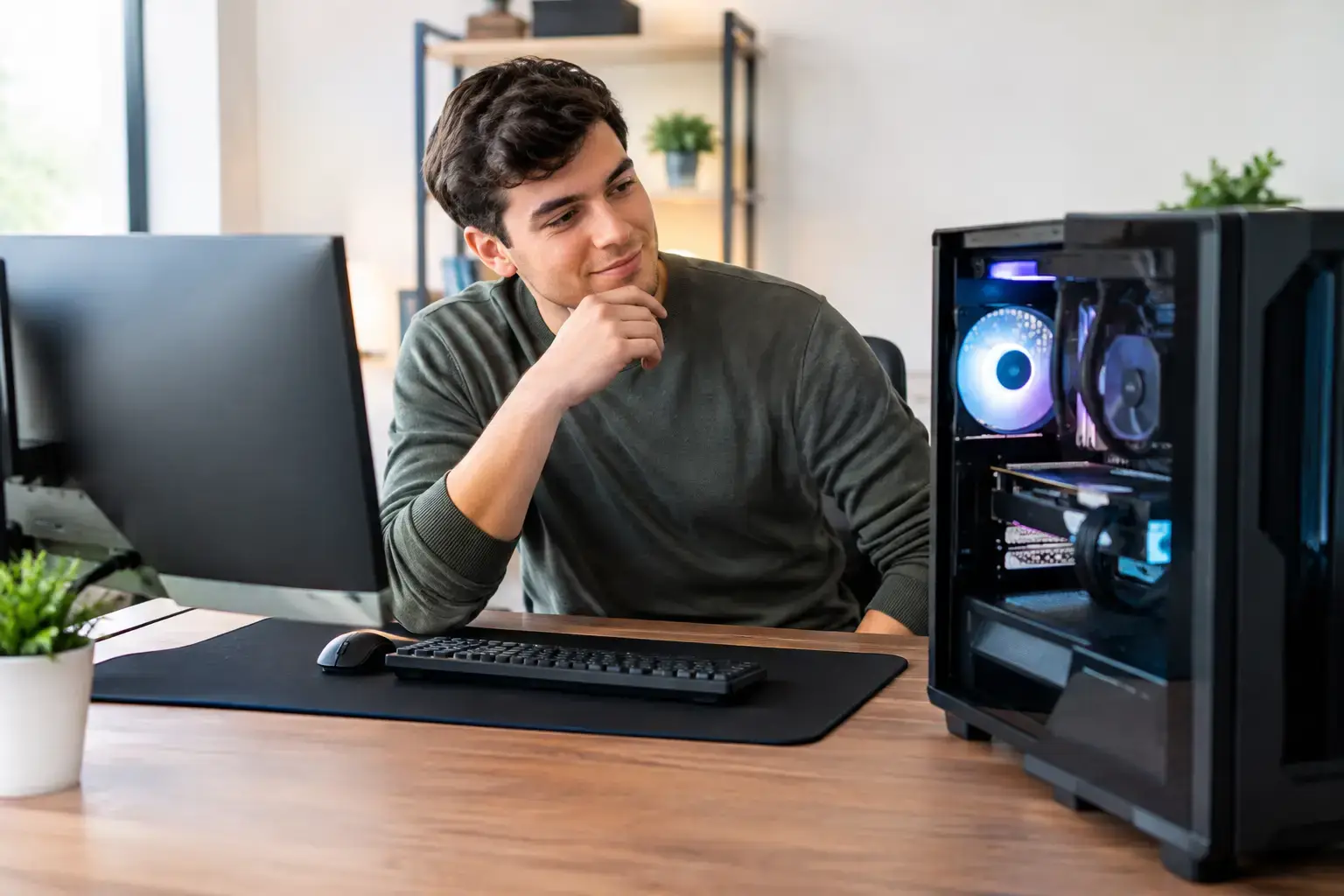
A great first PC is not the one with the longest spec sheet. It is the one that starts quickly, runs the games or applications you actually use, and gives you room to improve later. This first time PC buyer guide cuts through the component names so you can spend your budget where performance will be felt, not just advertised.
First Time PC Buyer Guide: Start With What You Do
Before comparing processors or graphics cards, write down the three things you will do most often. A PC for Fortnite, Roblox, Minecraft, browsing, and schoolwork needs a very different balance from a system for competitive 1440p gaming, Adobe Premiere Pro editing, or large spreadsheet workloads.
For casual gaming and everyday use, a modern Ryzen 5 or Intel Core i5 processor, 16GB of memory, and a fast SSD are usually the sensible starting point. If you want high frame rates in demanding games, the graphics card becomes the priority. If your work involves video editing, 3D rendering, code compilation, or heavy multitasking, extra CPU cores, more memory, and larger storage can matter more than chasing the most expensive gaming GPU.
Also think about the display you will use. A powerful graphics card can produce high frame rates, but a 60Hz monitor cannot show more than 60 frames per second. For esports games, pairing a capable GPU with a 144Hz or higher-refresh display is often a better experience than putting every dollar into the tower alone.
Understand the Parts That Drive Performance
You do not need to become a hardware expert, but you should know what each major component affects. That makes it much easier to compare two similarly priced PCs and spot where one system is cutting corners.
The CPU handles the pace of the whole system
The central processing unit, or CPU, manages the operating system, applications, game logic, background tasks, and much more. AMD Ryzen and Intel Core processors are both strong options. Do not choose based only on Ryzen 7 versus Core i7 branding, though. Generations and specific models matter.
A modern Ryzen 5 or Intel Core i5 is excellent for most first-time buyers. Move up to Ryzen 7, Core i7, or higher when you need stronger multi-core power for creative workloads, streaming while gaming, virtual machines, or professional productivity. Buying far more CPU than your workload requires can leave too little budget for the graphics card, memory, or monitor that would make a bigger day-to-day difference.
The GPU determines gaming visual quality
For a gaming PC, the graphics card, or GPU, has the largest effect on resolution, visual settings, ray tracing, and frame rate. NVIDIA GeForce RTX and AMD Radeon cards each cover a wide range of budgets and performance levels.
Entry-level GPUs are ideal for popular games at 1080p. Mid-range cards are the sweet spot for buyers who want smoother high-FPS esports performance or stronger results in newer AAA titles. Higher-end cards make the most sense for 1440p, 4K, demanding ray-traced games, advanced 3D work, and longer-term performance headroom.
Avoid judging a GPU by its memory amount alone. VRAM is important, especially at higher resolutions, but the card’s overall architecture and performance tier matter just as much. A properly balanced system with a current mid-range GPU will often feel better than a machine with an aging high-end card and weak supporting parts.
Memory keeps multitasking responsive
RAM is the short-term workspace your PC uses while programs are open. For a new gaming or home PC, 16GB is the practical minimum. It is enough for current games, browser tabs, voice chat, schoolwork, and everyday multitasking.
Choose 32GB if you edit video, work with large files, run demanding creative software, keep many applications open, or simply want more breathing room over the next few years. Faster memory can help performance too, particularly on some Ryzen systems, but capacity comes first. A compatibility-checked memory kit configured correctly is worth more than an impressive speed number that is never enabled in the BIOS.
Storage affects how fast the PC feels
An SSD is non-negotiable for a modern PC. It makes Windows boot faster, applications open quicker, and game load screens shorter. NVMe SSDs are the usual choice in new systems because they offer strong performance in a compact format.
A 1TB SSD is a comfortable starting point for most buyers. Games have become large, and a 500GB drive can fill up surprisingly fast after Windows, a few major titles, photos, and software updates. If you plan to keep a large game library or edit video, consider 2TB from the start or choose a motherboard with open M.2 slots for an easy future upgrade.
Buy a Balanced PC, Not a Single Impressive Part
A first PC should be built around balance. A top-tier GPU paired with an entry-level processor, limited memory, and a low-quality power supply is not a smart value. The same is true of an expensive CPU paired with graphics too weak for the games you want to play.
When comparing systems, look beyond the headline processor and GPU. Check the motherboard, power supply, cooling, case airflow, memory configuration, and storage model. These parts influence stability, temperatures, noise, upgrade options, and how long the machine remains enjoyable to use.
The power supply is especially easy to overlook. It should have enough capacity for the installed components and future upgrades, plus quality protections from a recognized manufacturer. A reliable unit is not flashy, but it protects the entire build. Good airflow and an appropriate CPU cooler also help the system sustain performance without unnecessary heat or fan noise.
Think About Upgradeability Before You Need It
The advantage of a desktop PC is that it does not have to stay exactly as it arrived. A fully upgradeable design can let you add storage, increase memory, replace the graphics card, or refresh the CPU later rather than replacing the entire system.
That does not mean you should underbuy now with the promise of upgrades later. Start with enough performance for the next two to three years of your expected use. Then make sure the system has sensible expansion options: open memory slots, additional M.2 storage support, adequate power capacity, and a case with room for a larger graphics card.
Prebuilt does not have to mean locked down. A carefully assembled desktop using standard, premium components offers the convenience of a ready-to-use system without giving up the flexibility that makes PC ownership worthwhile.
Do Not Forget the Experience Around the Tower
Your monitor, keyboard, mouse, headset, and internet connection all affect how your new PC feels. A weak monitor can hide the benefits of a powerful graphics card, while an uncomfortable mouse can make competitive gaming less enjoyable regardless of frame rate.
For most new gamers, 1080p with a 144Hz refresh rate is a strong performance-focused starting point. Buyers with more graphics budget may prefer 1440p for a sharper image, but it requires more GPU power to maintain high frame rates. Creators should consider color accuracy, screen size, and resolution alongside refresh rate.
Software setup matters too. Ask whether the PC arrives with the operating system installed, current drivers configured, and the system tested under load. Expert assembly, BIOS setup, memory-profile configuration, and compatibility testing remove common first-build frustrations. That is where a specialist retailer such as PCZone can offer real value beyond a box of parts.
Set a Budget With Priorities, Not Guesswork
Decide your maximum spend, then reserve part of it for the full setup if you do not already own a monitor and peripherals. It is frustrating to buy a powerful tower and discover there is no budget left for the display that lets it perform at its best.
At a lower budget, prioritize a modern CPU, 16GB of RAM, a 1TB SSD, and the strongest sensible GPU for your target games. At a mid-range budget, invest in a better graphics card, 32GB of memory where appropriate, and a high-refresh display. At higher budgets, focus on your actual resolution and workload rather than assuming the most expensive option is automatically right.
Be wary of deals that advertise vague terms such as “gaming-ready” without naming the exact CPU, GPU, RAM capacity, storage type, motherboard, and power supply. Transparent specifications make comparison possible. They also show whether a system was designed for dependable performance or simply priced to look attractive.
Your first PC should make you want to sit down and use it, whether that means loading into a high-FPS match, editing a project without constant slowdowns, or getting through a workday without waiting on your machine. Choose the performance tier that fits your real routine, leave room to grow, and buy from people who can stand behind the system after it arrives.

