


Blog
Streaming Setup Build Example for Better Streams

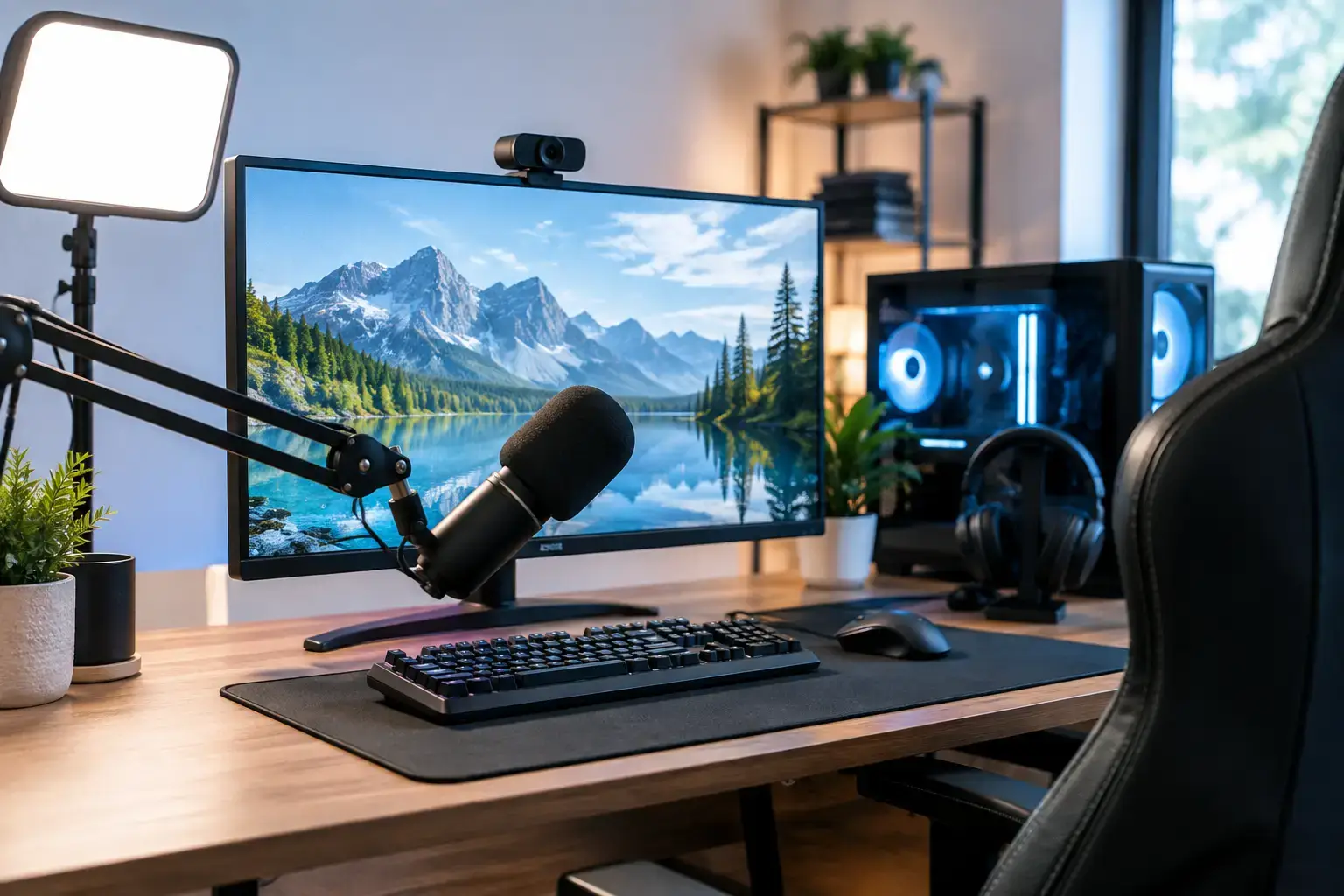
A stream can look sharp in your preview window and still fall apart the moment a ranked match gets busy. Frame drops, blurry fast motion, audio crackle, and a webcam that stutters usually come down to one issue: the PC was chosen for gaming alone, not for gaming and broadcasting at the same time. This streaming setup build example shows how to choose parts that keep gameplay responsive while giving your audience a clean, stable feed.
For most new and growing creators, a strong single-PC build is the right starting point. Modern graphics cards include dedicated video encoders, so your GPU can handle stream encoding without forcing every task onto the processor. That keeps the system simpler, less expensive, and easier to upgrade than a two-PC setup.
A Streaming Setup Build Example That Makes Sense
Here is a balanced configuration for 1080p streaming, high-FPS esports, modern single-player games, editing highlights, and everyday creator work:
- AMD Ryzen 7 7700 or Intel Core i7 processor
- NVIDIA GeForce RTX 4070 SUPER-class graphics card
- 32GB DDR5 memory
- 1TB PCIe NVMe SSD, with room for a second drive
- B650 or B760-class motherboard with Wi-Fi and plenty of USB ports
- Quality 750W 80+ Gold power supply
- Airflow-focused mid-tower case with at least three case fans
- 240mm liquid cooler or a high-quality tower air cooler
This is not a parts list designed to win a specification sheet. It is designed to avoid the bottlenecks that interrupt a live broadcast. You get strong gaming performance at 1080p and 1440p, a capable hardware encoder, enough memory for OBS, browser sources, Discord, game launchers, and editing software, plus an upgrade path that does not require replacing the entire desktop.
The exact processor and graphics card should change with your game library and budget. A creator focused on Valorant, Fortnite, Rocket League, Minecraft, or Roblox can spend less on the GPU and still achieve excellent results. Someone playing demanding games at 1440p, using ray tracing, or recording high-bitrate local footage should prioritize the graphics card and storage capacity.
Why the graphics card matters beyond gaming
For a streaming PC, an NVIDIA RTX card is often the straightforward choice because its NVENC encoder is widely supported in OBS and delivers efficient, high-quality H.264 and AV1 encoding. AV1 is particularly useful where your platform and viewers support it, as it can preserve detail at lower bitrates. That matters when grass, particle effects, fast camera movement, or a busy multiplayer fight would otherwise turn into a blocky mess.
AMD graphics cards can still be a good fit, especially when raw gaming value is the priority. The better choice depends on the game performance you want, the encoder settings available to you, and whether you expect to edit or record heavily. For many first-time streamers, though, an RTX 4070 SUPER-class card offers a reassuring balance of high-FPS gameplay, strong encoding, and creator software support.
Why 32GB memory is the practical baseline
A 16GB system can stream, but it is easier to hit its limits than many buyers expect. Your game may use 8GB to 12GB by itself. Add OBS, a browser with alerts and chat, voice software, music, webcam tools, and background updates, and you have less headroom than you want during a live session.
With 32GB of matched DDR5 memory, the PC has room to multitask without constantly leaning on slower storage. It is also the smarter capacity for editing clips, opening large Photoshop files, or keeping several creator tools active at once. Memory should be configured correctly in BIOS so it runs at its rated profile, not left at a slower default setting.
Build Around Your Stream, Not Just Your Game
A good streaming desktop starts with a clear target. Resolution, refresh rate, game type, and platform all affect where the budget should go. There is no benefit in paying for components built around a 4K streaming workflow if your real plan is to play esports titles at 1080p and stream at 60 frames per second.
For 1080p60 streaming, prioritize consistent frame pacing over chasing the highest possible in-game graphics setting. A locked, stable frame rate gives the encoder predictable headroom. If your stream becomes unstable during intense moments, lower a few GPU-heavy settings such as ray tracing, shadows, volumetric effects, or render scale before assuming you need a new PC.
For 1440p gaming with a 1080p stream output, the example build above is a strong place to start. The GPU has enough performance for visually demanding titles while the processor has the multi-core power to manage background tasks. If you want to play at 4K, stream, record locally, edit long-form video, and keep the machine useful for years, stepping up to an RTX 4080-class GPU and a Ryzen 9 or Core i9 processor may be justified. It depends on how much of your income or serious time is tied to content creation.
Storage is part of stream reliability
A fast 1TB NVMe SSD makes the system feel quick, but streamers can fill it surprisingly fast. Games are larger than ever, and high-quality recordings take up space quickly. Recording gameplay at high bitrate while launching a game from the same nearly full drive is not ideal.
Start with a fast primary NVMe drive for Windows, applications, and your most-played games. If you record regularly, add a second NVMe SSD for raw footage and active editing projects. An additional larger SSD or external backup drive is useful for finished videos, VOD archives, and important assets. Keeping free space available also helps the PC maintain consistent performance.
Do not overlook ports, networking, and cooling
Streaming setups accumulate hardware: webcam, microphone, audio interface, capture card, keyboard, mouse, controller, lighting, external drive, and sometimes a phone used as a camera. Choose a motherboard and case with enough accessible USB connectivity, rather than relying immediately on a chain of low-cost hubs.
Wired Ethernet remains the best choice for a fixed streaming desk. Wi-Fi can work well in a strong environment, especially with modern Wi-Fi hardware, but an Ethernet connection removes one more variable when upload stability matters. Your internet upload speed is equally important. A powerful desktop cannot compensate for an inconsistent connection or a bitrate set beyond what your service can reliably sustain.
Cooling is not just about appearance. Long gaming and streaming sessions hold the processor and graphics card under load for hours. A quality cooler, sensible fan layout, and a well-ventilated case help maintain boost performance while reducing distracting fan noise near your microphone. Avoid choosing a power supply based only on wattage. A reputable 750W 80+ Gold unit provides cleaner headroom and supports future upgrades better than a cheap, oversized unit.
What Else You Need Around the PC
The desktop is the performance center, but stream quality is often limited by the gear connected to it. Audio deserves more attention than a premium webcam. Viewers will tolerate a slightly softer image; they are far less patient with echo, keyboard noise, clipping, or a voice that sounds distant.
A USB dynamic microphone placed close to your mouth is a practical starting point for many rooms. Add headphones to prevent game audio from feeding back into the microphone. A 1080p webcam with good lighting will usually look more professional than an expensive camera pointed at a dark room. If you use a console or a mirrorless camera, a capture card may be needed, but it is unnecessary for a standard single-PC game stream.
Two monitors also make daily streaming easier. Use the primary display for the game and the second for OBS, chat, alerts, and stream health. This does not improve encoder quality, but it makes it far easier to spot dropped frames, audio issues, or a disconnected camera before your audience has to tell you.
Single PC or Dual PC?
A dual-PC setup separates gaming and encoding, but it is not automatically better. It adds a capture card, more cables, more desk space, more power use, and more troubleshooting. For a first streaming build, the gains are often too small to justify the complexity.
A second PC makes more sense for competitive players who need every possible frame from a powerful gaming machine, creators producing demanding multi-camera broadcasts, or professionals who cannot risk stream software affecting gameplay. Everyone else should put that budget into a better graphics card, 32GB of memory, quality audio, storage, and a reliable internet connection.
A compatibility-checked, professionally assembled system removes much of the uncertainty from a custom build. At PCZone, that means the right components are selected to work together, memory profiles and BIOS settings are configured, and the desktop is tested before it reaches your desk. You still get a fully upgradeable platform, without making your first live broadcast a troubleshooting session.
Start with the performance level your games actually demand, leave room for storage and memory growth, and spend enough on audio to sound like you mean it. A well-chosen streaming PC should disappear into the background so your gameplay, personality, and content can do the work.

