


Blog
Ryzen 3 Versus Core i3: Which CPU Is Best?

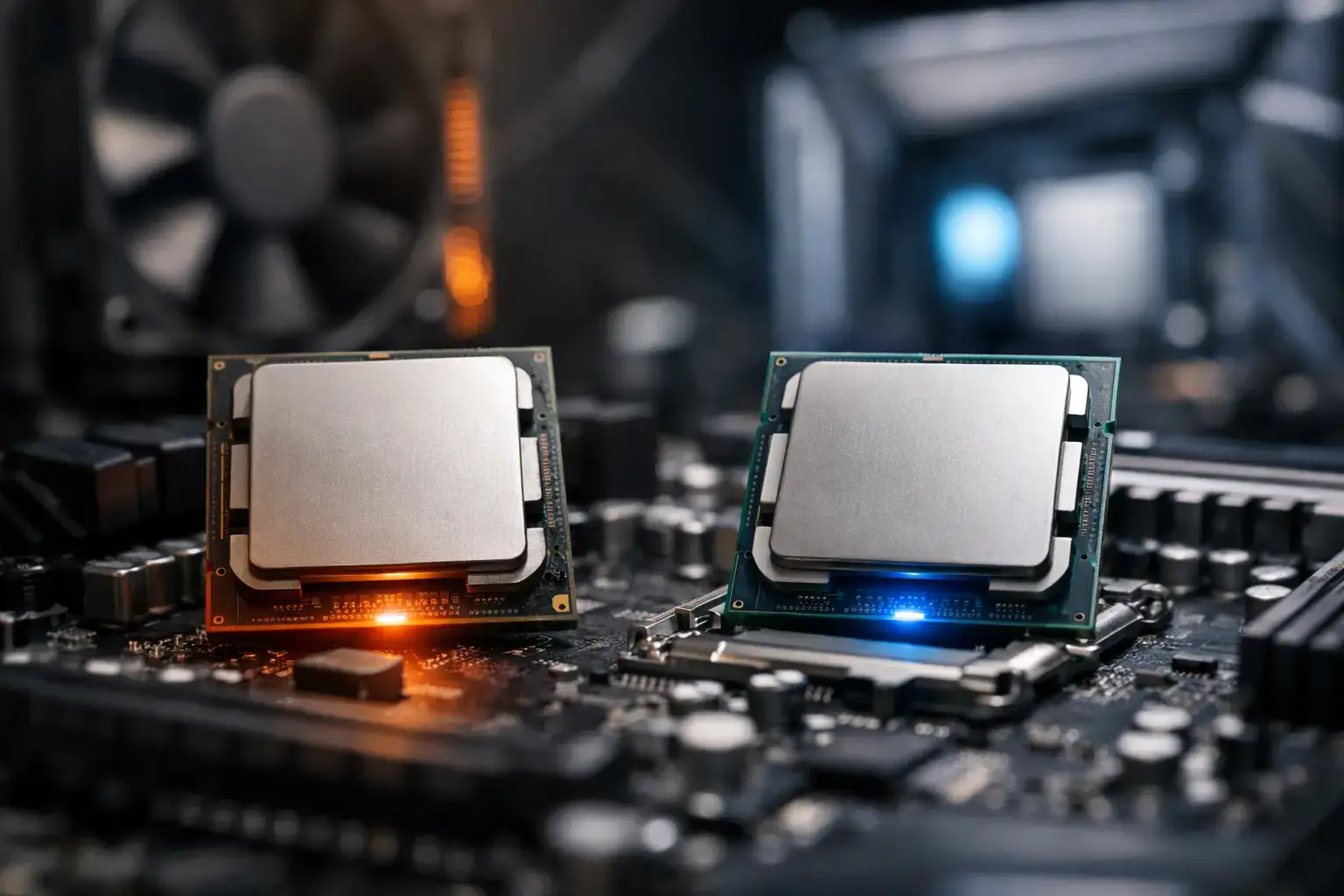
A processor choice can decide whether a budget PC feels quick and capable for years or starts feeling cramped after one busy game patch, a few browser tabs, and a Discord call. In the Ryzen 3 versus Core i3 debate, there is no permanent winner. The right choice comes down to the specific generation, the graphics card, the workload, and how far you want the system to grow.
For first-time gamers, home users, and businesses buying dependable everyday desktops, both processor families can offer excellent value. The key is avoiding the old assumption that every Core i3 or Ryzen 3 performs the same. Modern entry-level CPUs vary significantly in core counts, onboard graphics, memory support, and platform options.
Ryzen 3 Versus Core i3 at a Glance
AMD Ryzen 3 and Intel Core i3 processors sit at the affordable end of their respective desktop and laptop ranges. They are designed for responsive everyday use: web browsing, Office apps, video calls, streaming, schoolwork, and lighter creative tasks. Pair the right model with a dedicated graphics card and fast memory, and they can also deliver strong 1080p gaming performance.
The important distinction is that product names describe a performance tier, not one fixed specification. A recent Core i3 may have more cores and threads than an older Core i5. Likewise, a newer Ryzen 3 can be dramatically faster than a Ryzen 3 from a few years ago. Always compare the exact CPU model rather than shopping by the badge alone.
Intel’s recent desktop Core i3 chips generally prioritize strong per-core performance. That helps in tasks that rely heavily on one or a few fast cores, including many games, spreadsheets, and day-to-day desktop use. AMD Ryzen 3 models are often attractive when platform value, efficient performance, or an upgrade-friendly motherboard matters most.
Gaming Performance Depends on the Graphics Card
For a gaming PC, the graphics card has the biggest influence on frame rates and visual settings. A Ryzen 3 or Core i3 paired with an entry-level GPU can handle popular esports and lighter titles very well at 1080p. Think Fortnite, Roblox, Minecraft, League of Legends, Valorant, Rocket League, Terraria, and similar games.
At this level, a current Core i3 can have a small advantage in games that favor fast single-core speed, especially when paired with a capable graphics card and targeting high-refresh-rate esports play. If your goal is to push 144Hz or higher in competitive titles, CPU performance matters more because the system must prepare more frames per second.
That does not make Ryzen 3 the wrong gaming choice. A well-balanced Ryzen 3 system with dual-channel memory, a decent SSD, and an appropriately matched GPU is far more enjoyable than a mismatched system with a stronger CPU but weak graphics. Spending the entire budget on the processor while compromising on the GPU is a common mistake.
For demanding modern AAA games, the question shifts from average frame rate to consistency. Open-world games, large multiplayer matches, simulation titles, and background apps can put pressure on a four-core processor. A Ryzen 3 or Core i3 can still run these games, but buyers who stream, keep many apps open, or want more long-term headroom should consider moving up to Ryzen 5 or Core i5.
Integrated Graphics: Check Before You Buy
Not every Ryzen 3 or Core i3 includes usable integrated graphics. This matters if you are building an office PC without a dedicated graphics card or if you need a temporary display output while waiting for a GPU upgrade.
Most Intel Core i3 processors include Intel integrated graphics, but models with an “F” suffix do not. A Core i3-14100F, for example, requires a dedicated graphics card. AMD’s desktop Ryzen naming needs even closer attention. Ryzen models with a “G” suffix traditionally include Radeon graphics, while many standard Ryzen desktop CPUs do not have onboard graphics. Some newer AMD platforms also include basic integrated display capability, but it is not intended to replace a gaming GPU.
If you want casual gaming without a graphics card, look specifically at an AMD Ryzen 3 APU or a modern Intel chip with integrated graphics, then set realistic expectations. Integrated graphics are fine for light games and media use, not high-detail AAA gaming.
Cores, Threads, and Everyday Multitasking
Core count is no longer just a specification for enthusiasts. It affects how a PC behaves when real life gets busy: a video meeting running while documents are open, a browser has 20 tabs, cloud files are syncing, and security software is active.
Many current Core i3 desktop processors offer four performance cores and eight threads. This is a very capable baseline for a responsive home, school, or office machine. Intel’s strong per-core speeds make applications feel immediate, from launching programs to navigating busy websites.
Ryzen 3 configurations differ more by generation. Some models use four cores and eight threads, while others are more limited. Before choosing a Ryzen 3, confirm the core and thread count rather than assuming it matches a current Core i3. For basic use, four cores are sufficient. For frequent photo editing, heavier multitasking, video production, or professional applications, six cores or more provides a more comfortable margin.
Neither processor family should be judged on cores alone. Memory capacity and storage matter just as much. An 8GB system may work for simple browsing, but 16GB is the smarter target for a new Windows PC. It gives games, browser tabs, background tools, and creative applications the room they need without constant slowdowns. An NVMe SSD is equally essential for quick boot times, app loading, and general responsiveness.
Platform and Upgrade Path Matter More Than Many Buyers Expect
A processor is only one piece of a fully upgradeable desktop. The motherboard chipset, socket, BIOS support, memory type, power supply, and case airflow determine what upgrades are practical later.
AMD has built a strong reputation for platform longevity. Depending on the motherboard and CPU generation, an AMD build can offer a clear route from an entry-level Ryzen 3 to a more powerful Ryzen 5, Ryzen 7, or beyond. That can make Ryzen especially appealing for buyers who want to start with a budget system and upgrade the CPU later rather than replace the entire PC.
Intel platforms can also be excellent, but socket support often changes more frequently between generations. A Core i3 build may still be the better purchase if its upfront price, motherboard features, and performance suit your needs. Just make the decision with the intended lifespan of the PC in mind.
For either brand, choose a quality motherboard with the connections you will actually use, enough RAM slots for expansion, and a power supply that can support a future graphics card. Expert assembly and compatibility testing are valuable here. A PC that boots is not necessarily a PC that has been configured for stable memory speeds, correct cooling, and future upgrades.
Which CPU Is Better for Your Use Case?
Choose a current Core i3 if you want excellent everyday snappiness, play esports titles at high frame rates, or find a system configuration that leaves more budget for a stronger graphics card. It is also a practical choice for general office desktops where integrated graphics are needed and the workload is mainly browsers, email, documents, and video calls.
Choose Ryzen 3 if the complete build offers better value, stronger integrated Radeon graphics on an APU model, or a motherboard platform with a future CPU upgrade you genuinely plan to make. It can be a smart starting point for budget gaming and family PCs, particularly when the saved budget goes toward 16GB of memory and a fast SSD.
Move beyond both if your workload includes regular video editing, 3D rendering, code compilation, streaming while gaming, heavy multitasking, or demanding new releases. Spending a little more on Ryzen 5 or Core i5 can prevent an entry-level CPU from becoming the limiting component too soon.
Build the Balanced PC, Not the Biggest Spec Sheet
The best Ryzen 3 versus Core i3 choice is the one inside a balanced, compatibility-checked configuration. A fast processor cannot compensate for too little memory, a slow hard drive, weak cooling, or an underpowered graphics card. Equally, buying a high-end CPU for basic web use is money that may be better spent on storage, a better monitor, or a system built for easy upgrades.
Start with the software and games you actually use, then set a realistic target for resolution, frame rate, and multitasking. If you are unsure, choose the system with 16GB RAM, an NVMe SSD, quality components, and a clear upgrade path. That foundation will keep an entry-level PC feeling fast long after the processor name on the box stops being the headline feature.

