


Blog
Intel i7 Performance PC: Who Should Buy One?

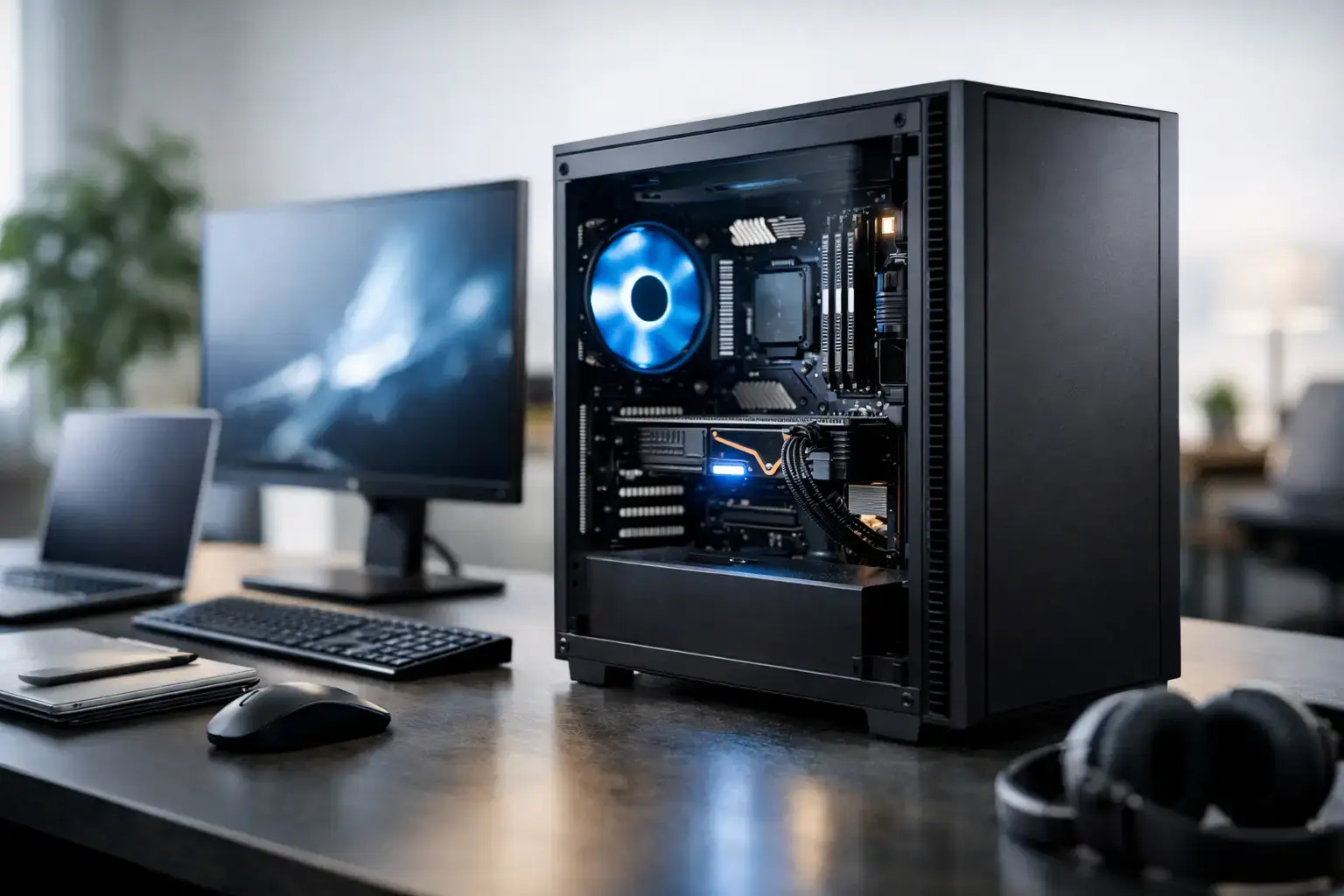
A fast graphics card gets attention, but the processor decides how well your whole system keeps up when the action gets busy. An Intel i7 performance PC is a strong middle-to-high-end choice for players chasing high-FPS esports, creators working with demanding files, and professionals who need a responsive desktop that does not slow down under a full workload.
The i7 name alone is not a complete performance guarantee. Intel has used it across several generations, with meaningful differences in core counts, clock speeds, platform features, and power requirements. The right system is one where the CPU, graphics card, memory, storage, cooling, and power supply are matched to what you actually do.
What an Intel i7 Performance PC Does Well
A current-generation Intel Core i7 is built for workloads that benefit from both fast individual cores and serious multi-core power. That makes it particularly capable when you are gaming while streaming, editing video while running other applications, compiling code, managing large spreadsheets, or moving between many browser tabs and productivity tools.
For gaming, an i7 gives a graphics card room to perform. This matters most in competitive titles such as Fortnite, Call of Duty, Valorant, Apex Legends, and racing simulators, where a high-refresh-rate monitor benefits from consistently high frame rates. At 1080p, where the CPU can have a bigger impact on performance, an i7 paired with the right GPU can help maintain smoother frame pacing during demanding scenes.
For content creation, the advantage is less about one headline benchmark and more about time saved across a week. Video exports, timeline playback, photo batches, audio production, 3D rendering, and background tasks all benefit from extra processing resources. An i7 is also a sensible option for users who do not want to close every other program before starting a demanding task.
Business and home-office buyers can benefit too. An i7 may be more than necessary for email and web browsing, but it is a practical investment for heavy multitasking, data work, virtual meetings, local development environments, and applications that need sustained CPU performance. If lost time from lagging software costs more than the difference between processor tiers, the upgrade can be easy to justify.
Choose the Generation, Not Just the i7 Label
An Intel Core i7 from a recent generation is a very different product from an older i7 system still circulating in the used and budget market. Newer CPUs generally offer better efficiency, more cores, faster memory support, improved connectivity, and a stronger upgrade platform. That is why comparing only the i7 badge can lead to a poor purchase.
Look for the full processor model before deciding. A desktop i7 with a higher-performance suffix is typically aimed at users who need more sustained power, while a lower-power version may prioritize heat and energy use. There are also differences between desktop and laptop i7 chips, so a laptop processor name should never be treated as directly equivalent to a desktop CPU.
The motherboard matters alongside the processor. A quality board provides the memory support, expansion slots, USB connectivity, networking, and BIOS features that make a performance PC easier to live with. It also affects future upgrades. A fully upgradeable desktop with sensible component choices offers much better long-term value than a locked-down mass-market tower with a proprietary power supply or limited internal space.
Pair the i7 With the Right Graphics Card
For a gaming-focused Intel i7 performance PC, graphics card selection should follow your monitor resolution and target frame rate. There is little benefit in spending heavily on a CPU if the GPU cannot deliver the visual settings and performance you want. Likewise, pairing a top-tier graphics card with an entry-level processor can create a bottleneck in CPU-heavy games.
At 1080p, an i7 paired with a midrange or high-performance RTX-class graphics card is an excellent setup for high-FPS gaming. It can suit competitive players using 144Hz or 240Hz displays, while still offering strong image quality in newer single-player games.
At 1440p, the graphics card becomes even more important. A stronger GPU will do more of the work, especially with ray tracing enabled, but the i7 remains valuable for keeping minimum frame rates stable and supporting background tasks such as Discord, recording software, or a browser on a second display.
For 4K gaming, prioritize the graphics card first. An i7 is still a capable partner for premium GPUs, but buyers should put more of the budget toward GPU performance, video memory, and an appropriate high-resolution display. The same principle applies to creator PCs using GPU-accelerated editing, rendering, or AI-assisted workloads.
Memory, Storage, and Cooling Are Not Optional Details
A performance processor needs supporting hardware that can keep pace. For most gaming systems, 16GB of memory remains usable, but 32GB is the more comfortable choice for a new i7 build. It gives modern games, voice chat, browser tabs, mods, streaming tools, and background applications enough headroom without forcing constant compromises.
Creators and professional users should often start at 32GB and consider 64GB when working with large video projects, virtual machines, complex CAD files, big datasets, or high-resolution asset libraries. Capacity is only part of the picture. Correctly configured memory running at its intended profile helps the system deliver the performance you paid for.
Fast NVMe SSD storage has an equally visible impact on everyday use. It speeds up Windows startup, game loading, project opening, file transfers, and application launches. A 1TB drive is a sensible starting point for many buyers, while 2TB or more quickly becomes worthwhile if you keep a large game library, raw footage, or active work files locally.
Cooling deserves careful attention with higher-performance Intel processors. Under extended gaming sessions, exports, or rendering jobs, the CPU can generate substantial heat. A properly sized air cooler or liquid cooler helps maintain clock speeds while controlling noise. Good case airflow matters just as much: cool components perform more consistently and can have a longer service life.
Is an i7 Better Than an i5 or i9?
It depends on your workload and budget. A modern i5 can be a very capable gaming processor, especially when paired with the right graphics card. If your main goal is playing games at 1440p and you would rather allocate more budget to the GPU, an i5-based system can be the smarter value choice.
An i7 earns its place when you want extra breathing room. It is ideal for gamers who stream, players who want very high frame rates, creators who edit regularly, and professionals who run demanding applications side by side. It also makes sense for buyers who want their PC to remain capable for longer as software requirements increase.
An i9 is not automatically the better buy. It can be the right option for intensive rendering, advanced production work, frequent large-scale compiling, or workloads that can use every available core. For standard gaming, general creative work, and serious multitasking, an i7 often delivers the more balanced performance-per-dollar result. Spending the difference on a better GPU, more memory, or larger SSD storage may have a greater real-world effect.
What to Expect From a Properly Built System
Component selection is only half the job. A performance desktop should arrive compatibility-checked, assembled cleanly, tested under load, and configured so its memory profile and BIOS settings are ready to go. Those details affect stability, noise, and the performance you see after turning it on.
PCZone builds systems around premium branded components rather than vague specifications. That gives buyers clarity on what is inside their PC and makes future upgrades much more straightforward. A correctly matched power supply, motherboard, cooler, and case can be the difference between a powerful system that stays dependable and one that becomes frustrating after a few months.
Before you choose, define the outcome you want: the games you play, your monitor resolution, the software you use, and whether streaming or production work is part of the plan. An Intel i7 system is at its best when it is configured around those needs, not simply chosen because it sits higher in a product lineup.
A well-balanced i7 PC gives you more than a fast first week. It gives you the confidence to install the next game, take on a larger project, or add a future upgrade without wondering whether your desktop is already at its limit.

