


Blog
Best PCs for Music Production for Every Studio

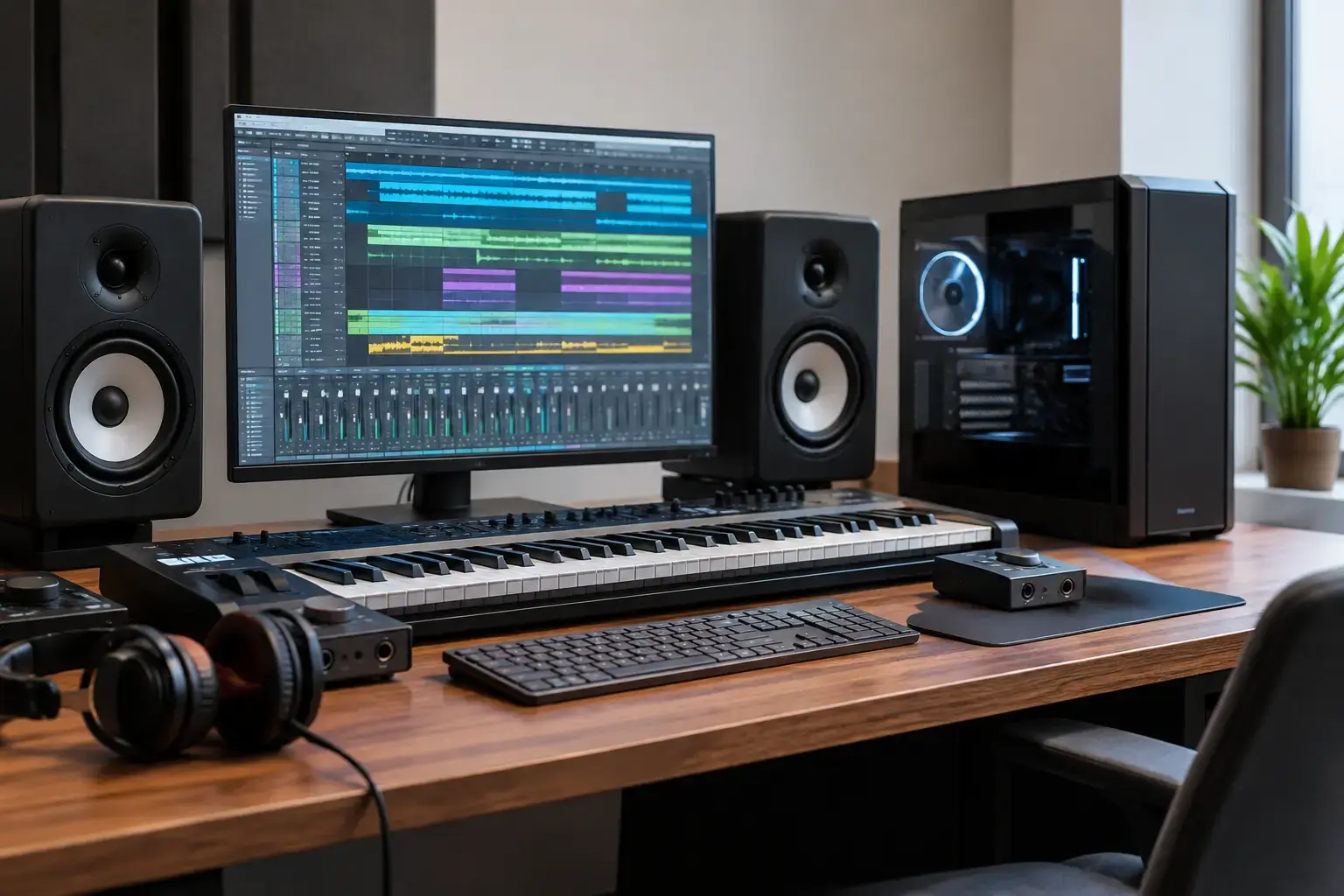
A recording session does not care that your PC was inexpensive. When a vocal take is perfect, a project crashes under a heavy plugin chain, or latency makes a MIDI performance feel disconnected, the computer becomes part of the problem. The best PCs for music production are built around stable low-latency performance, fast storage, enough memory for your sessions, and room to grow as your studio does.
For most producers, a desktop PC is the strongest long-term choice. You get more performance for the budget than a comparable laptop, quieter cooling options, easier upgrades, and the freedom to select the ports and storage your setup actually needs. The right specification depends on whether you are tracking vocals in a bedroom studio, producing electronic music with large sample libraries, or mixing demanding commercial sessions.
What Makes a PC Good for Music Production?
Music production is not just one workload. Your DAW has to manage recorded audio, real-time effects, virtual instruments, automation, exports, and often several background applications at once. A system that looks powerful for gaming is not automatically the best fit for a studio, although many well-balanced gaming desktops can make excellent production machines.
Processor performance is the starting point. High clock speeds help when a project needs to process effects in real time at a low buffer size. More cores help when you are mixing larger sessions, running multiple virtual instruments, rendering stems, or exporting a finished track. A modern Intel Core i5 or AMD Ryzen 5 processor is a sensible floor for serious home recording. Intel Core i7, Core i9, Ryzen 7, and Ryzen 9 systems give demanding producers more headroom.
Memory is equally important. RAM holds active samples, plugins, and project data ready for fast access. A 16GB system can handle songwriting, recording, beat production, and smaller mixes comfortably. For most committed producers, 32GB is the sweet spot. Choose 64GB if you work with orchestral templates, large Kontakt libraries, detailed sound design sessions, or projects that run alongside video editing software.
Fast NVMe SSD storage changes the feel of a production PC. It shortens boot times, speeds up session loading, and allows sample libraries to stream more efficiently. A 1TB NVMe SSD is a practical starting point, but it fills faster than many buyers expect once sample packs, instrument libraries, and project backups enter the picture. Two drives are often the smarter arrangement: one for Windows and applications, and another for active projects and samples.
Best PCs for Music Production by Studio Level
Entry-level home studio PC
An entry-level production system should not mean a disposable system. A PC with a current-generation Intel Core i5 or AMD Ryzen 5, 16GB of memory, and a 1TB NVMe SSD is more than capable of recording vocals, guitars, podcasts, and electronic tracks with a sensible plugin count.
Integrated graphics are usually fine if the PC is dedicated to audio. Music software places far greater demand on the processor and memory than on the graphics card. Skipping a high-end GPU can free up budget for 32GB of RAM, extra SSD storage, or a higher-tier CPU, all of which will make a clearer difference in most DAWs.
This tier is ideal for producers using Ableton Live, FL Studio, Logic alternatives on Windows, Studio One, Reaper, or Pro Tools for smaller projects. It also leaves an upgrade path for additional storage and memory later, rather than forcing a complete replacement when your sessions become more ambitious.
Mid-range production PC for serious creators
For a producer who records regularly, mixes full songs, uses multiple software instruments, or works on client projects, aim for an Intel Core i7 or AMD Ryzen 7 processor, 32GB of RAM, and at least 2TB of total SSD storage. This is the performance tier where a PC starts to feel unhurried under real creative workloads.
A powerful mid-range system handles dense arrangements with drum instruments, synths, vocal processing, guitar amp simulation, buses, and mastering plugins without demanding constant track freezing. You still need to manage sessions well, because no computer removes the value of efficient routing and sensible plugin choices, but you have much more room to work naturally.
A modest dedicated graphics card can make sense if the same desktop will be used for video editing, live-streaming, content creation, or gaming. For audio-only use, it remains optional. Prioritize quiet, quality cooling and a reliable power supply instead. Fan noise can become an issue when recording in the same room as your desktop.
High-end workstation for large sessions and scoring
The most demanding studios need a workstation built around an Intel Core i9 or AMD Ryzen 9 processor, 64GB of RAM, and multiple high-capacity NVMe drives. This configuration suits composers running large orchestral libraries, producers building complex electronic arrangements, engineers mixing high-track-count sessions, and creators working across audio and video.
More CPU power does not always mean every plugin will run perfectly at the smallest possible buffer. Some real-time audio tasks still rely heavily on individual core speed, while others spread efficiently across many cores. That is why the strongest workstation combines a fast modern processor with high core counts instead of chasing one specification alone.
This tier is also the right place to plan storage properly. Keep the operating system and DAW on one fast drive, place sample libraries on another, and use a separate drive for current sessions and regular backups. It is a professional workflow that protects performance and makes project management much easier.
CPU Choice: Intel Core or AMD Ryzen?
Both Intel Core and AMD Ryzen processors can deliver excellent music production performance. The better choice comes down to the exact generation, price, cooling, and configuration rather than the badge on the front of the case.
Intel Core i5 and i7 systems are strong all-rounders for recording and production, particularly where responsive single-core performance matters. Core i9 models bring serious power for major mixes, rendering, and heavy multitasking. AMD Ryzen 5 and Ryzen 7 systems offer outstanding value for producers who want capable multi-core performance without overspending, while Ryzen 9 is a compelling workstation option for big instrument templates and demanding creative workloads.
Do not buy based on processor naming alone. A professionally configured Ryzen 7 system with 32GB of fast memory and ample NVMe storage can be a better studio PC than a poorly balanced Core i9 machine with limited RAM and a small drive. Compatibility-checked components, correct memory settings, and stable cooling all matter when you need a long session to stay dependable.
The Specs That Are Easy to Overlook
Your audio interface has a bigger effect on recording quality and usable latency than a premium graphics card ever will. Make sure your PC has the USB ports your interface, MIDI controller, external drives, and dongles require. If you use a Thunderbolt interface, confirm motherboard and expansion compatibility before ordering rather than assuming every USB-C port supports the same features.
Noise deserves real attention. A compact case with aggressive fan curves may be acceptable for esports, but it can be distracting beside a microphone. A well-built desktop with efficient cooling, quality fans, and a sensible case layout is a better fit for the studio. It is also worth placing the tower away from your vocal recording position whenever possible.
Windows configuration matters, too. Keep drivers current, avoid filling SSDs to the limit, use reliable backup storage, and set aside time to test your interface at the buffer sizes you actually use. A ready-to-use PC with the BIOS and memory profile configured correctly removes a common source of early performance frustration.
How to Spend Your Budget Wisely
If your budget is tight, prioritize in this order: a modern processor, 16GB or ideally 32GB of RAM, a 1TB NVMe SSD, and quiet reliable components. Add more storage before spending heavily on graphics. Choose a motherboard with room for extra M.2 drives and memory upgrades, because those upgrades are straightforward and valuable as your library grows.
For a hybrid creator setup, balance changes slightly. A dedicated NVIDIA RTX or AMD Radeon graphics card is worthwhile if you edit video, create visual content, stream performances, or want high-FPS gaming after the session ends. The key is not letting the GPU consume the budget needed for CPU, RAM, and storage.
A custom-built, fully upgradeable desktop gives you control over those trade-offs. Rather than accepting a mass-market specification that is heavy on flashy graphics and light on storage, you can build around the way you actually produce music.
The best choice is the PC that lets you keep the creative moment moving: record the take, load the instrument, add the effect, and finish the track without staring at a performance meter.

