


Blog
Intel i7 Desktop Review: Who Should Buy One?

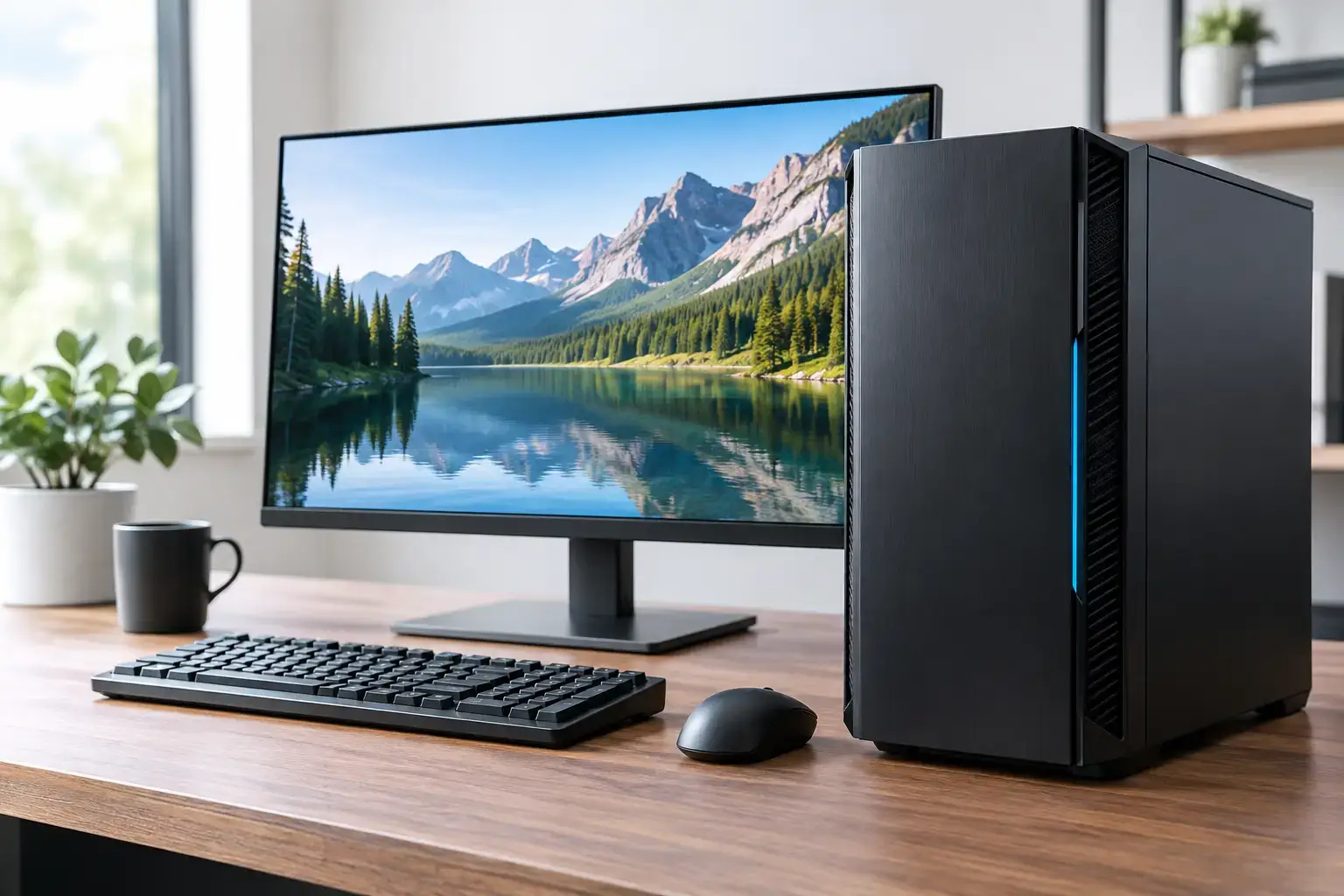
A Core i7 badge can mean a fast, capable desktop, but it is not a complete performance promise. An Intel i7 desktop review needs to look beyond the processor name: generation, cooling, RAM, graphics card, storage, and motherboard all decide whether a system feels quick in real use. For a high-FPS gaming PC, a creator workstation, or a serious home-office machine, the right i7 build still offers an excellent balance of speed and value.
The key is buying the i7 that matches the workload instead of paying for a headline specification while other components hold it back.
Intel i7 desktop review: the performance that matters
Intel Core i7 desktop processors sit near the upper end of Intel’s mainstream range. They are built for buyers who need more than basic web browsing, email, and document work, but do not necessarily need the extreme core counts and price of an i9 workstation. Modern i7 chips typically combine fast Performance-cores with Efficient-cores, allowing demanding foreground tasks and background processes to run side by side more effectively.
That design matters when your desktop is doing several things at once. You might be gaming while Discord, a browser, recording software, and launchers are open. Or you may be editing 4K footage while exporting proxies and organizing a large media library. A capable i7 helps the PC stay responsive when a lighter processor would begin to feel congested.
Single-core speed is also a major strength. Many games, design tools, and everyday applications still benefit heavily from fast individual cores. That makes an i7 desktop a strong fit for competitive gaming where frame consistency matters as much as peak FPS, as well as for general desktop responsiveness.
There is one major caveat: an i7 from several years ago is not equivalent to a current-generation i7. Core counts, architecture, memory support, and platform features change considerably over time. Always compare the actual processor model, not only the Core i7 label.
Gaming performance depends on the graphics card
For gaming, an Intel i7 is usually more processor than most players need for entry-level titles, but it becomes very useful as the graphics card and monitor target rise. Pair it with a balanced GPU and it can drive high refresh-rate esports play, detailed 1440p gaming, and demanding modern titles without becoming the weak link.
A system with an i7 and an RTX-class graphics card is particularly well suited to players who want more than a basic 60 FPS experience. Games such as Fortnite, Call of Duty, Apex Legends, and competitive shooters benefit from strong CPU performance, especially at 1080p or when chasing high frame rates on a 144Hz, 165Hz, or faster display. Simulation, strategy, and open-world games can also lean heavily on the processor as maps, AI, physics, and background activity become more complex.
At 1440p and 4K, the GPU takes on more of the workload. That does not make the i7 irrelevant. It means the graphics card deserves an equally careful share of the budget. An i7 paired with a low-end GPU may load games quickly and keep Windows responsive, yet it will not deliver the visual settings or frame rates buyers expect from a premium gaming desktop.
For most balanced gaming builds, the smarter question is not, “Is an i7 good for gaming?” It is, “Which graphics card, RAM capacity, and cooling setup best complement this i7 at my chosen resolution?”
Content creation and professional workloads
Creators and power users are where the Core i7 family earns its reputation. Photo editing, video production, music work, coding, 3D projects, and large multitasking workloads all benefit from the extra cores and strong clock speeds available on modern i7 processors.
Video editors will see the advantage during timeline playback, effects work, encoding, and exports, particularly when the system also includes a capable dedicated graphics card. For Adobe-based workflows, DaVinci Resolve, streaming, and similar applications, an i7 provides the headroom to work without having to close every other program first.
For business and office users, an i7 can be a sensible long-term investment when the work is genuinely demanding. Large spreadsheets, multiple displays, browser-heavy research, virtual meetings, databases, development environments, and virtual machines can quickly expose the limits of a basic desktop. An i7 system handles these tasks with confidence and gives growing teams useful performance headroom.
That said, it depends on the job. A receptionist PC, a light accounting system, or a desktop used mainly for email and cloud applications may be better served by an i5 configuration with more RAM or storage. Spending where it changes the user experience is better than over-specifying the CPU.
The specifications that make or break an i7 build
An i7 processor needs a properly balanced platform. A well-built desktop is not simply a fast chip placed into the cheapest possible parts list. Memory capacity, storage speed, cooling, power delivery, and motherboard features affect stability, upgrade potential, and day-to-day performance.
For gaming and general power use, 16GB of RAM remains workable, but 32GB is the more comfortable target for a new i7 desktop. It gives modern games, creative apps, browser tabs, and background tools room to run together. Creators working with high-resolution video, large image files, virtual machines, or complex 3D scenes may need 64GB or more.
Fast NVMe SSD storage is equally important. It shortens Windows startup, application launches, game loading, file transfers, and project-cache waits. A 1TB drive is a practical starting point for many users, while larger game libraries and creative projects can justify 2TB or additional storage from day one.
Cooling deserves attention, particularly on higher-power i7 models. A quality tower air cooler or correctly configured liquid cooler helps sustain performance during long gaming sessions, exports, and renders. It can also reduce fan noise. Cheap cooling may not cause an immediate failure, but it can limit boost behavior and leave a powerful processor performing below its potential.
The motherboard should support the processor properly and provide the connections you will realistically use: enough M.2 storage slots, suitable USB ports, Wi-Fi if required, and room for memory expansion. A compatibility-checked board and correctly configured BIOS are far more valuable than a long list of features you will never touch.
When an i7 is worth the extra cost
An i7 desktop makes sense when you want a system that can serve multiple roles well. It is a strong choice for gamers pairing a midrange-to-high-end graphics card with a fast monitor, creators who edit regularly, streamers, developers, and professionals who spend much of the day inside demanding software.
It is also a good fit for buyers who prefer to keep a desktop for years. The extra CPU headroom can make future game updates, heavier applications, and larger workloads easier to absorb. A fully upgradeable desktop can later receive more RAM, added SSD capacity, or a new graphics card without replacing the entire system.
An i5 can be the better-value route for casual gaming, schoolwork, and everyday home use. An i9 may be justified for frequent high-end rendering, intensive simulation, or professional workloads where export time directly affects revenue. The i7 sits in the highly capable middle: powerful enough for serious work, without automatically pushing every build into workstation pricing.
What to check before buying
Do not compare desktops using the CPU name alone. Check the exact i7 generation and model, then inspect the full component list. Look for dual-channel memory, a reputable power supply, appropriate cooling, NVMe storage, and a graphics card that suits the games or applications you actually run.
Prebuilt desktops should also arrive configured for use, not treated as a box of parts. Proper assembly, memory-profile setup, BIOS checks, cable management, and system testing help avoid the frustrating problems that can turn a new PC into a troubleshooting project. PCZone builds focus on premium components, compatibility checks, and ready-to-use performance so buyers can spend more time working or playing.
The best Intel i7 desktop is not necessarily the one with the most expensive spec sheet. It is the one with the right generation of processor, a balanced graphics card, enough memory and fast storage, effective cooling, and a clear upgrade path for what you plan to do next.

