


Blog
A Gaming Desktop Review That Focuses on FPS

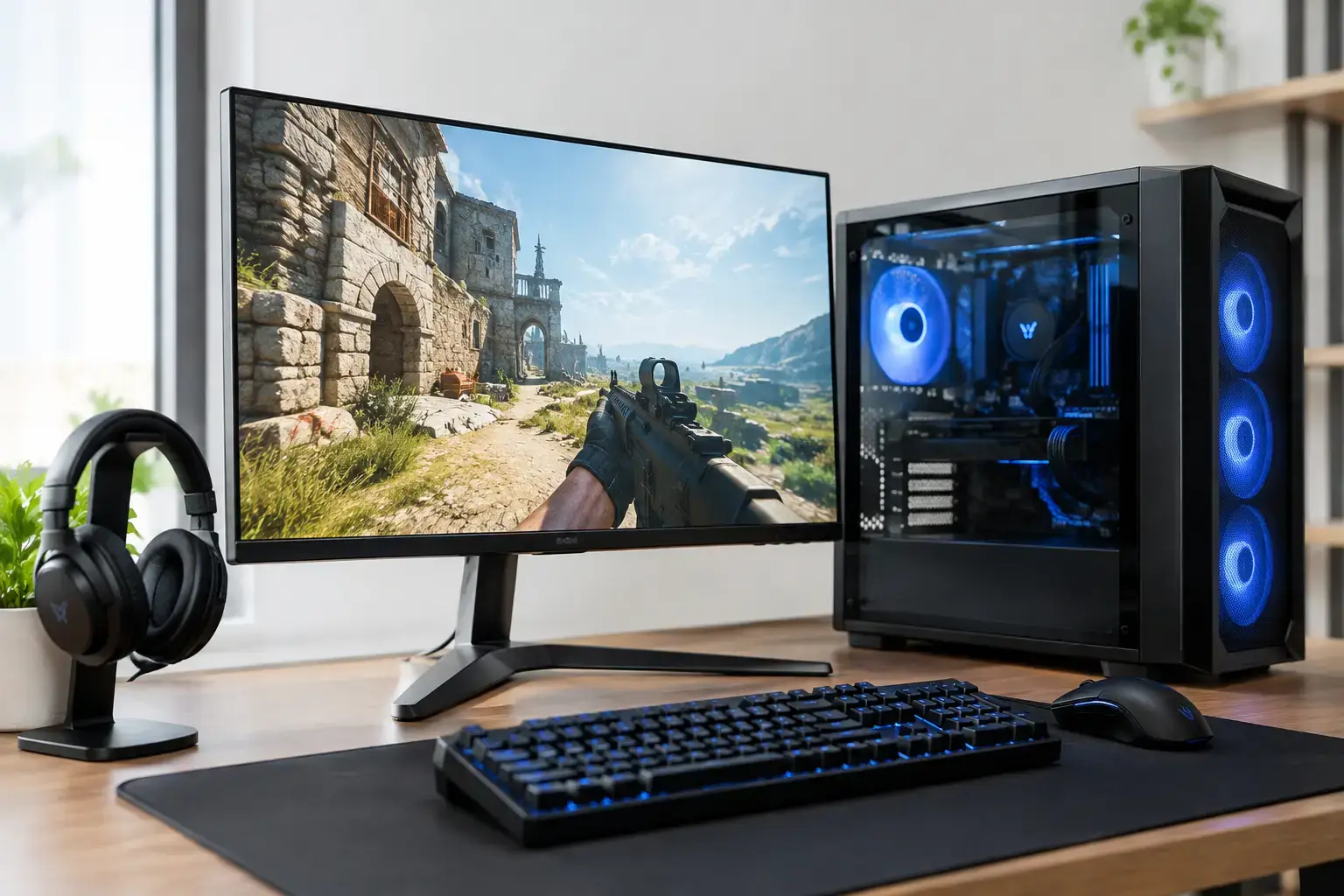
A gaming desktop review should answer one question before anything else: will this PC deliver the experience you expect in the games you actually play? A spec sheet can look impressive while hiding a weak graphics card, limited memory, a tiny SSD, or a power supply that leaves little room to upgrade. The best gaming desktop is not necessarily the one with the biggest number in its name. It is the system with balanced parts, stable performance, and a clear path forward.
For a first-time buyer, that may mean smooth Fortnite, Roblox, Minecraft, and Terraria gameplay without spending on hardware that will sit idle. For a competitive player, it means consistently high frame rates at 1080p or 1440p. For someone who games, streams, edits video, and keeps a dozen browser tabs open, it means multi-core power, fast storage, and enough RAM to stay responsive under pressure.
Gaming Desktop Review: Start With the GPU
The graphics card is the part that has the greatest effect on gaming performance. It determines how well a system handles modern textures, ray tracing, resolution, and high refresh-rate displays. A strong processor matters, but pairing a premium CPU with an entry-level GPU is rarely the best use of a gaming budget.
For 1080p gaming, a mid-range graphics card can be an excellent fit. This is still the most practical resolution for many players, especially those using 144Hz or 165Hz monitors for esports titles. Games such as Valorant, Counter-Strike 2, Rocket League, and Fortnite benefit from high frame rates more than ultra-high visual settings. A properly matched Ryzen 5 or Intel Core i5 system with a capable RTX graphics card can provide the responsive feel competitive players want.
1440p raises the demand on the GPU, but it also gives a noticeable jump in image clarity. It is a strong target for players who enjoy cinematic single-player games as much as competitive multiplayer. At this level, look beyond the card name. Check the amount of video memory, expected performance at your preferred settings, and whether the system has cooling suited to longer gaming sessions.
4K gaming is different again. It can look spectacular, but it requires premium hardware and involves real trade-offs. Even powerful systems may need adjusted settings, upscaling technology, or a balance between maximum visual fidelity and maximum frame rate. Buying for 4K makes sense when you already own a high-quality 4K display and know that visual detail is your priority.
CPU Performance Is About More Than FPS
A processor keeps the rest of the system moving. It handles game logic, background apps, physics calculations, Windows tasks, voice chat, recording software, and more. In GPU-heavy games, upgrading the CPU may not produce a dramatic frame-rate jump. In high-FPS esports, simulation games, strategy titles, and busy open-world scenes, it can make a substantial difference.
A modern Ryzen 5 or Intel Core i5 processor is a sensible starting point for most gaming builds. These CPUs provide the speed needed for current games while leaving room in the budget for the graphics card that drives visual performance. Moving to Ryzen 7 or Intel Core i7 makes more sense for players who stream, create content, run demanding mods, or want stronger performance across several tasks at once.
Ryzen 9 and Intel Core i9 systems are built for buyers with heavier workloads. If your desktop will also be a video-editing station, 3D workstation, development machine, or professional production PC, the extra multi-core power can save real time. For gaming alone, however, the better investment is often a more balanced CPU and GPU combination rather than choosing the most expensive processor available.
Avoid the Bottleneck Conversation Trap
“Bottleneck” is often used as if it automatically makes a PC unusable. In reality, every game and setting creates a different workload. At 1080p with low settings, the CPU may limit peak frame rates. At 1440p or 4K with higher visual settings, the graphics card usually does more of the work.
The practical goal is balance. A compatibility-checked build with a sensible processor, graphics card, memory capacity, and power supply will perform far better than a system assembled around one headline component.
Memory and Storage Shape the Daily Experience
RAM does not usually make flashy marketing headlines, but insufficient memory can make a fast PC feel slow. For modern gaming, 16GB is a workable baseline. It is enough for many current titles, especially when the PC is mainly used for gaming and everyday browsing.
32GB is increasingly the better long-term choice for players who multitask. It gives more breathing room for Discord, streaming software, browsers, game launchers, recording tools, modded games, and creative applications. It is also a sensible option for anyone who wants to keep a system for several years instead of replacing it at the first sign of heavier requirements.
Storage deserves the same attention. An NVMe SSD helps Windows boot quickly, reduces game load times, and keeps the entire desktop feeling more responsive. A 1TB drive is a practical starting capacity because modern games can consume well over 100GB each. A smaller SSD may look acceptable at checkout, but it becomes frustrating when there is room for only a few large games alongside Windows and essential apps.
If your library is extensive, consider additional storage from the start or choose a motherboard and case that make future expansion straightforward. Fully upgradeable designs are valuable because your needs will change long before the core platform becomes obsolete.
Cooling, Power, and Case Design Are Not Extras
A gaming desktop can have excellent core specifications and still disappoint if it runs hot, loud, or unstable. Cooling is about sustained performance, not just appearance. A well-configured CPU cooler and sensible case airflow help components maintain their boost speeds during longer play sessions.
The case should have enough room for the selected graphics card, cooling hardware, additional drives, and future upgrades. It should also allow air to move through the system instead of trapping heat around the GPU. Tempered-glass panels and RGB lighting can look great, but they should never come at the expense of practical airflow.
The power supply is even less visible, yet it is one of the most important components in a reliable build. A quality unit from a recognized manufacturer provides stable power and supports future upgrades. Be cautious with desktop listings that detail the CPU and GPU but say little about the power supply, motherboard, or cooling. Transparent specifications are a sign that a builder expects the system to be examined closely.
What a Good Gaming Desktop Review Should Tell You
A useful review goes beyond broad claims such as “fast” or “high performance.” It should identify the exact processor, graphics card, memory amount, storage type and capacity, motherboard platform, power supply rating, and operating system. These details let you compare systems honestly.
It should also describe a use case. A budget desktop for Minecraft and Fortnite is not reviewed by the same standard as an RTX-powered 1440p machine built for demanding AAA games. Likewise, a creator who needs fast exports and stable multitasking should evaluate CPU cores, RAM, storage, and cooling more carefully than a player focused only on esports.
Pay attention to setup quality as well. Memory profiles should be configured correctly, the BIOS should be checked, components should be tested together, and the system should arrive ready to use. Those steps do not change a spec sheet, but they can make the difference between a PC that simply turns on and one that performs as intended from day one.
Value Means Buying the Right Performance Tier
The cheapest gaming desktop is not always the best value, particularly if it needs a memory, storage, or graphics upgrade shortly after purchase. At the same time, overspending on premium parts that do not match your monitor or game library is unnecessary.
Start with your display. A 1080p 144Hz monitor points toward a different build than a 1440p 240Hz display or a 4K panel. Then consider the games you play, whether you stream or create content, and how long you plan to keep the desktop before upgrading. This narrows the field quickly.
A well-built PC should feel like a platform, not a dead end. Choose clearly specified, compatibility-checked components, enough SSD capacity for your real library, and a power and cooling setup that supports the next upgrade. That approach gives you more than impressive benchmark numbers – it gives you a gaming desktop that remains enjoyable when the next game arrives.

