


Blog
What PC Specs Run Roblox? A Smart Buying Guide

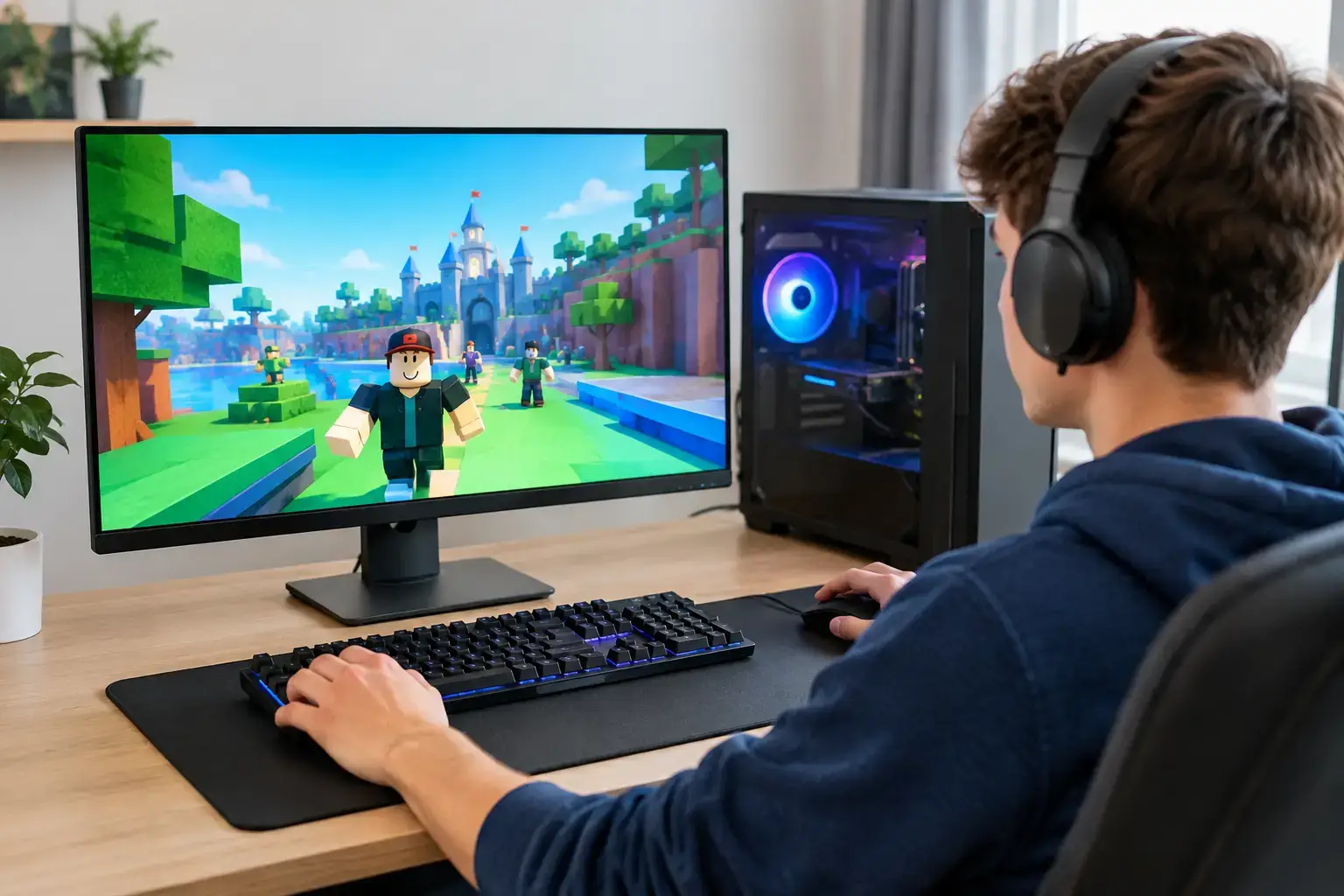
Roblox can run on a modest computer, but that does not mean every PC delivers the same experience. If you are asking what PC specs run Roblox, the real answer depends on whether you want to simply join friends, play demanding experiences at high settings, or keep a desktop ready for Fortnite, Minecraft, streaming, and future games too.
A low-cost PC may launch Roblox, but weak graphics, limited memory, and slow storage can still mean stutters when a busy game loads, frame-rate drops in larger maps, or frustrating delays when switching between Roblox, Discord, and a browser. A well-balanced desktop makes the difference: quicker loading, steadier gameplay, better visuals, and a system that stays useful after your first few months of PC gaming.
Roblox minimum specs versus a good gaming PC
Roblox is designed to work across a wide range of devices. At the basic level, a modern Windows PC with an entry-level processor, integrated graphics, 4GB of RAM, and enough free storage can run many Roblox experiences. That is the technical starting point, not the spec level most players should aim to buy.
For reliable everyday play, 8GB of RAM is the practical minimum, while 16GB is the better target for a new desktop. Roblox itself is not always demanding, but individual games are created by different developers and vary widely. A simple obby and a detailed role-playing game with large maps, lighting effects, player-built content, and lots of on-screen activity do not place the same demand on a PC.
The best buying approach is to choose for the experience you want, not the lowest possible requirement. If Roblox is the only game you plan to play and your budget is tight, a modern processor with capable integrated graphics can work well. If you want high settings, high-FPS esports performance, or the option to move into more demanding games, a dedicated graphics card is the smarter long-term choice.
What PC specs run Roblox smoothly?
For most players, a modern Intel Core i3 or AMD Ryzen 3 processor is a strong entry point. These CPUs provide enough speed for Roblox, schoolwork, browsing, and everyday home use without relying on outdated hardware. A Core i5 or Ryzen 5 is a worthwhile step up for gamers who multitask, play a wider variety of titles, or want more headroom for the years ahead.
Graphics are the biggest variable. Integrated graphics built into newer Ryzen and Intel processors can run Roblox at sensible settings, especially at 1080p in lighter experiences. However, integrated graphics share system memory and have less performance reserve when games become busier. They are ideal for a budget-focused first PC, not for buyers expecting maximum graphics settings in every game.
A dedicated graphics card such as an NVIDIA GeForce RTX 3050, RTX 4060, or AMD Radeon RX 6600-class GPU delivers a much stronger gaming foundation. Roblox will run comfortably, but the real value is flexibility. You can enjoy sharper visuals, higher frame rates, and demanding games beyond Roblox without replacing the entire PC.
Storage matters too. A 500GB NVMe SSD is a sensible minimum for a new gaming desktop. Roblox does not consume huge amounts of space by itself, yet Windows updates, school files, game launchers, screenshots, and additional games quickly add up. A 1TB NVMe SSD is a better fit if the PC will become your main gaming system. SSD storage also helps Windows start faster and reduces game-loading waits compared with an older hard drive.
Recommended Roblox PC configurations
An entry-level Roblox desktop should include a current Ryzen 3 or Core i3 processor, 8GB of RAM, and a 500GB SSD. If it uses modern integrated graphics, it can handle Roblox well at sensible settings and is an excellent option for casual gaming, homework, and streaming video.
A better all-around gaming configuration pairs a Ryzen 5 or Core i5 processor with 16GB of RAM, a 1TB SSD, and a dedicated graphics card. This is the sweet spot for players who want Roblox to feel fast and consistent while also playing Fortnite, Minecraft, Rocket League, or similar popular games.
For high-refresh-rate gaming, streaming, creative work, or a more future-ready setup, look toward a Ryzen 7 or Core i7 system with 16GB to 32GB of RAM and an RTX 4060-class graphics card or better. Roblox does not require that level of hardware alone, but it gives you considerable room for advanced games, video editing, and multitasking without compromise.
Is 8GB or 16GB RAM better for Roblox?
Both can run Roblox, but 16GB is the clear recommendation for a new PC. With 8GB, Windows, Roblox, Discord, browser tabs, updates, and background apps all compete for the same memory. The PC may still work, but it has less breathing room, particularly if you play while watching guides, chatting with friends, or running recording software.
With 16GB, everyday use feels more responsive and gaming performance is more consistent. It is also the more sensible choice for an upgradeable desktop because it avoids an early memory upgrade. Look for two matched RAM modules where possible, such as 2 x 8GB, rather than one 16GB module. Dual-channel memory can improve performance, especially on systems using integrated graphics.
Do you need a gaming graphics card for Roblox?
No, not always. A current processor with good integrated graphics is enough for many Roblox players, and it can be an excellent way to get started without overspending. This option makes the most sense for lighter games, 60Hz displays, and buyers who do not expect to move into graphically demanding titles soon.
A dedicated GPU is worth it when smooth frame rates are a priority, when you use a 144Hz monitor, or when Roblox is only one part of your gaming plan. It also provides a better answer to a common problem: buying a budget PC that is fine today, then discovering it struggles with the next game you want to try.
Do not judge graphics cards by memory size alone. GPU model, architecture, cooling, power delivery, and the rest of the system all affect real-world results. A balanced desktop with a capable processor, proper RAM, and a quality power supply is more valuable than a PC that advertises one impressive component alongside weak supporting parts.
The specs that are easy to overlook
The monitor can shape your Roblox experience as much as the PC. A 1080p, 75Hz display is a good match for entry-level systems, while a 144Hz monitor pairs well with a dedicated gaming GPU and games where fast movement benefits from higher frame rates. There is little reason to pay for a high-refresh monitor if the PC cannot consistently produce those frames.
Wi-Fi is another consideration. Roblox is online, so a stable connection matters. Ethernet is usually the best option for consistent latency, but modern Wi-Fi can work very well when the desktop has reliable wireless hardware and your router is nearby. Slow internet can feel like PC lag, even when the system itself is performing properly.
Finally, choose a PC with a quality motherboard, adequate cooling, and a branded power supply. These components are rarely the headline specification, but they support stability and future upgrades. A fully upgradeable desktop lets you add storage, memory, or a stronger graphics card later instead of starting from scratch.
Choosing the right Roblox PC for your budget
The lowest-priced system that can technically run Roblox is not automatically the best value. A small investment in 16GB of RAM, SSD storage, or a dedicated graphics card can extend the useful life of the PC significantly. At the same time, there is no need to buy a high-end RTX-powered rig solely for casual Roblox play unless you also want the benefits for other games, streaming, or creative workloads.
For first-time buyers, a compatibility-checked, ready-to-use desktop removes much of the uncertainty around components, Windows setup, BIOS settings, and memory configuration. PCZone builds systems around balanced performance tiers, so you can start with a practical Roblox setup and still have a clear upgrade path when your gaming ambitions grow.
Choose the PC that matches the games you will want six months from now, not just the Roblox experience you are launching tonight.

