


Blog
How to Choose the Right Gaming PC in Ireland

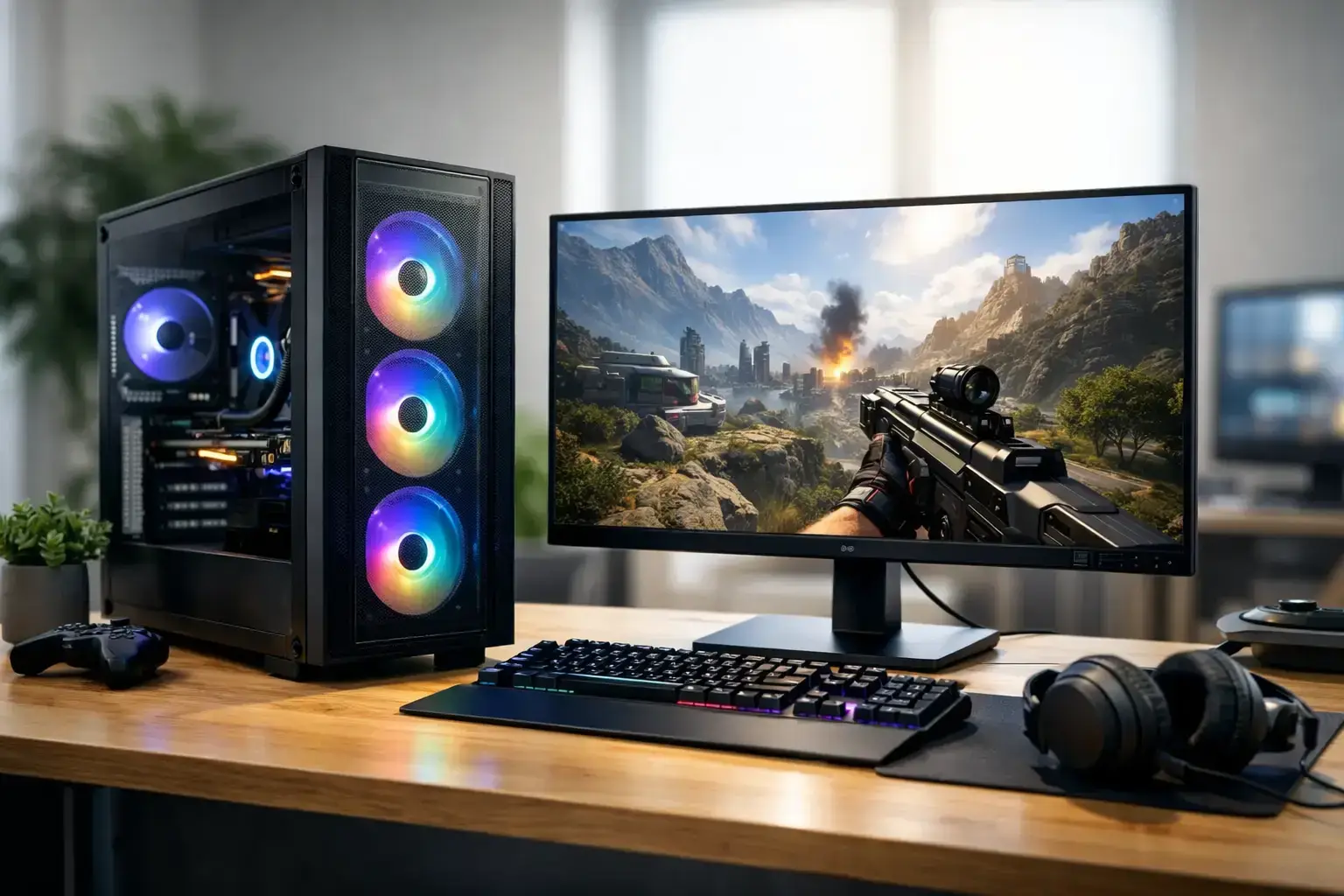
A gaming PC Ireland buyer chooses should not be judged by RGB lighting or a headline processor alone. The right system is the one that delivers the frame rates, visual settings, loading speeds, and upgrade room your favorite games actually need. That could mean a value-focused Ryzen 5 desktop for Fortnite and Roblox, or an RTX-powered build designed to push high-refresh 1440p gaming.
The smart move is to start with what you play, the monitor you own, and how long you expect the PC to serve you. Once those three points are clear, the component choices become much easier.
Start With Your Games and Your Monitor
Games place very different demands on a system. Minecraft, Terraria, Roblox, Valorant, and League of Legends can run well on sensible entry-level hardware, especially at 1080p. Modern AAA games, heavily modded titles, large multiplayer worlds, and ray-traced visuals need considerably more graphics power and memory.
Your monitor matters just as much. A 1080p 60Hz screen does not need the same graphics card as a 1440p 165Hz display. If you want high-FPS esports performance, the goal is not simply to reach 60 frames per second. You want enough CPU and GPU headroom to keep frame rates consistently high during busy matches, not only when standing in an empty practice map.
For many players, 1080p remains the best value starting point. It allows a well-balanced midrange PC to deliver smooth performance without forcing every dollar into the graphics card. At 1440p, the GPU takes center stage. This is often the sweet spot for players who want sharper visuals and high refresh rates, but it calls for a stronger graphics card and a sensible budget.
Gaming PC Ireland Buyers: Balance the Core Parts
A good gaming desktop is a balanced machine. Spending too much on one premium part while cutting corners on everything around it can lead to disappointing results. A powerful GPU paired with insufficient memory, a slow hard drive, or a weak power supply is not a well-planned build.
CPU: Fast Gaming Now, Useful Power Later
The processor handles game logic, background tasks, browser tabs, Discord, launchers, and more. Modern AMD Ryzen 5 and Intel Core i5 processors are strong choices for the majority of gaming setups. They provide the responsive everyday performance and multi-core power needed for current games without consuming the entire budget.
Ryzen 7 and Intel Core i7 systems make more sense when you stream, edit video, use demanding simulation games, or want extra room for a higher-end graphics card. Ryzen 9 and Intel Core i9 processors are excellent for serious content creation and professional workloads, but they are not automatically the best use of money in a gaming-only PC. If the budget is fixed, upgrading the graphics card will often make a bigger difference to gaming performance.
GPU: The Part That Shapes Visual Performance
The graphics card has the largest influence on resolution, detail settings, ray tracing, and frame rate in most games. A carefully selected NVIDIA GeForce RTX or AMD Radeon GPU should match both your target resolution and the games you play.
For entry-level 1080p gaming, a modern mainstream GPU can provide excellent results in popular esports and lighter games. Midrange RTX and Radeon options are better suited to high-settings 1080p or capable 1440p play. Higher-tier cards are for players who want demanding 1440p settings, ray tracing, high refresh rates, or 4K performance.
Do not shop by model name alone. Graphics memory, cooling design, power requirements, and the rest of the system all matter. It is also worth being realistic about ray tracing. It can look excellent, but it is demanding. Features such as DLSS or FSR can help improve performance, yet they do not remove the need for adequate graphics horsepower.
RAM and Storage: Avoid the Everyday Bottlenecks
For a new gaming PC, 16GB of RAM is the practical floor. It is enough for many games and normal background use, but 32GB is increasingly the smarter choice for players who multitask, run mods, keep many browser tabs open, or want longer-term breathing room. Faster memory can also support smoother performance on modern platforms, provided it is correctly configured.
An NVMe SSD should be standard for the operating system and game library. It dramatically improves boot times, game loading, and general responsiveness compared with a traditional hard drive. Storage fills quickly once you install several large modern games, so capacity is not an afterthought. A 1TB SSD is a comfortable starting point for many buyers, while larger libraries benefit from 2TB or an additional drive.
Do Not Overlook the Parts You Cannot See
A gaming PC is only as dependable as its foundation. The motherboard determines connectivity, memory support, storage expansion, and future CPU options. The power supply protects the system and needs enough capacity for the installed hardware, with room for safe, stable operation. Cooling affects both performance consistency and noise levels.
This is where generic mass-market prebuilts can disappoint. Some use limited-upgrade cases, proprietary power connections, low-capacity power supplies, or basic cooling that becomes loud under load. The specification sheet may advertise a recognizable CPU and GPU, while hiding compromises elsewhere.
A fully upgradeable system built with premium branded components gives you more control later. You can add storage, increase memory, replace the graphics card, or adapt the machine as your needs change. Compatibility-checked parts, correct BIOS settings, and configured memory profiles also matter. They help ensure the components perform as intended from the first boot.
Choose a Budget Tier With a Clear Goal
Rather than chasing the most expensive setup available, decide what success looks like for your gaming. Entry-level systems should prioritize reliable 1080p play in popular games and an upgrade-friendly platform. Midrange builds should target strong high-settings 1080p performance or confident 1440p gaming. Enthusiast systems are for high-refresh 1440p, demanding AAA releases, ray tracing, streaming, and creator workloads.
It depends on the game, of course. A competitive Valorant player may prefer a CPU-and-monitor-focused setup that delivers extremely high frame rates. A Cyberpunk 2077 player may place more of the budget into a powerful GPU. Someone buying one desktop for gaming, Adobe applications, and video editing should consider extra CPU cores, 32GB of RAM, and larger fast storage.
Leave some room in the budget for the experience around the tower. A quality monitor, responsive mouse, comfortable keyboard, and headset can make more difference day to day than a minor CPU upgrade. If you are moving from a console or older laptop, a high-refresh display is often the upgrade that makes PC gaming feel immediately different.
Why Local Assembly and Support Matter
Buying a gaming system should not end with a box of parts arriving at the door. A properly prepared desktop should be assembled, tested, configured, and ready to use. That includes checking component compatibility, installing the operating system, confirming stable operation, and ensuring the memory profile and BIOS settings are correctly set.
Irish support also provides practical reassurance when you need advice before ordering or help after delivery. PCZone builds systems around real performance tiers and recognizable components, helping buyers compare options without guessing what is hidden behind vague marketing labels. Nationwide shipping, clear specifications, and a 14-day return policy add confidence when buying a desktop online.
A local specialist can also help you avoid buying too much or too little. There is no benefit in paying for workstation-level processing if your priority is casual 1080p gaming. Equally, buying the cheapest available desktop can become false economy if it lacks the graphics performance, cooling, or expansion options you will need within a year.
Make the Build Ready for the Next Upgrade
The best gaming PC is not necessarily the one with the highest specification on the day you buy it. It is the one that meets your current target without closing the door on tomorrow’s needs. Choose a case with sensible airflow, a quality power supply, available memory slots, and room for extra SSDs. These details keep future upgrades straightforward.
Before placing an order, write down the games you play, your monitor resolution and refresh rate, whether you stream or create content, and your comfortable budget. That short checklist turns a confusing component list into a clear performance brief – and helps you choose a gaming desktop built for the way you actually play.

