


Blog
Intel Core i5 Gaming PCs for High-FPS Play

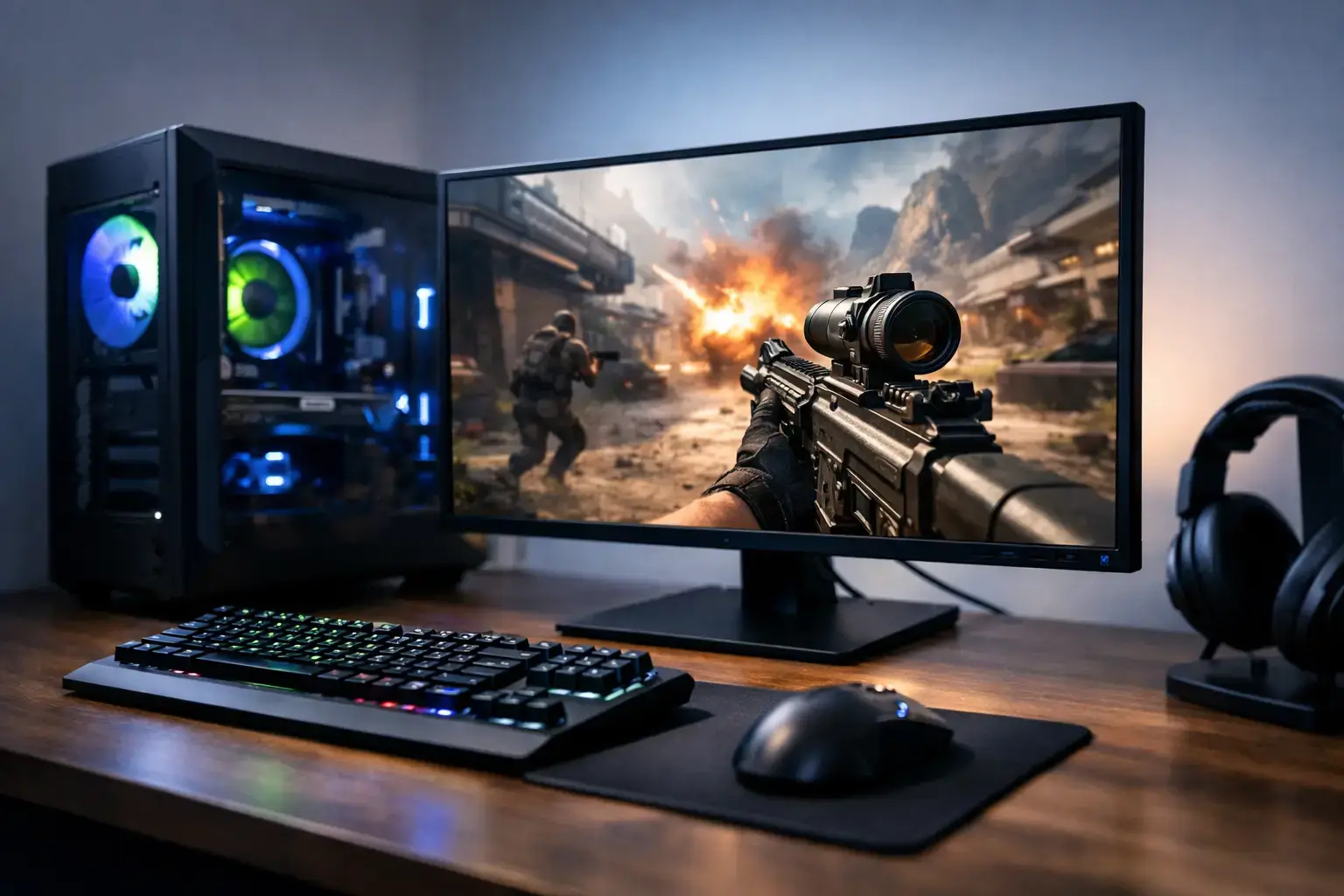
A great gaming PC should put more of your budget into the parts that affect the game on screen. That is why Intel Core i5 gaming PCs remain a smart choice for players who want quick response times, high frame rates, and a system that still has room for a strong graphics card, fast storage, and future upgrades.
The Core i5 range sits in the performance sweet spot for many gaming builds. It has the multi-core power to handle modern games, Discord, browser tabs, launchers, and background tasks without making you pay for processor performance you may never use. Pair the right i5 with a capable GPU, and you have a machine built for everything from Fortnite and Call of Duty to large open-world games and high-refresh-rate esports.
Why Intel Core i5 Gaming PCs Make Sense
Gaming performance is not decided by the processor alone. Your graphics card has the biggest impact on visual settings, resolution, and average frame rate, while memory and storage determine how responsive the overall system feels. The processor still matters, especially when a game needs to process lots of players, physics, AI, or fast-moving action.
A modern Intel Core i5 gives a gaming build the speed needed to keep a powerful GPU fed with data. In competitive titles, that can help maintain stronger minimum frame rates, which matters just as much as the highest number shown on a benchmark chart. A PC that stays responsive in busy moments feels better to play on than one that only looks impressive in a quiet scene.
For a first gaming desktop, the i5 is often a more balanced purchase than an entry-level chip paired with an expensive graphics card. For an experienced player, it can be the right foundation for a focused high-FPS build without stepping into premium i7 or i9 pricing.
Strong gaming performance without overspending
Core i5 processors are available across several generations and configurations, so the exact model matters. Newer i5 chips generally offer more cores, improved efficiency, and stronger performance in demanding games and multitasking. A current-generation i5 is a particularly good fit for players who want to game while streaming, recording clips, or keeping several apps open.
That does not mean every buyer needs the newest or highest-clocked i5. A well-priced previous-generation platform can still be excellent for 1080p gaming when it is paired with enough RAM, an NVMe SSD, and a graphics card suited to the games you play. The right choice depends on the complete component list, not the CPU badge alone.
Match the i5 to Your Graphics Card
The best Intel Core i5 gaming PCs are balanced systems. A processor that is too weak for the graphics card can limit frame rates in CPU-heavy games. On the other hand, spending too heavily on the CPU may leave too little budget for the GPU, which usually has a larger effect on gaming image quality.
For popular 1080p games such as Roblox, Minecraft, Valorant, Rocket League, Fortnite, and Apex Legends, a Core i5 paired with a mainstream graphics card can provide fast, smooth play and support high-refresh-rate monitors. This is a strong route for players moving from console gaming or an older laptop into their first proper desktop.
For 1440p gaming, the graphics card becomes even more central. A capable RTX or Radeon GPU paired with a modern i5 can deliver excellent detail settings and high frame rates in demanding releases. At 4K, the GPU carries most of the workload in many games, so an i5 can still make practical sense if the build budget is directed toward a more powerful graphics card.
There are exceptions. Simulation games, strategy titles, large multiplayer matches, and games with extensive modding can ask a lot from the CPU. If you regularly play titles with huge maps, complex simulation, or intensive background applications, selecting a newer i5 with more multi-core power is worthwhile.
The Specs That Turn a Good Build Into a Great One
The CPU is the starting point, but the supporting hardware determines whether the PC feels properly finished. A compatibility-checked build with quality branded components will start faster, run more reliably, and offer a better upgrade path than a system built around vague or low-grade specifications.
Memory: 16GB is the practical minimum
For most gamers, 16GB of dual-channel memory is the sensible baseline. It gives modern games enough space while leaving capacity for Windows, voice chat, browsers, and launchers. Dual-channel means using a matched pair of memory modules rather than one single stick, allowing the system to access memory more efficiently.
A 32GB configuration is worth considering for players who run demanding games alongside recording software, editing tools, mod packs, or multiple displays. It is also a sensible choice if you want to keep the system for several years. Memory speed and correct BIOS memory-profile configuration matter too, which is why professionally assembled systems should be tested before dispatch.
Storage: NVMe SSD first
An NVMe SSD makes a noticeable difference from the moment you switch the PC on. Windows boots faster, games load sooner, and everyday use feels more responsive. A 1TB SSD is a comfortable starting capacity for many players, especially as modern game installs continue to grow.
If your library includes several large AAA titles, 2TB can save you from constantly deleting and reinstalling games. A system with an available M.2 slot or extra SATA connections also gives you a straightforward path to add storage later.
Cooling and power: do not treat them as extras
A gaming processor needs cooling that can manage sustained loads without excessive noise or temperature spikes. The cooler, case airflow, and fan setup all work together. A good build should remain stable during long gaming sessions, not simply pass a quick startup test.
The power supply deserves the same attention. It should be a quality unit with enough headroom for the selected graphics card and reasonable future upgrades. An underspecified power supply is a false economy. Premium internal parts may not be flashy, but they are central to long-term reliability.
Choosing an Intel Core i5 Gaming PC for Your Play Style
Start with the games you actually play and the monitor you own or plan to buy. A competitive player using a 144Hz or 240Hz display should prioritize high, consistent frame rates. That usually means a modern i5, fast memory, and a GPU selected for esports performance rather than maximum visual settings in 4K.
A single-player gamer may care more about ray tracing, texture quality, and 1440p detail. In that case, it often makes sense to choose a balanced i5 and put more budget into the graphics card. The i5 will still handle the game engine and background tasks well, while the GPU drives the visual fidelity.
If you also create content, consider your workflow honestly. Recording gameplay, editing video, working with large image files, and running creative applications can justify 32GB of RAM and extra SSD capacity. A Core i5 remains a capable all-round processor, but buyers with frequent heavy rendering workloads may benefit from comparing it with higher-core processor options.
Upgradeability Is Part of the Value
A desktop should not become disposable because your needs change. One of the advantages of a properly configured Core i5 system is the ability to upgrade individual components over time. You may start with a mid-range GPU for 1080p gaming, then move to a faster card when you upgrade to a 1440p monitor. You can add storage as your game library expands or increase memory for creative work.
Before buying, check the motherboard chipset, number of memory slots, available storage connections, case clearance, cooling support, and power supply capacity. These details affect what you can do with the system later. Clear component specifications are far more useful than a generic claim that a PC is “gaming ready.”
A custom-built PC also has the advantage of being assembled with compatible parts, updated BIOS settings, configured memory profiles, and tested as a complete machine. That preparation reduces the guesswork for first-time buyers while giving experienced users a solid, fully upgradeable platform.
The best Intel Core i5 gaming PC is not necessarily the most expensive one. It is the build that matches your monitor, your games, and the performance you want now, while leaving enough quality and headroom for what you will want to play next.

