


Blog
Is Ryzen 7 Worth Buying for Gaming and Work?

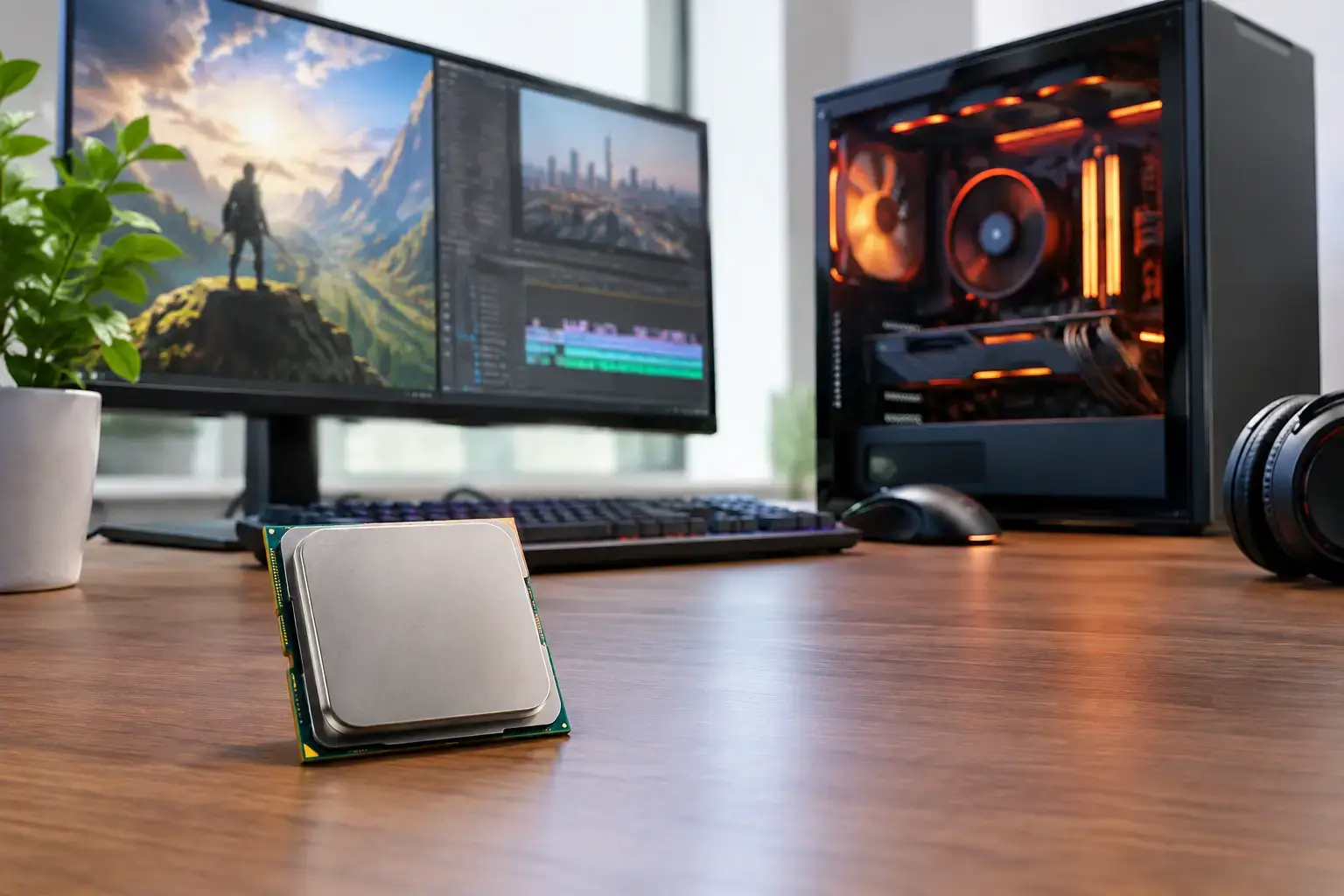
A Ryzen 7 PC can be the sweet spot between a budget gaming system and an expensive high-end workstation, but is Ryzen 7 worth buying for your setup? For many gamers, creators, and heavy multitaskers, yes. The key is buying the right generation and pairing it with the right graphics card, memory, storage, and cooling rather than choosing by the Ryzen 7 name alone.
What Ryzen 7 Actually Delivers
Ryzen 7 is AMD’s upper-midrange processor family. Most desktop Ryzen 7 chips offer eight cores and 16 threads, giving you far more multi-core headroom than a typical Ryzen 5 or Core i5 system. That matters when your PC is doing more than one thing at a time: gaming while Discord, a browser, and recording software are running; editing video while exporting files; or working across large spreadsheets, virtual meetings, and multiple displays.
For gaming, Ryzen 7 delivers the fast single-core performance needed to keep modern graphics cards fed with data. For productivity, those extra cores help shorten render times, improve responsiveness in demanding creative apps, and prevent the system from feeling bogged down during heavier workloads.
The important distinction is that Ryzen 7 is a performance tier, not one single processor. A current Ryzen 7 9700X is very different from an older Ryzen 7 3700X, and a gaming-focused Ryzen 7 7800X3D behaves differently again. Clock speeds, architecture, cache, platform support, and power use all change from generation to generation.
Is Ryzen 7 Worth Buying for Gaming?
A Ryzen 7 is a strong choice for gamers who want high frame rates now and enough CPU capacity for a graphics card upgrade later. It is particularly worthwhile for competitive players targeting high-refresh-rate 1440p gaming, streamers, and anyone building around a capable GPU such as an RTX 4070-class card or above.
At 1080p, where the processor has a larger influence on frame rate, a modern Ryzen 7 can help deliver the high-FPS esports performance that matters in titles such as Call of Duty, Fortnite, Valorant, and Counter-Strike 2. In large open-world games, simulation games, and CPU-heavy multiplayer matches, the extra processing headroom can also improve frame-time consistency. Smooth frame times are what stop a game from feeling uneven even when the average FPS number looks good.
At 1440p and 4K, graphics card performance becomes more important. That does not make Ryzen 7 unnecessary, but it changes the buying decision. If your budget only allows either a Ryzen 7 with a modest GPU or a Ryzen 5 with a substantially faster GPU, the Ryzen 5 and stronger graphics card will usually produce better visual settings and higher frame rates in GPU-limited games.
The exception is the X3D range. Processors such as the Ryzen 7 7800X3D use additional 3D V-Cache, which can produce exceptional gaming results in cache-sensitive titles. For a premium gaming-first PC, it is one of the most sensible CPU upgrades available. It is not automatically the best choice for every creator, but it is difficult to beat for players who want maximum frame rates without stepping into Ryzen 9 pricing.
Match the CPU to the GPU
A balanced PC matters more than an impressive processor badge. Pairing a Ryzen 7 with an entry-level graphics card can make sense for a work-focused PC, but it is rarely the most efficient gaming build. Likewise, putting a flagship graphics card behind a much older processor can limit the performance you paid for, especially at 1080p.
For most gaming builds, Ryzen 7 fits naturally with midrange to high-performance graphics cards, 32GB of RAM, and a fast NVMe SSD. That combination gives you quick game loads, reliable multitasking, and room to keep the system relevant as game requirements rise.
Ryzen 7 for Content Creation and Professional Work
This is where Ryzen 7 often earns its price more easily. Eight cores and 16 threads are useful for video editing, photo work, 3D design, music production, software development, and demanding office workloads. A Ryzen 5 system remains capable for lighter projects, but Ryzen 7 provides more breathing room as timelines become more complex and applications run together.
For video editors, Ryzen 7 helps with timeline playback, encoding, proxy creation, and exports. GPU acceleration still matters greatly in applications such as Adobe Premiere Pro, DaVinci Resolve, and Blender, so the processor should be part of a balanced configuration rather than the entire budget. A creator working with 4K footage will also benefit from 32GB or 64GB of memory and fast, high-capacity SSD storage.
For business users, Ryzen 7 may be more CPU than basic email, accounting, and web work require. However, it is a practical investment for users who work with large datasets, multiple monitors, virtual machines, CAD files, analysis tools, or frequent video calls while several business apps remain open. The benefit is not just raw speed. It is the ability to stay responsive under load.
When a Ryzen 5 Is the Smarter Buy
Ryzen 7 is not the automatic recommendation for every PC. A current Ryzen 5 processor is often excellent for first-time gamers, home PCs, students, and standard office systems. If you play Minecraft, Roblox, Terraria, Fortnite, or many popular games at 1080p, a well-configured Ryzen 5 machine can deliver a great experience.
It may also be the better-value choice when your total budget is tight. Spending less on the processor can free up money for a faster graphics card, 32GB of memory instead of 16GB, or a larger SSD. Those upgrades can have a more noticeable effect on your daily experience than moving from Ryzen 5 to Ryzen 7.
Choose Ryzen 5 when your workload is straightforward and your priority is value. Choose Ryzen 7 when you expect to stream, create, multitask heavily, run CPU-intensive applications, or keep the same PC for several years while upgrading other components around it.
Watch the Generation, Not Just the Name
The question is not simply whether Ryzen 7 is worth buying. It is whether a specific Ryzen 7 processor is worth its asking price against current alternatives.
Older Ryzen 7 systems can still be good value, especially for general productivity or budget-conscious builds, but buyers should check the full specification. Look at the processor model, motherboard platform, memory type, graphics card, power supply, cooling, and storage rather than relying on a headline description.
A modern AM5-based Ryzen 7 system generally offers a clearer upgrade path, DDR5 memory support, and current connectivity. An AM4 Ryzen 7 PC can still be a capable, cost-effective option, particularly if priced correctly, but it is a more mature platform with less room for future CPU upgrades. Neither is inherently wrong. The right platform depends on whether your priority is the best price today or maximum upgrade flexibility later.
Laptop Ryzen 7 chips require extra care because model names can look similar while performance varies widely based on power limits, cooling, and whether the laptop includes a dedicated GPU. For serious gaming, editing, or 3D work, check the complete laptop configuration rather than assuming Ryzen 7 alone guarantees desktop-class results.
Build the Rest of the System Properly
A Ryzen 7 processor performs best in a compatibility-checked system with memory configured correctly and cooling sized for sustained workloads. Fast RAM running at its intended memory profile, a quality motherboard, and a reliable power supply are not glamorous upgrades, but they directly affect stability and performance.
For most buyers, 32GB of RAM is the practical starting point for a Ryzen 7 gaming or creator PC. It gives modern games, browsers, background apps, and editing software room to operate without constant memory pressure. A 1TB NVMe SSD is also a sensible baseline when you store several large games or active project files.
Cooling deserves attention too. A Ryzen 7 does not always need an oversized liquid cooler, but a capable air cooler or properly selected liquid cooler helps sustain boost performance while keeping fan noise under control. Professionally assembled systems from specialists such as PCZone take the guesswork out of component fitment, BIOS configuration, and memory setup, so the PC arrives ready to work rather than ready for troubleshooting.
The Practical Verdict
Ryzen 7 is worth buying when you want more than a basic gaming PC and your budget supports a balanced configuration around it. It is especially compelling for high-FPS players, streamers, editors, designers, developers, and professionals who need reliable multi-core power throughout the day.
Do not buy it solely because Ryzen 7 sounds faster than Ryzen 5. Buy it because your games, projects, and multitasking habits can use the extra capacity. The best PC is the one that puts your budget into the components that shape your actual experience – then leaves enough performance in reserve for whatever you decide to do next.

