



DDR5 Versus DDR4 Performance for Gaming PCs

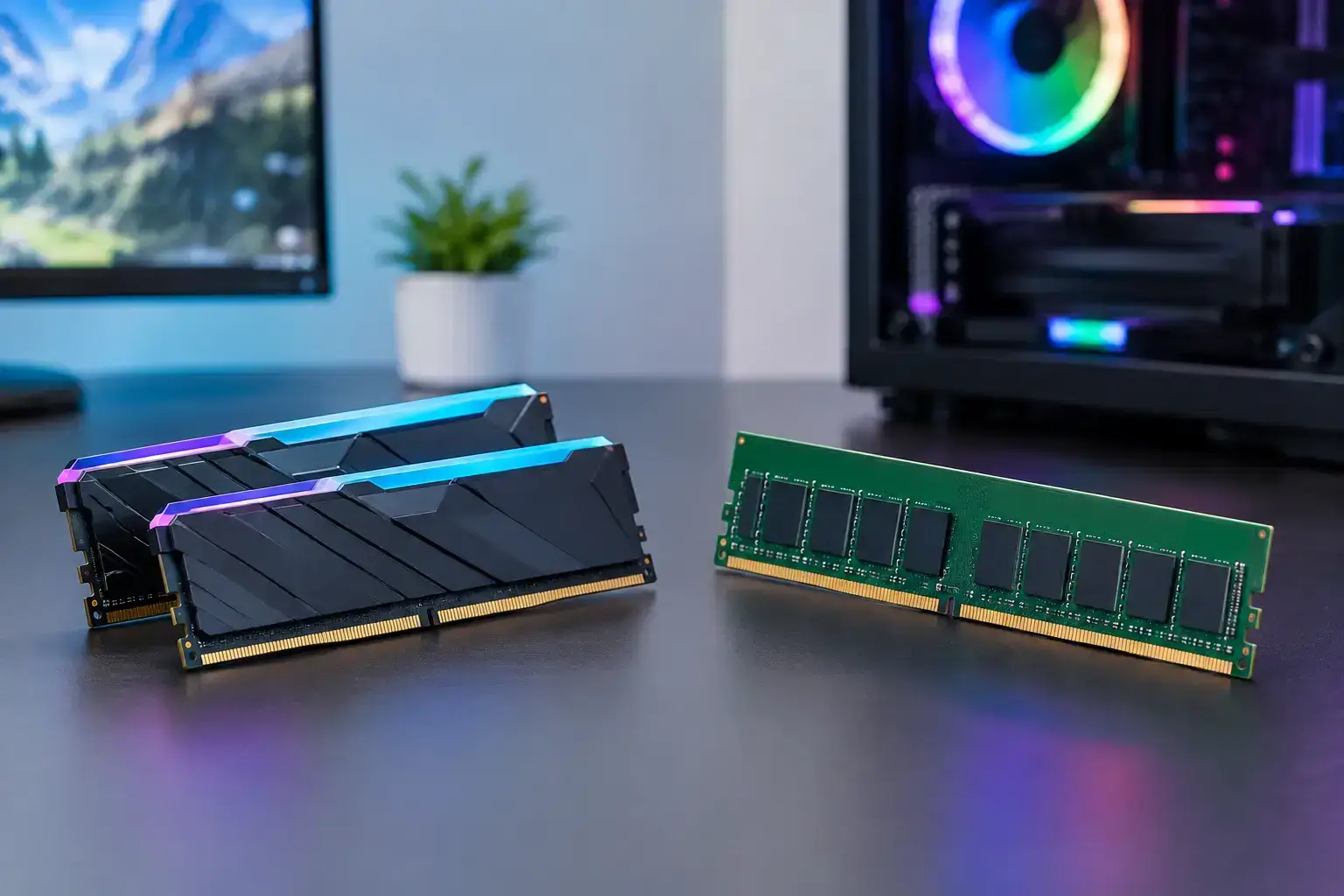
A new graphics card can transform frame rates overnight. Memory upgrades are more subtle, which is why DDR5 versus DDR4 performance is often misunderstood when choosing a gaming PC or workstation. DDR5 is the newer, faster standard, but it will not make every system feel twice as quick. The real result depends on your processor, motherboard, graphics card, game settings, and workload.
For a well-balanced new build, DDR5 is usually the smarter long-term choice. For an existing DDR4 PC, however, keeping quality DDR4 memory can still be excellent value. The right answer is about where your budget produces a noticeable improvement, not simply buying the newest specification.
DDR5 Versus DDR4 Performance: The Core Difference
DDR5 increases memory bandwidth substantially over DDR4. Typical DDR4 gaming kits run around 3200MT/s or 3600MT/s, while DDR5 commonly starts at 4800MT/s and performs especially well around 5600MT/s to 6000MT/s in modern desktop builds. Higher bandwidth gives the CPU more room to feed data quickly, which can help in CPU-heavy games and demanding multitasking workloads.
DDR5 also changes how memory is organized. Each module uses two smaller 32-bit subchannels rather than DDR4’s single 64-bit channel. That improves efficiency when the system is handling several smaller memory requests at once, such as gaming while running Discord, a browser, streaming software, and background utilities.
There is a trade-off. DDR5 often has higher latency numbers than comparable DDR4 kits. Memory latency is not just the CL figure printed on the box, though. Speed and timings work together. A well-configured DDR5-6000 kit can offer excellent real-world responsiveness despite a higher CAS latency number than DDR4-3600.
Gaming Performance: Where DDR5 Helps Most
At 1080p with a powerful graphics card, the CPU is often the limiting factor. This is where DDR5 can create a clear performance advantage, particularly in high-FPS esports titles such as Fortnite, Valorant, Counter-Strike 2, and competitive racing or simulation games. It can improve average frame rates, but the more valuable gain is often stronger 1% low performance. In plain terms, frame delivery is more consistent during busy scenes.
Open-world games, strategy titles, and large multiplayer matches can also benefit because they place more pressure on the CPU and memory subsystem. Games with heavy asset streaming, large maps, AI calculations, or extensive mods are more likely to show a difference than lighter titles.
At 1440p and 4K, the graphics card takes on more of the workload. The gap between DDR4 and DDR5 often narrows because the GPU, rather than system memory, is setting the frame-rate ceiling. If you are choosing between DDR5 and a significantly faster GPU, the faster graphics card will generally deliver the larger visual and gaming performance boost.
That does not make DDR5 irrelevant at higher resolutions. A capable DDR5 platform still supports strong minimum frame rates, smoother multitasking, and a better upgrade path. It simply means memory should be chosen as part of a balanced system rather than treated as the first performance priority.
A practical gaming example
A Ryzen 5 or Core i5 gaming PC paired with an RTX 4060-class graphics card can deliver excellent 1080p and 1440p results with either quality DDR4 or DDR5. With an RTX 4070-class card or higher, a fast modern CPU, and a high-refresh-rate monitor, DDR5 becomes more worthwhile because the rest of the system can expose its advantages.
For a first gaming PC focused on Minecraft, Roblox, Terraria, or Fortnite, 16GB of good memory is often more important than chasing extreme memory speeds. For a higher-end competitive rig, 32GB of properly configured DDR5 is a much better fit.
Content Creation and Professional Workloads
DDR5 has a stronger case in workloads that move, process, or cache large amounts of data. Video editing, 3D rendering, software development, large spreadsheets, virtual machines, and heavy browser-based multitasking can all benefit from the extra bandwidth. The improvement varies by application, but creators and power users are more likely than casual users to notice it.
Capacity remains critical. A 32GB DDR4 configuration is often a better choice than 16GB of DDR5 for video editing, large Photoshop projects, or running multiple demanding applications. If your current system slows down because memory is full, adding capacity solves a more immediate problem than a small increase in speed.
For most new creator and workstation systems, 32GB DDR5 is the sensible starting point. Buyers working with 4K video, large CAD files, virtual machines, or complex Adobe projects should consider 64GB. Fast memory supports the platform, but sufficient capacity keeps your workflow from hitting the far more damaging limit of swapping data to storage.
Compatibility Decides More Than Speed
DDR4 and DDR5 are not interchangeable. They use different physical slots, electrical designs, and motherboards. A DDR4 module cannot be installed in a DDR5 motherboard, and a DDR5 kit cannot be used on a DDR4 board.
Some processor families support both standards depending on the motherboard selected. Others, especially newer platforms, are DDR5-only. This matters when configuring a custom PC because the memory decision affects the motherboard, CPU platform, upgrade options, and total budget.
Memory also needs correct configuration. DDR5 kits are rated for their advertised speeds using XMP or EXPO profiles. Without enabling the appropriate profile in BIOS, the system may run memory at a lower default speed. This is one reason compatibility-checked assembly and testing matters. The right kit is not only installed – it is configured and verified for stable operation.
Is DDR5 Worth the Extra Cost?
For a new mid-range or high-end desktop, DDR5 is generally worth choosing. Pricing has become much more reasonable, supported platforms are now mainstream, and DDR5 gives a newer build more headroom for future CPU upgrades. A quality 32GB DDR5-6000 kit is a particularly strong all-around option for many modern AMD Ryzen gaming PCs and current Intel systems, provided the motherboard supports it.
DDR4 remains a strong option in value-focused builds and upgrades. If you already own a stable DDR4 platform with 16GB or 32GB of decent memory, replacing the motherboard, CPU, and RAM solely for DDR5 rarely makes financial sense. Put that budget toward a graphics card, larger SSD, or CPU upgrade first if those components are holding back your experience.
Avoid paying a large premium for ultra-high memory speeds unless your specific platform and workload can use them. Very fast kits can be worthwhile for enthusiasts tuning a high-end system, but they can offer small returns for a much larger cost. Stability, capacity, and a matched CPU-motherboard-memory combination are more valuable than chasing benchmark numbers.
Choosing the Right Memory Configuration
For most gaming PCs, use two matching memory modules to enable dual-channel operation. A single 16GB stick may leave performance on the table compared with a matched 2 x 8GB kit, while 2 x 16GB is the current sweet spot for a new 32GB build.
Entry-level systems can still run well with 16GB, especially for esports and everyday home use. Choose 32GB if you game while multitasking, create content, use mods, or want comfortable headroom for the years ahead. A professional workstation may need 64GB or more, but only where the workload genuinely demands it.
The best memory choice is the one that supports the rest of the PC. A properly configured DDR5 build with a capable processor and graphics card delivers high-FPS gaming, responsive creative work, and a fully upgradeable foundation. If you are refreshing an existing DDR4 machine, invest where you will actually feel the difference – then make the jump to DDR5 when the wider platform upgrade makes sense.


