


Blog
Best PCs for Graphic Design for Creative Work

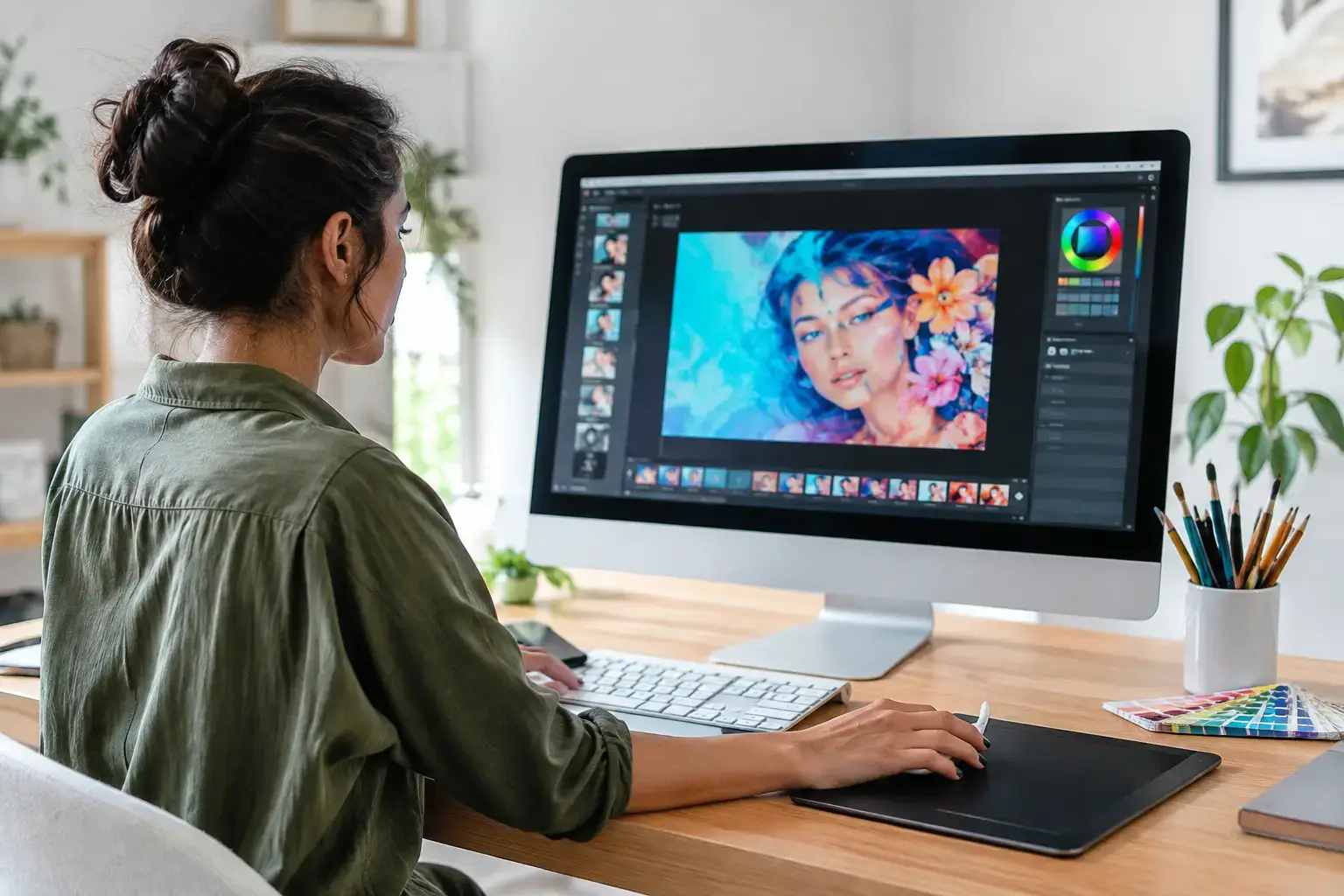
A slow PC turns straightforward design work into a stop-start routine: waiting for large PSD files to open, watching Illustrator lag as layers build up, or delaying a client export because the system is busy rendering. The best PCs for graphic design remove those bottlenecks without forcing you to pay for gaming-focused hardware you will never use.
The right desktop depends on what you create. A designer working in Photoshop, Illustrator, InDesign, and Figma has different needs from a motion designer building After Effects compositions or a 3D artist rendering scenes in Blender. The goal is not simply to buy the highest specifications on paper. It is to balance processor speed, graphics performance, memory, and storage around the applications that earn their keep.
How to Choose the Best PCs for Graphic Design
Start with your heaviest regular task, not the occasional project. If you spend most of your day preparing print layouts and retouching product photos, fast single-core CPU speed and generous RAM matter more than a top-tier graphics card. If your workflow includes 4K video, 3D visualization, animation, or GPU-accelerated effects, the graphics card moves much higher up the priority list.
A properly configured desktop also gives you something laptops and fixed-spec office PCs often cannot: room to grow. An upgradeable motherboard, standard desktop memory, accessible storage bays, and a quality power supply mean you can add memory, a second SSD, or a stronger GPU when your workload changes. That is a practical advantage for freelancers, studios, and businesses planning beyond the next project.
Processor: fast cores first, more cores when needed
For everyday Adobe Creative Cloud work, look for a modern Intel Core i5 or AMD Ryzen 5 processor as the sensible starting point. These chips provide the quick responsiveness needed for brush tools, typography work, layout changes, and general multitasking. They are a strong fit for students, social media designers, and small-business marketing teams handling standard-resolution assets.
Move to an Intel Core i7, Intel Core i9, AMD Ryzen 7, or AMD Ryzen 9 when your files are larger and your workload is more demanding. Extra cores help with video exports, batch processing, rendering, and running multiple creative applications at once. A multi-core processor is especially valuable when Photoshop is open alongside Illustrator, a browser full of reference tabs, cloud sync, and a communication app.
Do not choose a CPU by core count alone. Many design tools still benefit heavily from high clock speeds and strong single-core performance. A balanced current-generation Ryzen 7 or Core i7 system often delivers a better real-world creative experience than an older, more expensive workstation processor.
Graphics card: essential for some workflows, secondary for others
A dedicated GPU is useful across modern creative software, but the amount of GPU power you need varies widely. For 2D design, an entry-level NVIDIA RTX card or a capable integrated graphics solution can be enough for display output, basic acceleration, and smooth canvas work. That budget is often better spent on more RAM or faster storage.
For Lightroom editing, high-resolution Photoshop projects, Premiere Pro, After Effects, DaVinci Resolve, 3D design, and AI-assisted creative tools, a dedicated NVIDIA GeForce RTX graphics card is the smarter choice. RTX cards offer strong acceleration in many popular professional applications and can reduce the time spent previewing effects, rendering scenes, and exporting video.
VRAM is worth watching. A card with 8GB of VRAM is a capable baseline for many creative projects, while 12GB or more makes sense for complex 3D scenes, large textures, multiple high-resolution displays, and demanding video timelines. Buying the most powerful GPU is not automatically the best move for a print-focused designer, but underbuying graphics hardware can become expensive when 3D or motion work enters the brief.
Memory: 16GB is workable, 32GB is the sweet spot
Memory is one of the most noticeable upgrades for graphic design. A 16GB configuration can handle light to moderate work, particularly for web assets, vector design, and smaller photo projects. It is a realistic entry point, not the ideal long-term target for a busy professional system.
For most designers, 32GB of DDR5 or quality DDR4 memory is the sweet spot. It gives Photoshop, Illustrator, InDesign, and browser-based tools the breathing room to run together without pushing constantly into slower storage-based memory. If you work with huge layered files, panorama stitching, 4K editing, 3D assets, or virtual machines, 64GB is a sensible investment.
Make sure the memory is installed as a matched kit and configured correctly. Memory speed and profiles can affect system stability and performance, which is why compatibility-checked components and proper BIOS setup matter just as much as the capacity printed on the box.
Storage: fast working space changes the day
Every graphic design PC should use an NVMe SSD as its main drive. A 1TB NVMe SSD is a practical minimum for professional use once applications, fonts, source files, caches, and active projects begin to accumulate. Faster storage shortens boot times, launches applications quickly, and keeps scratch-disk-heavy work moving.
A 2TB NVMe SSD is often the better choice for creators who keep active client projects locally. For larger archives, add a second SSD or high-capacity hard drive rather than filling the main drive to the limit. Keeping free space available helps creative applications use cache and scratch files efficiently.
Three PC Tiers That Make Sense for Designers
Entry creative desktop
A strong entry system pairs a current Intel Core i5 or AMD Ryzen 5 processor with 16GB of RAM and a 1TB NVMe SSD. Add an entry-level RTX GPU if you use GPU acceleration, work with multiple displays, or expect to expand into video and 3D work. This tier is ideal for graphic design students, startup teams, and professionals focused on branding, web graphics, presentations, and standard photo editing.
The trade-off is headroom. It will perform well now, but heavier After Effects projects, high-volume photo batches, and large 3D files will expose its limits sooner than a higher-tier build.
Professional design workstation
For the broadest range of creative work, choose a Core i7 or Ryzen 7 CPU, 32GB of RAM, a 1TB or 2TB NVMe SSD, and an NVIDIA RTX graphics card with 8GB or more of VRAM. This is the performance tier that suits agencies, freelance designers, content creators, and in-house marketing teams working across Adobe apps, video, and high-resolution assets.
It delivers fast daily responsiveness while keeping enough multi-core power in reserve for export jobs and heavier multitasking. It is also the strongest value point for buyers who need a workstation that remains relevant for several years rather than a basic system that needs replacing after one growth cycle.
Advanced 3D and motion design system
Complex animation, 3D rendering, architectural visualization, 6K or 8K video workflows, and AI-assisted production call for a Ryzen 9 or Core i9 processor, 64GB of RAM, fast multi-terabyte NVMe storage, and a higher-end RTX GPU with substantial VRAM. This configuration is built for professionals whose time is directly tied to render queues, previews, and export speed.
There is a real budget jump at this level. If 3D rendering is only an occasional task, a Ryzen 7 or Core i7 system with a good RTX card may offer better value. Spend at the advanced tier when demanding creative work is central to your business, not because a specification list looks impressive.
Do Not Overlook the Rest of the Setup
Your PC is only part of a color-accurate workflow. A quality IPS monitor with reliable color coverage and calibration support matters as much as raw desktop speed when you are delivering work for print, brand guidelines, or product photography. Consider a second display for tool panels, reference material, and communication apps, especially when working in layout or video software.
A wired keyboard and mouse can also make long design sessions more comfortable, while a dependable backup plan protects files that cannot be recreated. The PC itself should arrive tested, configured, and ready to work, not as a collection of components that need troubleshooting before a deadline.
Choose the system that makes your normal workload feel easy, then leave enough upgrade capacity for the work you want to win next. That is how a graphic design PC becomes a productive tool instead of another delay between the idea and the finished piece.

