


Blog
Choosing Computer RAM Capacity for Your PC

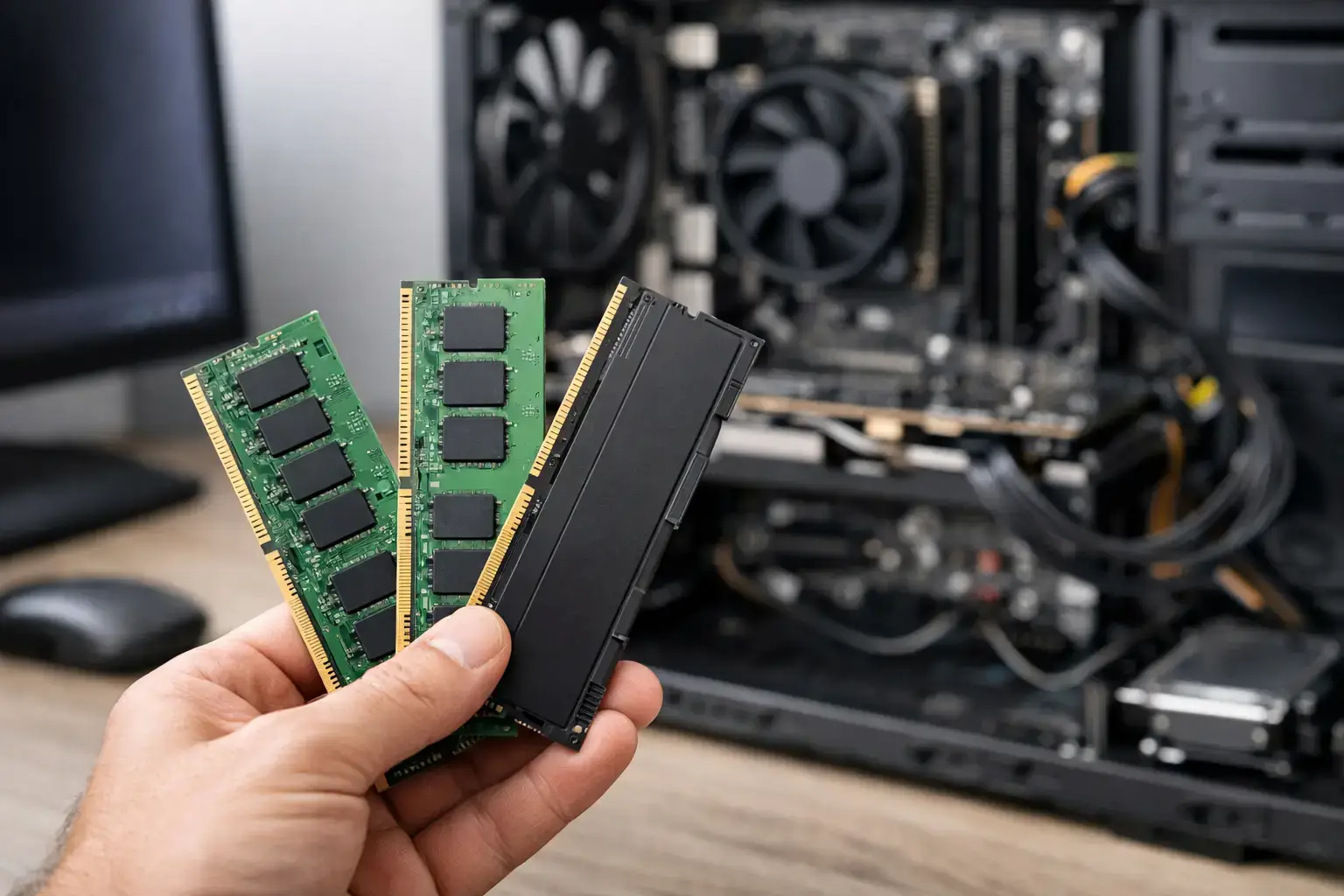
A new PC can have a fast processor and a powerful graphics card, yet still feel slow when too little memory is available. Choosing computer RAM capacity means looking beyond a single number on a spec sheet and matching the system to what you actually run: games, browser tabs, editing software, business apps, virtual machines, or all of them at once.
RAM is one of the clearest ways to make a custom desktop feel responsive from day one. Buy too little and Windows starts relying more heavily on the SSD, which can lead to stutters, long application switches, and reduced productivity. Buy far more than your workload can use and that budget may be better spent on a faster GPU, CPU, or larger storage drive.
What RAM Capacity Actually Affects
RAM, or random access memory, is the fast workspace your PC uses while programs are open. Your operating system, game files, web browser, background utilities, project files, and active applications all compete for that workspace.
When enough RAM is available, switching from a game to Discord, a browser, or an editing timeline feels immediate. When memory fills up, the system moves less urgent data to storage. Modern NVMe SSDs are quick, but they are still dramatically slower than RAM. That is when a PC with otherwise strong components can start to feel less responsive.
Capacity is not the only memory specification that matters. Speed, latency, and whether the RAM is installed in the proper dual-channel configuration also affect performance. Still, capacity should be decided first. A fast 16GB kit cannot replace the breathing room that 32GB provides when a workload genuinely needs it.
Choosing Computer RAM Capacity by Use Case
The right amount is tied to the way you use your computer, not simply whether you call it a gaming PC or work PC.
8GB: Basic Computing Only
An 8GB system can handle email, document work, video streaming, school assignments, and light web browsing. It can also support older games and very light esports titles, provided you keep background applications under control.
For a new desktop, however, 8GB is a tight fit. Modern browsers consume memory quickly, Windows uses more resources than it once did, and a few background apps can leave little headroom. It may be a workable entry point for a very strict budget, but it is not the capacity we would choose for a PC intended to stay comfortable for several years.
16GB: The Reliable Starting Point for Gaming
For most first-time gaming PCs and home systems, 16GB remains a strong baseline. It is enough for popular games such as Fortnite, Minecraft, Roblox, Terraria, Valorant, and many major single-player releases, while also leaving room for voice chat, launchers, a browser, and normal background tasks.
A 16GB configuration makes particular sense when the budget is focused on high-FPS esports performance. In many gaming builds, putting the savings toward a better graphics card will produce a larger frame-rate gain than jumping from 16GB to 32GB.
The trade-off is multitasking. If you stream while gaming, keep dozens of tabs open, record gameplay, use mods heavily, or regularly have creative applications running alongside a game, 16GB can become restrictive. It will work, but it may not feel as effortless.
32GB: The Best All-Around Choice for Most New PCs
For buyers who want a system with more room to grow, 32GB is the current sweet spot. It gives modern games additional headroom and makes the PC much more comfortable for multitasking. You can game with Discord, a browser, music, recording software, RGB utilities, and launchers open without watching memory usage constantly.
It is also a smart choice for creators. Photo editing, large Photoshop projects, music production, light-to-moderate 4K video editing, CAD work, and code development all benefit from having more available memory. The gain is not always a higher benchmark score. More often, it is the difference between a system that stays responsive and one that slows down when the workload gets real.
For a configurable Ryzen 5, Ryzen 7, Intel Core i5, or Core i7 desktop, 32GB is often the balanced specification. It supports strong gaming performance now while giving the owner more flexibility as games and applications become more demanding.
64GB: For Serious Creative and Professional Workloads
64GB is not necessary for standard gaming, but it is valuable for workloads that deal with large files, multiple demanding applications, or professional production software. Video editors working with 4K and higher-resolution footage, 3D artists, architects, engineers, developers running virtual machines, and users processing large datasets can put 64GB to good use.
This capacity is also worth considering for serious streaming and content workflows. A single powerful gaming PC can run a game, capture software, editing tools, browser research, communication apps, and background services at the same time. More RAM keeps that setup stable under pressure.
If your PC earns money through production work, the cost of extra RAM can be easier to justify. Fewer slowdowns and less time closing applications can matter more than chasing the lowest possible build price.
128GB and Above: Specialist Workstation Territory
128GB is for users who already know their software can use it. Examples include complex 3D rendering, high-resolution video production, extensive virtualization, scientific workloads, professional simulation, and large local databases.
Do not choose 128GB simply because it sounds future-proof. For gaming and mainstream office use, it will usually provide no noticeable benefit over 32GB or 64GB. That money is often better directed toward a higher-tier CPU, GPU, storage upgrade, or a color-accurate display.
Do Not Confuse System RAM With Graphics Memory
A graphics card has its own dedicated memory, known as VRAM. VRAM stores textures, frame buffers, and other graphics data used by the GPU. System RAM supports the rest of the computer.
More system RAM will not turn an 8GB graphics card into a 16GB graphics card. If you are targeting high settings at 1440p or 4K, GPU performance and VRAM capacity deserve their own consideration. But insufficient system memory can still cause stuttering or poor responsiveness, especially when games run beside other applications.
A balanced build matters. Pairing a premium RTX-class GPU with only 8GB of system RAM can create an avoidable bottleneck. Equally, installing 64GB in an entry-level gaming PC while settling for a weaker GPU may not deliver the visual fidelity or FPS you expected.
Capacity Is Only Half the Memory Decision
Once you select the capacity, make sure the memory configuration fits the platform. For most desktops, two matching RAM modules are preferable to one module of the same total capacity. Two 16GB sticks, for example, generally provide better memory bandwidth than one 32GB stick because they operate in dual-channel mode.
DDR4 and DDR5 are different memory generations and are not interchangeable. Your motherboard determines which type you need. DDR5 is common on current platforms and can offer strong performance, while DDR4 remains capable in many value-focused systems. The best choice depends on the CPU, motherboard, overall budget, and upgrade plan.
Memory speed matters most after capacity is sufficient. A properly configured DDR5 kit can help a modern Ryzen or Intel system perform at its best, particularly in CPU-sensitive games. However, chasing the highest advertised speed is not always worthwhile if it means sacrificing capacity or stability. Compatibility-checked components, correct BIOS settings, and an enabled XMP or EXPO memory profile are what turn the rated specification into real-world performance.
Plan for Upgrades, but Buy for the Next Few Years
A fully upgradeable desktop gives you options, but it should not be an excuse to under-spec the system at purchase. If you know 16GB will be enough for your current games but expect to edit video or stream soon, choose a motherboard with open memory slots and install a matched kit later.
Avoid mixing random RAM kits, even if their listed speed appears identical. Differences in chips, timings, and profiles can create instability. The safest route is buying a matched kit designed to work together, or replacing the existing memory with a new matched set when making a major capacity upgrade.
For laptops, upgrade options can be more limited. Some use replaceable memory modules, while others have RAM soldered to the motherboard. If memory cannot be upgraded, choosing the right capacity upfront becomes even more important.
A Practical Buying Rule
If you want a straightforward answer, choose 16GB for a budget-conscious gaming or everyday PC, 32GB for a new all-around gaming and productivity desktop, and 64GB for demanding creative, development, or workstation use. Move to 128GB only when your professional software or projects clearly call for it.
The best RAM capacity is the one that lets your PC stay fast when your real workload is open, not just when a single benchmark is running. Build with enough headroom for the games, projects, and multitasking you expect to do next – then let the rest of the budget strengthen the parts that will make the biggest difference every time you power on.

