


Blog
7 Best CPUs for Streaming Builds in 2026

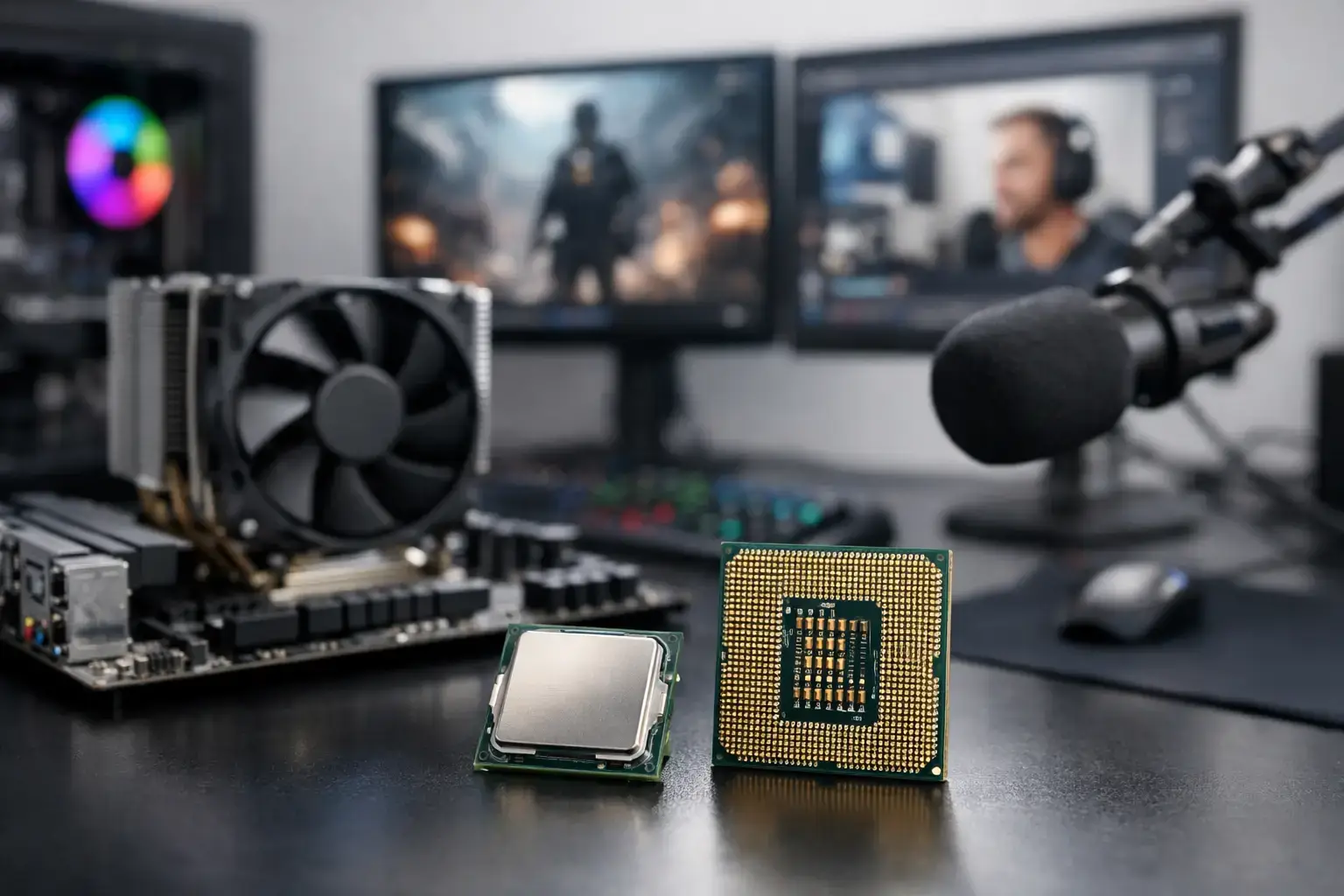
A stream that stutters when a match gets intense is rarely fixed by simply buying the most expensive processor. The best CPUs for streaming are the ones that match how you broadcast: whether your graphics card handles the encoder, how demanding your games are, and whether you edit videos or run a full creator setup after the stream ends.
For most gaming streamers, a modern 6- or 8-core CPU paired with a capable NVIDIA or AMD graphics card is the smart starting point. For creators using CPU-based encoding, running complex scenes, recording high-bitrate footage, editing, and multitasking at the same time, extra cores make a real difference. Here is how the leading options fit into a practical streaming PC build.
What makes a CPU good for streaming?
Streaming is not one workload. Your PC may be rendering a game, capturing gameplay, encoding video, playing alerts, handling Discord, and keeping browser tabs open simultaneously. The processor needs enough headroom to keep those background tasks from interrupting the game.
The key decision is the encoder. OBS and similar software can use the CPU through x264 encoding, or send the work to the GPU through hardware encoding. NVIDIA NVENC is widely used because it keeps the CPU available for gaming and offers excellent image quality at typical Twitch and YouTube bitrates. AMD’s current hardware encoder is also a strong option, particularly where AV1 is supported.
If you plan to use GPU encoding, high gaming performance and fast individual CPU cores should be the priority. If you prefer x264, need maximum control over quality settings, or routinely create video content alongside live broadcasts, core count becomes more valuable. Memory, cooling, and the graphics card still matter. A top-tier CPU cannot compensate for 16GB of RAM filled by a game, OBS, browser sources, and editing software.
Best CPUs for streaming at every performance tier
AMD Ryzen 5 9600X – best entry-level streaming CPU
The Ryzen 5 9600X is an excellent foundation for a first serious gaming and streaming PC. Its six fast cores are more than capable of high-FPS esports titles such as Fortnite, Valorant, Rocket League, and Overwatch when paired with a modern GPU encoder. It also has enough responsiveness for casual streaming of larger games without making the entire system feel stretched.
This is not the processor to choose for demanding CPU encoding while playing the newest open-world games at high settings. It is, however, a much smarter purchase than overspending on a CPU while compromising on the graphics card. Pair it with 32GB of DDR5 memory, a fast NVMe SSD, and an RTX graphics card, and it delivers a clean, capable 1080p streaming setup that remains fully upgradeable.
AMD Ryzen 7 9700X – best balanced CPU for gaming and streaming
For many buyers, the Ryzen 7 9700X hits the performance sweet spot. Eight cores give it more breathing room than a six-core chip when OBS, game launchers, browser sources, chat tools, and voice software are all active. Its strong single-core performance also supports the high frame rates competitive players want from a 144Hz or 240Hz monitor.
It is an especially sensible choice for streamers who use NVENC or another GPU encoder but do not want their PC to feel limited once they start recording clips, cutting highlights, or using more elaborate scenes. The Ryzen 7 9700X leaves room for the rest of the build: 32GB of memory, an effective air cooler or liquid cooler, and a graphics card suited to your target resolution.
AMD Ryzen 7 9800X3D – best CPU for high-FPS gaming streams
The Ryzen 7 9800X3D is built for the streamer whose priority is game performance. Its 3D V-Cache design can produce exceptional results in CPU-sensitive games, helping maintain strong frame rates and steadier frame times while a GPU handles the stream encoding. That matters in competitive shooters, simulation games, strategy titles, and busy multiplayer environments where a frame-rate drop is immediately noticeable.
Its eight cores are still ample for a typical OBS workflow. The trade-off is simple: this is a premium gaming-first processor, not the most efficient option if your day revolves around CPU rendering, large-scale editing projects, and software-based encoding. With an RTX 4070-class card or higher, it makes a formidable high-FPS streaming system.
AMD Ryzen 9 9900X – best for streamers who also create
The Ryzen 9 9900X steps up to 12 cores, making it a strong fit for creators who treat streaming as one part of a larger workload. It can comfortably manage a game, OBS, local recording, music, browser sources, and background tools while still offering much more capacity for video editing and rendering once the broadcast is over.
This is the processor for someone building a channel rather than just occasionally going live. It is also a good choice when you want to use x264 encoding at sensible settings without sacrificing the general responsiveness of the machine. It costs more than a Ryzen 7 system, so make sure the added production work is real. A gaming-only streamer will often see better value by putting that budget into the GPU instead.
AMD Ryzen 9 9950X – best CPU for demanding production work
The Ryzen 9 9950X is the multi-core power option for serious creators, editors, and professionals. With 16 cores, it has the overhead to handle demanding CPU-based workloads alongside live production tasks. This is the right class of processor for long-form video editing, rendering, high-resolution recording, virtual machines, and frequent multitasking between professional applications.
For pure gaming streams using NVENC, it is more CPU than most people need. The extra cost should be justified by your off-stream work. It also deserves quality cooling, a capable motherboard, and a well-ventilated case. When configured properly, though, it delivers workstation-level muscle without giving up excellent gaming performance.
Intel Core Ultra 7 265K – best Intel option for mixed media work
The Core Ultra 7 265K is a compelling choice for users who want an Intel-based system with strong gaming performance and useful media capabilities. Its mix of performance and efficiency cores gives it plenty of room for streaming software and background tasks, while Intel Quick Sync can be valuable in supported video workflows and editing applications.
It makes sense for a creator who already favors Intel platforms or depends on software that benefits from Quick Sync. As with any CPU comparison, platform cost matters. Compare the motherboard, memory, cooler, and graphics card as a complete build rather than choosing on processor price alone.
Intel Core Ultra 9 285K – best Intel CPU for heavy multitasking
The Core Ultra 9 285K is aimed at users who need a powerful all-round production machine. It has the core resources for heavy multitasking, video projects, streaming tools, and demanding productivity applications. It is a premium option, and its best fit is a creator workstation that also serves as a gaming PC.
Choose it when your workload genuinely needs the extra capacity. A high-end CPU paired with an entry-level GPU is a mismatched streaming build, especially for modern games. Balance remains the rule: the processor, graphics card, power supply, memory, cooling, and storage should all be selected for the same performance tier.
Build the rest of the streaming PC around the CPU
A good streaming processor needs the right supporting parts. Start with 32GB of DDR5 memory for most modern gaming and streaming systems. It provides practical headroom for OBS, a browser, alerts, chat, music, and a game running at once. Move to 64GB if you edit large projects, work in Adobe applications, use virtual machines, or keep extensive assets open during production.
Storage matters for local recording. A fast 1TB NVMe SSD is a sensible minimum, but 2TB is much more comfortable if you save high-bitrate gameplay footage. Keep games, active projects, and recordings on fast solid-state storage rather than relying on a crowded older drive.
Cooling is also performance equipment, not just an appearance upgrade. Modern Ryzen 7, Ryzen 9, and Core Ultra CPUs can sustain better performance when paired with an appropriate cooler and airflow-focused case. A compatibility-checked custom build avoids common issues with cooler clearance, memory profiles, BIOS settings, and power delivery.
Choose based on your encoder, not just core count
The best CPU for your stream depends on where the encoding happens. A Ryzen 7 9700X or Ryzen 7 9800X3D with a strong NVIDIA GPU is hard to beat for gaming-focused broadcasts. A Ryzen 9 9900X or 9950X is more appropriate when editing, rendering, CPU encoding, and serious multitasking are regular parts of the job.
Before selecting a processor, decide which games you play, your streaming resolution, whether you record locally, and how much content work happens after you go offline. Build around those answers, and your system will have the performance headroom to keep the game smooth, the stream clear, and your next upgrade straightforward.

