


Blog
Choosing a Golf Simulator Gaming PC That Fits

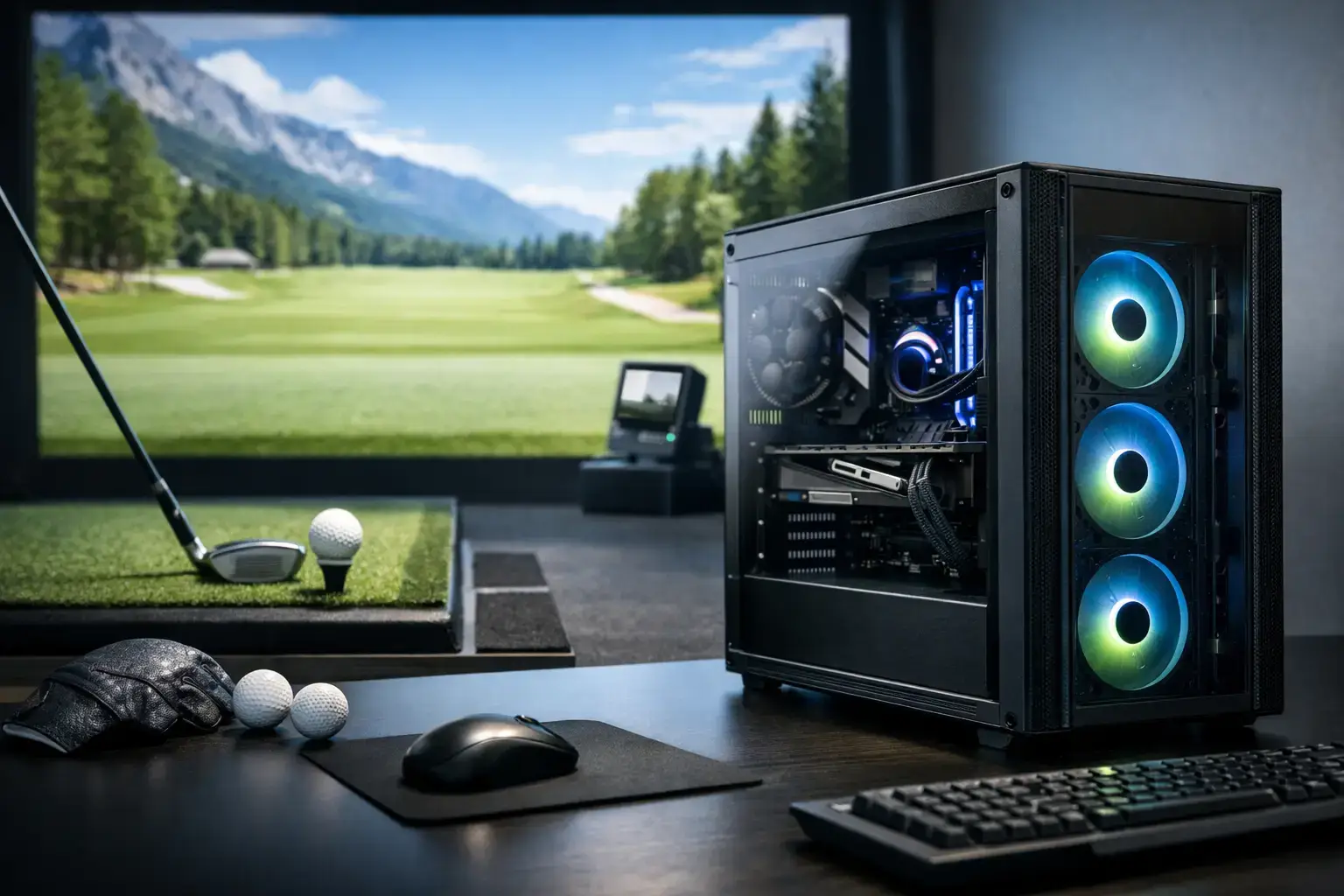
Golf Simulator PC Buying Guide (GPU + CPU Selector Included)
A golf simulator PC has a more specialised job than a standard home desktop. It must run simulation software smoothly, render convincing courses on a large display or projector, stay responsive during play, and integrate cleanly with launch monitors, cameras, and impact‑screen hardware. Underspec the system and you get stutters, long loads, and reduced visual settings. Choose well and your home bay feels ready for a quick nine holes or a full weekend round.
What a golf simulator gaming PC needs
Golf simulation blends gaming, graphics rendering, device connectivity, and real‑time data processing. Software such as GSPro, E6 CONNECT, The Golf Club, and proprietary launch‑monitor apps place very different demands on a system. Course detail, shadows, trees, weather effects, and player count all influence GPU load.
Start with a modern multi‑core CPU, a dedicated graphics card, 16–32GB of memory, and a fast NVMe SSD. These components work together: a strong GPU cannot compensate for an outdated processor, and a fast CPU cannot make integrated graphics suitable for a high‑resolution projected course.
Your display matters just as much. A 1080p TV is easy to drive; a 4K projector, ultrawide monitor, or multi‑display bay requires significantly more graphics performance. Budget around the resolution you intend to use — not just the tower.
GPU Selector: Which RTX 50‑Series GPU Should You Choose?
Choosing the right GPU comes down to your resolution, course detail, and launch‑monitor software.
1080p (Full HD)
Choose RTX 5050 or RTX 5060 Ideal for basic simulator bays, single displays, and casual play. Best match: Golf Sim Gaming PC
1440p (QHD)
Choose RTX 5060 Ti or RTX 5070 Perfect for premium 1080p projectors or 1440p monitors. Smooth performance with high detail and shadows.
4K (Ultra HD)
Choose RTX 5070 Ti, RTX 5080, or RTX 5090 Required for crisp fairways, realistic lighting, and long draw distances. Best match: TrackMan Golf Simulator PC
CPU Selector: Which Processor Should You Choose?
Your CPU determines responsiveness, loading times, and multitasking (cameras, data displays, streaming).
Entry‑Level (1080p)
Choose Ryzen 5 or Intel Core i5 Great for basic simulator setups and everyday use.
Mid‑Range (1440p)
Choose Ryzen 7 or Intel Core i7 Ideal for detailed courses, higher settings, and smooth multitasking.
High‑End (4K / TrackMan / Multi‑Purpose Rooms)
Choose Ryzen 9 or Intel Core i9 Best for heavy workloads, virtual lessons, editing, and premium 4K visuals.
GPU + CPU Pairing Guide (Best Matches)
1080p Setup
- CPU: Ryzen 5 / Core i5
- GPU: RTX 5050 or RTX 5060
- Use Case: Basic bays, casual play, simple projectors
- Recommended PC: Golf Sim Gaming PC
1440p Setup
- CPU: Ryzen 7 / Core i7
- GPU: RTX 5060 Ti or RTX 5070
- Use Case: High detail, premium projectors, smooth ball flight
- Recommended PC: Golf Sim Gaming PC
4K Setup
- CPU: Ryzen 7/9 or Core i7/i9
- GPU: RTX 5070 Ti, RTX 5080, or RTX 5090
- Use Case: Ultra realism, TrackMan, Uneekor, multi‑display bays
- Recommended PC: TrackMan Golf Simulator PC
Ports, networking, and placement
A simulator PC needs the right physical connections:
• Ensure the GPU has the correct HDMI or DisplayPort for your projector or TV. • Choose a system with multiple rear USB ports for launch monitors, cameras, and accessories. • Prefer wired Ethernet for downloads, updates, and online rounds. • Place the PC away from the impact zone, on a stable surface with good airflow.
Launch‑monitor compatibility
Always check the recommended requirements from your launch‑monitor manufacturer. Some devices rely heavily on Wi‑Fi, Bluetooth, or USB standards. Windows remains the safest choice because most major golf applications are built around it.
Remember: the PC improves visuals and responsiveness — it cannot fix mis‑aligned projectors, incorrect ball placement, or launch‑monitor accuracy issues.
Build for upgrades, not just opening day
Simulator software evolves. Displays get upgraded. A standard‑size desktop with a quality power supply, multiple NVMe slots, and good cooling gives you room to grow. Custom‑built systems also provide full component transparency, making future upgrades straightforward.
Spend where the on‑course experience changes
If the budget is tight, prioritise:
- Dedicated GPU (RTX 50‑series)
- 32GB RAM when possible
- 1TB NVMe SSD
Match the CPU to the GPU rather than overspending on a flagship processor paired with entry‑level graphics. The payoff is visible where it counts — on the fairway, green, and ball‑flight view.
For buyers who want a pre‑configured, compatibility‑checked simulator tower, both PCZone systems — the Golf Sim Gaming PC and the TrackMan Golf Simulator PC — are built exactly for this purpose.

