


Blog
Ryzen 5 Gaming PC: The Smart Midrange Choice

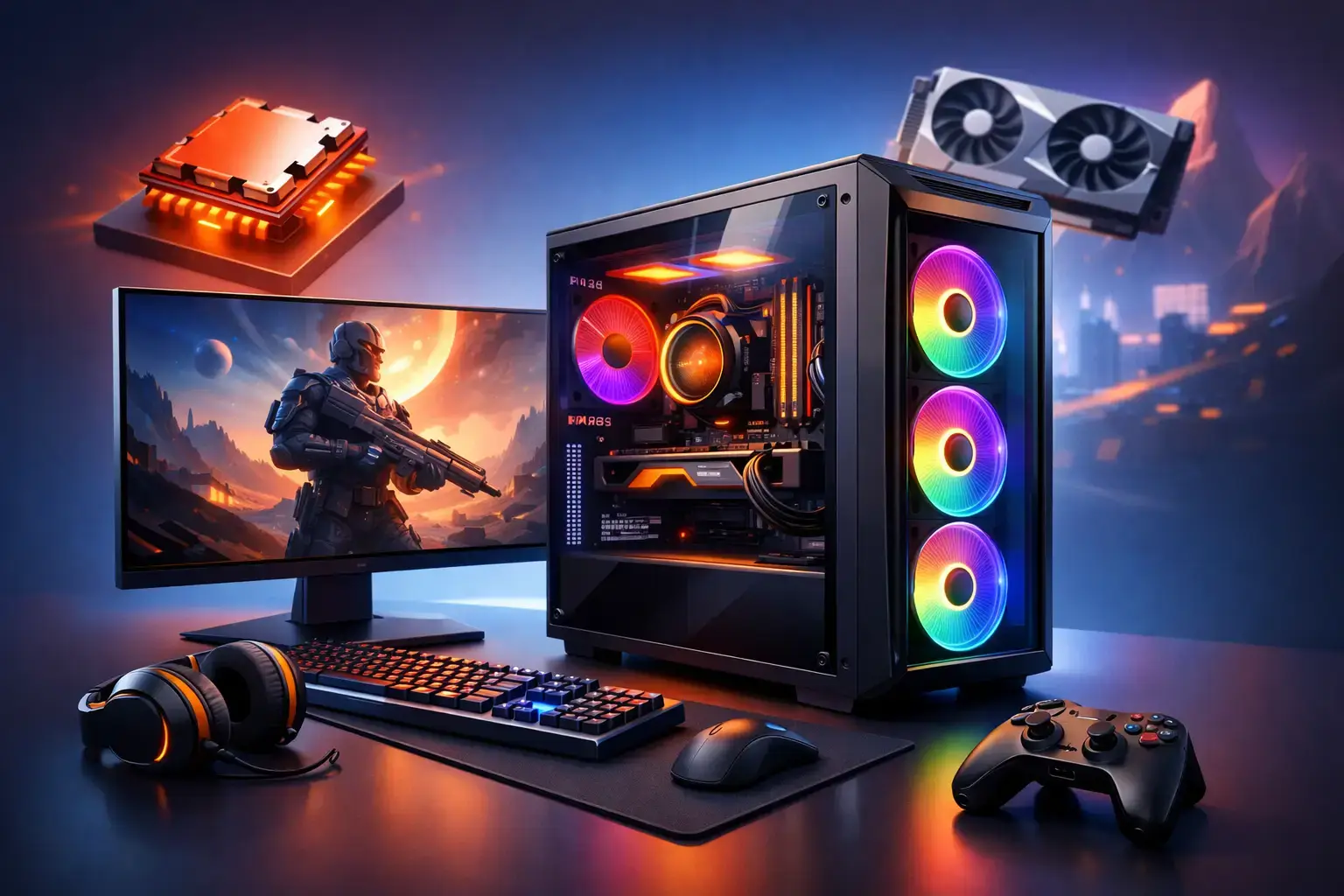
A Ryzen 5 gaming pc is where many smart builds begin: enough CPU power to keep a capable graphics card fed, enough cores for modern games and everyday multitasking, and enough budget left for the parts that visibly change the experience. For players moving beyond console gaming, chasing high-FPS esports performance, or building a reliable first desktop, that balance matters far more than buying the most expensive processor on the shelf.
The right Ryzen 5 system is not a single fixed specification. A PC for Fortnite at 1080p has different priorities than one intended for Cyberpunk 2077, streaming, video editing, or a 1440p high-refresh monitor. The goal is to match the processor, graphics card, memory, storage, and platform to how you actually play.
Why a Ryzen 5 Gaming PC Hits the Sweet Spot
Most current Ryzen 5 processors offer six cores and 12 threads, which is an excellent foundation for modern gaming. Games need fast individual cores to maintain responsive frame rates, while background tasks such as Discord, browser tabs, game launchers, recording software, and Windows services still need room to run. A modern Ryzen 5 handles that workload comfortably without pushing the overall system price into high-end territory.
For gaming, the graphics card usually has the largest effect on visual settings and frame rate. That makes Ryzen 5 a practical choice: rather than spending too much on a processor whose extra cores may sit idle during gameplay, you can direct more of the budget toward the GPU. A better graphics card, paired with a suitable monitor, is often the difference between simply running a game and enjoying detailed visuals at consistently smooth frame rates.
This does not mean every Ryzen 5 chip performs identically. Older entry-level parts can still be excellent for lighter games, while newer architectures offer stronger per-core performance and a more current upgrade path. The key is choosing a balanced configuration rather than judging a PC by one headline component.
Start With the Games and Resolution You Play
A sensible Ryzen 5 build starts with the display target. At 1080p, competitive games can produce very high frame rates, and CPU performance becomes more noticeable, especially with a 144Hz or 240Hz monitor. At 1440p and above, the graphics card takes on more of the workload, so GPU selection becomes even more important.
For Minecraft, Roblox, Terraria, Valorant, League of Legends, Rocket League, and Fortnite, a Ryzen 5 with a sensible dedicated graphics card can provide a fast, responsive experience. These are ideal systems for a first gaming setup, but they are not limited to beginner titles. With the right GPU, a Ryzen 5 PC can also run demanding AAA releases with strong 1080p or 1440p performance.
Settings matter. Ray tracing, ultra texture packs, high-resolution displays, and heavily modded games all raise hardware demands. If you want to prioritize visual fidelity in single-player games, spend more on graphics performance. If your focus is high-FPS esports, pair the Ryzen 5 with a capable GPU and fast memory, then choose a monitor that can show those extra frames.
The Graphics Card Defines the Gaming Tier
A well-configured Ryzen 5 gaming PC should never treat the graphics card as an afterthought. A modest GPU can be the right choice for lighter games and strict budgets, but it will limit performance in newer, more demanding releases. Conversely, fitting an oversized graphics card into a system with insufficient memory, storage, or cooling creates a build that looks impressive on paper but is less enjoyable to use day to day.
For entry-level 1080p gaming, a modern mainstream graphics card is a strong fit for esports titles and popular online games. Move into the midrange graphics tier and you gain greater headroom for high settings, more demanding games, and 1440p play. NVIDIA GeForce RTX graphics cards can also be a compelling option for players who value ray tracing, AI-assisted upscaling, or creator-focused features, while AMD Radeon options can offer excellent traditional gaming value depending on the configuration and current pricing.
There is no universal best GPU pairing. It depends on the games you play, the monitor you own, and whether features such as streaming, video editing, or ray tracing are priorities. What matters is that the processor and GPU are selected as a team and compatibility-checked before the system reaches your desk.
Memory and Storage Are Not Minor Details
For a new gaming desktop, 16GB of RAM remains a practical minimum for many players. It is enough for most current games alongside everyday background applications, but 32GB is the more comfortable choice for demanding games, multitasking, modded titles, content creation, and buyers who plan to keep the system for several years.
Memory speed and configuration also matter on Ryzen systems. Two matched memory modules running in dual-channel mode generally deliver better gaming performance than a single module of the same total capacity. Correct BIOS configuration is equally important. A system should be assembled, tested, and set up so its memory profile is operating as intended rather than leaving performance on the table with default settings.
Storage has a direct effect on how the PC feels every time you use it. An NVMe SSD keeps Windows responsive, reduces loading times, and makes installing or moving large game files far less frustrating. A 1TB SSD is a sensible starting point for a modern gaming library. Players who regularly install several large AAA games may prefer 2TB from the start, or a motherboard with room to add another drive later.
AM4 or AM5: Which Ryzen Platform Makes Sense?
The platform is one of the most useful decisions to make before choosing a Ryzen 5 processor. AM4-based systems, including popular Ryzen 5 options such as the Ryzen 5 5600, can offer excellent value for a focused 1080p gaming build. They use mature components and can free up budget for a stronger graphics card, more storage, or a better monitor.
AM5-based systems, including Ryzen 5 7600-class processors, cost more initially but bring a newer platform, DDR5 memory support, and a longer potential CPU upgrade path. They make particular sense for buyers who want to start with a balanced midrange PC and expect to upgrade the processor or graphics card later without rebuilding the entire system.
Neither choice is automatically better. An AM4 build with a stronger GPU may outperform a more expensive AM5 build with a weaker graphics card in the games you play today. An AM5 system may be the better long-term purchase for someone who values platform longevity and intends to upgrade in stages. This is why transparent component specifications matter more than a vague label such as “gaming PC.”
Do Not Overlook Cooling, Power, and the Motherboard
A gaming PC is only as dependable as the components supporting its processor and GPU. A quality motherboard provides the ports, expansion slots, networking, and memory support that shape how easily a system can grow. A suitable power supply protects the investment and provides stable power under load. Case airflow and CPU cooling help the system sustain performance without excessive noise or unnecessary heat buildup.
These parts are easy to overlook because they do not appear in game screenshots. They are also where generic mass-market prebuilts often cut corners. A properly configured system uses recognized components, sensible airflow, and a power supply with enough capacity for the installed hardware and realistic future upgrades.
At PCZone, every custom desktop is locally assembled, compatibility-checked, and configured before dispatch. That includes the practical work that makes a difference after delivery: verifying component compatibility, applying BIOS and memory settings where appropriate, testing stability, and delivering a ready-to-use, fully upgradeable system rather than a box of uncertain compromises.
A Ryzen 5 PC Can Also Handle More Than Gaming
Gaming may be the priority, but a Ryzen 5 desktop is not a one-purpose machine. Six-core, 12-thread performance is well suited to schoolwork, remote work, web browsing, photo editing, general productivity, and light-to-moderate content creation. It can also support gameplay recording and streaming, although serious creators who routinely edit high-resolution video, render complex projects, or stream while playing demanding games may benefit from stepping up to a Ryzen 7 or higher.
That trade-off is worth being honest about. Ryzen 5 is the value sweet spot for most gamers, not the answer to every professional workload. If your PC earns its living through heavy rendering, simulation, large code builds, or constant video production, additional CPU cores can justify the cost. If it primarily plays games and handles everyday work, Ryzen 5 keeps the build efficient and leaves budget where it has the greatest visible impact.
Choose the Ryzen 5 configuration around the games, screen, and upgrade plans you have now, then make sure the platform leaves room for where your setup is going next. A balanced system will feel fast on day one and remain a PC you are happy to improve rather than replace.

